
AppRecs review analysis
AppRecs rating . Trustworthiness 85 out of 100. Review manipulation risk 19 out of 100. Based on a review sample analyzed.
★
AppRecs Rating
Ratings breakdown
5 star
52%
4 star
0%
3 star
14%
2 star
0%
1 star
33%
What to know
✓
Low review manipulation risk
19% review manipulation risk
✓
Credible reviews
85% trustworthiness score from analyzed reviews
About Mute Camera Plus
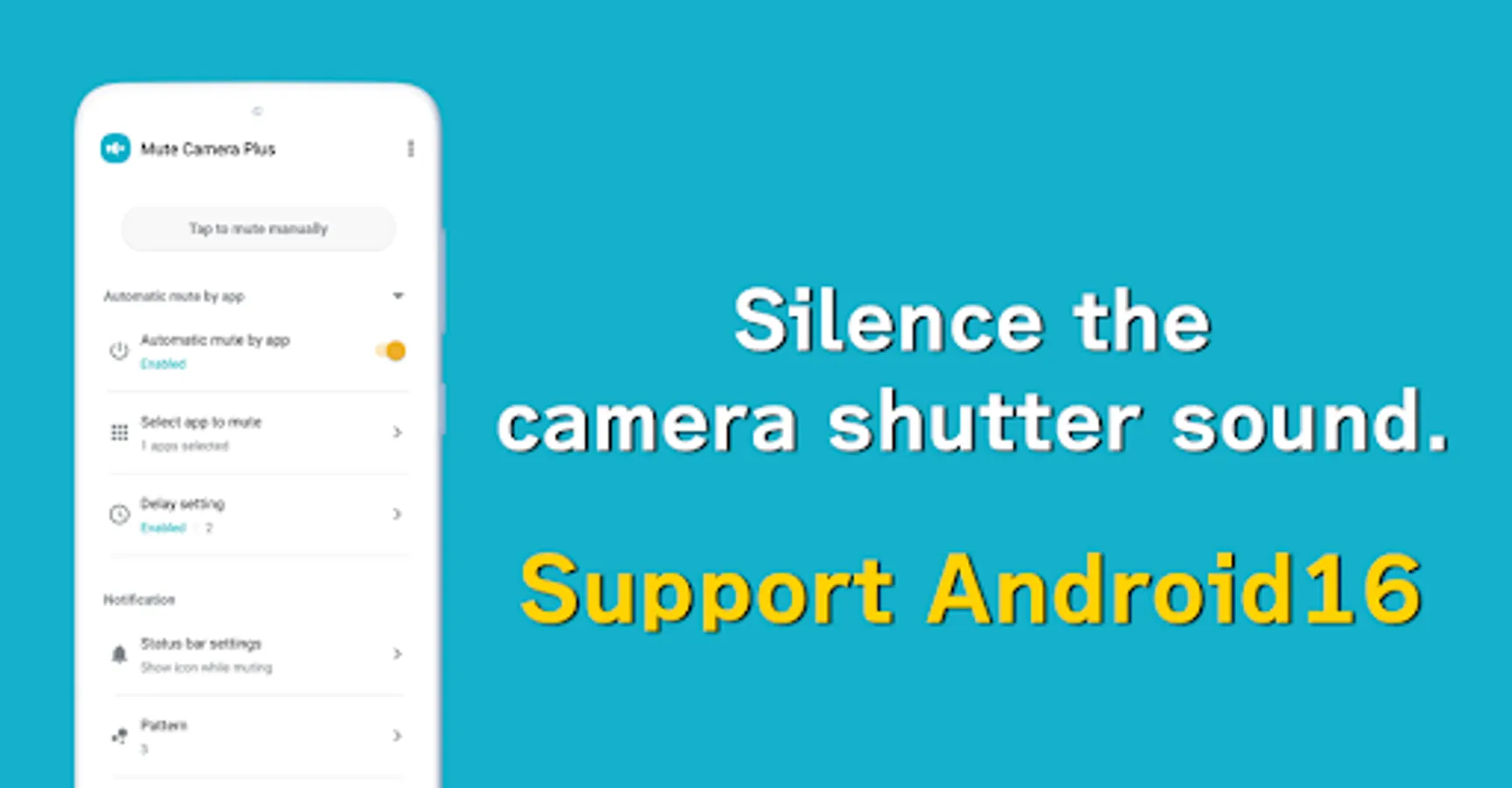
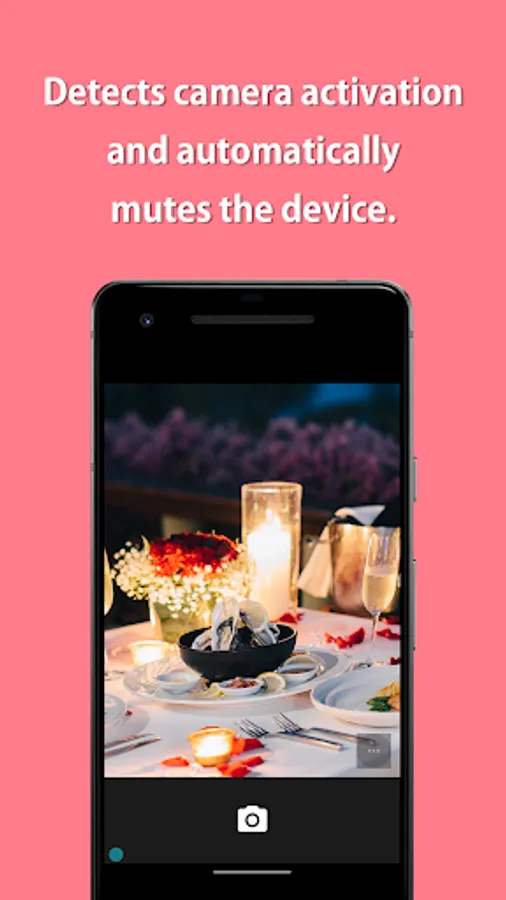
Completely mute apps that want to mute such as camera and video app.
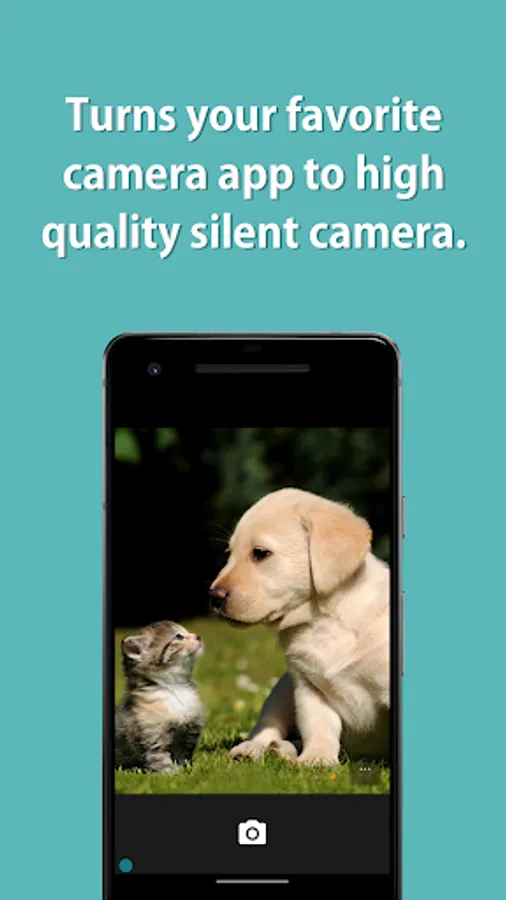
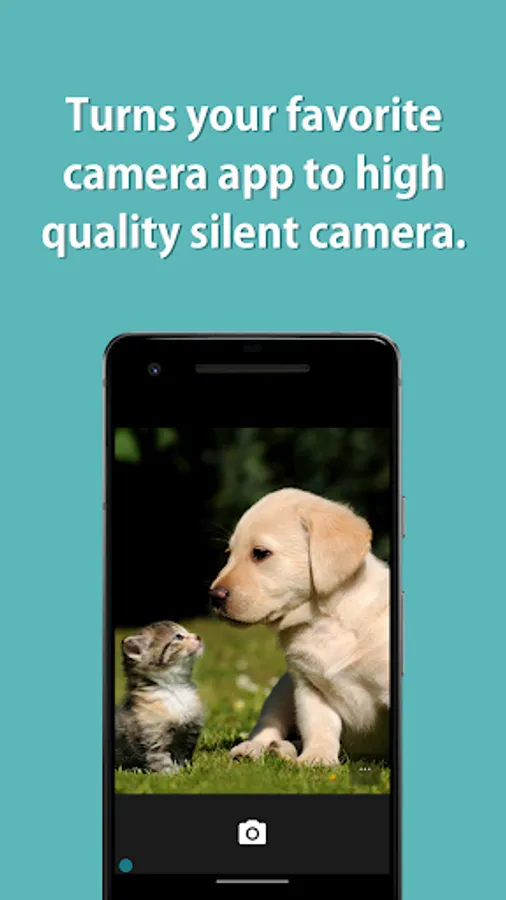
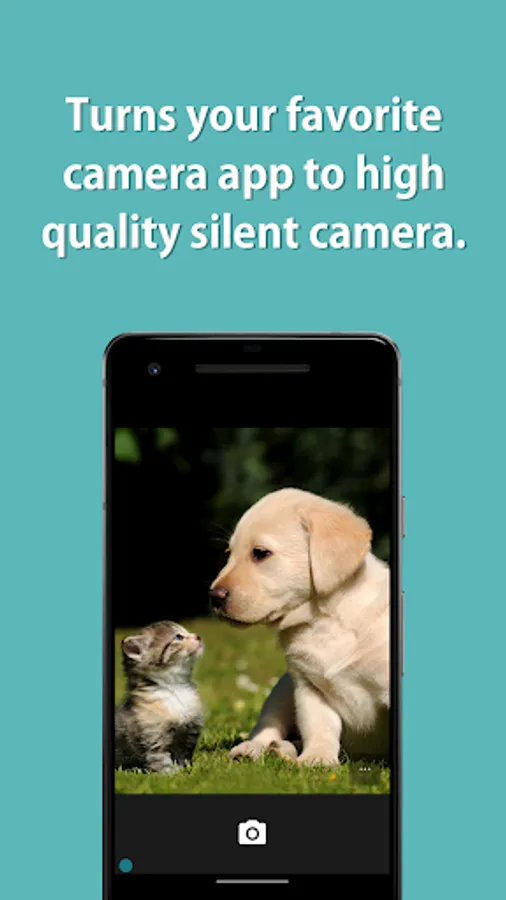
This app turns the standard camera app into a high-quality silent camera.
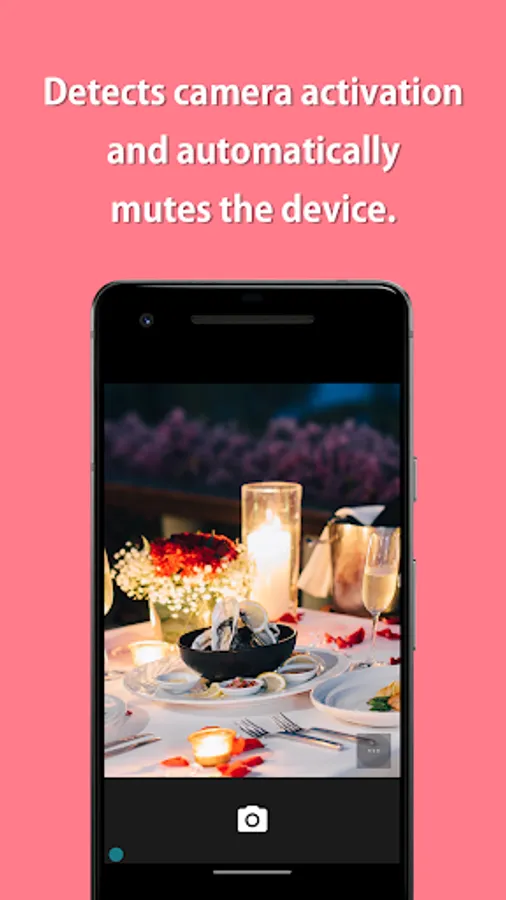
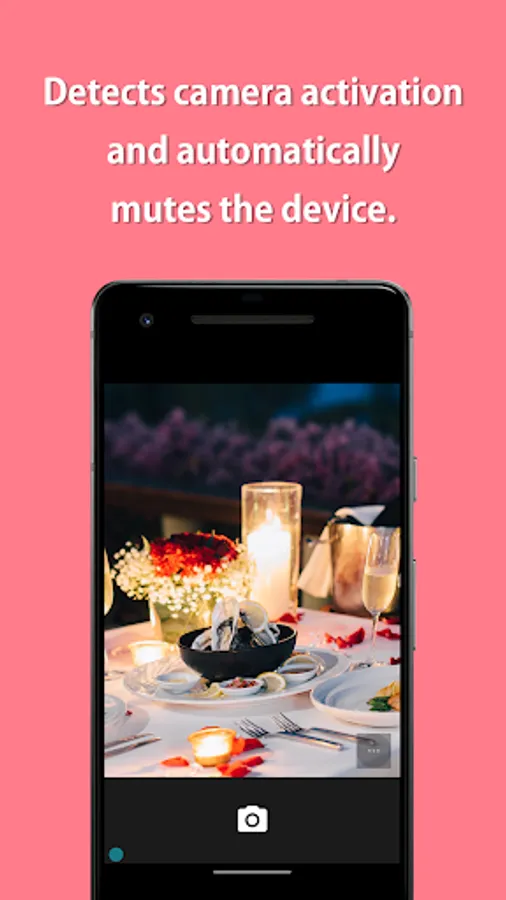
When detecting that an app want to mute, such as a camera app, is launched, all the sounds of the device are automatically muted, and when the app is closed, mute is automatically canceled.
=-=-=-=-=-=-=-=-=-=-=-=-=-=-=-=
Recommended for people who:
- Want to mute sound of my favorite camera
- Do not like silent cameras because photo quality are bad
- Want to mute automatically
=-=-=-=-=-=-=-=-=-=-=-=-=-=-=-=
Muting instructions and notes:
This app mutes your camera's shutter sound by deactivating all the sounds in your device.
Depending on your device's specifications, this may be the only way to mute the camera shutter sound in Japan and some other countries.
If you turn the mute on manually, all the sounds in your device will be muted until you turn it off manually.
If you uninstall this app with the mute still manually turned on, you will need to reinstall it to turn the mute off, so make sure to turn the mute off before uninstalling.
If you are using an automatic muting function, this app's muting function will automatically turn on only while you are using the camera app and will turn off after you close the camera app, so you do not need to worry about turning it off.
If the camera shutter sound is not silenced, please try restarting the device.
Please note that the silencing process may fail if sound is made between the time the camera application is launched and the Mute ON indicator appears.
Some devices have specifications that cannot be muted.
If the camera cannot be silenced even after restarting, it is likely that the device has specifications that cannot be silenced.
【Features】
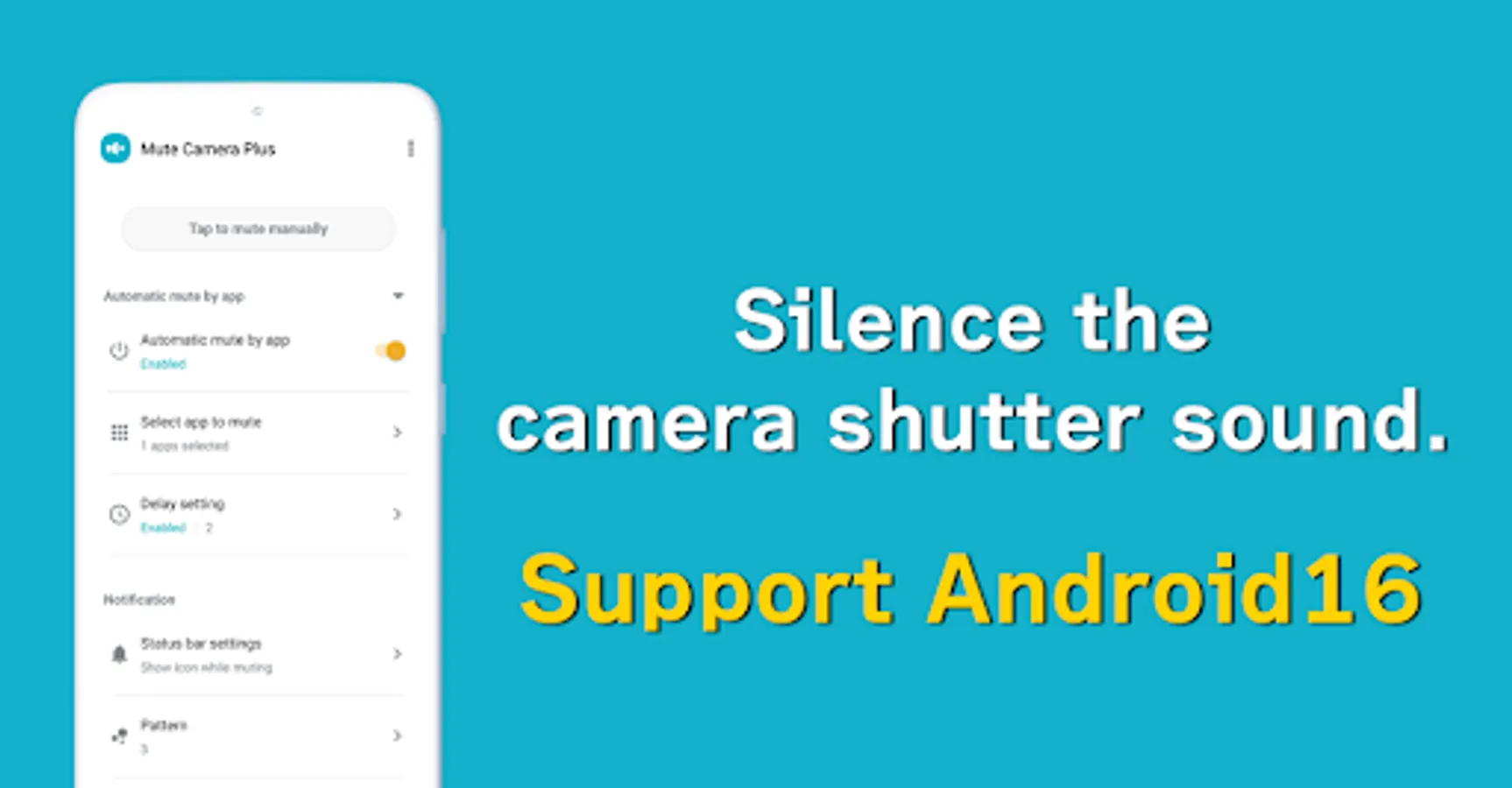
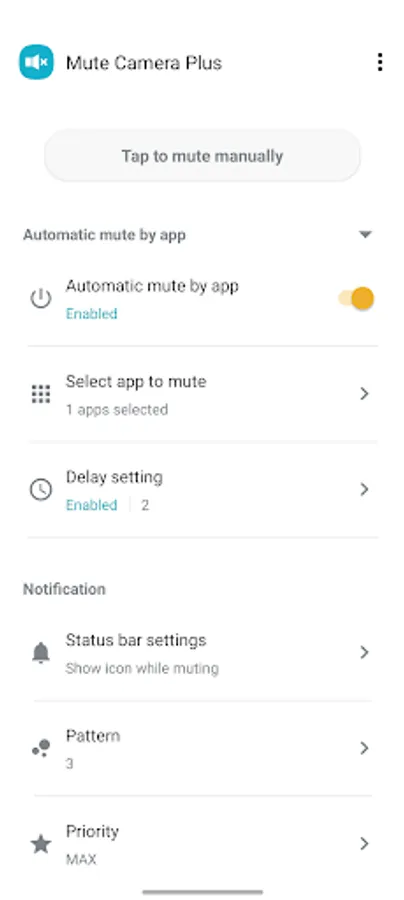
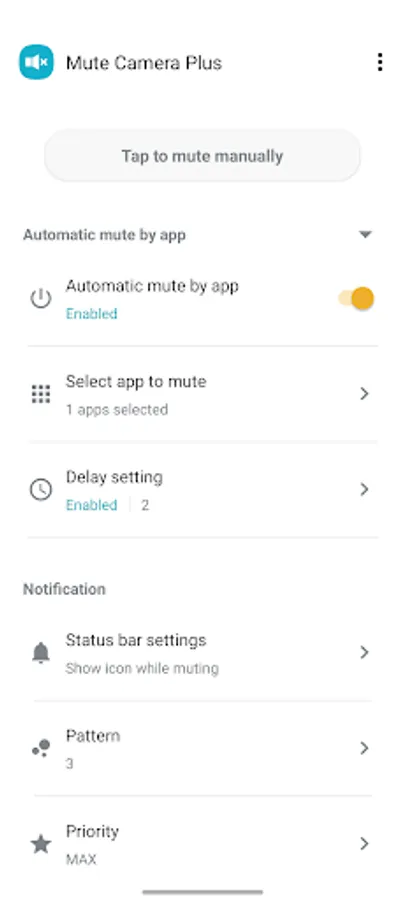
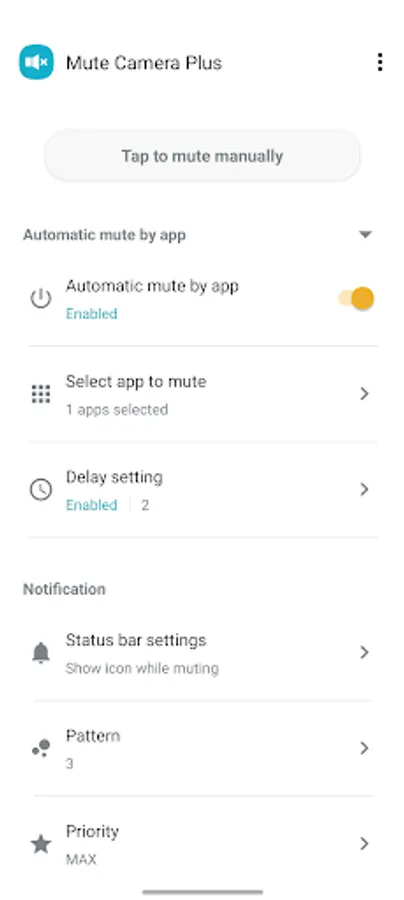
► Per app mute settings
When detecting that an app want to mute, such as a camera app, is launched, all the sounds of the device are automatically muted, and when the app is closed, mute is automatically canceled.
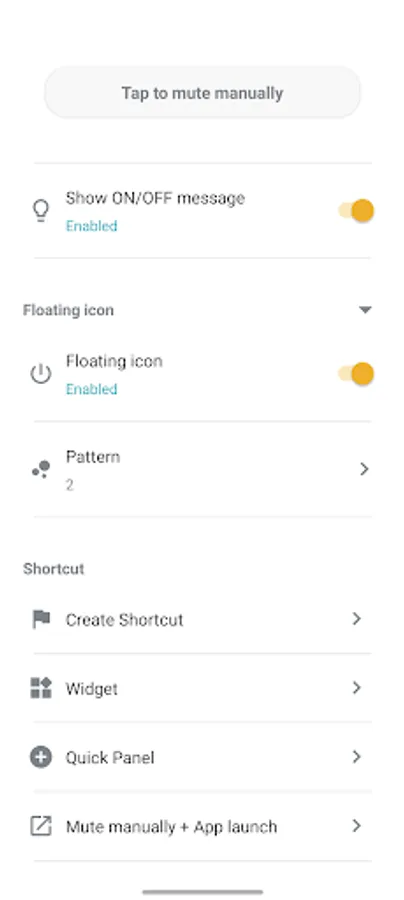
► Mute manually
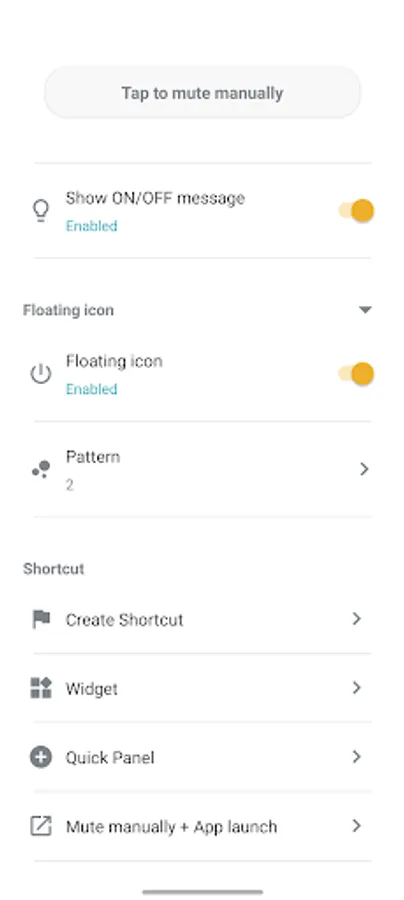
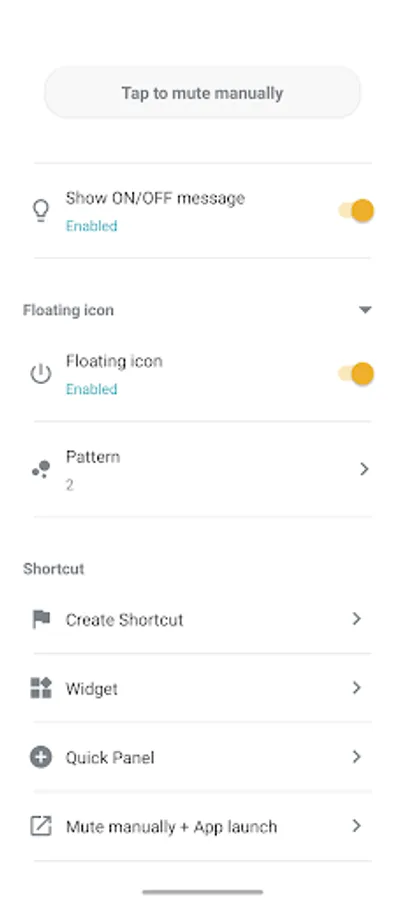
You can also turn mute on / off manually from the app, the widget, the status bar or the quick panel.
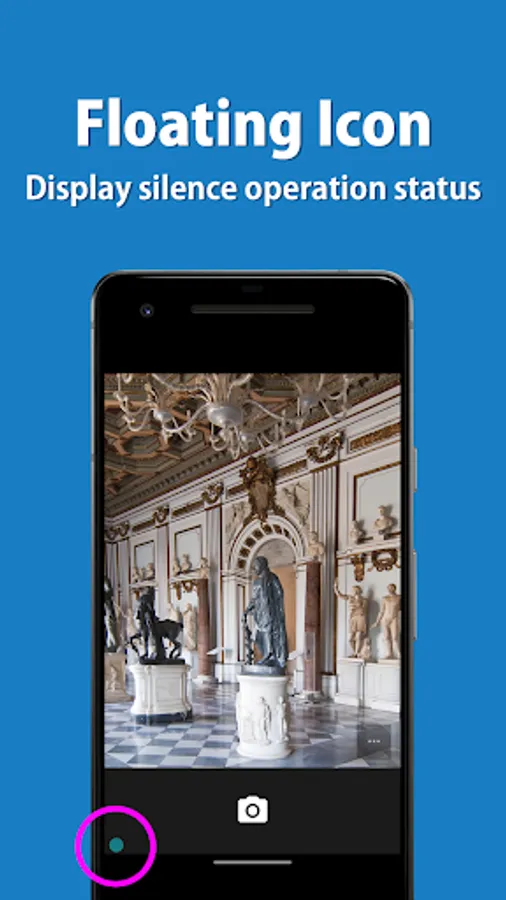
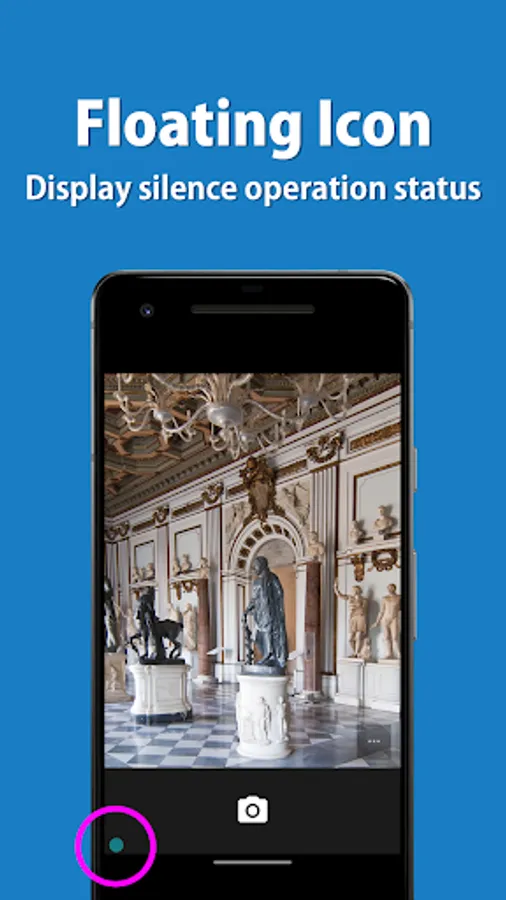
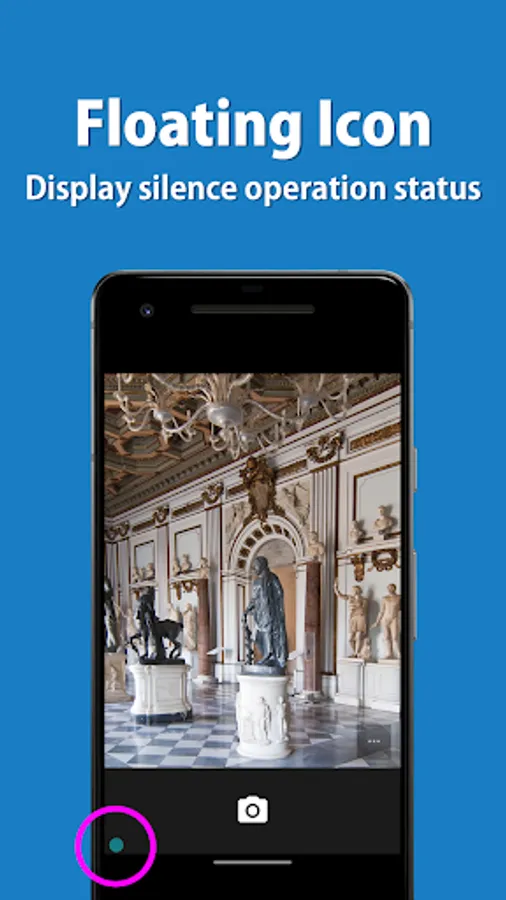
► Floating icon
The floating icon makes it easy to understand the mute operation status.
This app turns the standard camera app into a high-quality silent camera.
When detecting that an app want to mute, such as a camera app, is launched, all the sounds of the device are automatically muted, and when the app is closed, mute is automatically canceled.
=-=-=-=-=-=-=-=-=-=-=-=-=-=-=-=
Recommended for people who:
- Want to mute sound of my favorite camera
- Do not like silent cameras because photo quality are bad
- Want to mute automatically
=-=-=-=-=-=-=-=-=-=-=-=-=-=-=-=
Muting instructions and notes:
This app mutes your camera's shutter sound by deactivating all the sounds in your device.
Depending on your device's specifications, this may be the only way to mute the camera shutter sound in Japan and some other countries.
If you turn the mute on manually, all the sounds in your device will be muted until you turn it off manually.
If you uninstall this app with the mute still manually turned on, you will need to reinstall it to turn the mute off, so make sure to turn the mute off before uninstalling.
If you are using an automatic muting function, this app's muting function will automatically turn on only while you are using the camera app and will turn off after you close the camera app, so you do not need to worry about turning it off.
If the camera shutter sound is not silenced, please try restarting the device.
Please note that the silencing process may fail if sound is made between the time the camera application is launched and the Mute ON indicator appears.
Some devices have specifications that cannot be muted.
If the camera cannot be silenced even after restarting, it is likely that the device has specifications that cannot be silenced.
【Features】
► Per app mute settings
When detecting that an app want to mute, such as a camera app, is launched, all the sounds of the device are automatically muted, and when the app is closed, mute is automatically canceled.
► Mute manually
You can also turn mute on / off manually from the app, the widget, the status bar or the quick panel.
► Floating icon
The floating icon makes it easy to understand the mute operation status.
Mute Camera Plus Screenshots
Tap to Rate:
Reviews for Mute Camera Plus
Shadab Ambat
12/4/2025
It was working fine until the most recent Android update on my Pixel. I've tried everything including trying to run it manually but it still doesn't work. Is there any other way to get this to work? Or is an app update needed to fix this?
koh tak
11/22/2025
音は消えるけど、自動で作動するアプリをカメラだけにしてるのに関係ないアプリでも勝手にミュートがオンになって、数秒後にオフになるから音楽や動画を再生していると邪魔になる。