Rotation Control
CloudEx Inc.
3.9 ★
15K ratings
1,000,000+
downloads
Free
AppRecs review analysis
AppRecs rating 4.0. Trustworthiness 81 out of 100. Review manipulation risk 27 out of 100. Based on a review sample analyzed.
★★★★☆
4.0
AppRecs Rating
Ratings breakdown
5 star
66%
4 star
8%
3 star
2%
2 star
1%
1 star
23%
What to know
✓
Low review manipulation risk
27% review manipulation risk
✓
Credible reviews
81% trustworthiness score from analyzed reviews
✓
Good user ratings
74% positive sampled reviews
About Rotation Control
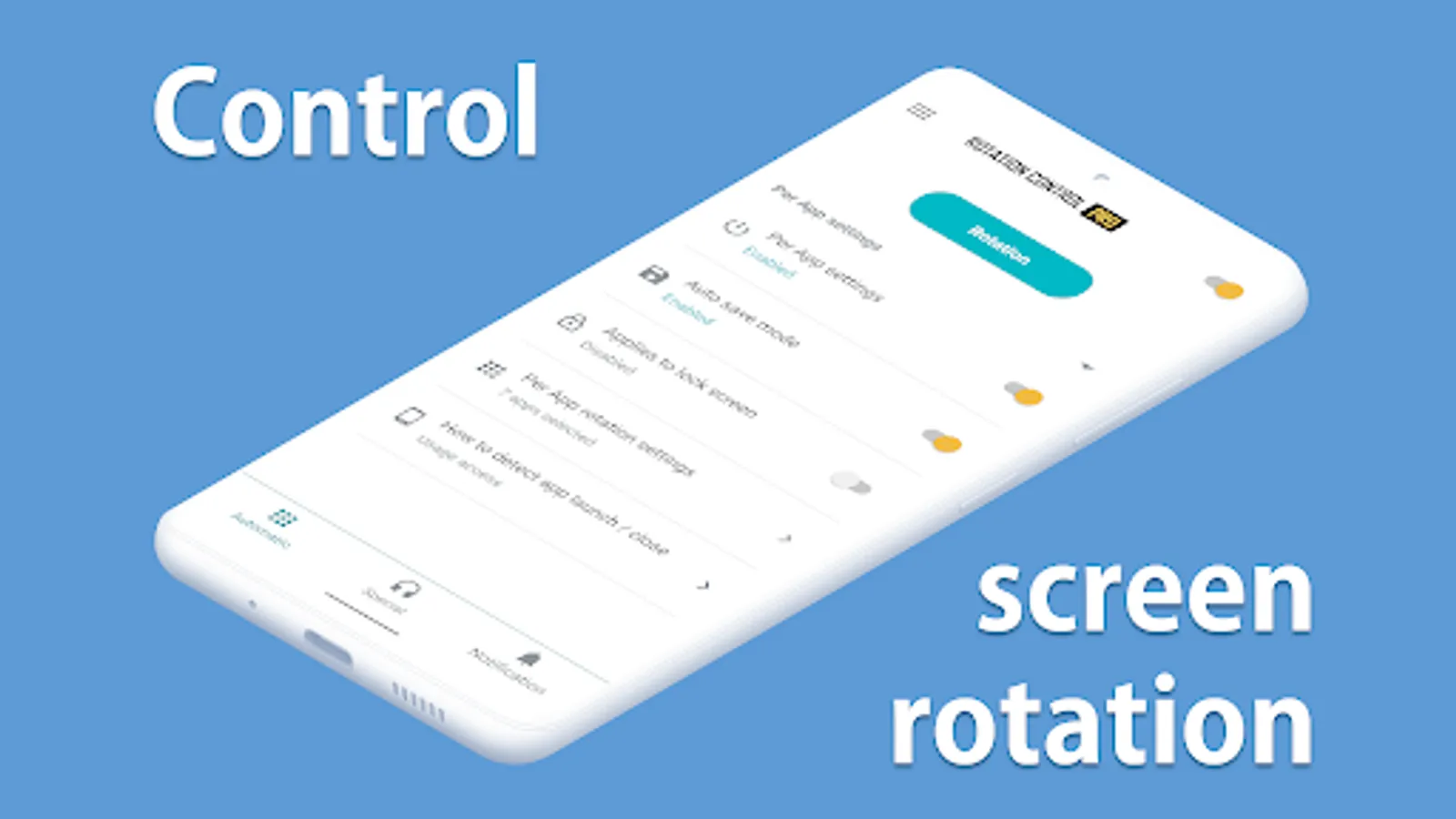
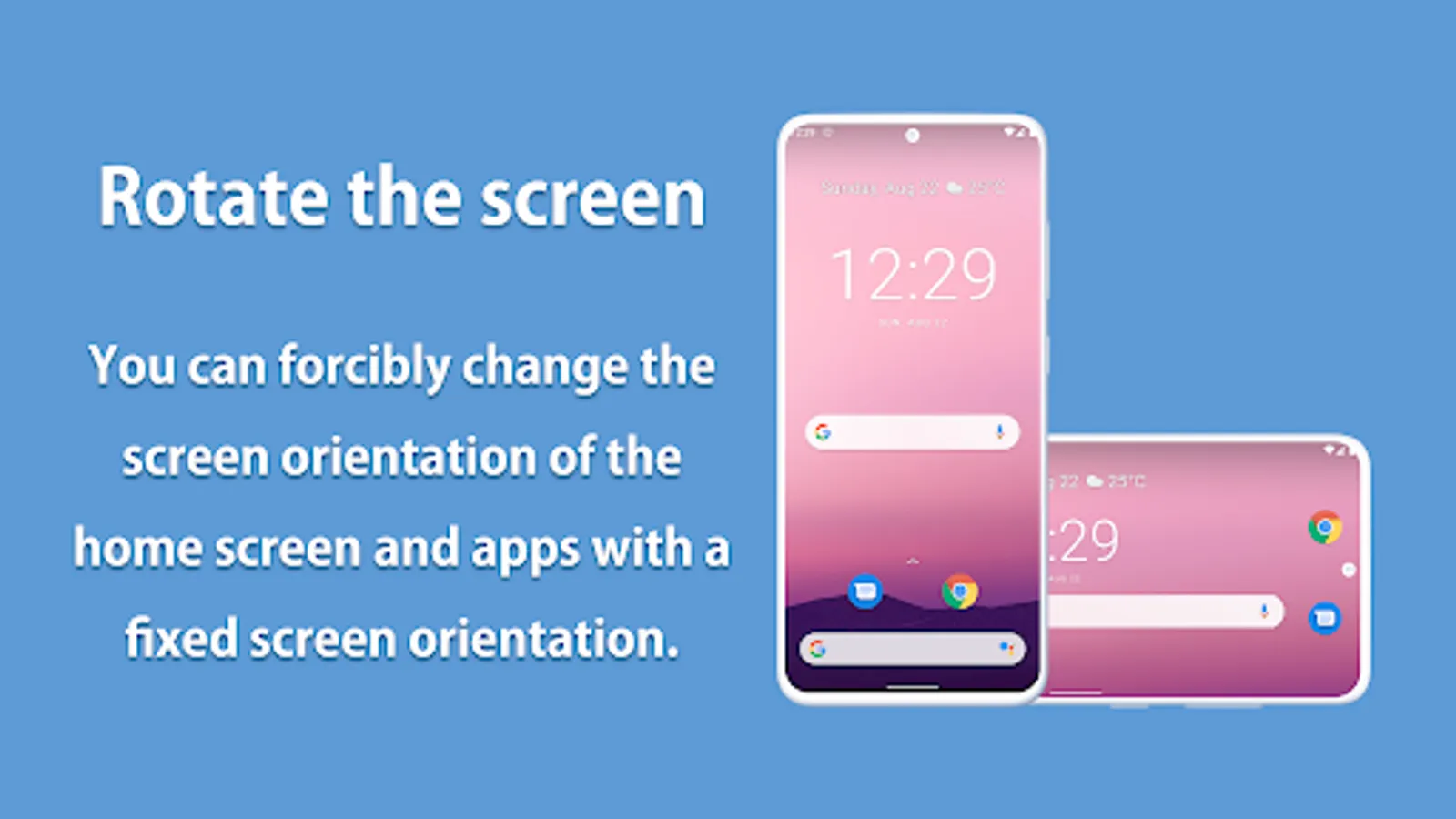
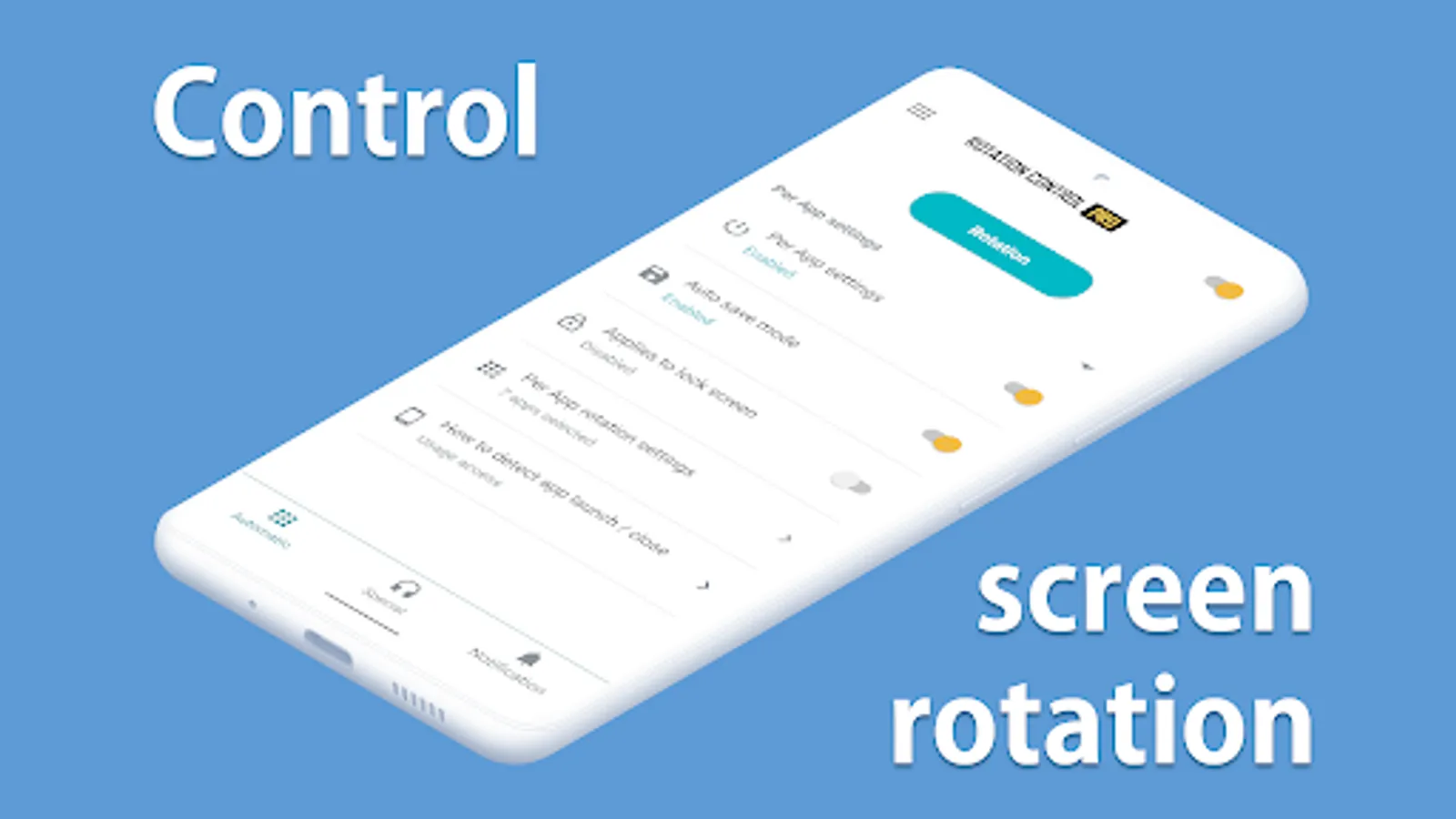
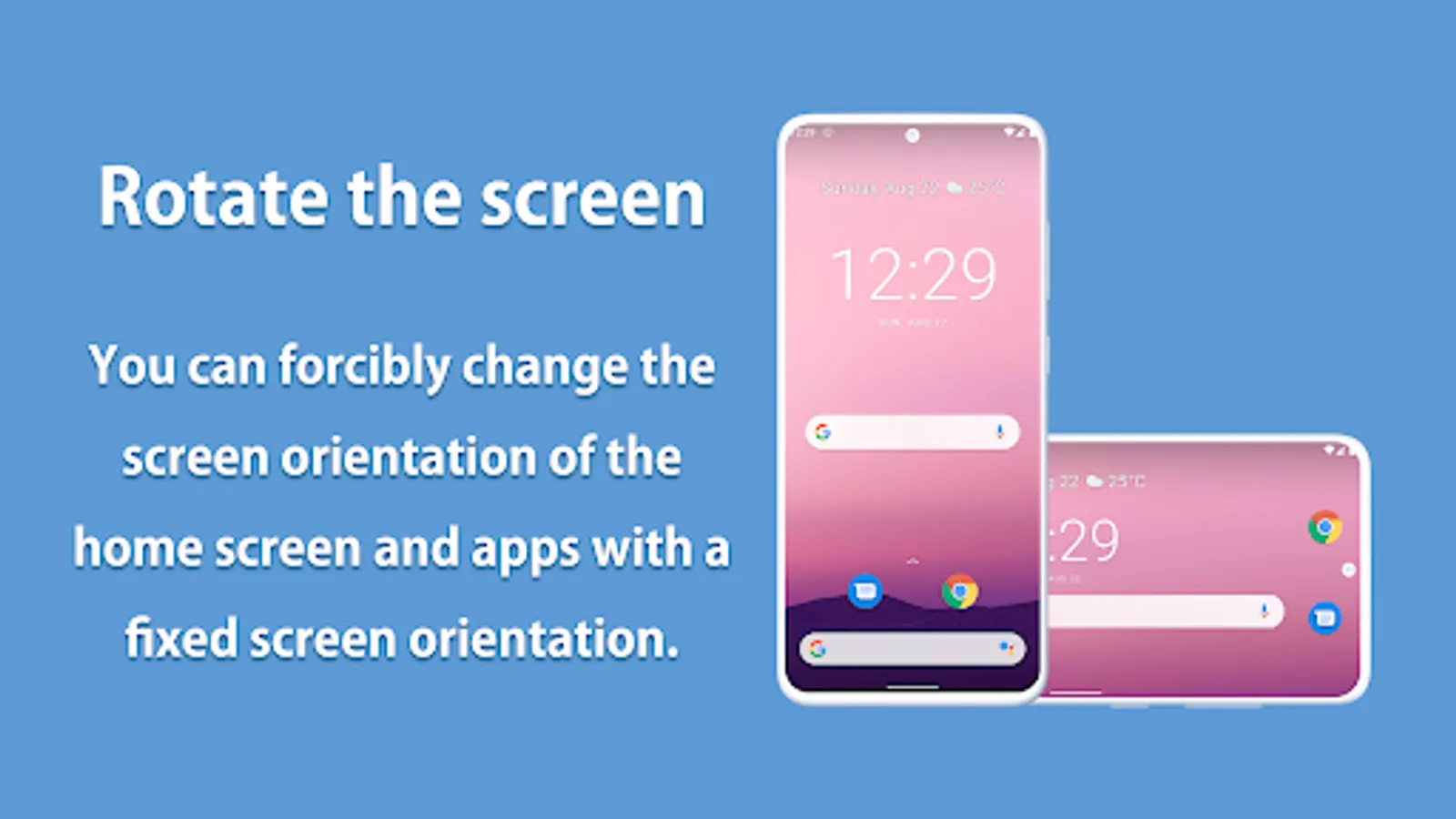
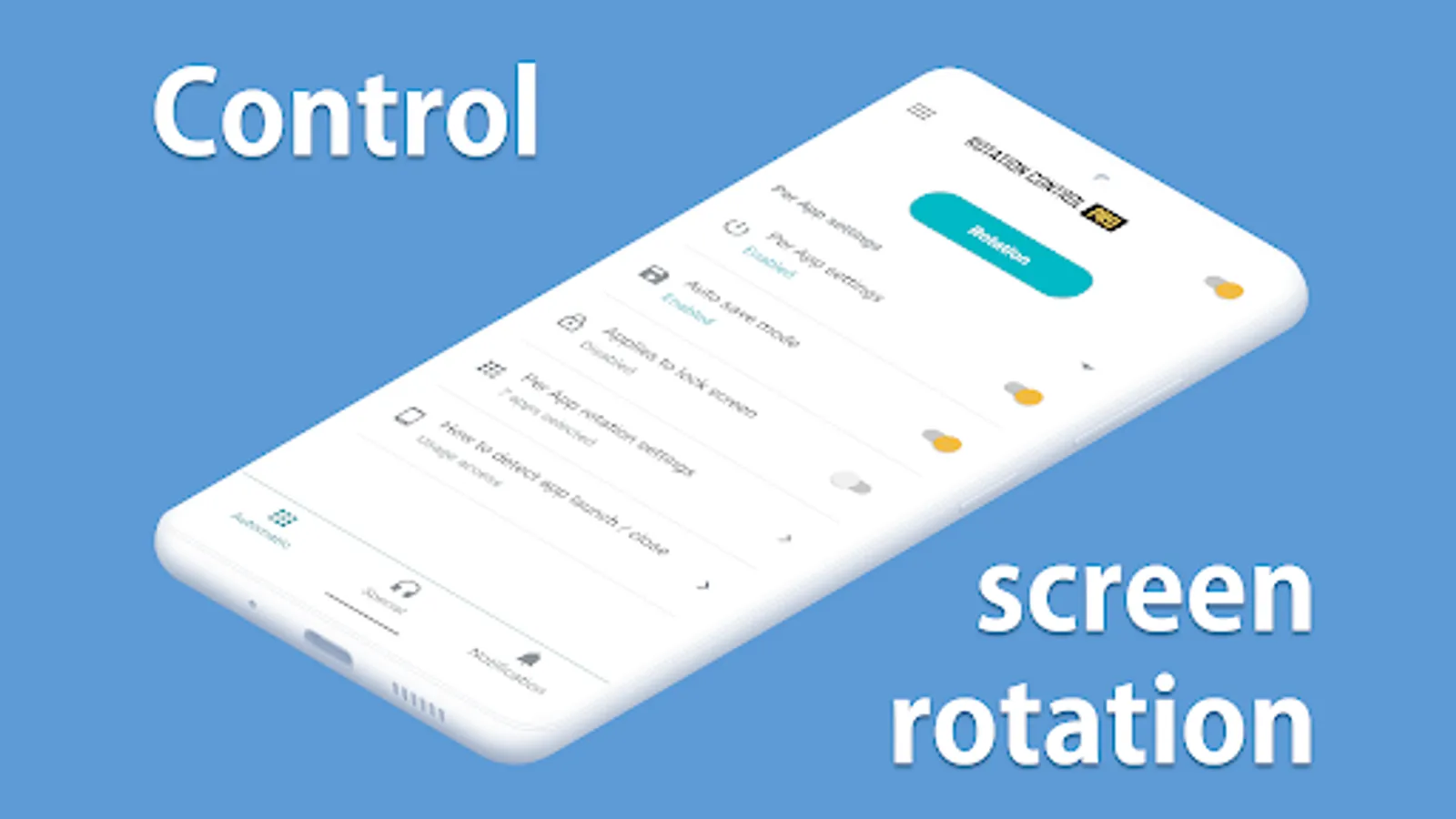
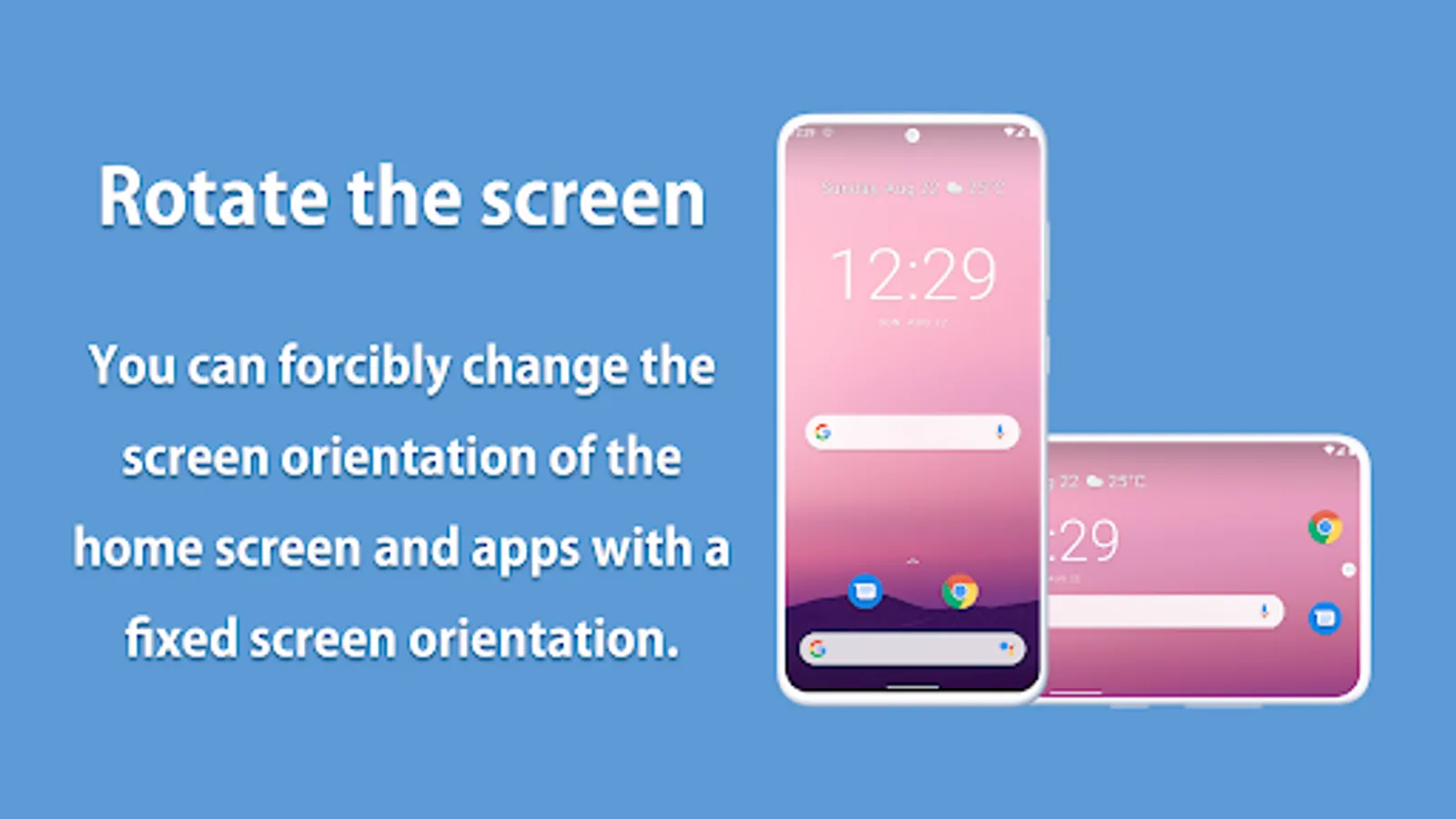
Can force a particular rotation on apps with fixed screen orientation.
A simple design with functions that are easy to understand and use.
=-=-=-=-=-=-=-=-=-=-=-=-=-=-=-=
Recommended for people who:
- Want to use their smartphone home screen in landscape mode
- Want to use landscape mode games or video apps in portrait mode
- Want to always use their tablet in landscape mode
- Want to switch between fixed orientations with one tap via the status bar
=-=-=-=-=-=-=-=-=-=-=-=-=-=-=-=
Features
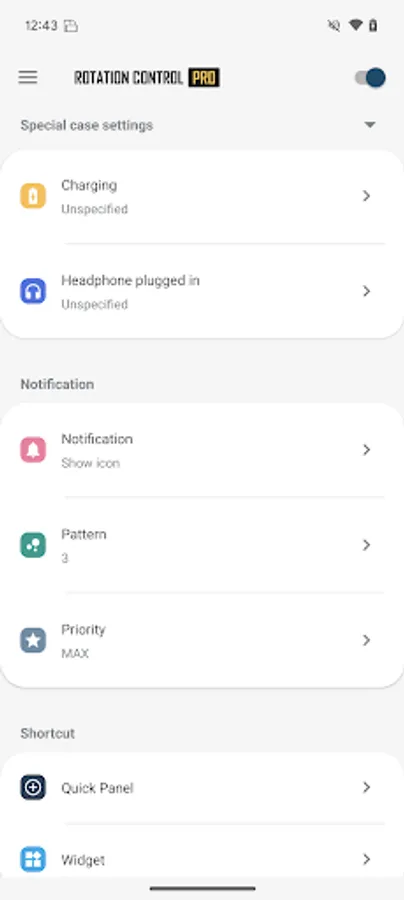
►Rotation settings
Can configure the rotation of the screen.
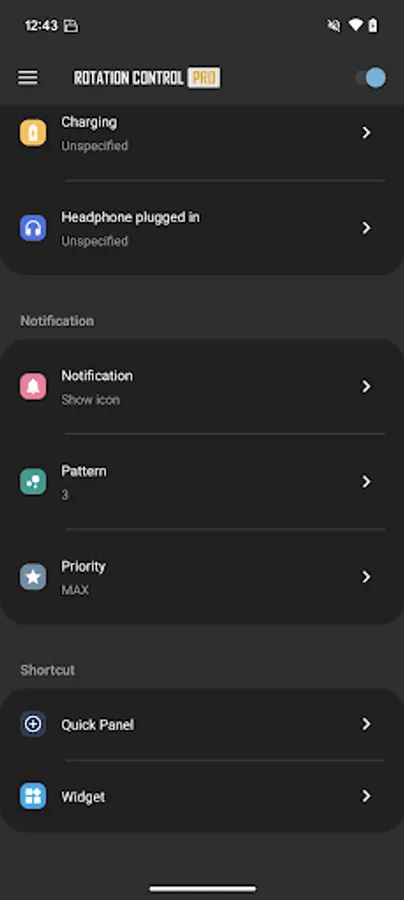
►Notification settings
Control the rotation of the screen easily from the notification bar.
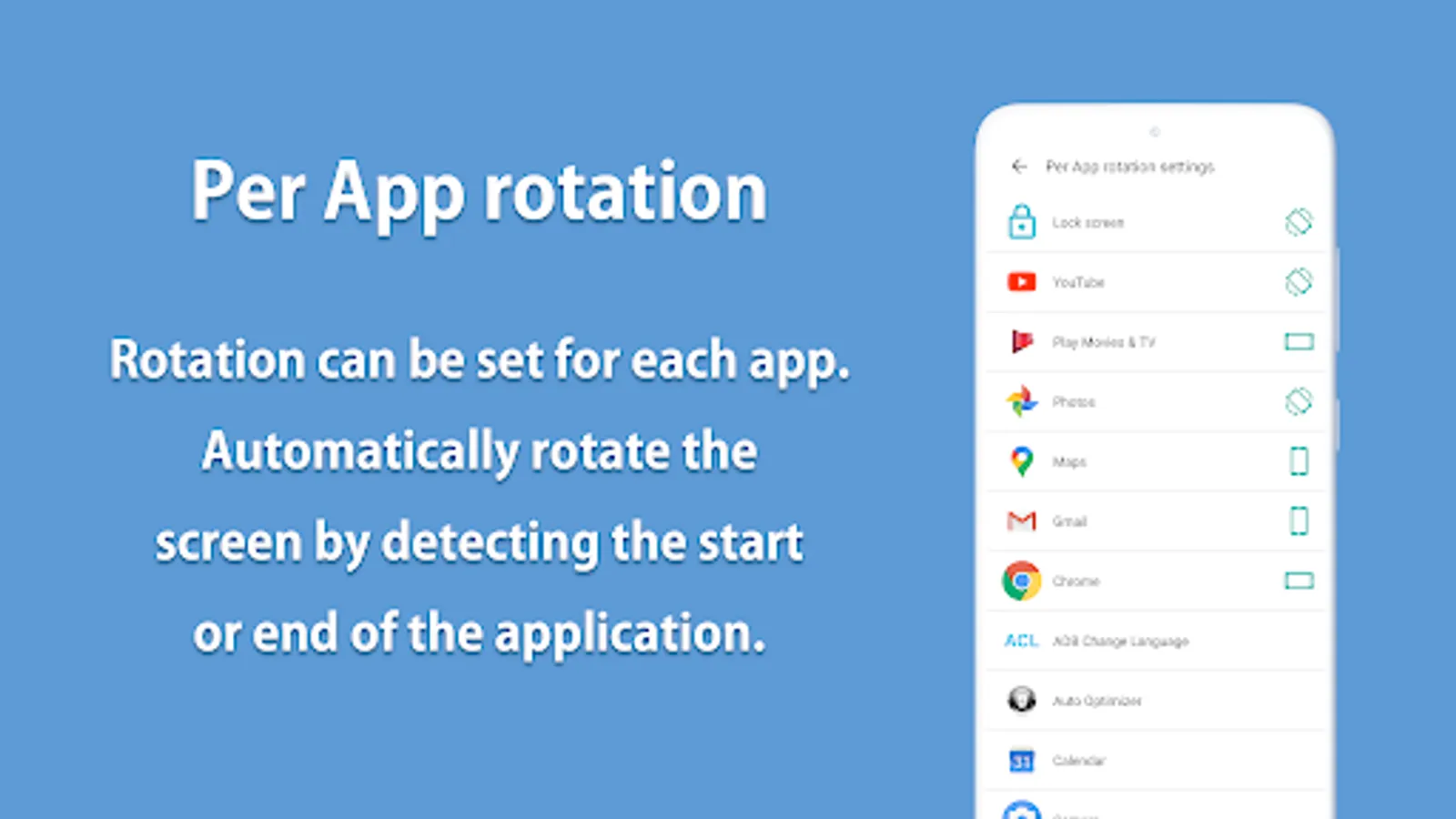
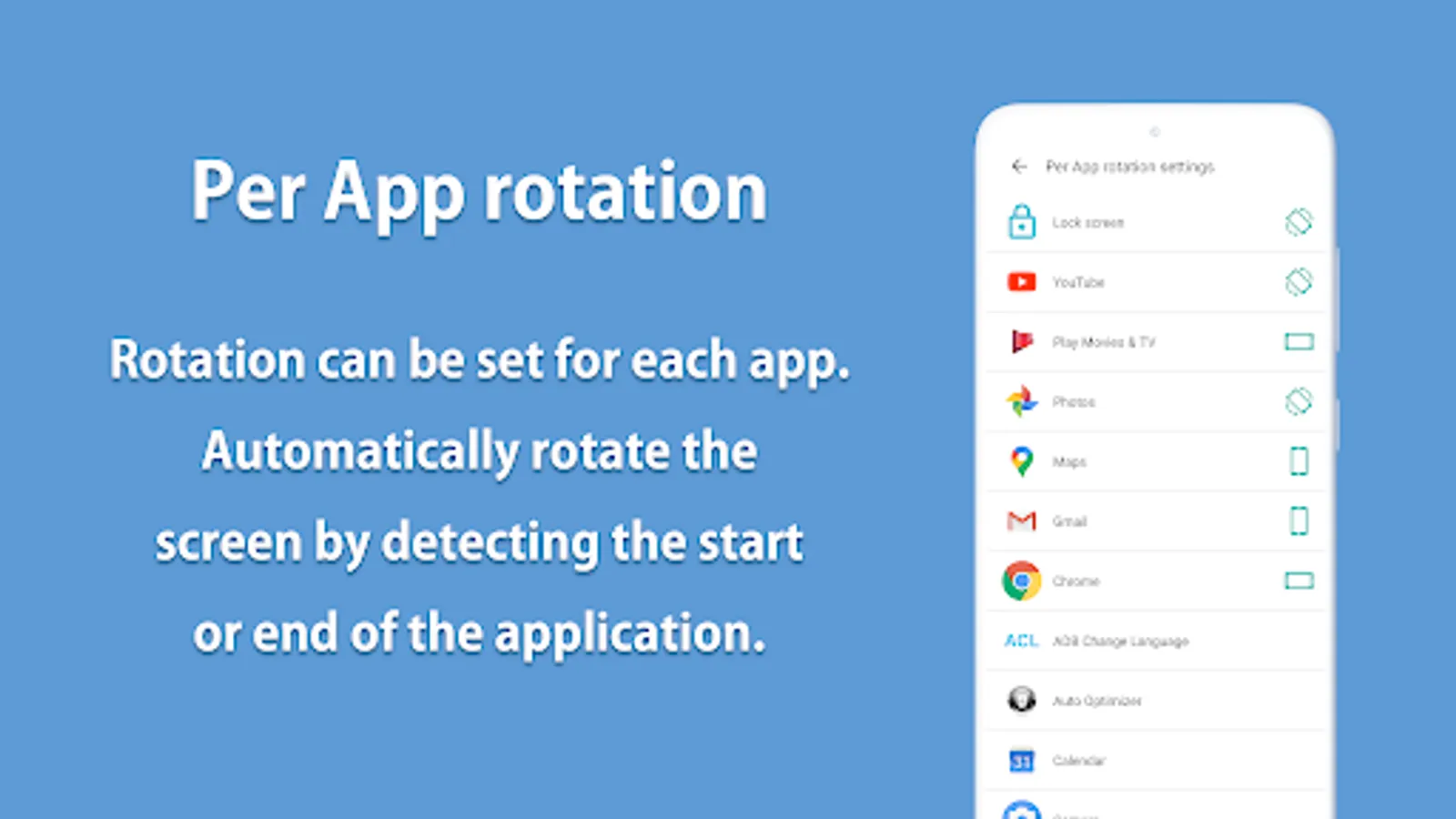
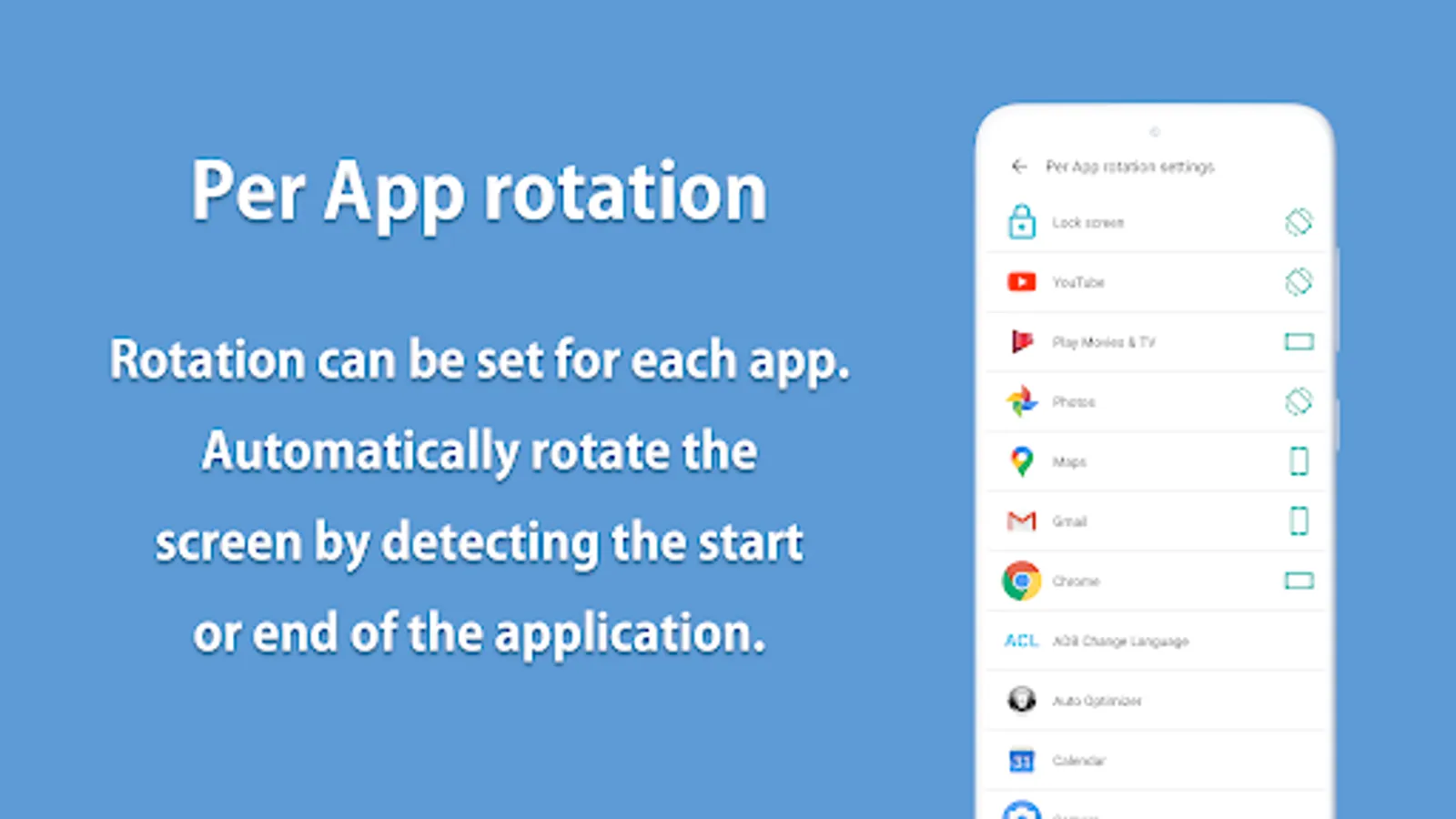
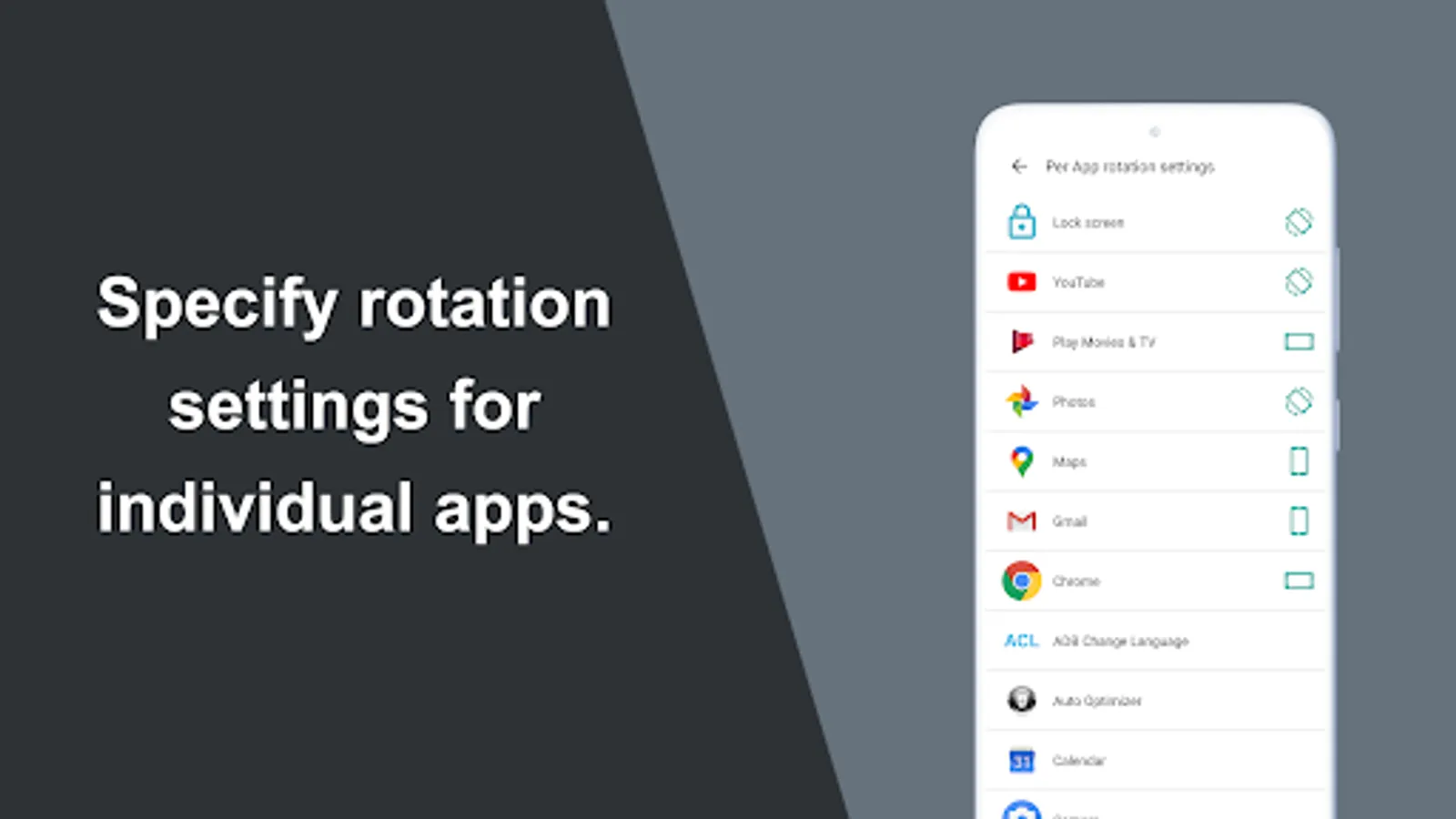
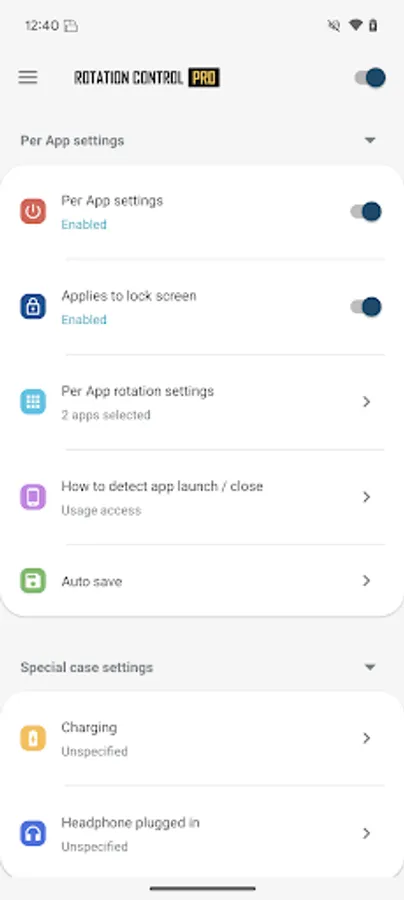
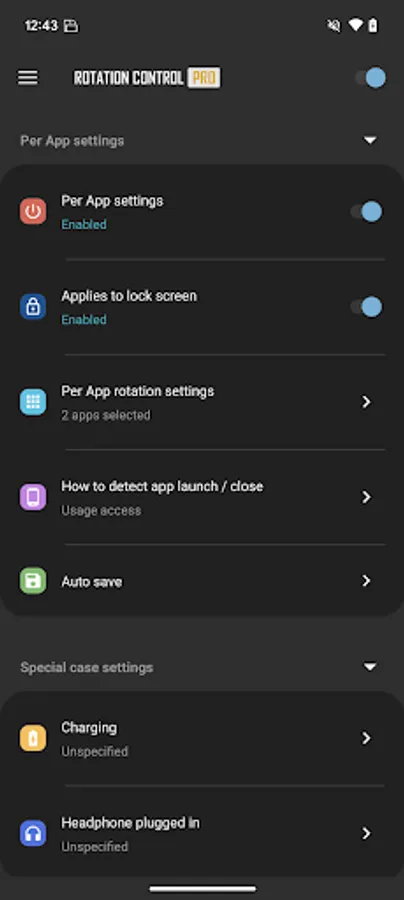
►Per App rotation settings
Can configure different rotations for each apps.
Rotates to your preset screen orientation upon starting the application.
Returns to the original screen orientation on closing the application.
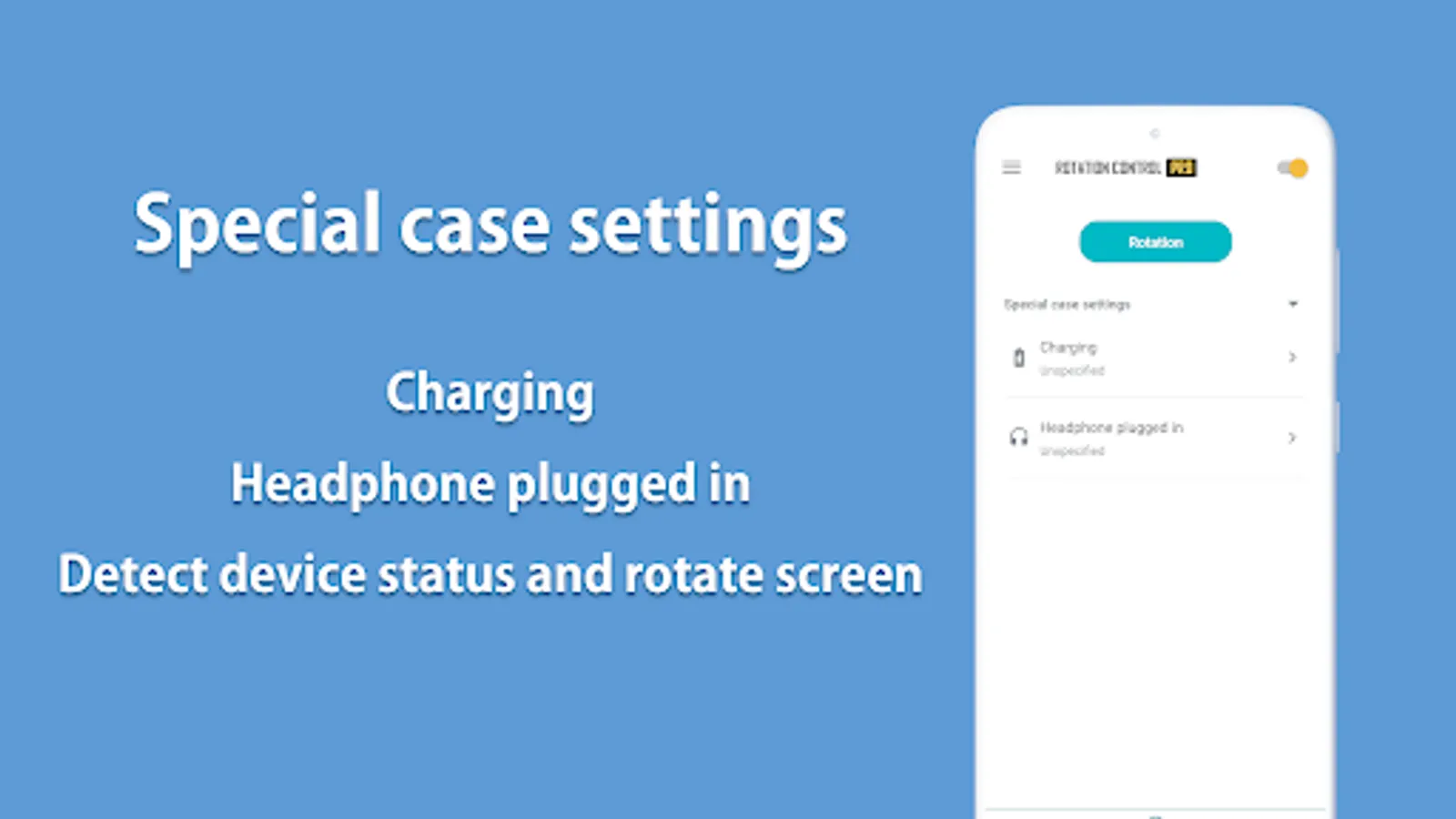
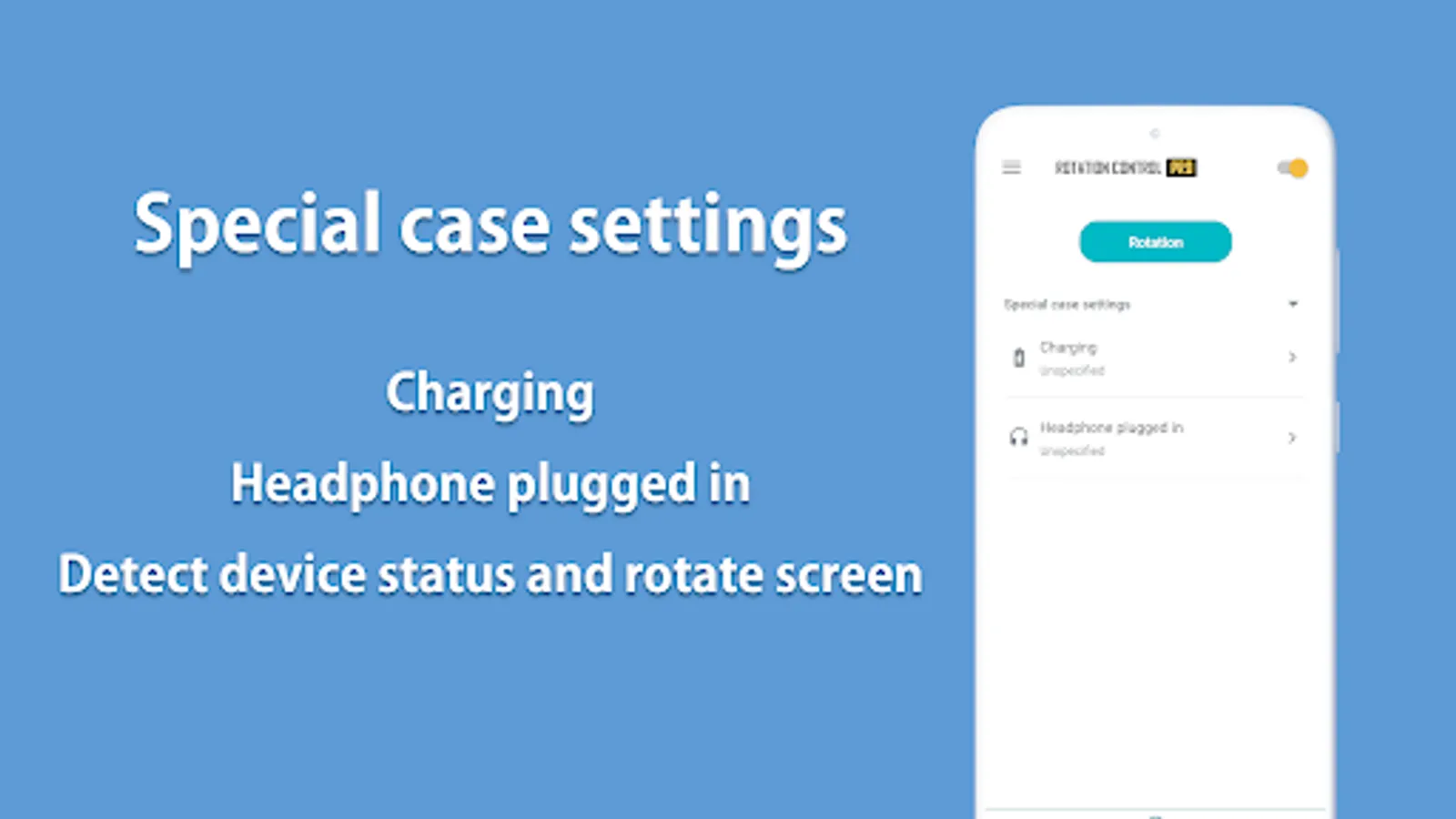
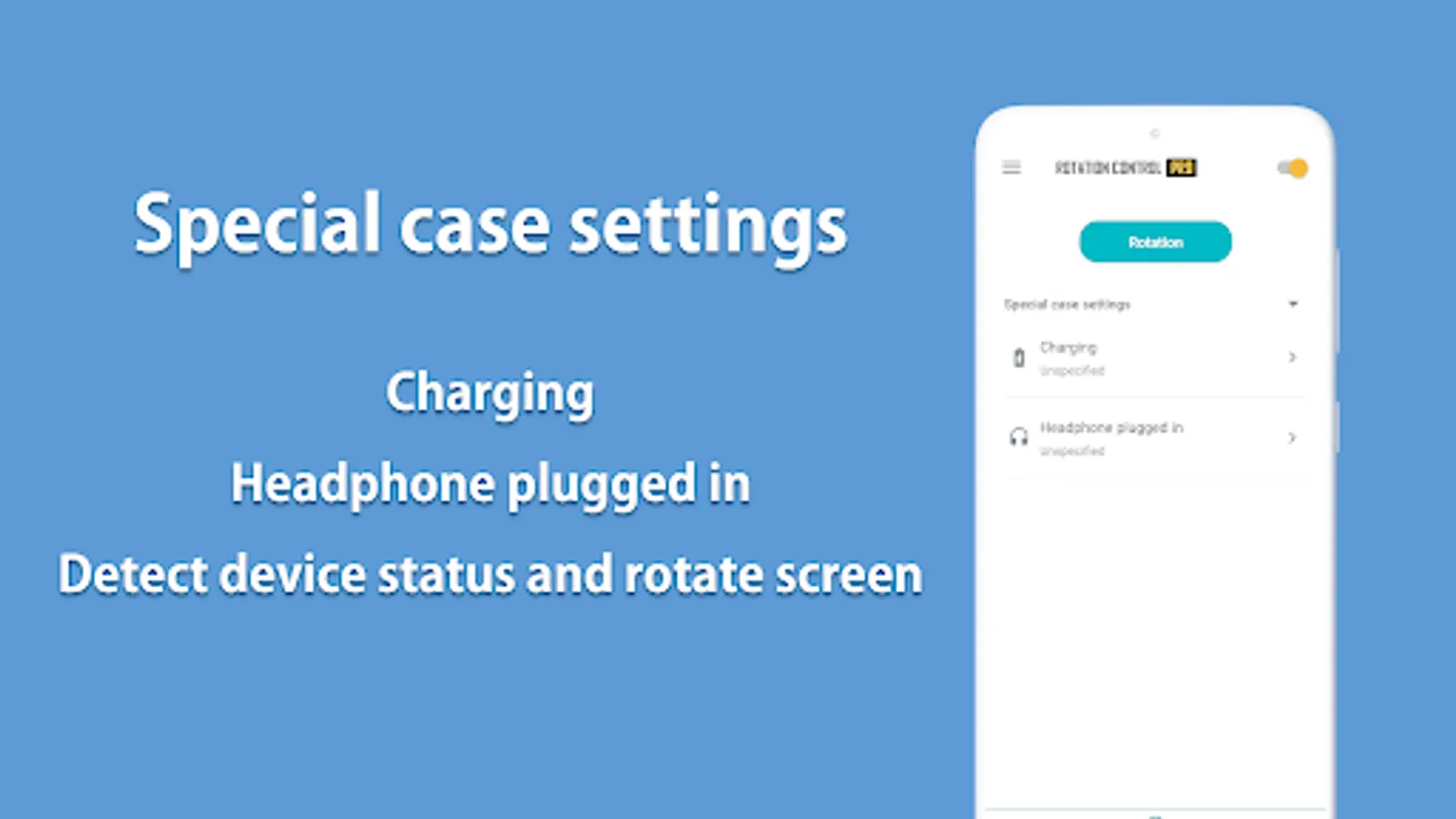
►Special case settings
Detects when chargers or earphones are connected and rotates to your preset screen orientation.
Returns to the original screen orientation when they are removed.
Difference from PRO version
This is a free version that allows you to check the app's operations and functions.
It will expire 2 days after installation.
Pro version
https://play.google.com/store/apps/details?id=jp.snowlife01.android.rotationcontrolpro&referrer=store
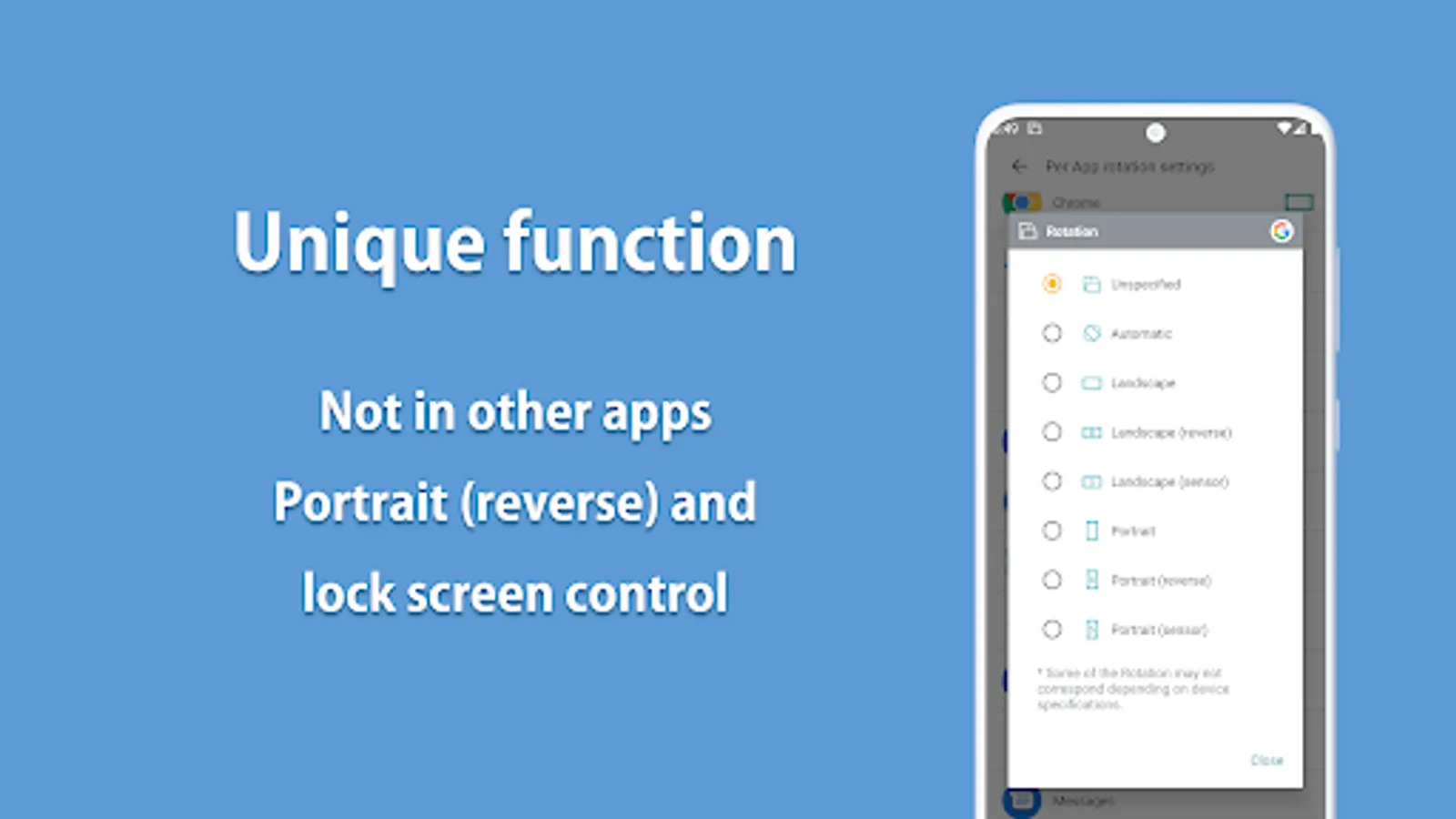
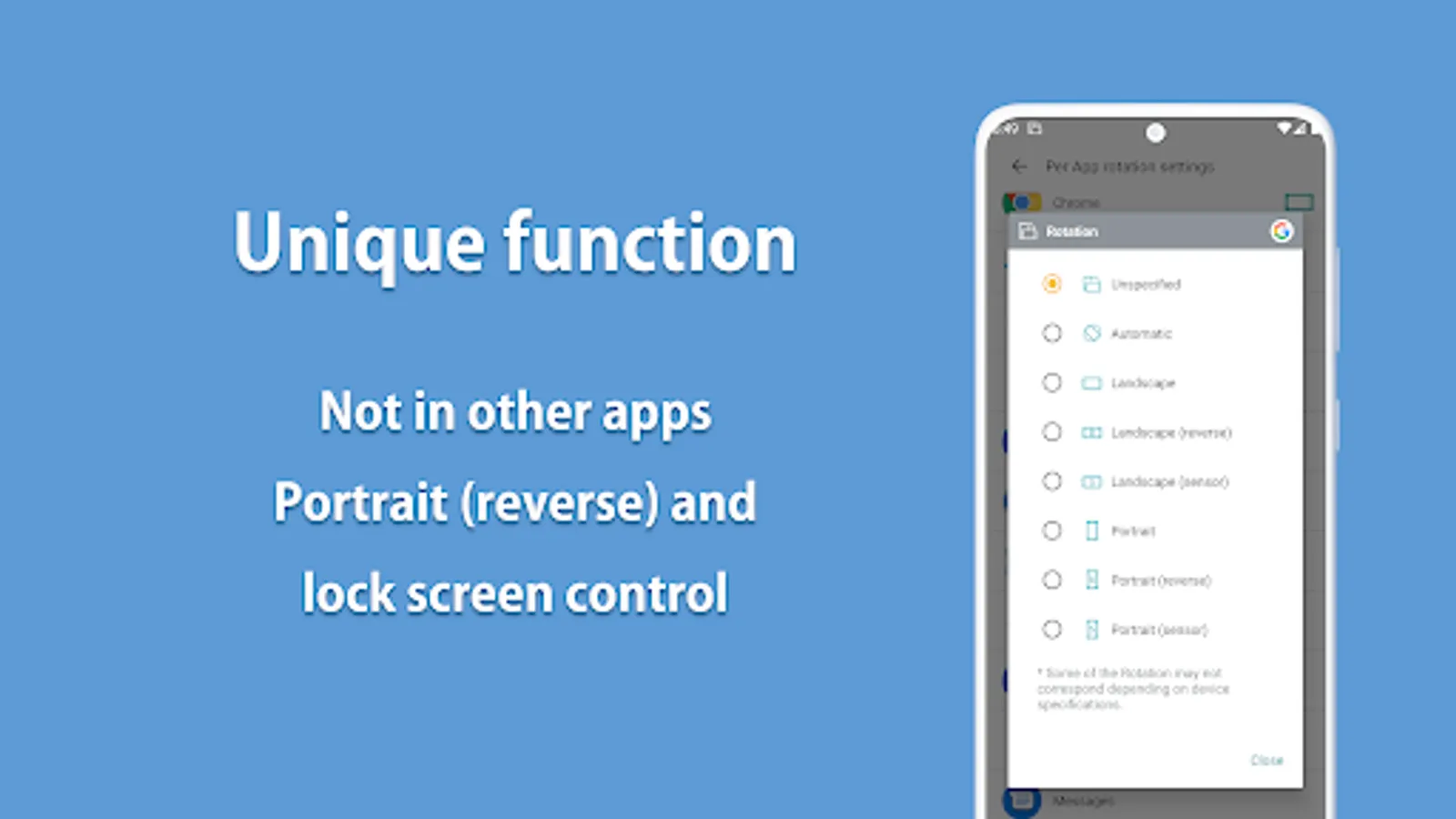
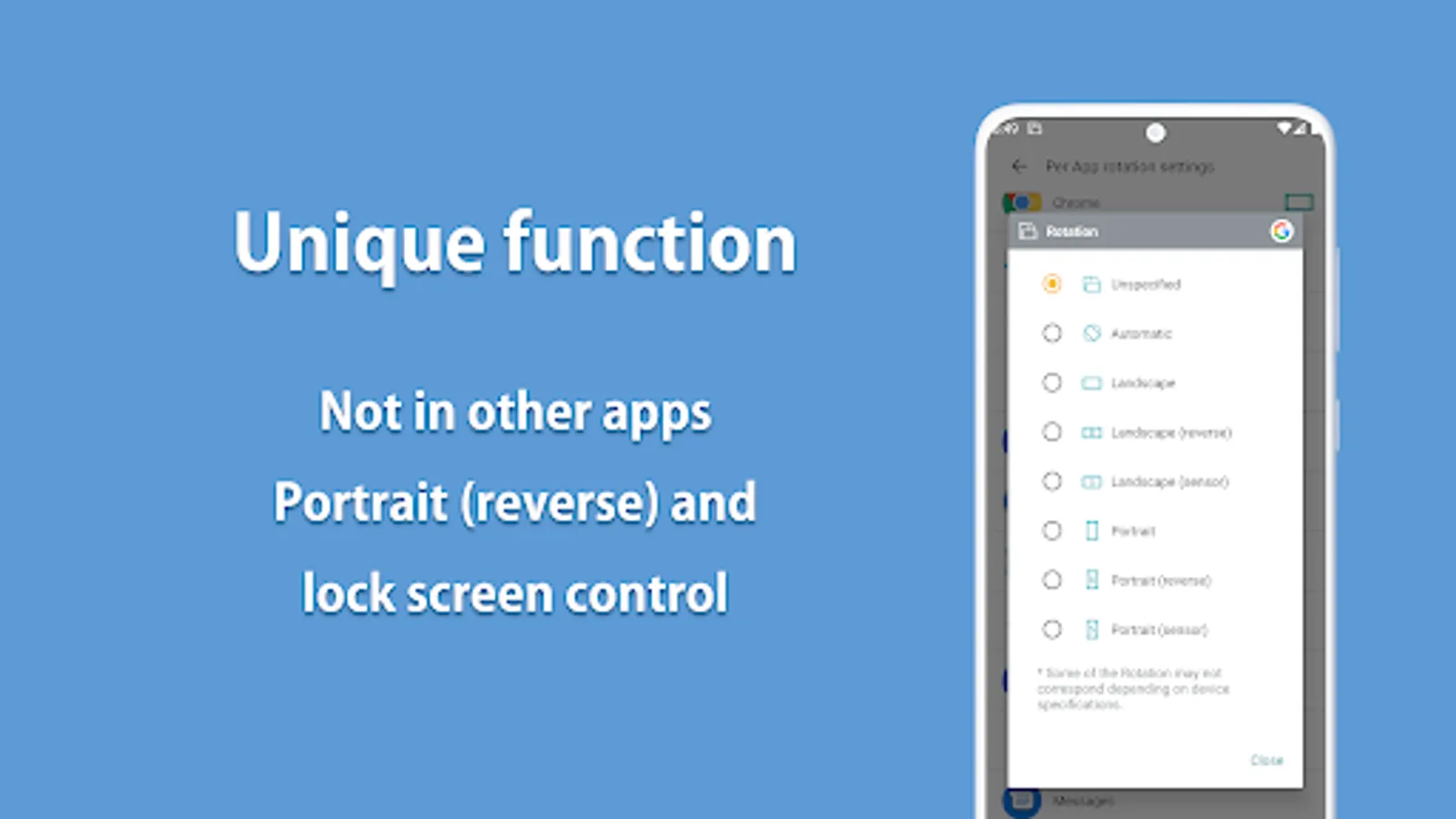
Rotation
Automatic : the screen rotates based on a sensor.
Landscape : the screen is fixed to a horizontal orientation.
Landscape (Reverse) : the screen is fixed horizontal upside down.
Landscape (Auto) : rotates automatically to a horizontal orientation based on a sensor.
Portrait : the screen is fixed to a vertical orientation.
Portrait (Reverse) : the screen is fixed vertical upside down.
Portrait (Auto) : rotates automatically to a vertical orientation based on a sensor.
* Some of the direction of rotation may not correspond depending on device specifications. This is not an issue with the app.
【For OPPO users】
This app needs to run a service in the background to detect which app has started.
OPPO devices require special settings to operate app services in the background due to their unique specifications. (If you do not do this, services running in the background will be forcibly terminated, and the app will not operate properly.)
Please drag this app a little down from the recent apps history and lock it.
If you do not know how to set, please search for "OPPO task lock".
A simple design with functions that are easy to understand and use.
=-=-=-=-=-=-=-=-=-=-=-=-=-=-=-=
Recommended for people who:
- Want to use their smartphone home screen in landscape mode
- Want to use landscape mode games or video apps in portrait mode
- Want to always use their tablet in landscape mode
- Want to switch between fixed orientations with one tap via the status bar
=-=-=-=-=-=-=-=-=-=-=-=-=-=-=-=
Features
►Rotation settings
Can configure the rotation of the screen.
►Notification settings
Control the rotation of the screen easily from the notification bar.
►Per App rotation settings
Can configure different rotations for each apps.
Rotates to your preset screen orientation upon starting the application.
Returns to the original screen orientation on closing the application.
►Special case settings
Detects when chargers or earphones are connected and rotates to your preset screen orientation.
Returns to the original screen orientation when they are removed.
Difference from PRO version
This is a free version that allows you to check the app's operations and functions.
It will expire 2 days after installation.
Pro version
https://play.google.com/store/apps/details?id=jp.snowlife01.android.rotationcontrolpro&referrer=store
Rotation
Automatic : the screen rotates based on a sensor.
Landscape : the screen is fixed to a horizontal orientation.
Landscape (Reverse) : the screen is fixed horizontal upside down.
Landscape (Auto) : rotates automatically to a horizontal orientation based on a sensor.
Portrait : the screen is fixed to a vertical orientation.
Portrait (Reverse) : the screen is fixed vertical upside down.
Portrait (Auto) : rotates automatically to a vertical orientation based on a sensor.
* Some of the direction of rotation may not correspond depending on device specifications. This is not an issue with the app.
【For OPPO users】
This app needs to run a service in the background to detect which app has started.
OPPO devices require special settings to operate app services in the background due to their unique specifications. (If you do not do this, services running in the background will be forcibly terminated, and the app will not operate properly.)
Please drag this app a little down from the recent apps history and lock it.
If you do not know how to set, please search for "OPPO task lock".
Rotation Control Screenshots
Tap to Rate:
Reviews for Rotation Control
Mer Asha
12/29/2025
It's ok 👌
Md. Nizam
12/22/2025
ok