
Screenshot -Automatic trimming
CloudEx Inc.
4.4 ★
21K ratings
1,000,000+
downloads
Free
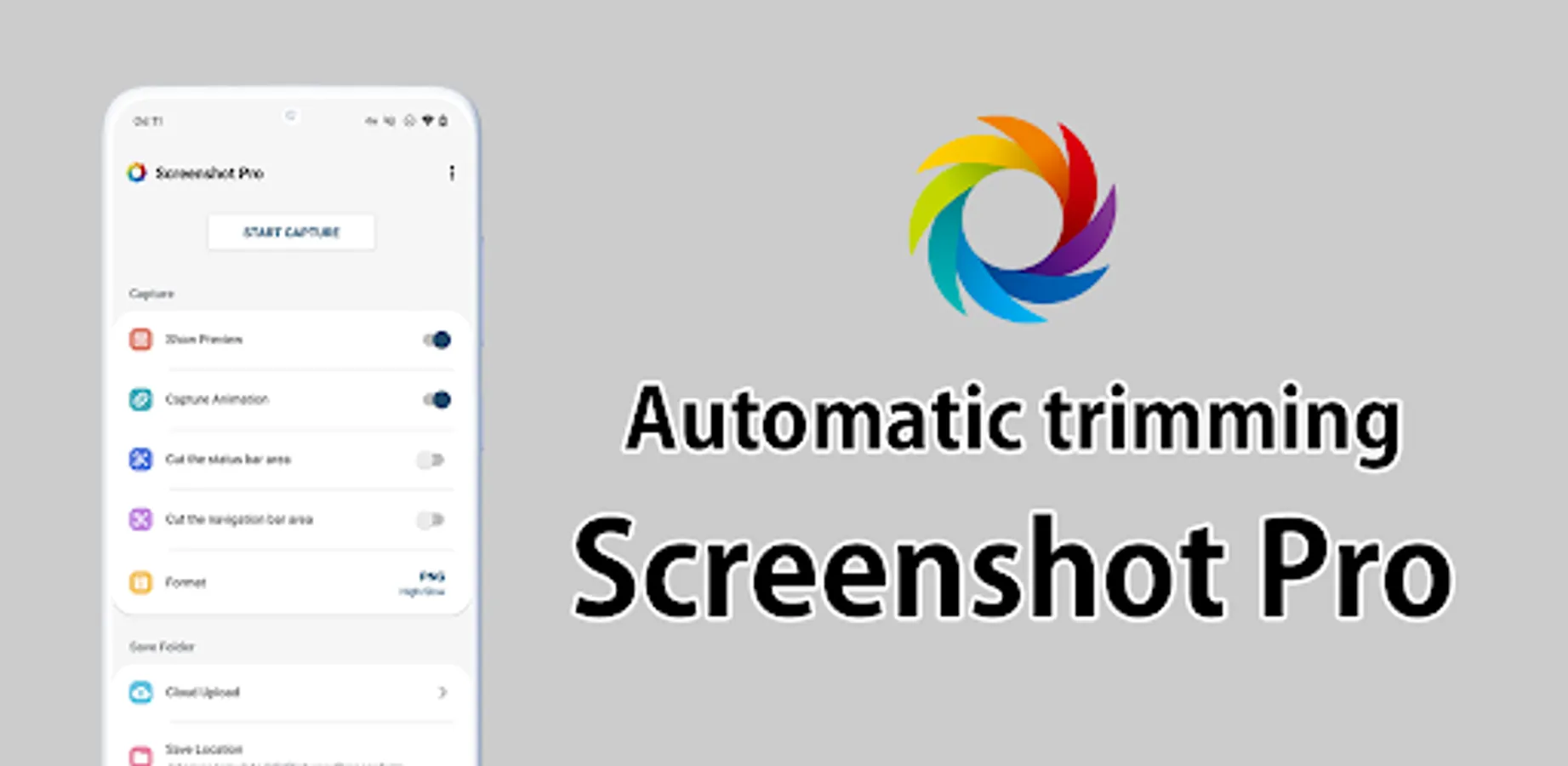
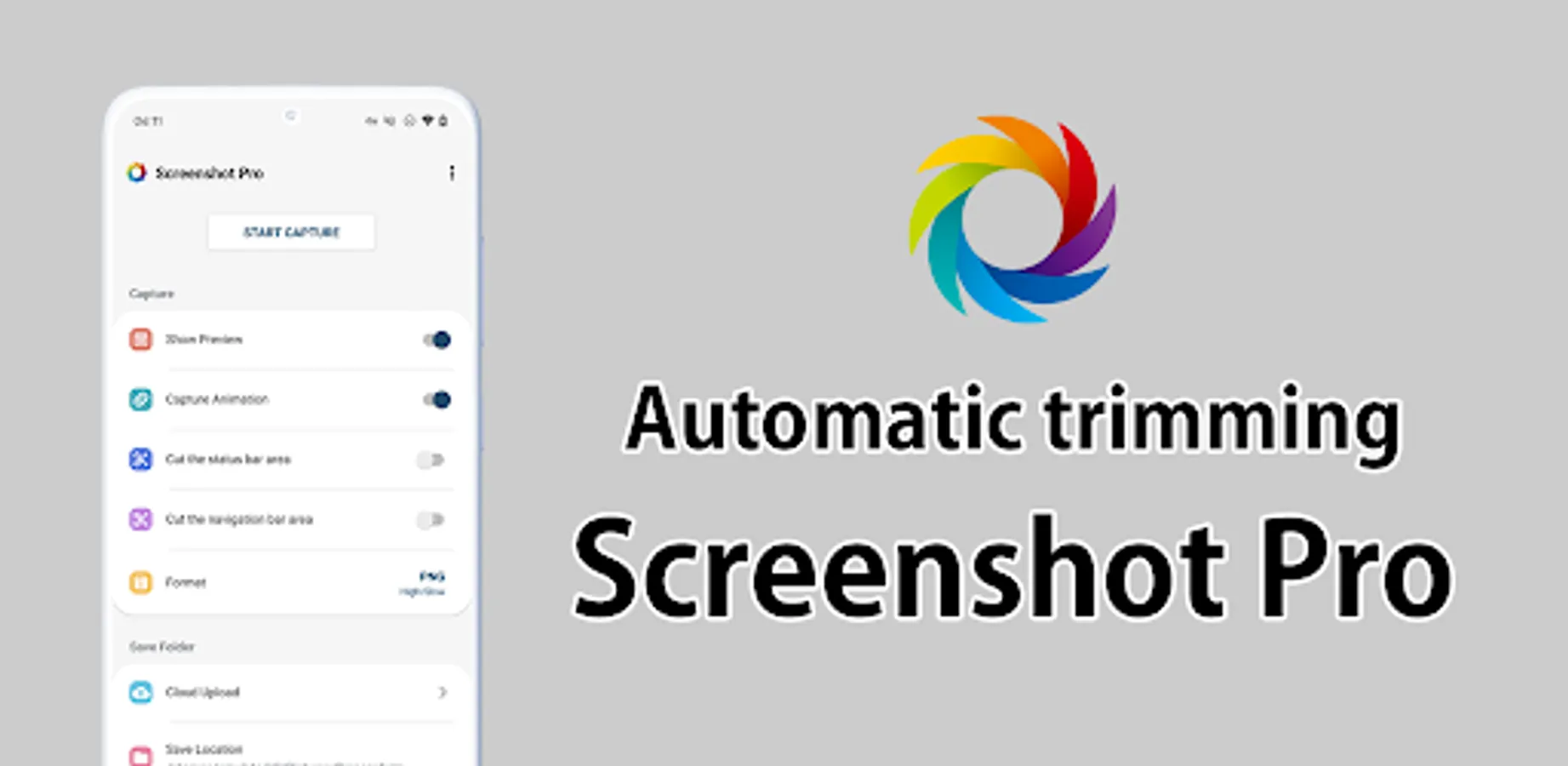
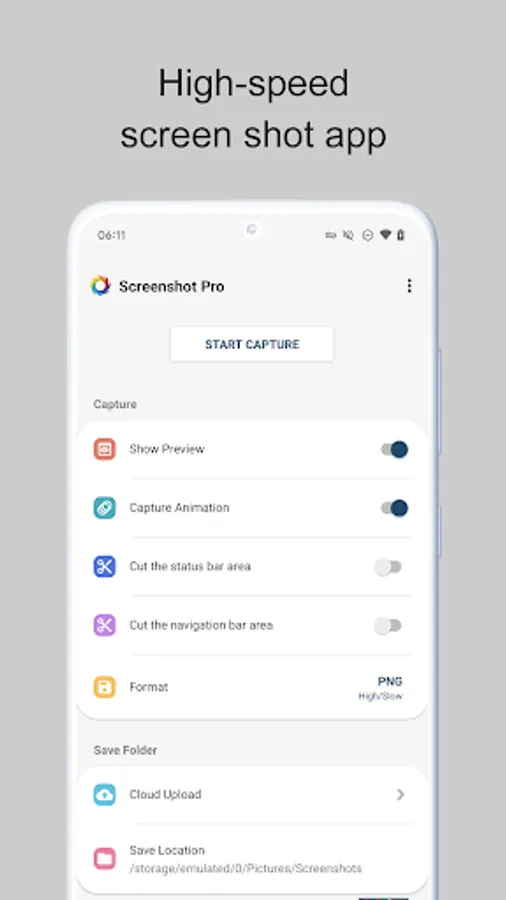
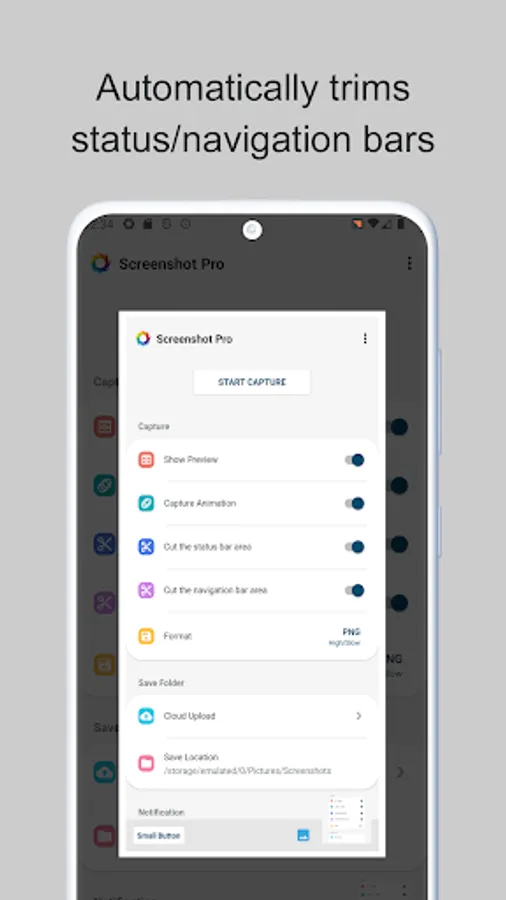
In this app, you can quickly capture screenshots with automatic trimming of status and navigation bars. Includes overlay shutter button, cloud upload, and screenshot management features.
AppRecs review analysis
AppRecs rating 4.4. Trustworthiness 76 out of 100. Review manipulation risk 33 out of 100. Based on a review sample analyzed.
★★★★☆
4.4
AppRecs Rating
Ratings breakdown
5 star
69%
4 star
17%
3 star
3%
2 star
2%
1 star
9%
What to know
✓
Credible reviews
76% trustworthiness score from analyzed reviews
✓
High user satisfaction
86% of sampled ratings are 4+ stars (4.3★ average)
✓
Authentic reviews
Natural distribution, no red flags
About Screenshot -Automatic trimming
High-speed screenshot photography, optimal for consecutive captures.
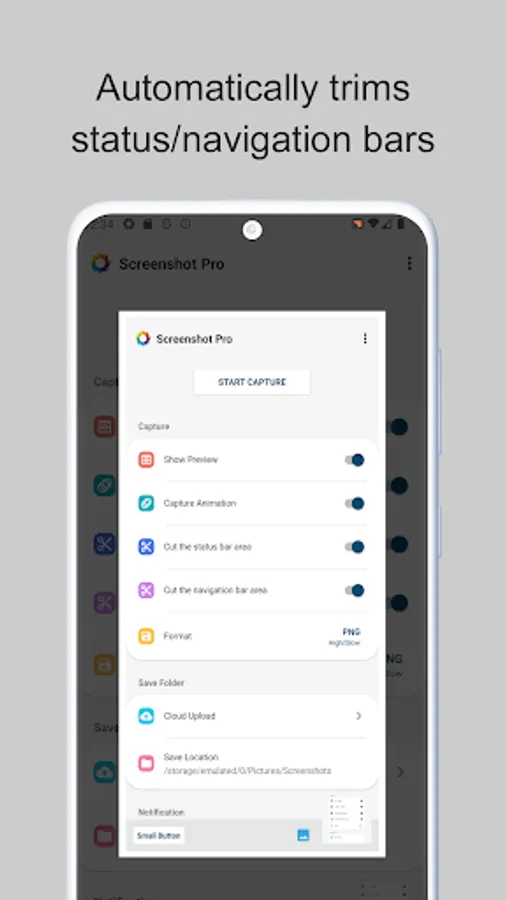
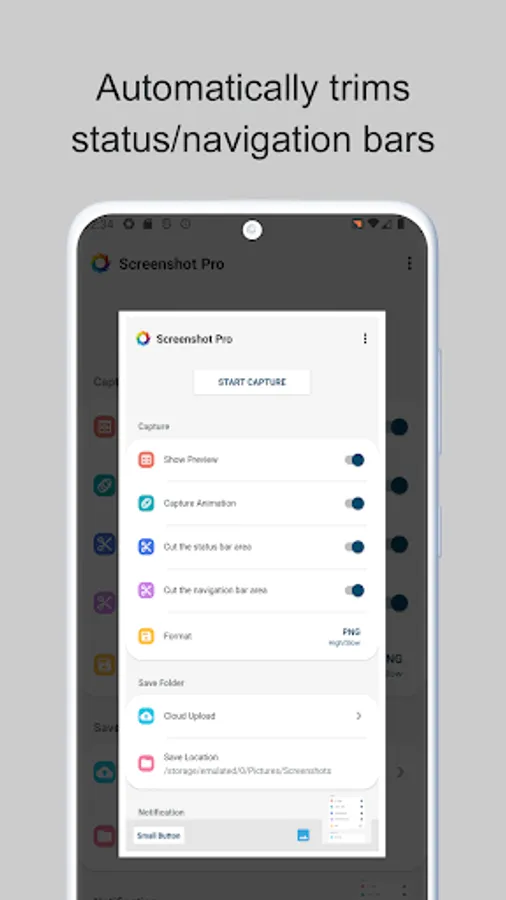
Can cut the status bar area and navigation bar area automatically.
This is a free version that allows you to check the app's operations and functions.
It will expire 2 days after installation.
Pro version
https://play.google.com/store/apps/details?id=jp.snowlife01.android.screenshot&referrer=store
Features
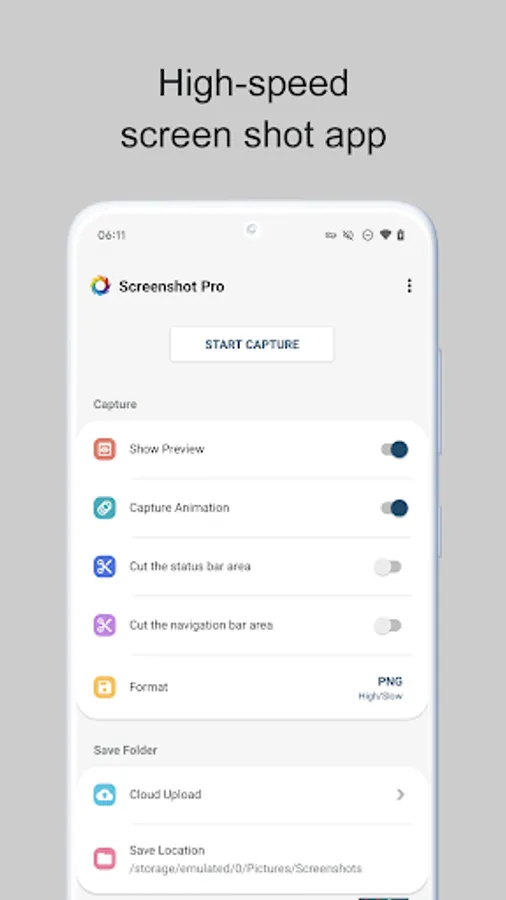
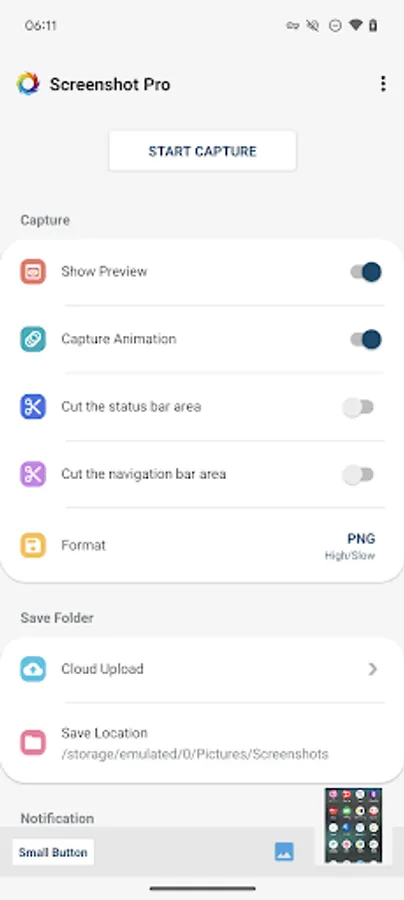
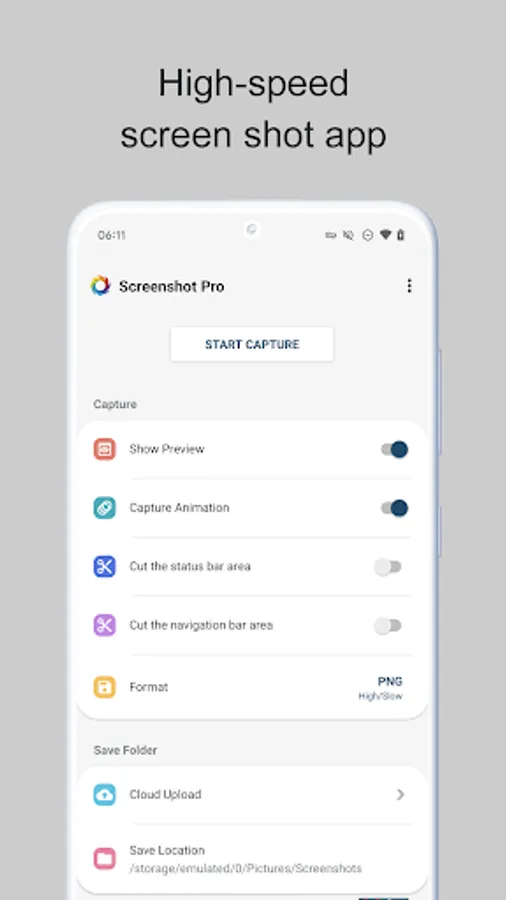
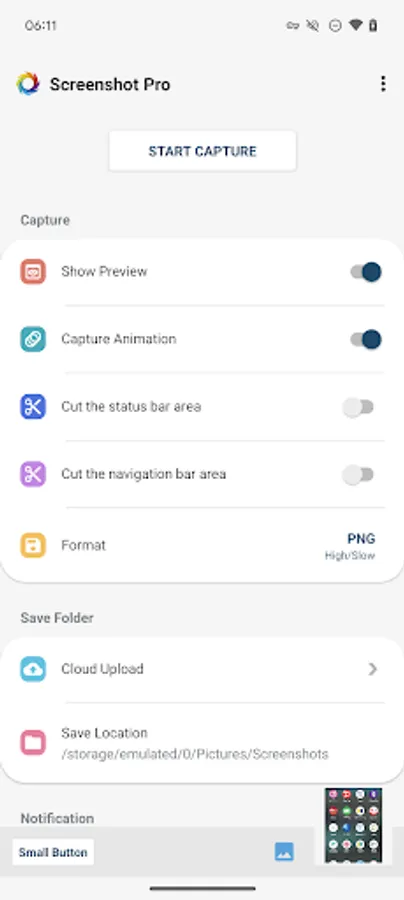
►Cut the status bar area
Automatically cut the status bar area.
►Cut the navigation bar area
Automatically cut the navigation bar area.
►Capture animation
Capture animation ON/OFF.
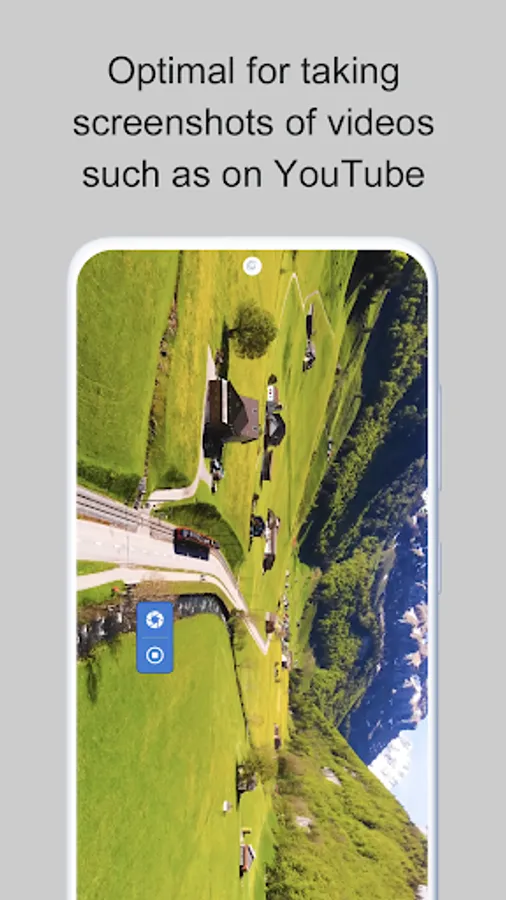
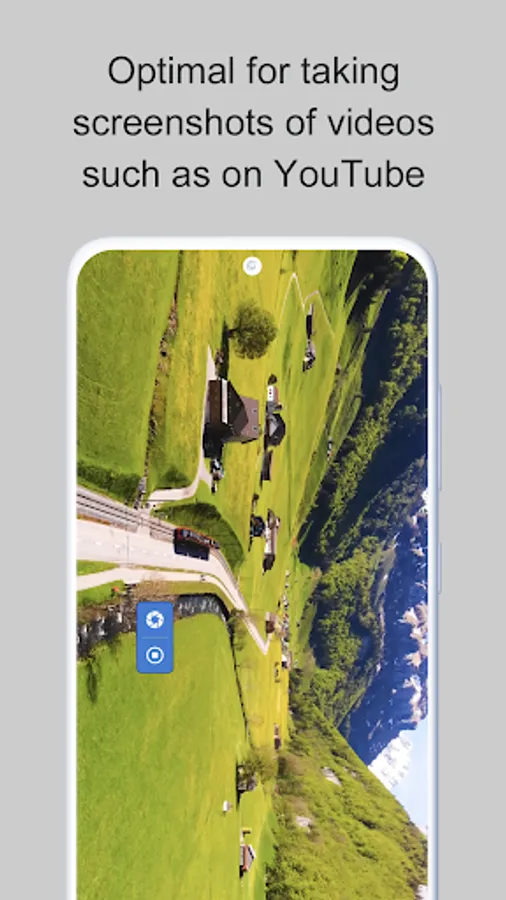
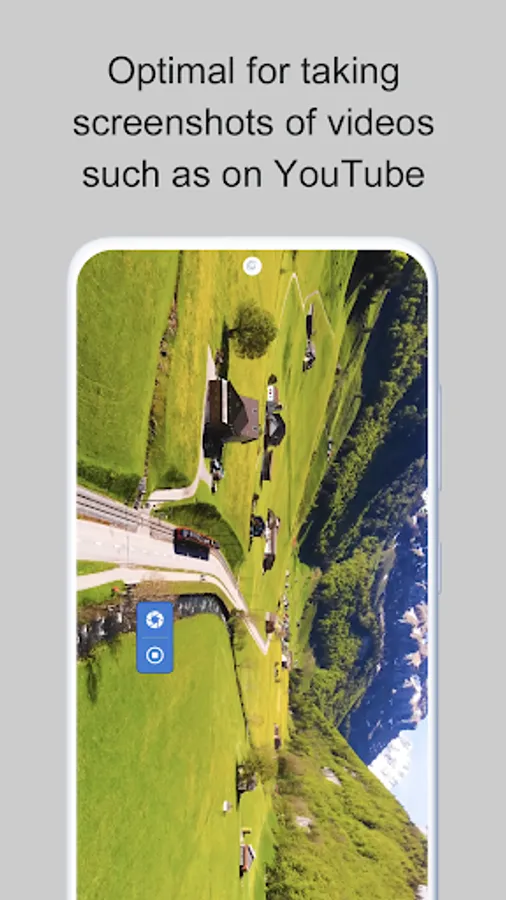
►Overlay shutter button
Convenient and mobile overlay shutter button.
►Notification Icon
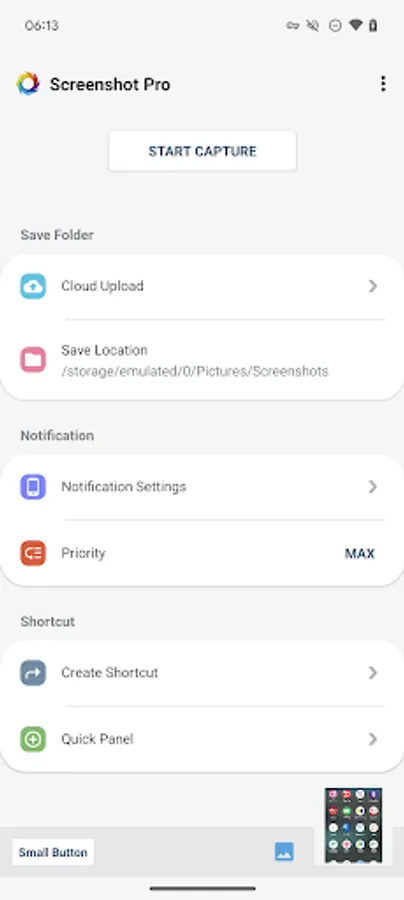
Notification bar icon display function. You can take screenshot and check screenshot from here.
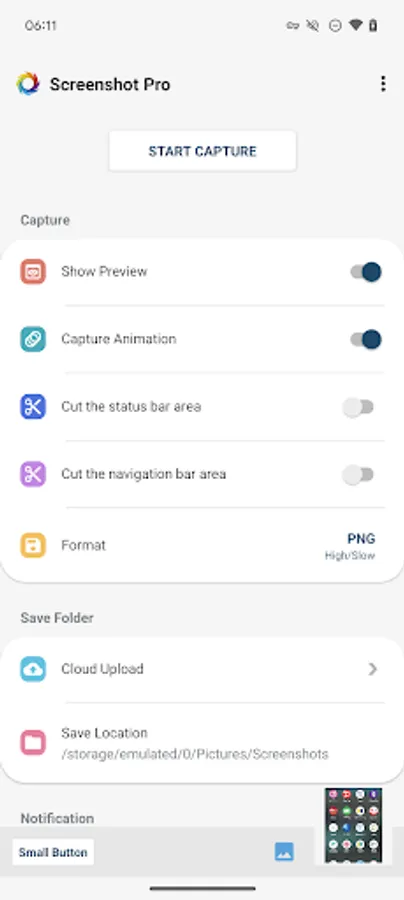
►Show Preview
After taking a screenshot, a miniaturized version is displayed on screen.
►Small Button
By setting this inconspicuous button to be displayed at all times, the shutter button can be instantly brought up any time you want to take screenshots.
This function is very convenient for people who regularly take screenshots.
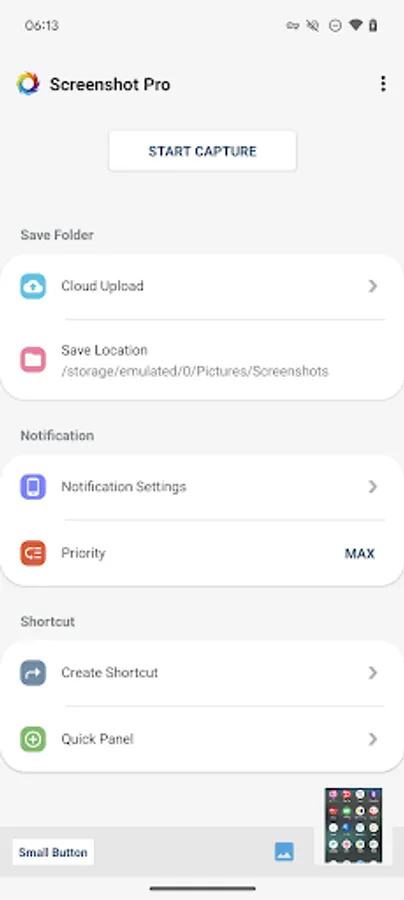
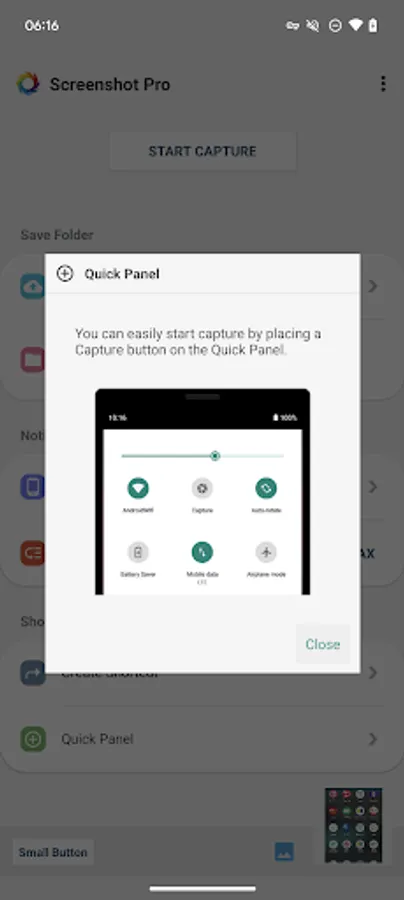
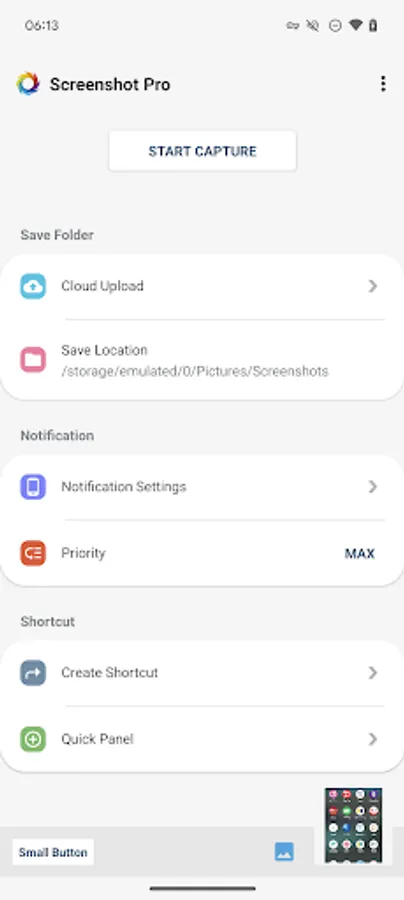
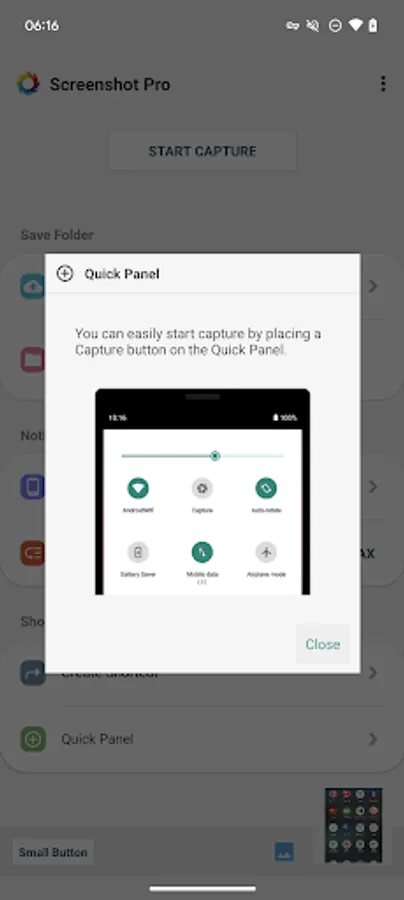
►Create Shortcut
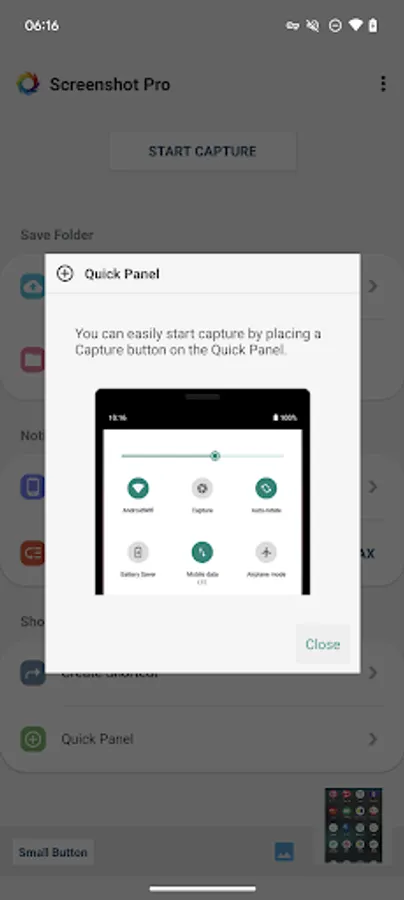
You can also create a shortcut to access the shutter button with a single tap.
►Save Location
Modifiable save folder.
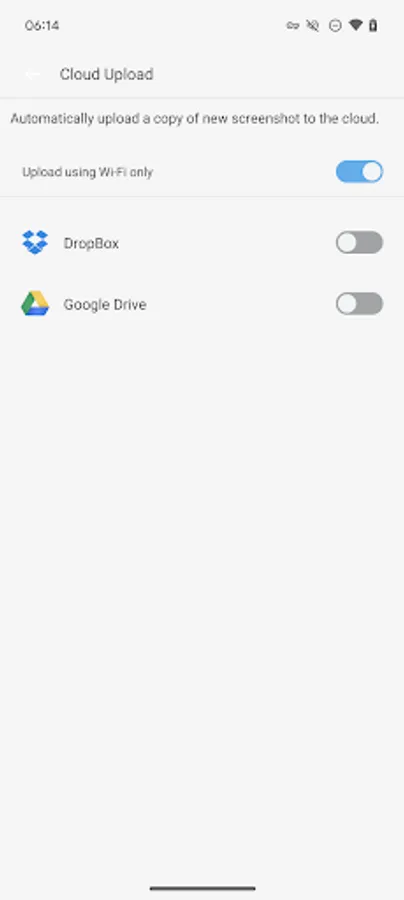
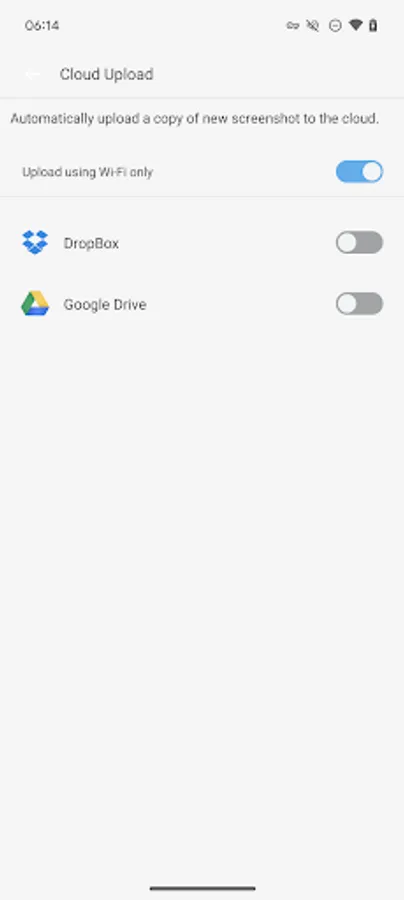
►Cloud upload
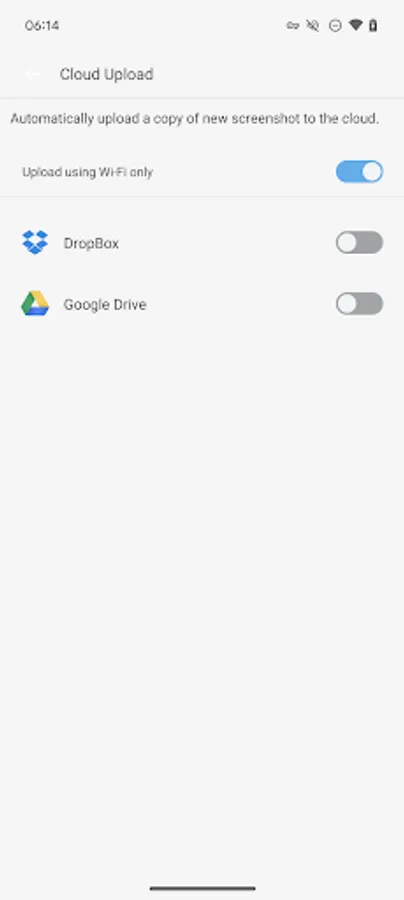
Automatically upload a copy of new screenshot to the cloud.
►Latest Screenshot
Open the most recent screenshot.
Can cut the status bar area and navigation bar area automatically.
This is a free version that allows you to check the app's operations and functions.
It will expire 2 days after installation.
Pro version
https://play.google.com/store/apps/details?id=jp.snowlife01.android.screenshot&referrer=store
Features
►Cut the status bar area
Automatically cut the status bar area.
►Cut the navigation bar area
Automatically cut the navigation bar area.
►Capture animation
Capture animation ON/OFF.
►Overlay shutter button
Convenient and mobile overlay shutter button.
►Notification Icon
Notification bar icon display function. You can take screenshot and check screenshot from here.
►Show Preview
After taking a screenshot, a miniaturized version is displayed on screen.
►Small Button
By setting this inconspicuous button to be displayed at all times, the shutter button can be instantly brought up any time you want to take screenshots.
This function is very convenient for people who regularly take screenshots.
►Create Shortcut
You can also create a shortcut to access the shutter button with a single tap.
►Save Location
Modifiable save folder.
►Cloud upload
Automatically upload a copy of new screenshot to the cloud.
►Latest Screenshot
Open the most recent screenshot.
Screenshot -Automatic trimming Screenshots
Tap to Rate:
Reviews for Screenshot -Automatic trimming
Shahib Muhammad
12/29/2025
it s a bad
Di Va
11/29/2025
it is too early to evaluare.