Avico - HEIF/HEIC/AVIF Convert
Banana Studio
4.8 ★
45 ratings
1,000+
downloads
Free
+ in-app
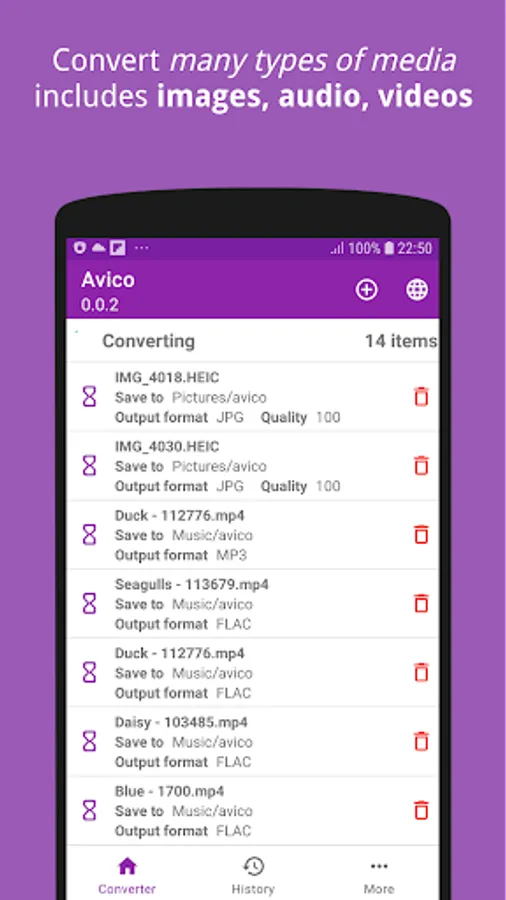
In this media conversion app, you can transform images, audio, and video files with support for various formats. Includes offline usage, file history, and built-in media viewer.
AppRecs review analysis
AppRecs rating 4.8. Trustworthiness 79 out of 100. Review manipulation risk 25 out of 100. Based on a review sample analyzed.
★★★★☆
4.8
AppRecs Rating
Ratings breakdown
5 star
80%
4 star
20%
3 star
0%
2 star
0%
1 star
0%
What to know
✓
Low review manipulation risk
25% review manipulation risk
✓
Credible reviews
79% trustworthiness score from analyzed reviews
✓
High user satisfaction
80% of sampled ratings are 5 stars
About Avico - HEIF/HEIC/AVIF Convert
Features
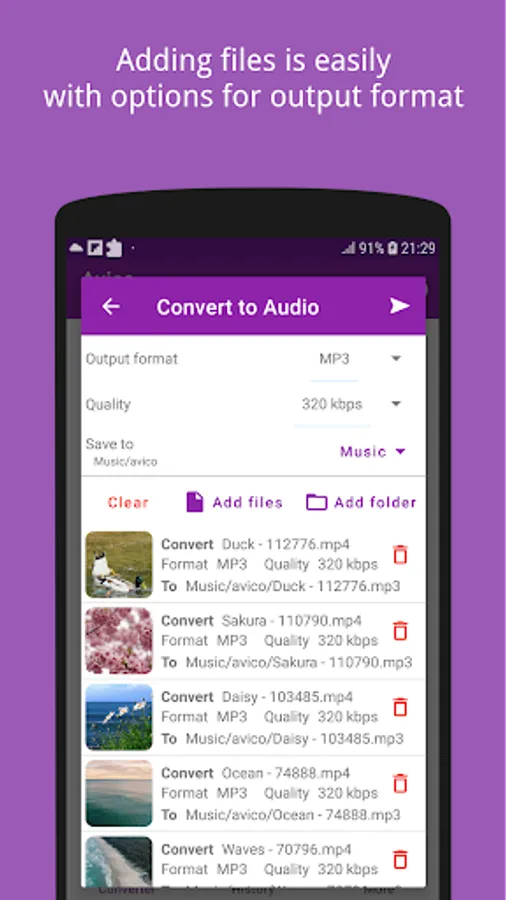
√ Audio converter
- Support convert media (audio, video) to MP3, FLAC, AAC, M4A, ALAC and more
- Common use-cases: Convert or extract MP4 to MP3, FLAC; FLV to MP3; WEBM to MP3...
√ Video converter
- Support convert video to MP4, OGV, FLV, WEBM, MOV and more
- Common use-cases: Convert MP4 to FLV, WEBM; FLV to MP4; WEBM to MP4...
√ Image converter
- Convert HEIF/AVIF (.heif, .heic, .avif) images to JPEG (.jpeg, .jpg...) or PNG (.png) and WebP
- Convert JPEG (.jpeg, .jpg...) or PNG (.png) images to HEIF/AVIF (.heif, .heic)
- All metadata information of HEIF images is kept and transformed to the target image
√ Keep converting even if you open another application on top
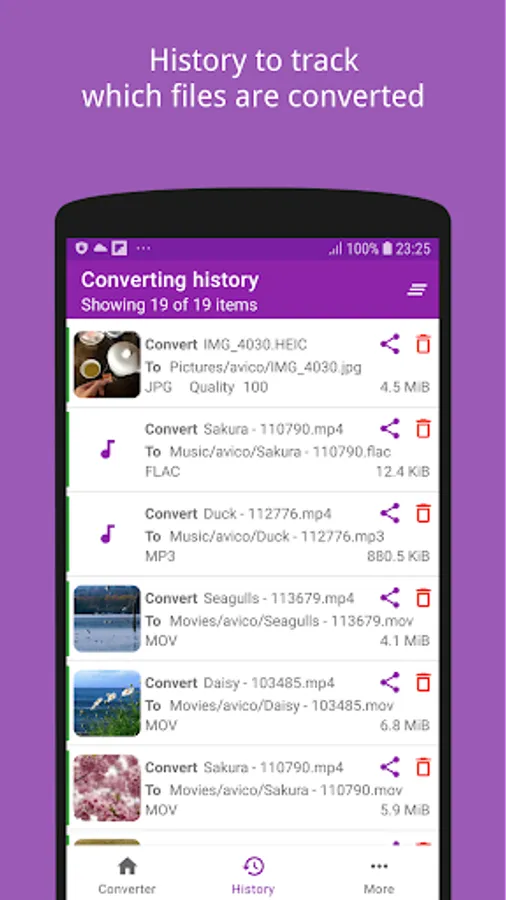
√ History to track which files had been converted
√ Widely supported devices: Android Lollipop+ and newer
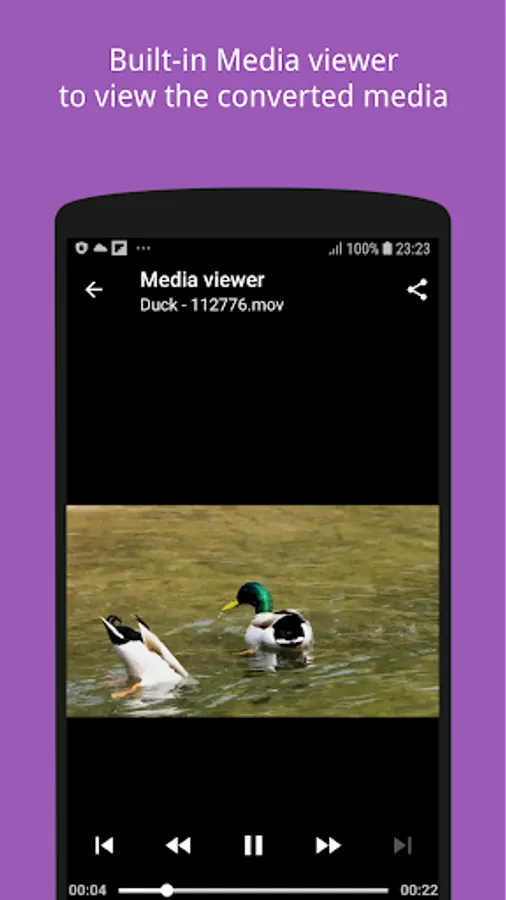
√ Built-in media viewer to open the converted files
√ Work offline: Unlike other Media Converter, Avico works without the need of the Internet
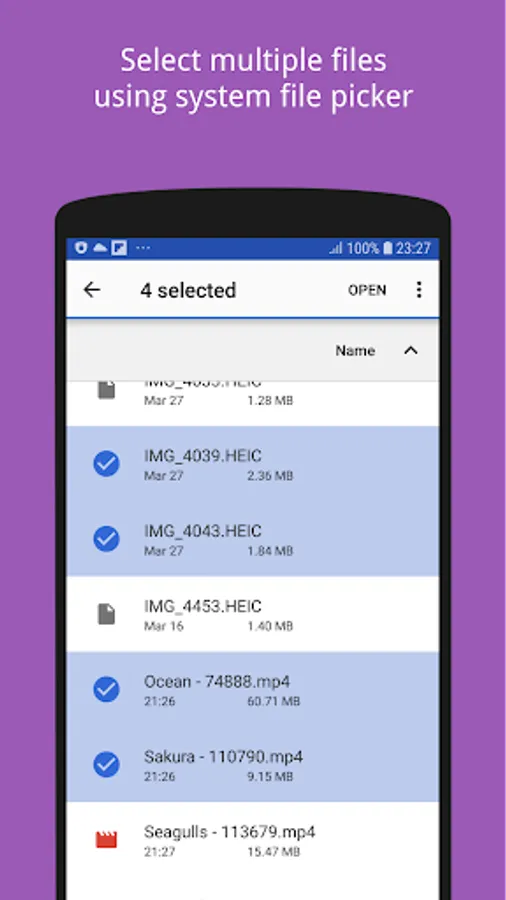
√ Able to share file from other apps (gallery, file manager...) to this application for converting
- Easy to use User Interface
Supported input file type: Various based on the function
Supported output file type
√ Audio: MP3, FLAC, ALAC, M4A, AAC, AC3, OGG, WMA, WEBM, AIFF, WAV
√ Video: MP4, FLV, WEBM, OGV, AVI, MOV, WMV, MPG, 3GP
√ Image: HEIF, AVIF, JPEG, PNG, WEBP
What's next
- Convert between heif and avif
- And more ffmpeg commands
Feedback
Feedback is welcome as it helps the application more better day by day.
Please don't hesitate to contact support@xnano.net, I will try to reply as soon as possible!
Avico - HEIF/HEIC/AVIF Convert Screenshots
Tap to Rate:
Reviews for Avico - HEIF/HEIC/AVIF Convert
poWMod
7/17/2024
The only app to convert images locally to the heic/avif format. All my previous issues were solved. I would like it if it could convert from heic to heif itself working as an image compressor.
Michael “Miguel” DeOliveira
4/14/2024
Amazing app for quickly converting your image files offline. This was the only app I could find that can convert JPG to HEIC. I definitely recommend.