
Photo Exif Editor - Metadata
Banana Studio
4.0 ★
13K ratings
1,000,000+
downloads
Free
+ in-app
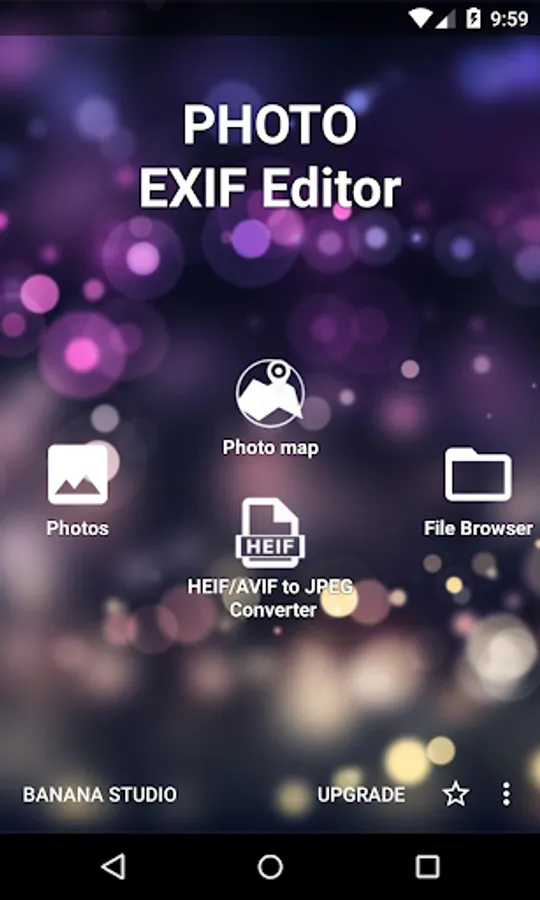
In this photo Exif editor, you can view, modify, or remove photo metadata and change photo locations. Includes batch editing, privacy protection, and support for multiple formats.
AppRecs review analysis
AppRecs rating 3.8. Trustworthiness 82 out of 100. Review manipulation risk 18 out of 100. Based on a review sample analyzed.
★★★☆☆
3.8
AppRecs Rating
Ratings breakdown
5 star
63%
4 star
10%
3 star
8%
2 star
4%
1 star
15%
What to know
✓
Low review manipulation risk
18% review manipulation risk
✓
Credible reviews
82% trustworthiness score from analyzed reviews
⚠
Ad complaints
Many low ratings mention excessive ads
About Photo Exif Editor - Metadata
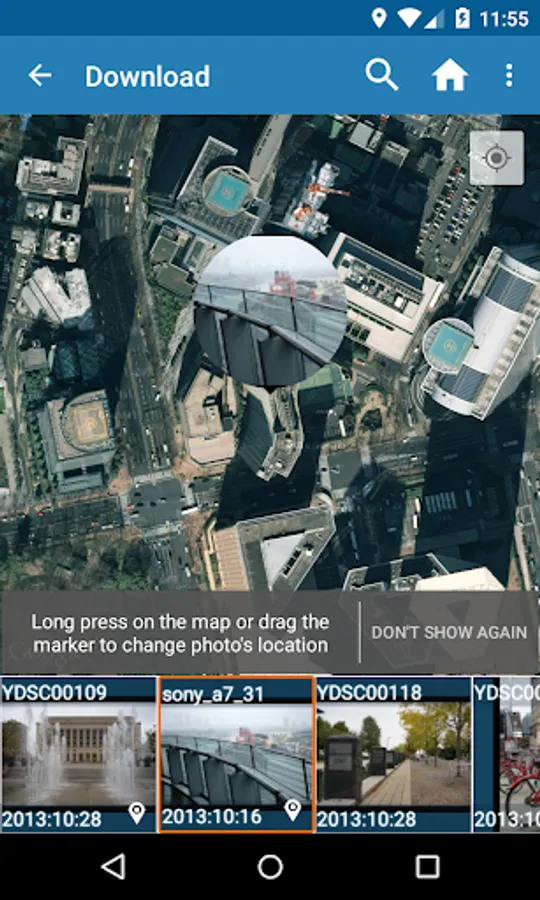
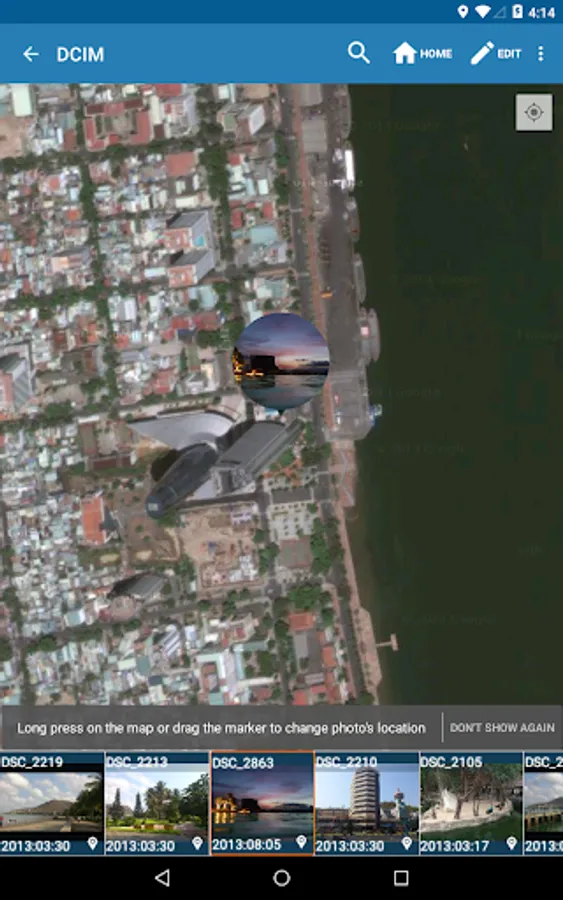
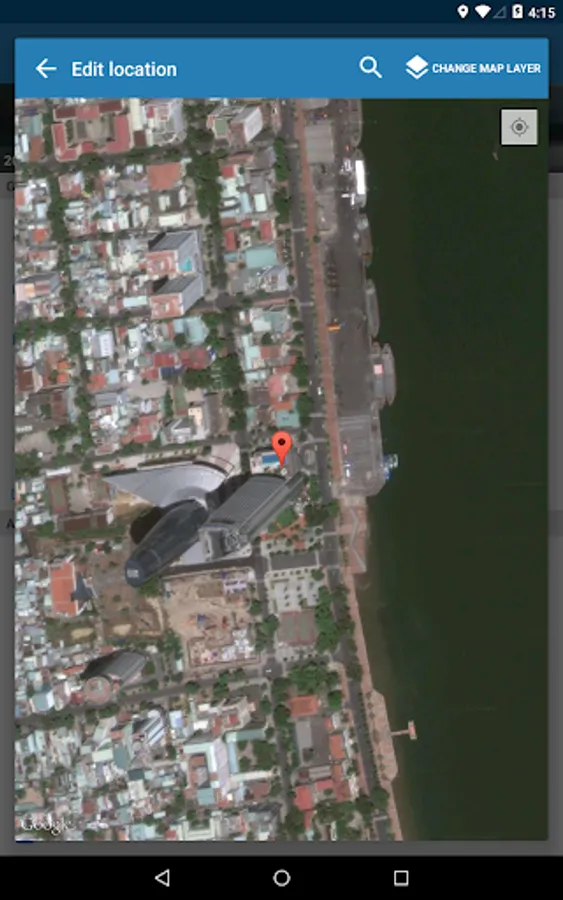
You can also change the location of picture to anywhere. In this case, Photo Exif Editor acts as Photo location changer, GPS photo viewer or Photo place editor.
Or to remove/strip all Exif tags inside the photos. In this case, Photo Exif Editor acts as Exif remover, or Photo data stripper.
With the clear user interface, Photo Exif Editor is an easy to use tool that helps you to correct the missing information of your favorite photos.
If you want to support, consider to get the Pro version with no ads and more features.
NOTICE
All the features of our app "EXIF Pro - ExifTool for Android" will be merged into this application soon. It will include the abilities to edit pictures (JPG, PNG, RAW...), audio, video, please be patient!
Android 4.4 (Kitkat) does not allow non-system application to write file to the external sdcard. Please read more at: https://metactrl.com/docs/sdcard-on-kitkat/
To open Camera, long tap on the Gallery button
What is the Exif data of picture?
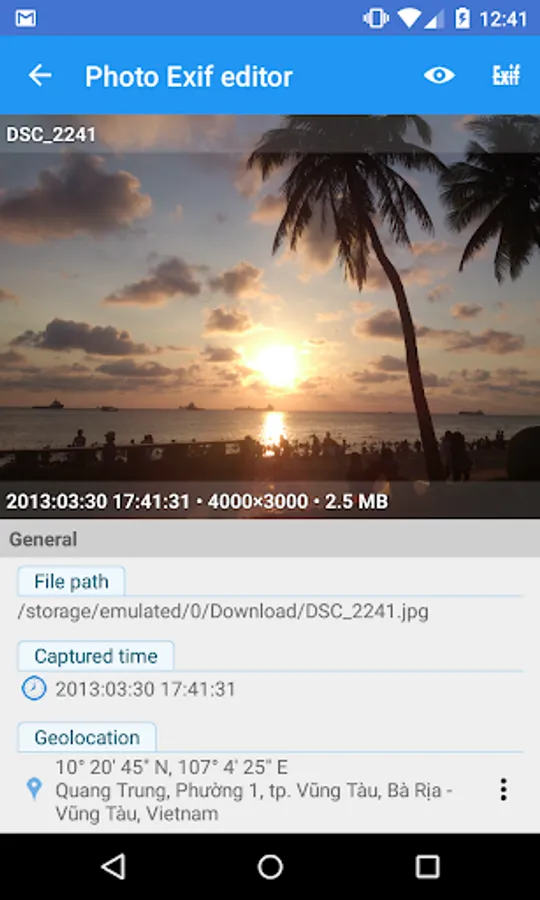
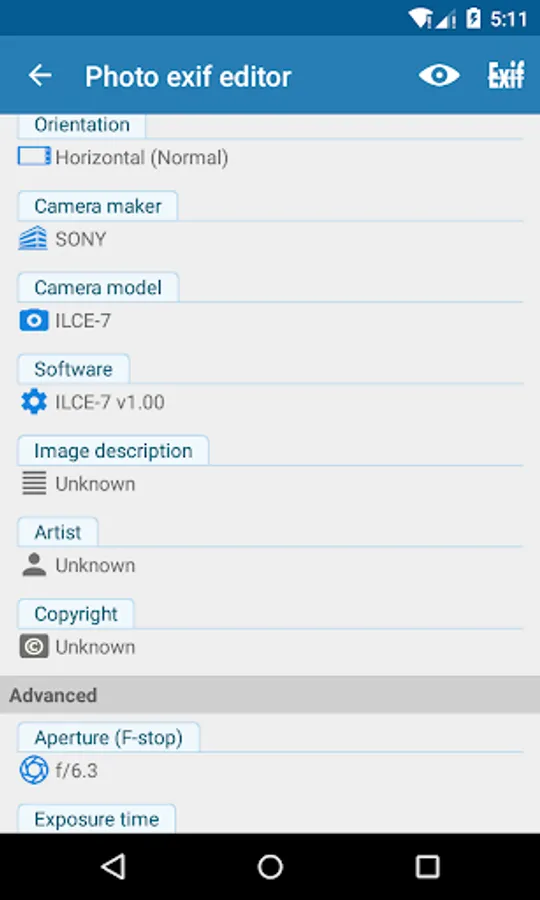
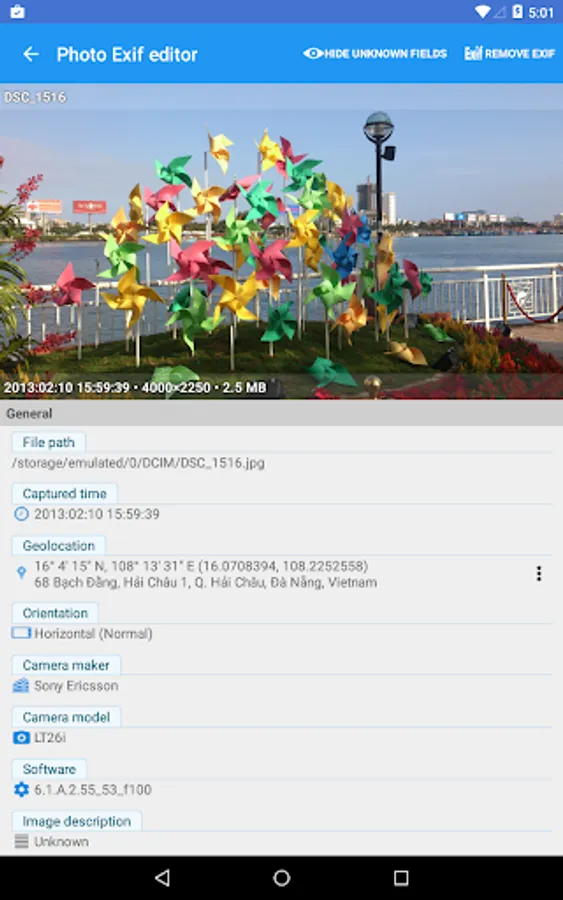
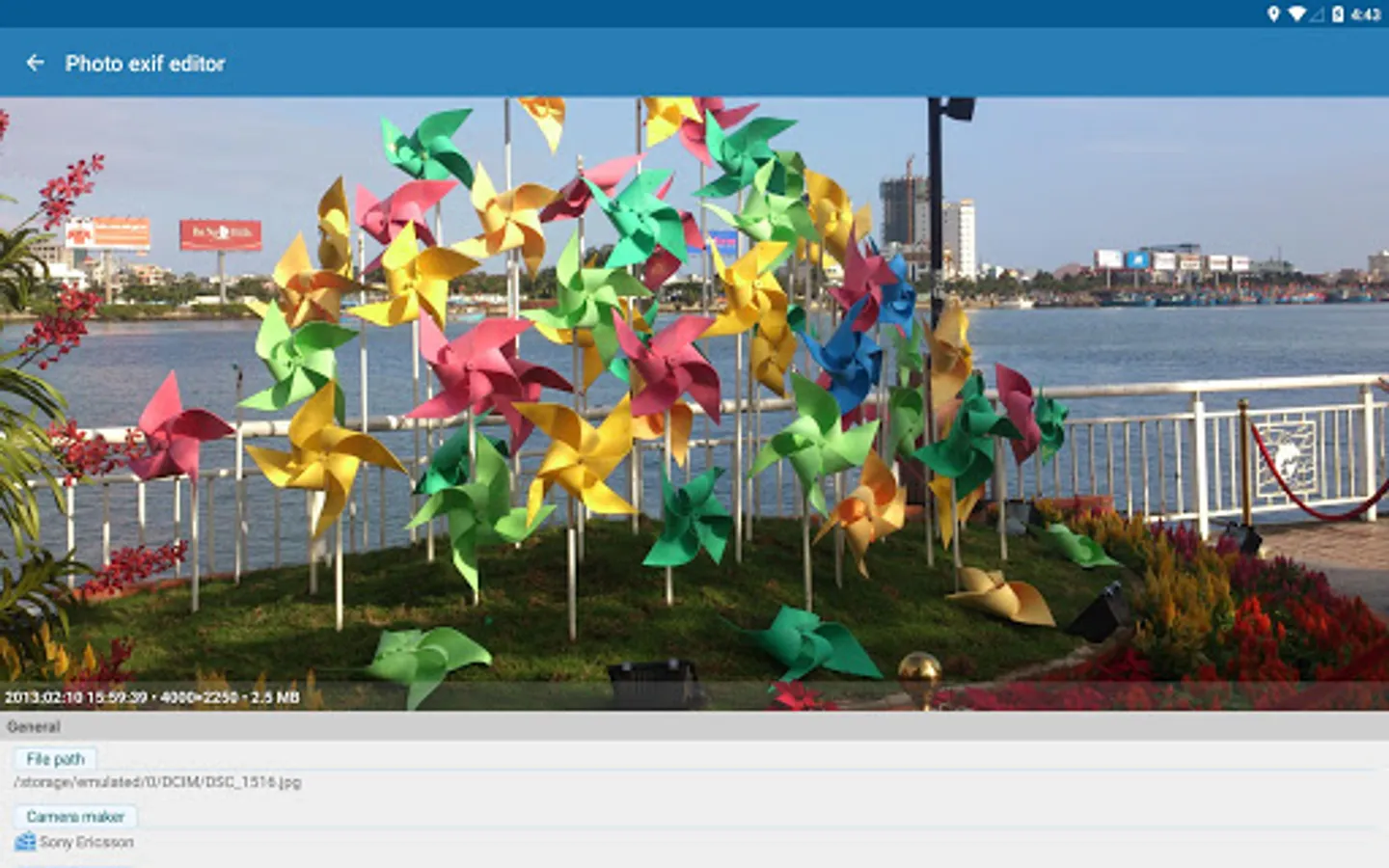
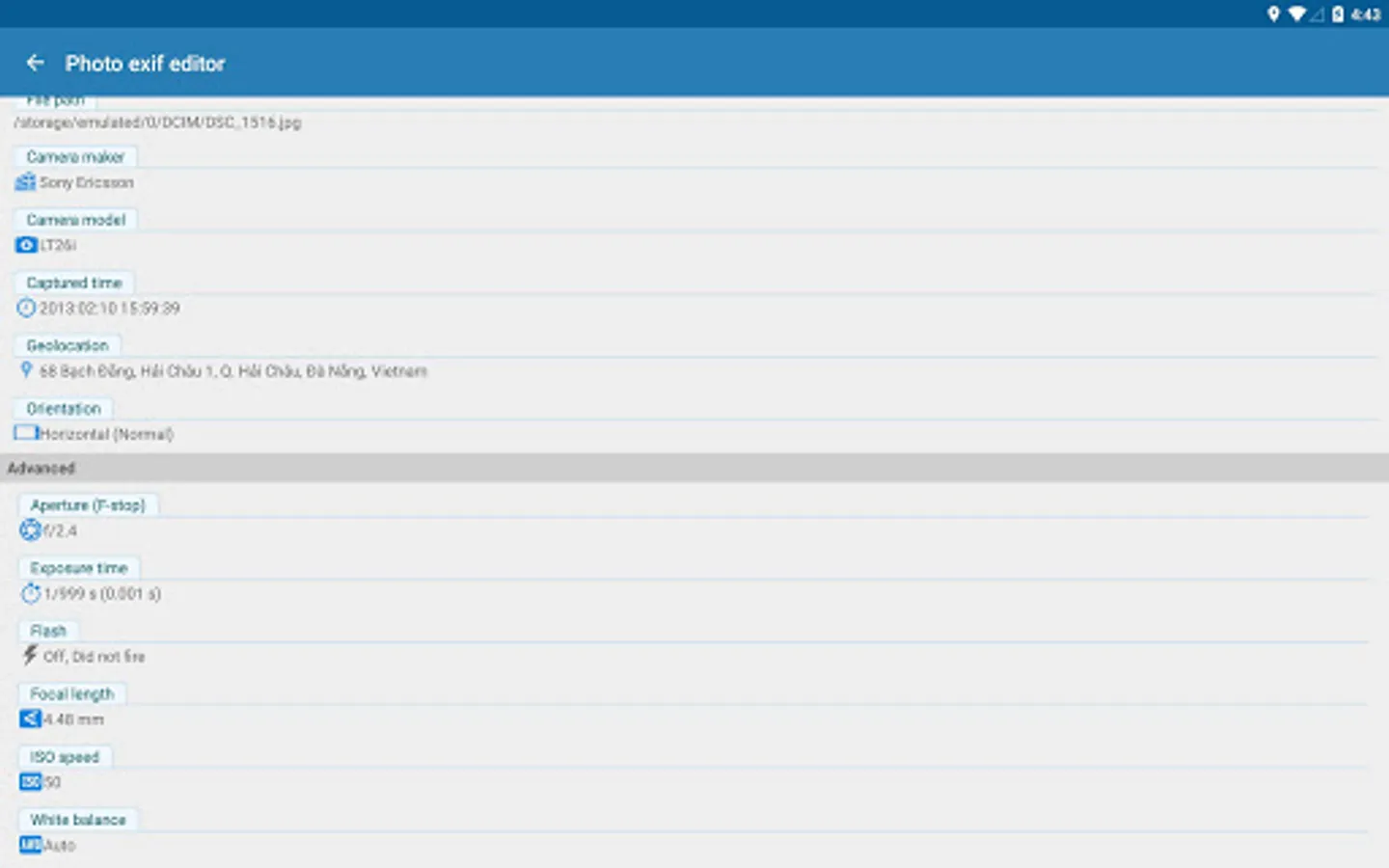
• It contains Camera settings, for example, static information such as the camera model and make, and information that varies with each image such as orientation (rotation), aperture, shutter speed, focal length, metering mode, and ISO speed information.
• It also includes the GPS ( Global Positioning System) tag for holding location information where the photo was taken.
What can Photo Exif Editor do?
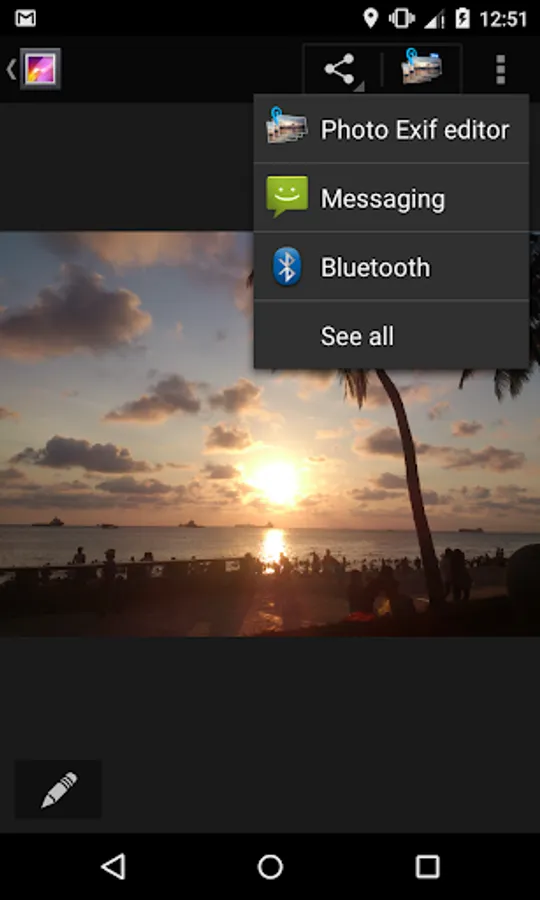
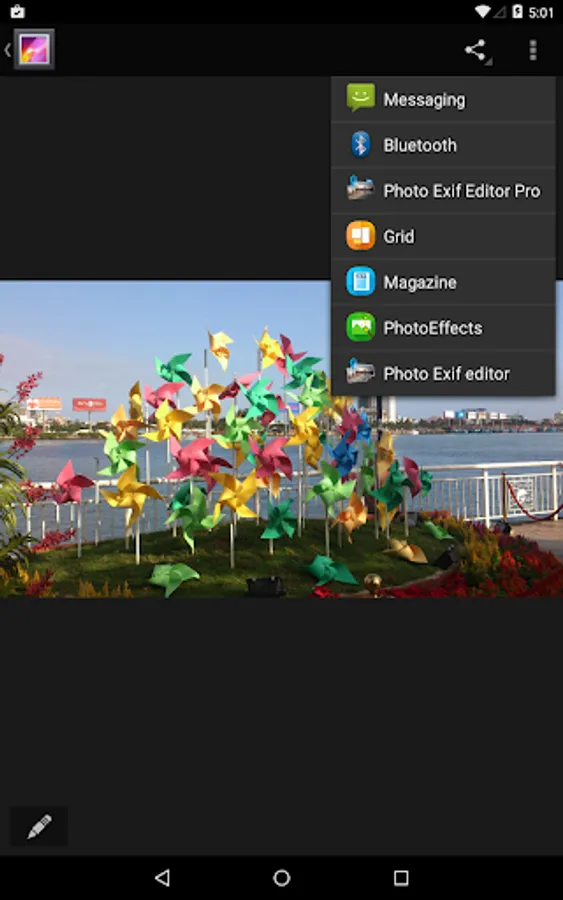
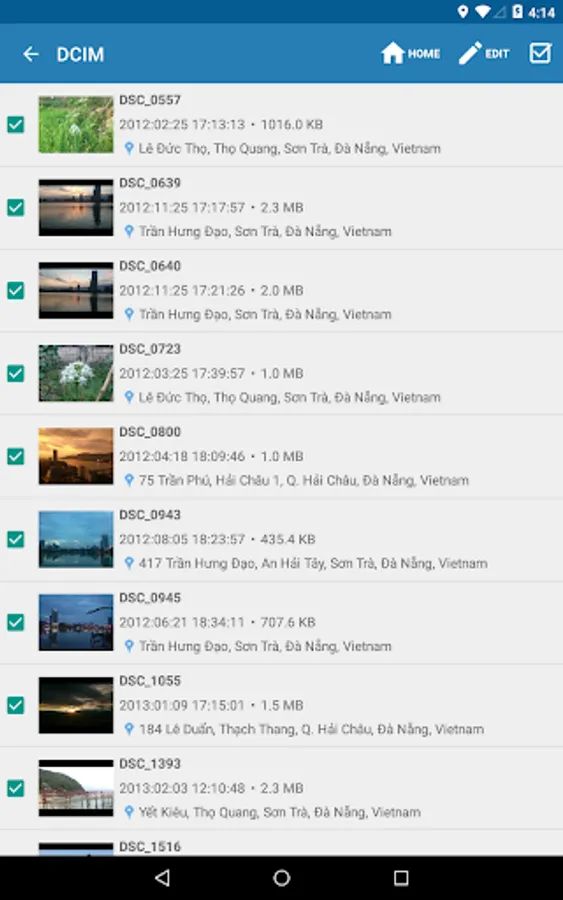
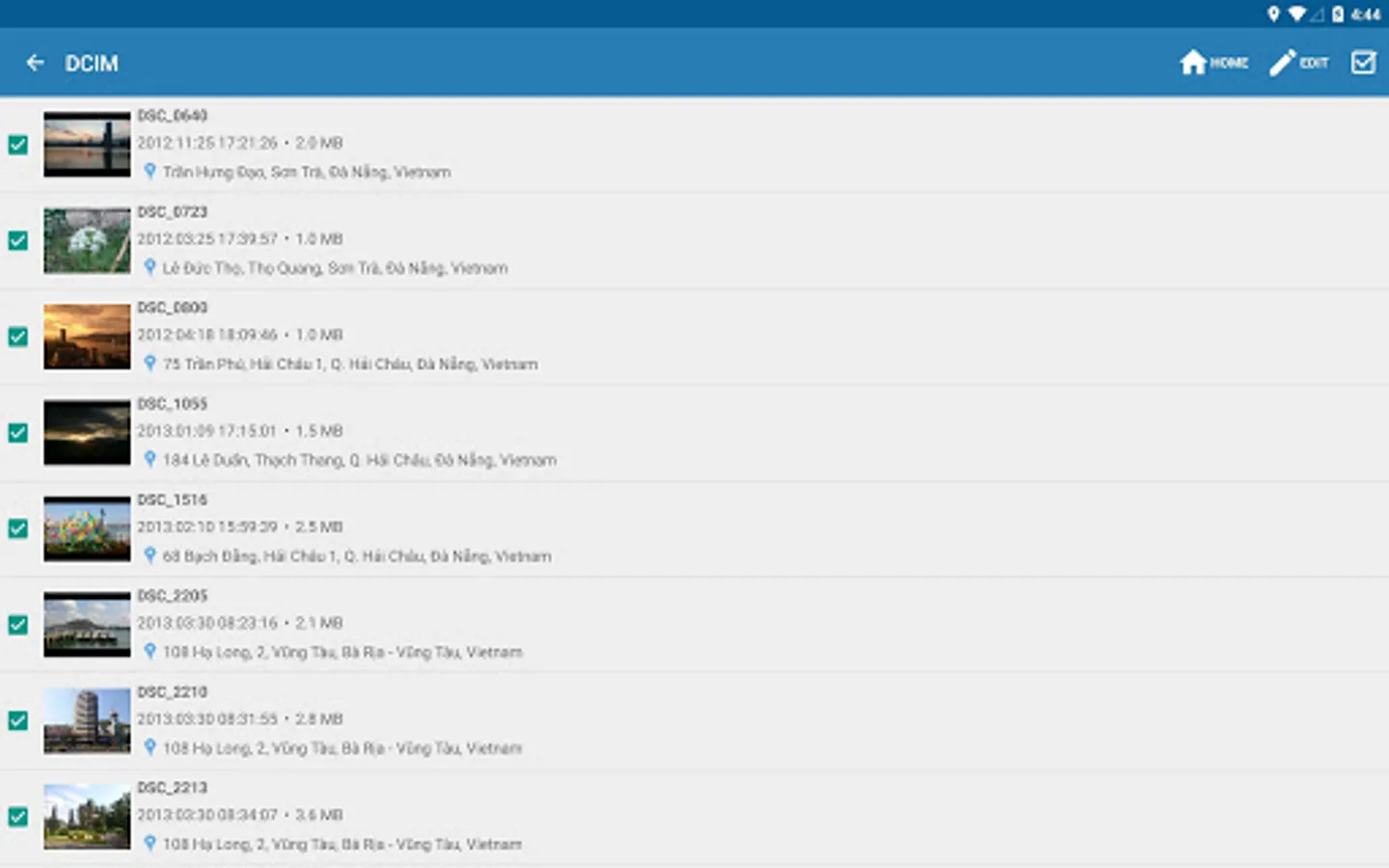
• Browse and view Exif information from Android Gallery or from Photo Exif Editor's integrated photo browser.
• Add or correct the location where photo was taken using Google Maps.
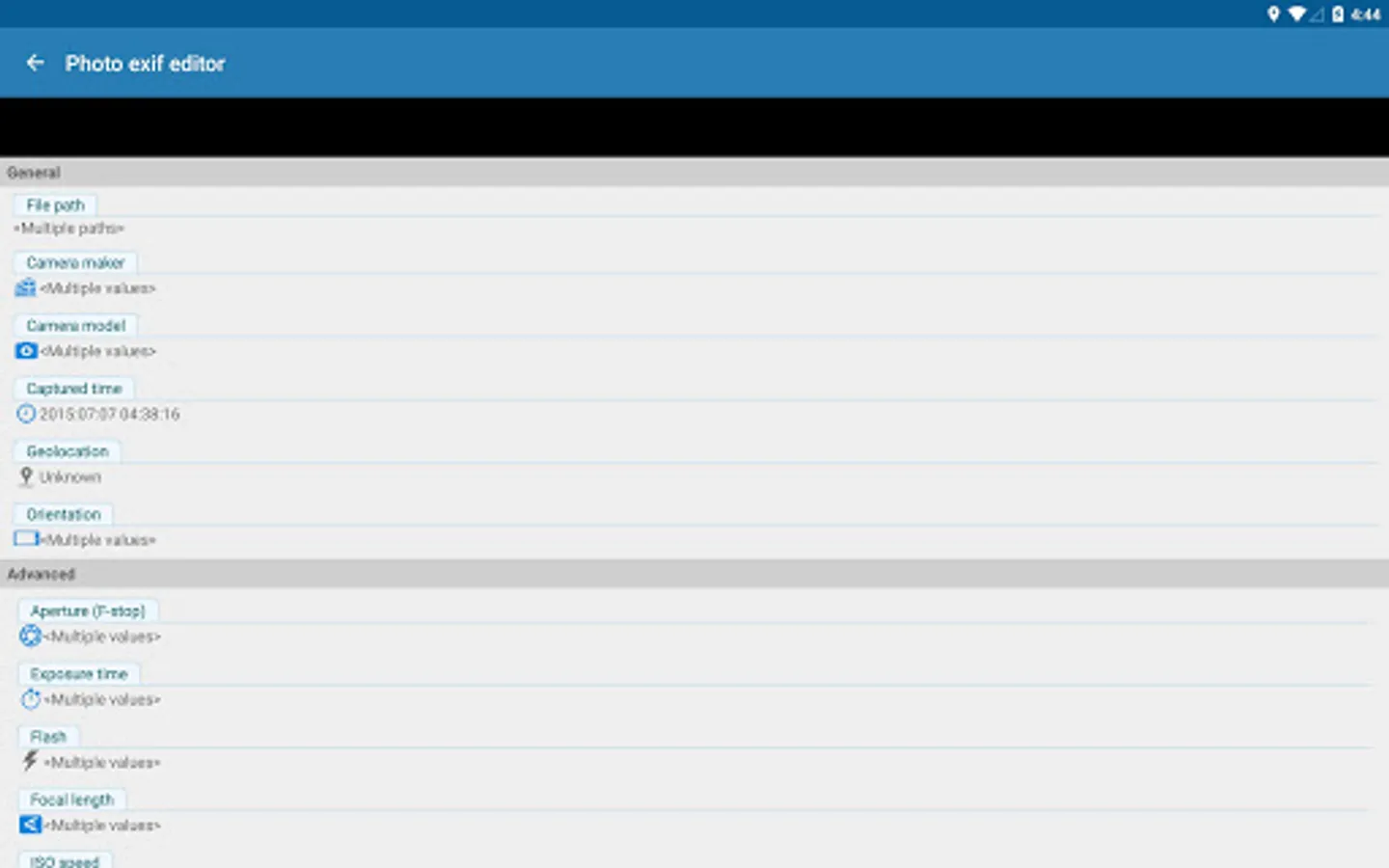
• Batch editing multiple photos.
• Remove all photo information to protect your privacy.
• Add, modify, remove EXIF tags:
- GPS coordinates/GPS location
- Camera model
- Camera maker
- Captured time
- Orientation (rotation)
- Aperture
- Shutter speed
- Focal length
- ISO speed
- White balance.
- And much more tags...
• HEIF, AVIF Converter
- Convert from HEIF, HEIC, AVIF images to JPEG or PNG (Keep exif data)
This is merged from our another app "HEIC/HEIF/AVIF 2 JPG Converter"
Other applications can share directly the HEIF, AVIF images to this app for converting files
File types supported
- JPEG: Read and Write EXIF
- PNG (Extensions to the PNG 1.2 Specification): Read and Write EXIF - Since 2.3.6
- HEIF, HEIC, AVIF: Convert to jpeg, png: Since 2.2.22
What's next?
- Support editing EXIF of WEBP
- Support reading EXIF of DNG
If you're facing any problem, want new feature or have feedback to improve this application, don't hesitate to send it to us via the support email: support@xnano.net
Permission explanation:
- WiFi Permission: This application requires network connection to load the Map (Google Map).
- Location permission: This is an optional permission to allow the Map to identify your current location.
- (Android 12+) Manage media: With this permission granted, app will not display the write request on each saving
- (Android 9+) Media location (geolocation of media files): Need to read and write geolocation of files.
We do not store, collect or share the location/information of your images/data anywhere!
For example in the case of application Maps", there is a button on the map, when you taps on it, the map moves to your current location.
On Android 6.0 (Marshmallow) and above, you can choose to deny this location permission.
Photo Exif Editor - Metadata Screenshots






Tap to Rate:
Reviews for Photo Exif Editor - Metadata
clive g
3/7/2026
Ive been using this app for tears, but suddenly it has start3d crashing on start up, despite being uninstalled and reinstalled. Previously, this app did the basic editing well. It would be good to be able to select folders to be included or excluded from the listings.
John Roguetech
2/18/2026
Works. The selection tool doesn't seem to allow drag selecting, so doing more than a couple hundred is aggravating, but as a one-time thing, not terrible.