
In this app, you can turn off individual pixels to reduce screen brightness and save battery on AMOLED screens. Includes a screen pattern editor and automatic pixel shift feature.
AppRecs review analysis
AppRecs rating 3.8. Trustworthiness 0 out of 100. Review manipulation risk 0 out of 100. Based on a review sample analyzed.
★★★☆☆
3.8
AppRecs Rating
Ratings breakdown
5 star
56%
4 star
12%
3 star
6%
2 star
8%
1 star
18%
What to know
✓
Good user ratings
68% positive sampled reviews
✓
Authentic reviews
Natural distribution, no red flags
About Pixel Filter
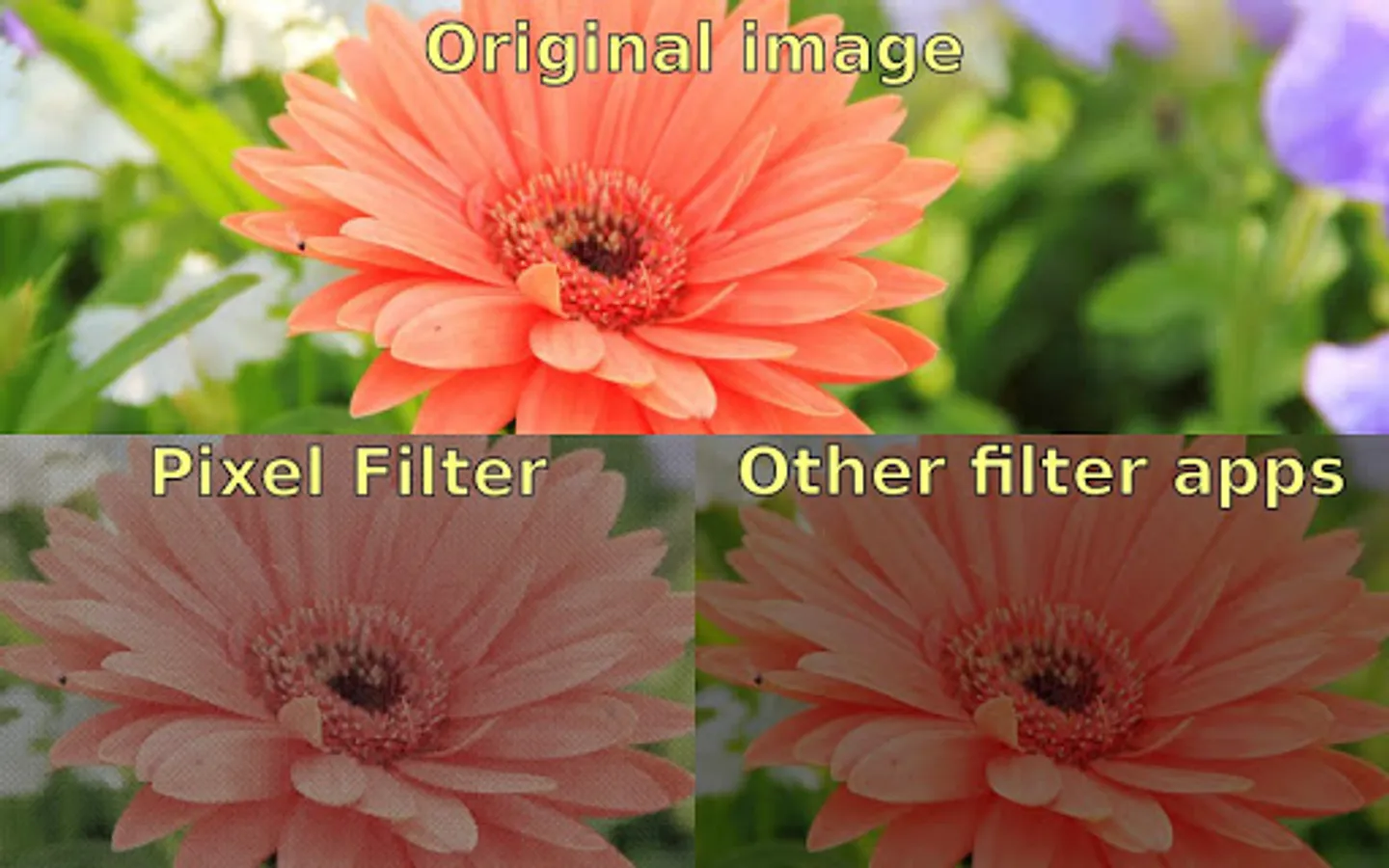
Decrease screen brightness below minimum level, by turning off individual pixels. This way the screen contrast is kept at the same level.
Save battery on newer AMOLED screens - they will turn off black pixels completely.
Tap app icon 3 times to show settings dialog.
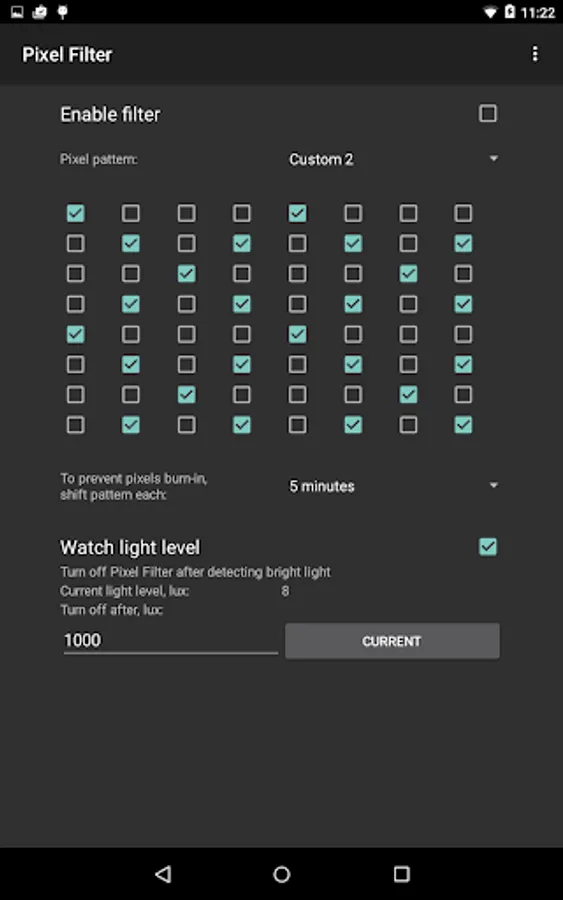
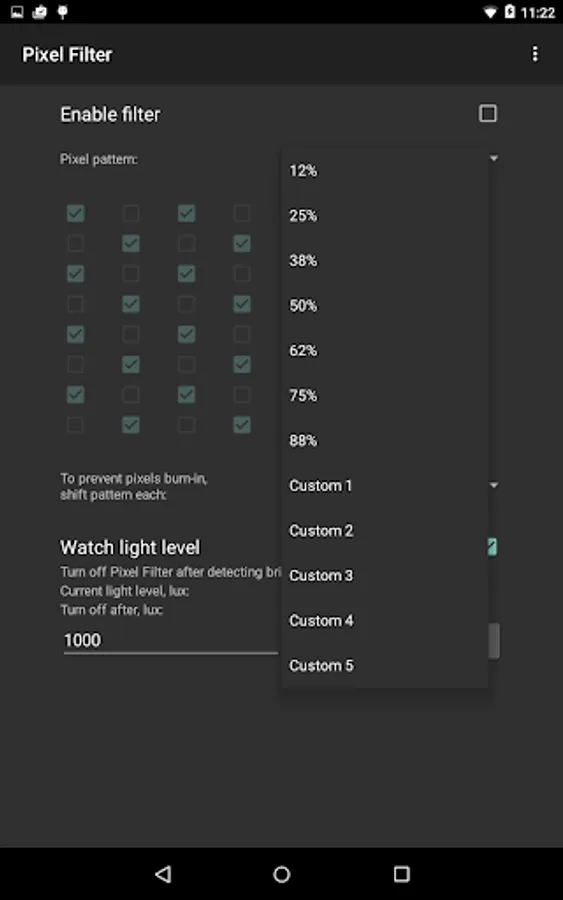
Includes screen pattern editor.
Screen pattern is shifted each 5 minutes to prevent uneven pixel wear-out.
This app has limited functionality on Android 7 and newer, it cannot dim system buttons and notification area, because of new security model in Android 7.
App sources available here: https://github.com/pelya/screen-dimmer-pixel-filter
Save battery on newer AMOLED screens - they will turn off black pixels completely.
Tap app icon 3 times to show settings dialog.
Includes screen pattern editor.
Screen pattern is shifted each 5 minutes to prevent uneven pixel wear-out.
This app has limited functionality on Android 7 and newer, it cannot dim system buttons and notification area, because of new security model in Android 7.
App sources available here: https://github.com/pelya/screen-dimmer-pixel-filter
Pixel Filter Screenshots
Tap to Rate: