In this multiplayer shooter, players engage in online and offline matches using various control modes and weapon configurations. Includes support for gamepads, voice chat, VR, and custom server hosting.
AppRecs review analysis
AppRecs rating 4.0. Trustworthiness 82 out of 100. Review manipulation risk 26 out of 100. Based on a review sample analyzed.
★★★★☆
4.0
AppRecs Rating
Ratings breakdown
5 star
54%
4 star
17%
3 star
9%
2 star
3%
1 star
17%
What to know
✓
Low review manipulation risk
26% review manipulation risk
✓
Credible reviews
82% trustworthiness score from analyzed reviews
✓
Good user ratings
71% positive sampled reviews
About OpenArena
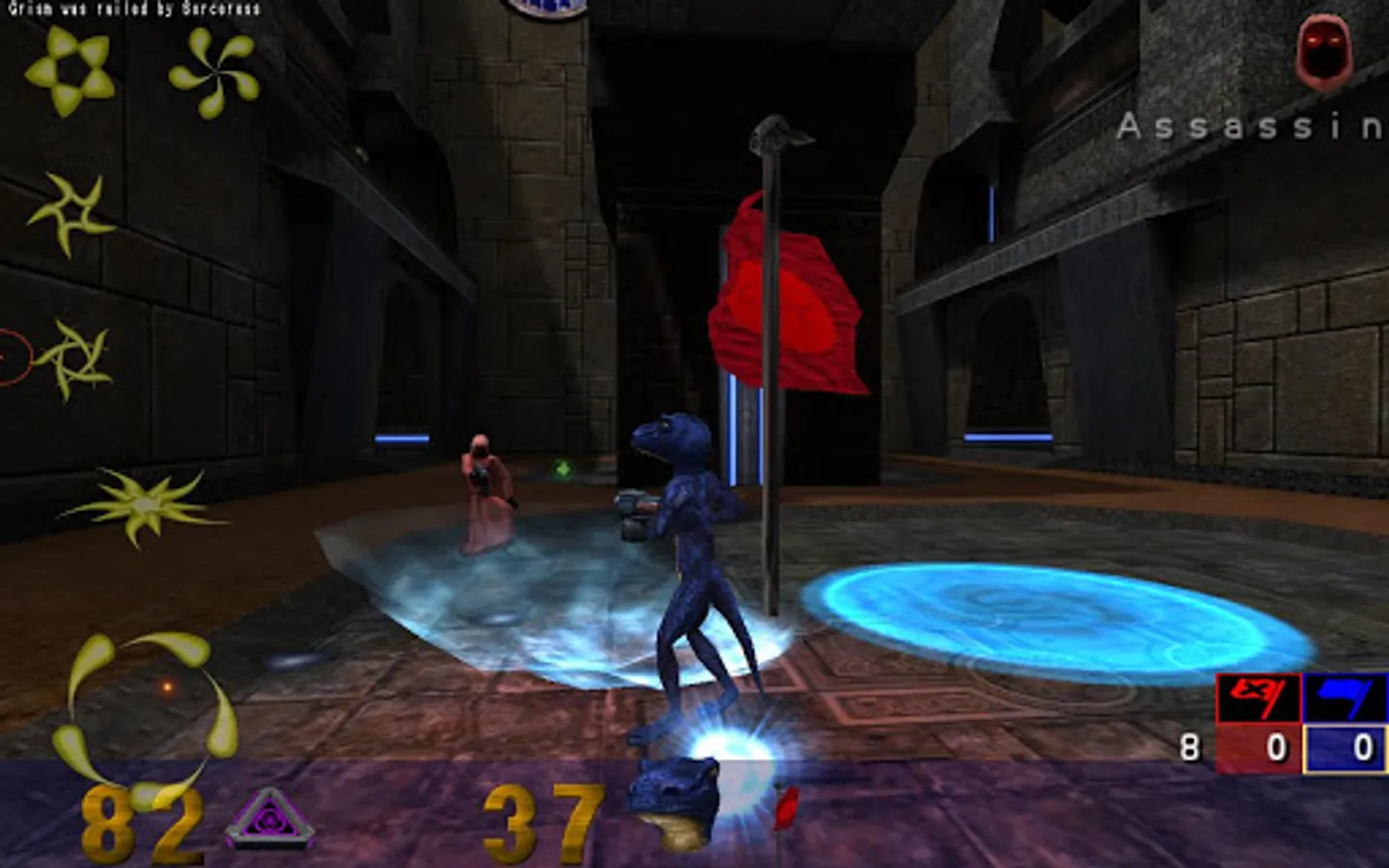
Multiplayer 3D shooter, based on Quake 3 Arena FPS.
Supports online matches and offline play with bots. Deathmatch, Capture the Flag and 10 other game modes are available.
Gamepad is required for Android TV.
Five touchscreen control modes available:
shoot button mode is similar to other mobile 3D shooters.
tap to shoot mode moves fire button under your finger, so you never miss it.
floating crosshair mode allows for faster aiming - drag crosshair across the screen to shoot, touch screen borders to look around.
shoot under finger mode shoots where you touch, but does not move crosshair from the center of the screen.
aim under finger mode is similar, but moves fire button under your finger instead of shooting immediately.
Swipe the screen to quickly rotate 180 degrees.
Double-tap joystick to jump.
Touch weapon icons at the top to select a weapon.
You can configure buttons layout by clicking Change device config button when the game starts, then selecting On-screen keyboard and Customize layout.
You can switch to first-person view in settings.
Voice chat is supported - switch Voice chat option to Shake and talk, and shake phone during game to send your voice to other players. Some servers may disallow voice chat.
You can enter console commands using button at upper-left, start command with / symbol.
Gyroscope aiming is supported (not all devices have gyroscope).
Gamepads with two analog sticks are supported (PS3, Xbox gamepads, SHIELD).
Google Cardboard VR is supported, you will need a gamepad to use it.
Mouse will not be supported, because it's technically impossible on non-rooted Android, and because it gives an unfair advantage over other players.
Source code can be downloaded from https://sourceforge.net/projects/libsdl-android/files/OpenArena/
You can run your own dedicated server, using this package: http://sourceforge.net/projects/libsdl-android/files/OpenArena/OpenArena-dedicated-server-0.8.8.32.tar.gz
More info about running servers at http://openarena.wikia.com/wiki/Servers
Supports online matches and offline play with bots. Deathmatch, Capture the Flag and 10 other game modes are available.
Gamepad is required for Android TV.
Five touchscreen control modes available:
shoot button mode is similar to other mobile 3D shooters.
tap to shoot mode moves fire button under your finger, so you never miss it.
floating crosshair mode allows for faster aiming - drag crosshair across the screen to shoot, touch screen borders to look around.
shoot under finger mode shoots where you touch, but does not move crosshair from the center of the screen.
aim under finger mode is similar, but moves fire button under your finger instead of shooting immediately.
Swipe the screen to quickly rotate 180 degrees.
Double-tap joystick to jump.
Touch weapon icons at the top to select a weapon.
You can configure buttons layout by clicking Change device config button when the game starts, then selecting On-screen keyboard and Customize layout.
You can switch to first-person view in settings.
Voice chat is supported - switch Voice chat option to Shake and talk, and shake phone during game to send your voice to other players. Some servers may disallow voice chat.
You can enter console commands using button at upper-left, start command with / symbol.
Gyroscope aiming is supported (not all devices have gyroscope).
Gamepads with two analog sticks are supported (PS3, Xbox gamepads, SHIELD).
Google Cardboard VR is supported, you will need a gamepad to use it.
Mouse will not be supported, because it's technically impossible on non-rooted Android, and because it gives an unfair advantage over other players.
Source code can be downloaded from https://sourceforge.net/projects/libsdl-android/files/OpenArena/
You can run your own dedicated server, using this package: http://sourceforge.net/projects/libsdl-android/files/OpenArena/OpenArena-dedicated-server-0.8.8.32.tar.gz
More info about running servers at http://openarena.wikia.com/wiki/Servers
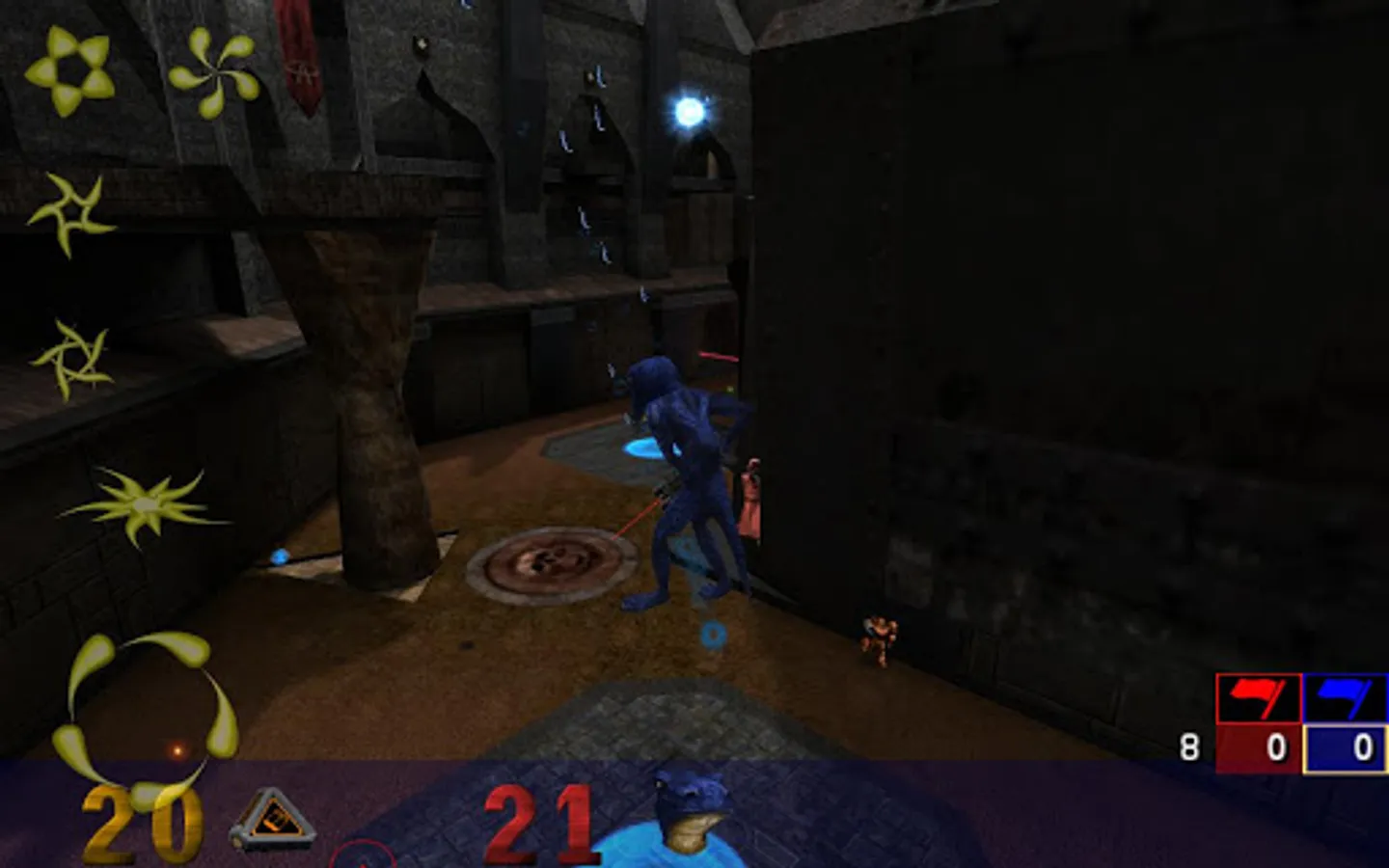
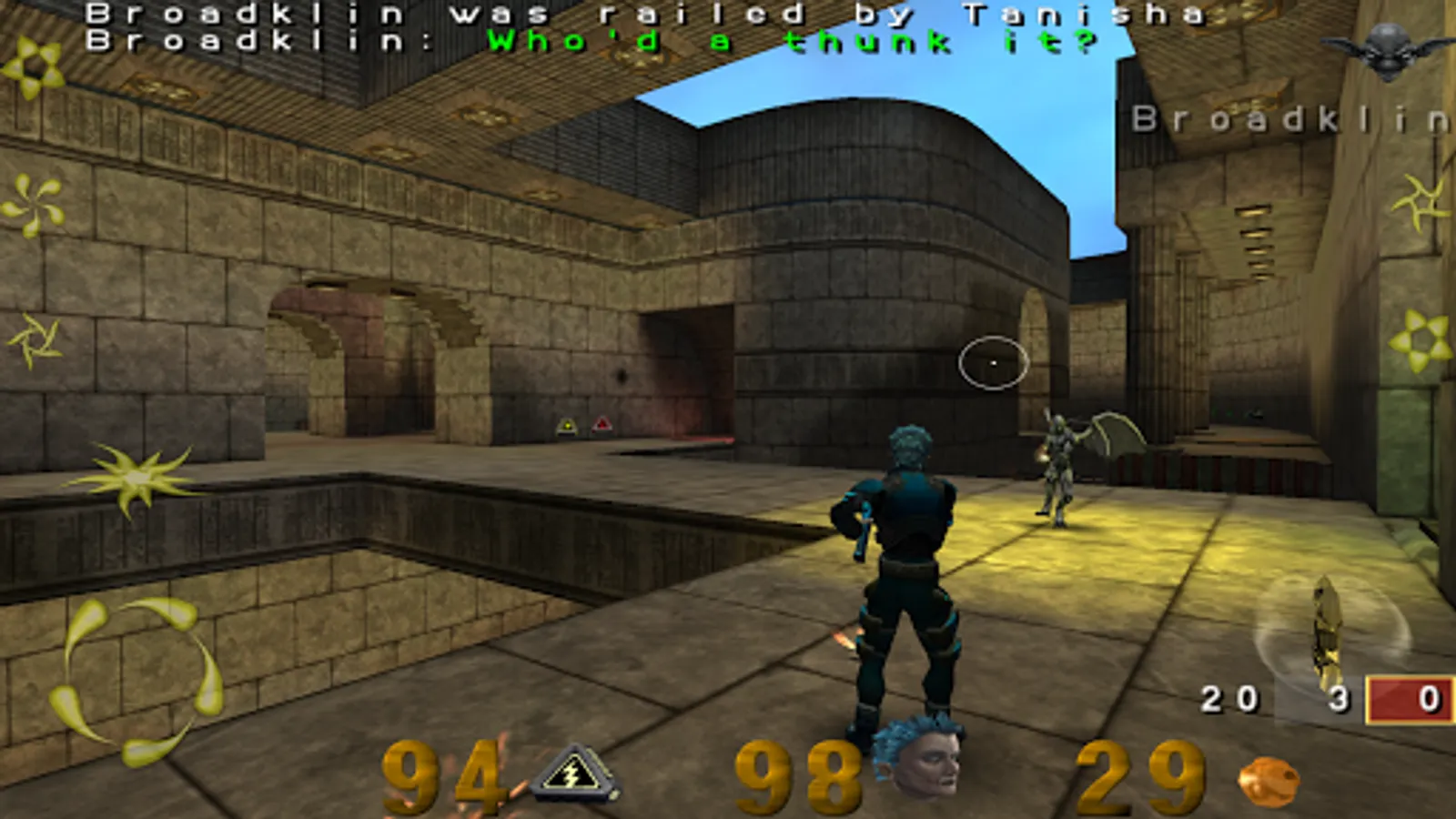
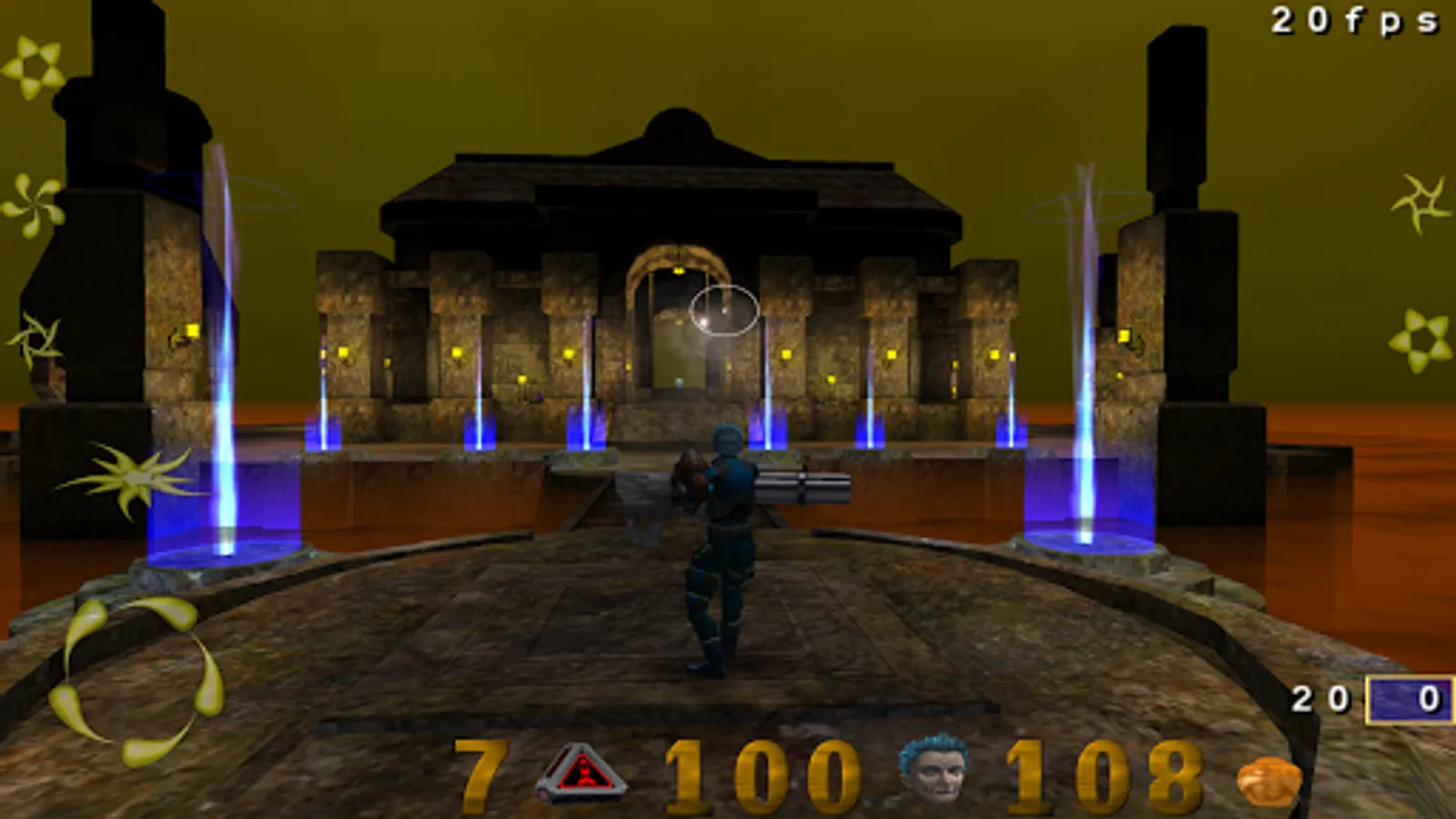
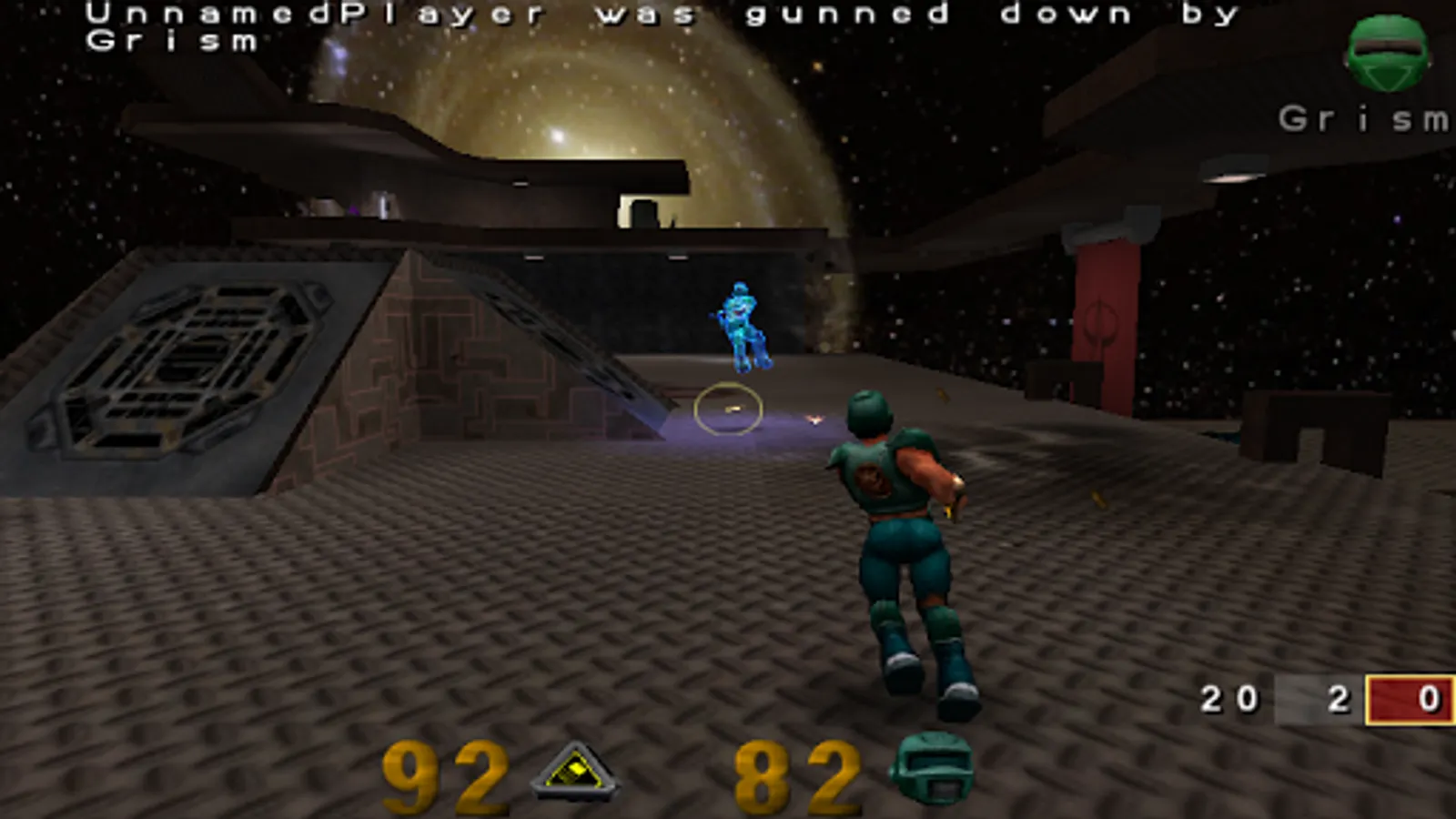
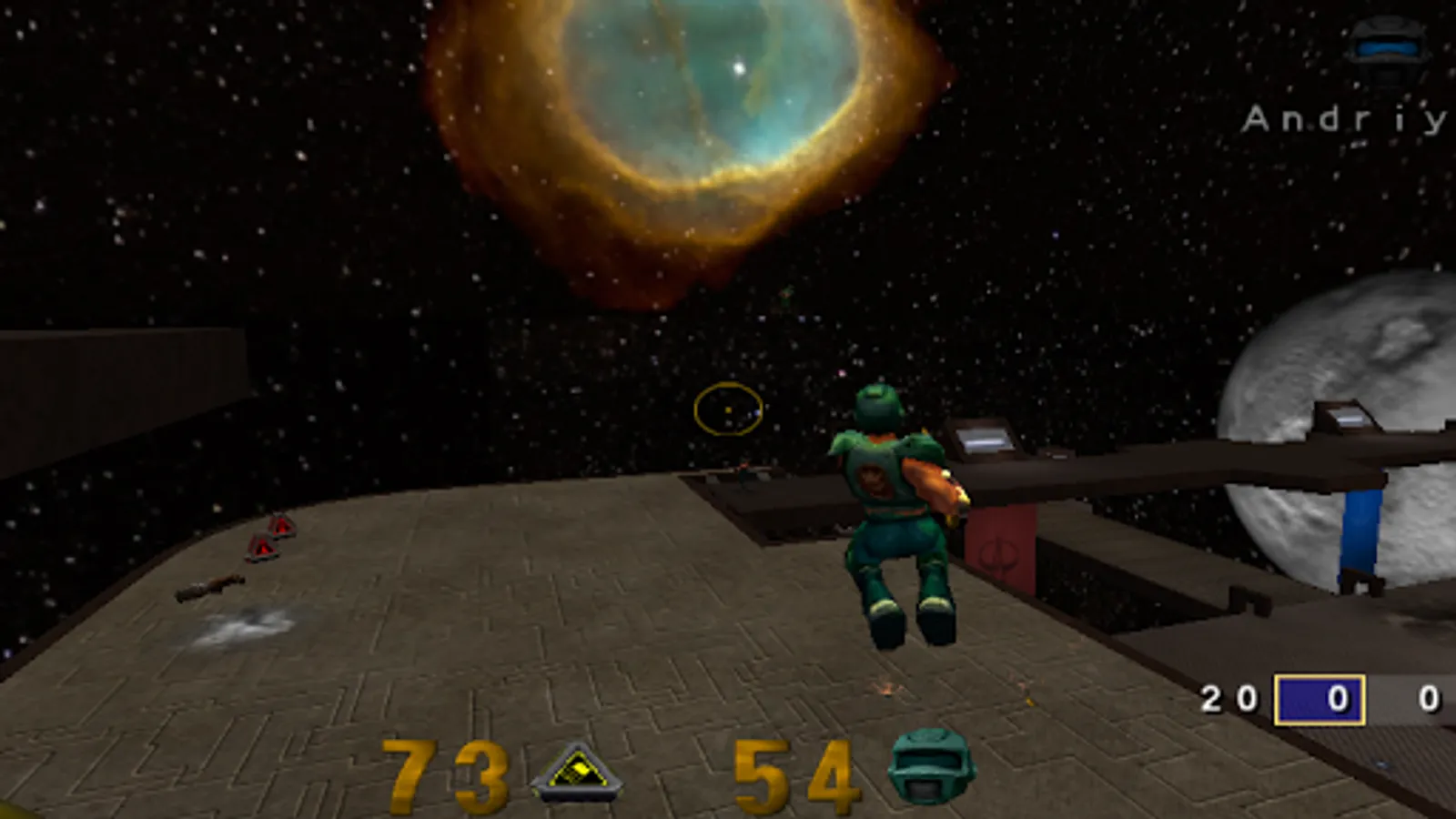
OpenArena Screenshots
Tap to Rate:
Reviews for OpenArena
ujjwal
12/25/2025
coolest game ever
Ravi Lohith
12/22/2025
OOO PPP game