
In this app, you can run a Debian Buster environment with the Xfce desktop by installing and managing packages using command-line tools. Includes package management, application installation, and configuration features.
AppRecs review analysis
AppRecs rating 3.9. Trustworthiness 79 out of 100. Review manipulation risk 27 out of 100. Based on a review sample analyzed.
★★★☆☆
3.9
AppRecs Rating
Ratings breakdown
5 star
52%
4 star
15%
3 star
9%
2 star
8%
1 star
16%
What to know
✓
Low review manipulation risk
27% review manipulation risk
✓
Credible reviews
79% trustworthiness score from analyzed reviews
✓
Good user ratings
67% positive sampled reviews
About Debian noroot
This app will install Debian Buster with Xfce desktop environment.
You do not need to root your device.
You will need 1.2 Gb free on internal storage.
A mouse or stylus is highly recommended.
This app is NOT full Debian OS - it is a compatibility layer, based on PRoot, which allows you to run user-land Debian applications.
Your phone is not rooted during installation.
Running Wireshark or Aircrack-ng will fail, because they require root.
This is not an official Debian.org release.
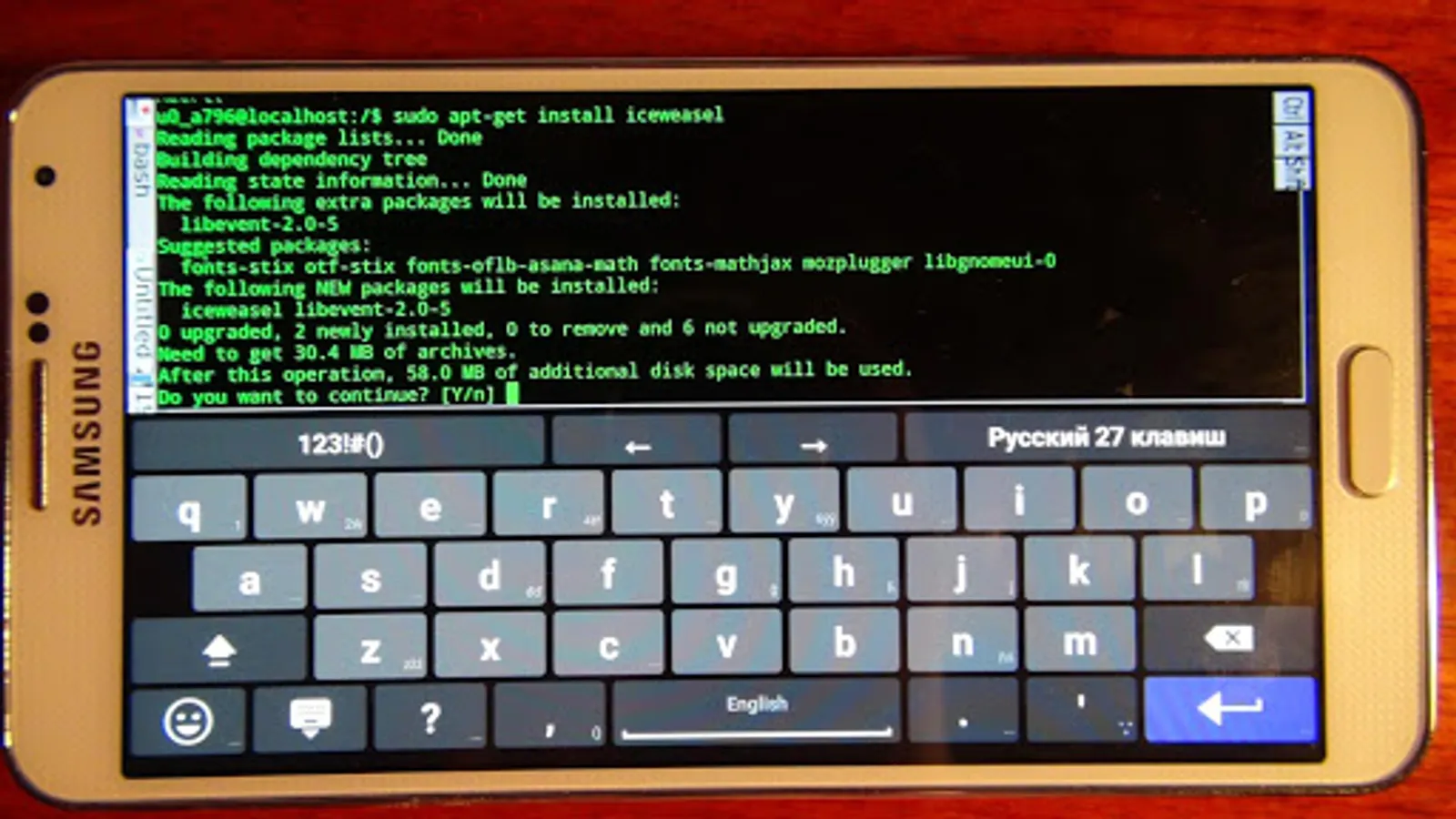
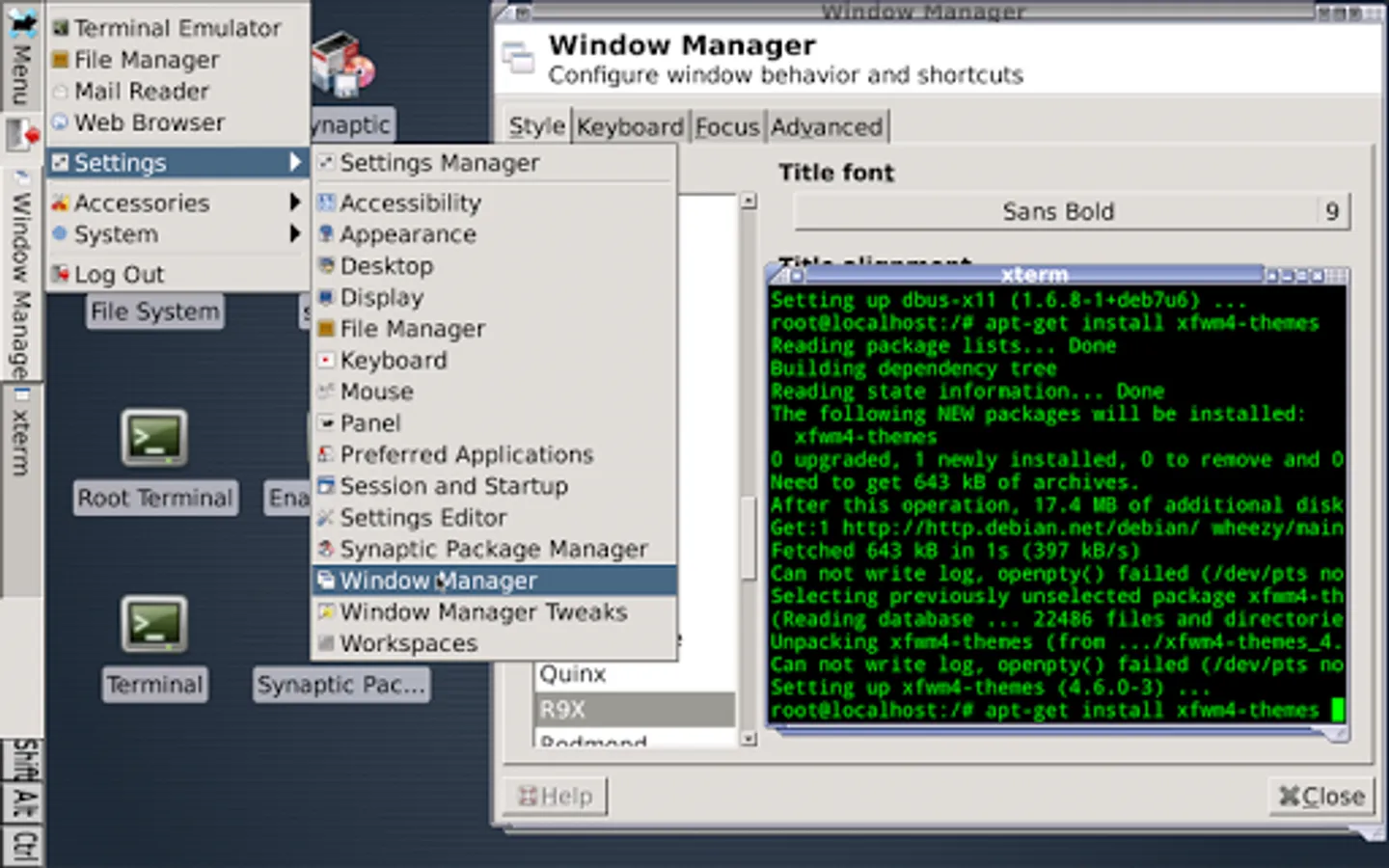
To install packages (web browser for example), open Terminal and run commands:
sudo apt-get update
sudo apt-get install chromium
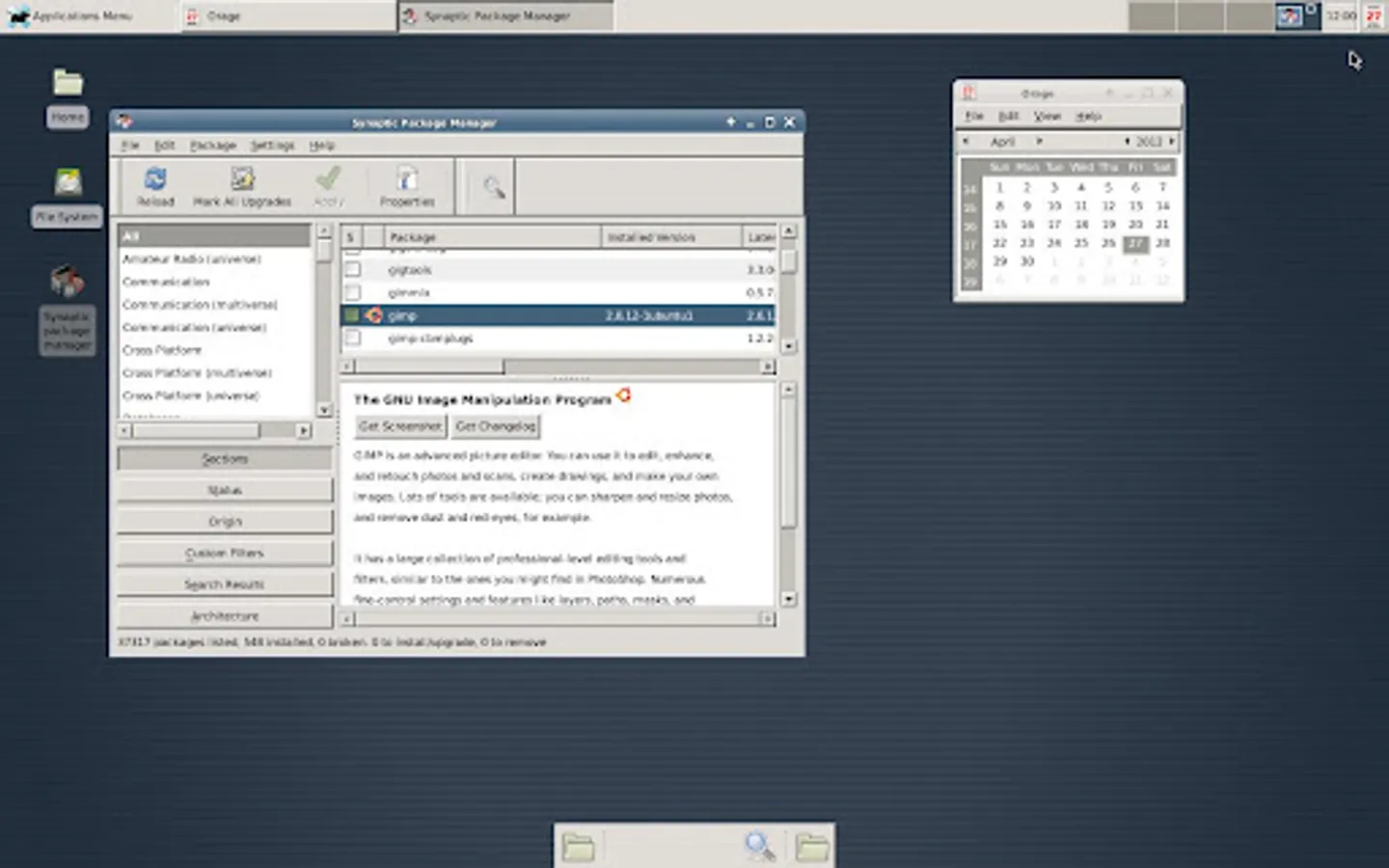
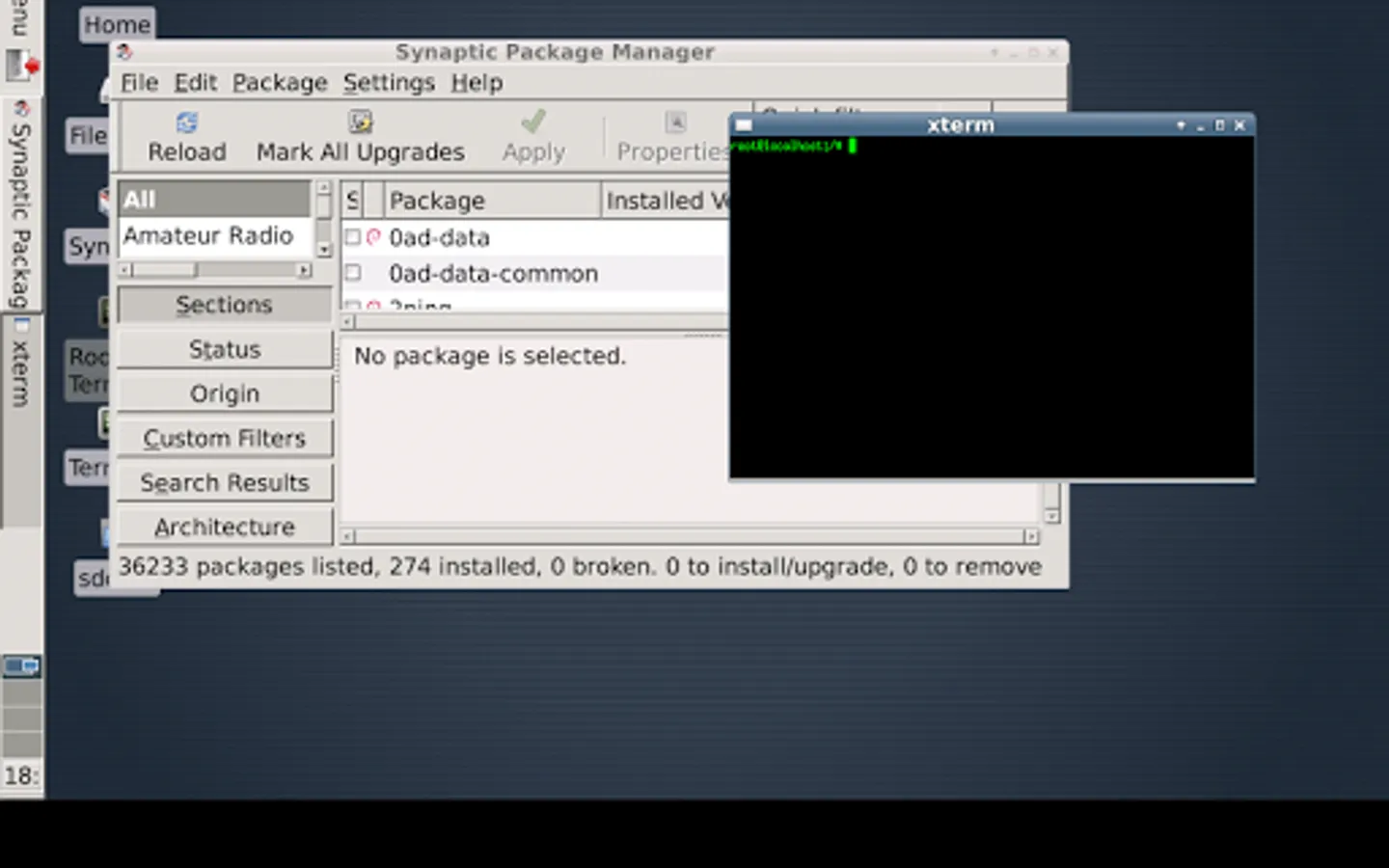
You can check full list of packages in Synaptic package manager.
Packages that work:
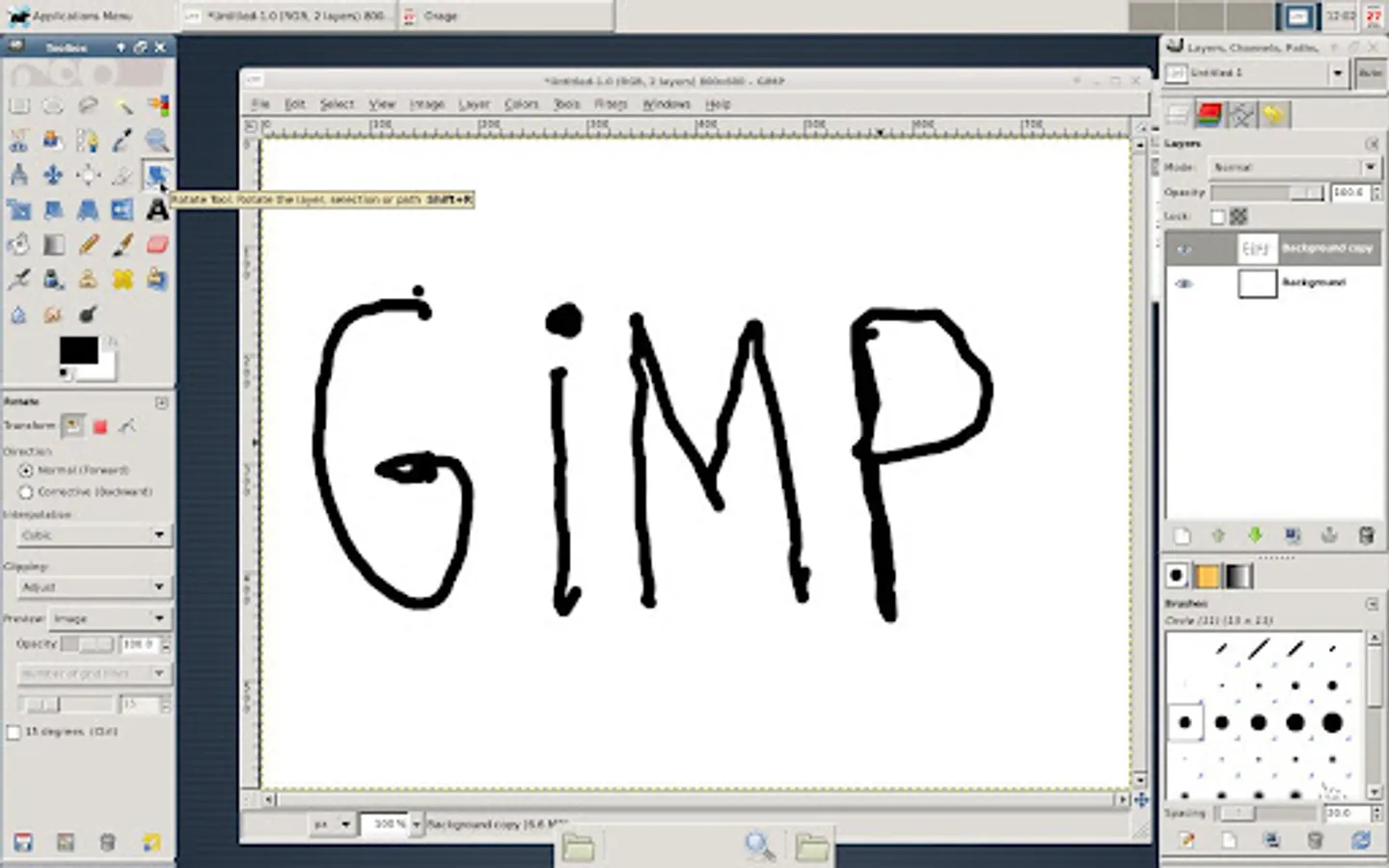
synaptic gimp inkscape clementine chromium vlc mplayer audacity lmms
In VLC and Audacity, select PulseAudio as audio output.
To run Chromium, use command:
chromium --disable-dev-shm-usage --no-sandbox
Packages that fail to run:
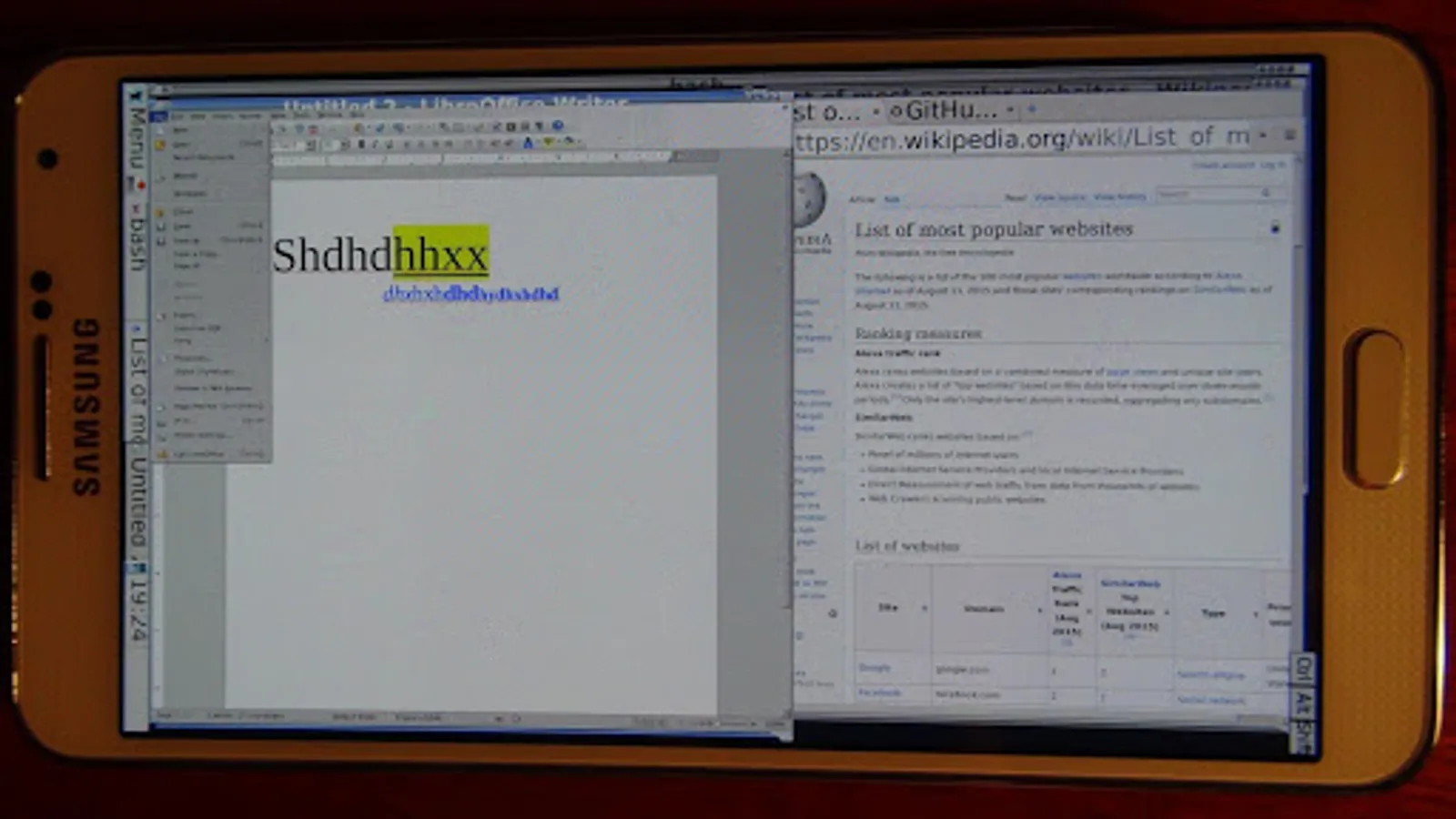
firefox-esr libreoffice konqueror kodi kdenlive blender, and anything that uses OpenGL.
Sources are here:
https://github.com/pelya/commandergenius/tree/sdl_android/project/jni/application/xserver-debian
Previous versions are here:
https://sourceforge.net/projects/libsdl-android/files/ubuntu/
You do not need to root your device.
You will need 1.2 Gb free on internal storage.
A mouse or stylus is highly recommended.
This app is NOT full Debian OS - it is a compatibility layer, based on PRoot, which allows you to run user-land Debian applications.
Your phone is not rooted during installation.
Running Wireshark or Aircrack-ng will fail, because they require root.
This is not an official Debian.org release.
To install packages (web browser for example), open Terminal and run commands:
sudo apt-get update
sudo apt-get install chromium
You can check full list of packages in Synaptic package manager.
Packages that work:
synaptic gimp inkscape clementine chromium vlc mplayer audacity lmms
In VLC and Audacity, select PulseAudio as audio output.
To run Chromium, use command:
chromium --disable-dev-shm-usage --no-sandbox
Packages that fail to run:
firefox-esr libreoffice konqueror kodi kdenlive blender, and anything that uses OpenGL.
Sources are here:
https://github.com/pelya/commandergenius/tree/sdl_android/project/jni/application/xserver-debian
Previous versions are here:
https://sourceforge.net/projects/libsdl-android/files/ubuntu/
Debian noroot Screenshots
Tap to Rate:
Reviews for Debian noroot
Stev
2/6/2026
3 different android phones fail too enable Linux use without overheating filling storage&&
Meshuggah Yam-gazlen
1/19/2026
X won't start... not usable