AppRecs review analysis
AppRecs rating . Trustworthiness 90 out of 100. Review manipulation risk 35 out of 100. Based on a review sample analyzed.
★
AppRecs Rating
Ratings breakdown
5 star
50%
4 star
0%
3 star
0%
2 star
0%
1 star
50%
What to know
✓
Credible reviews
90% trustworthiness score from analyzed reviews
About Screen Mirroring Samsung TV
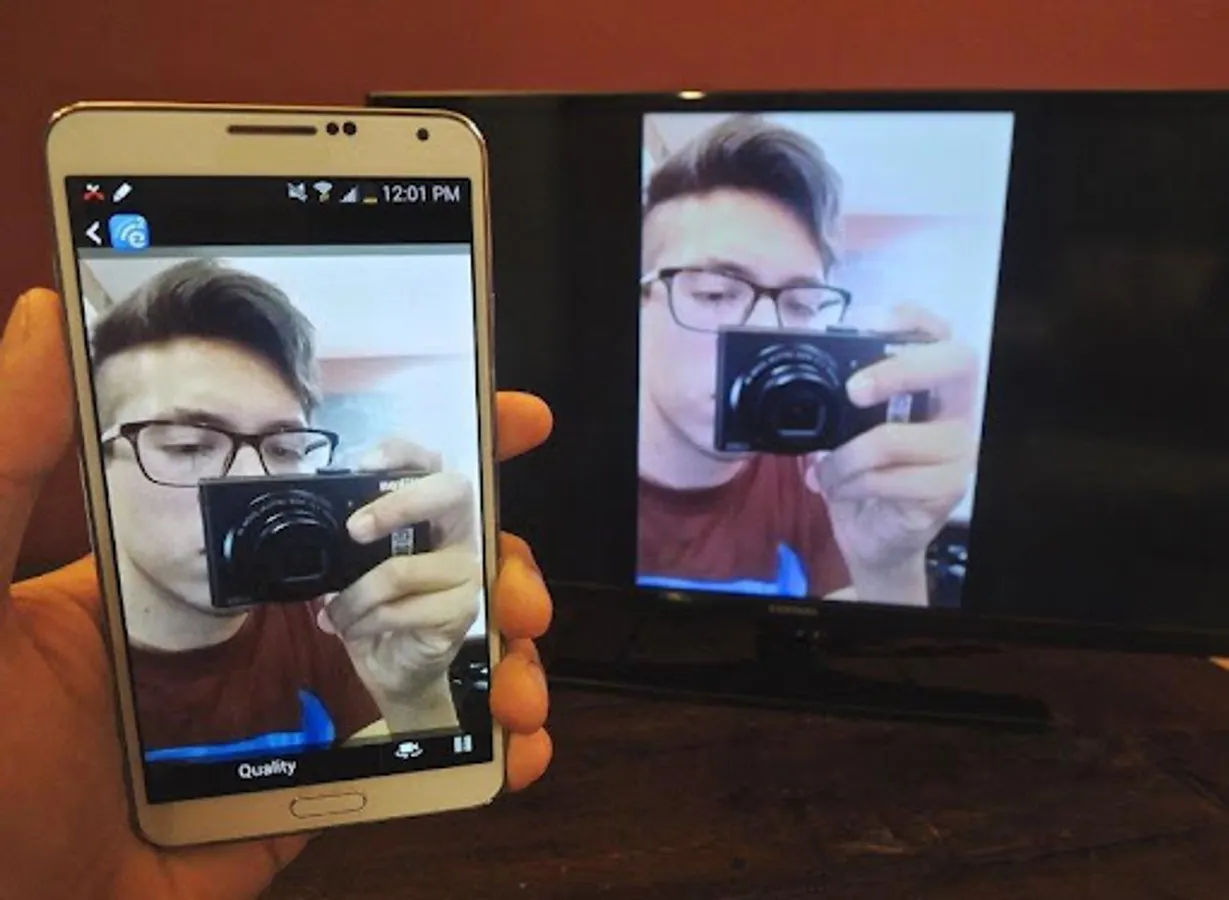
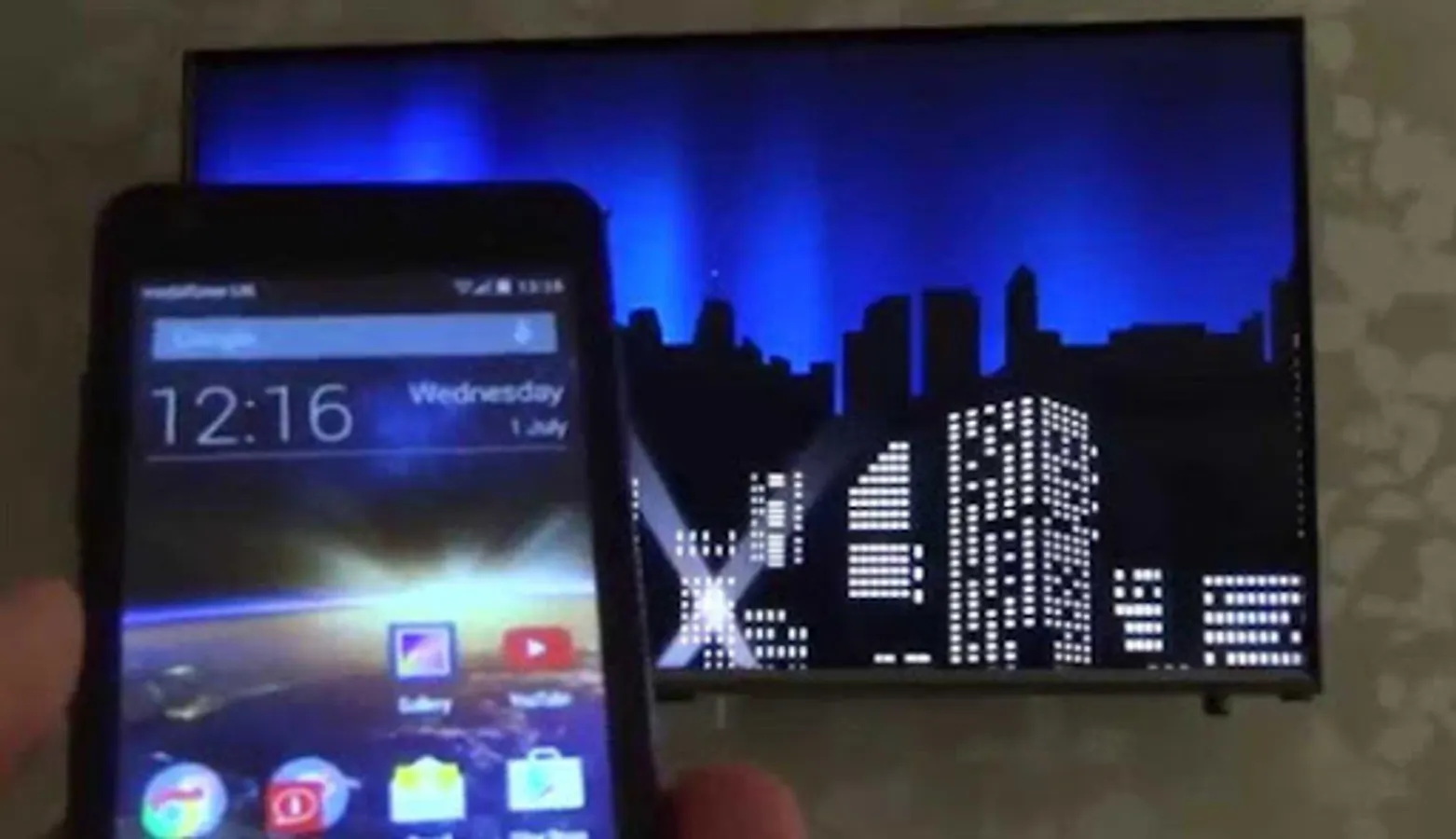
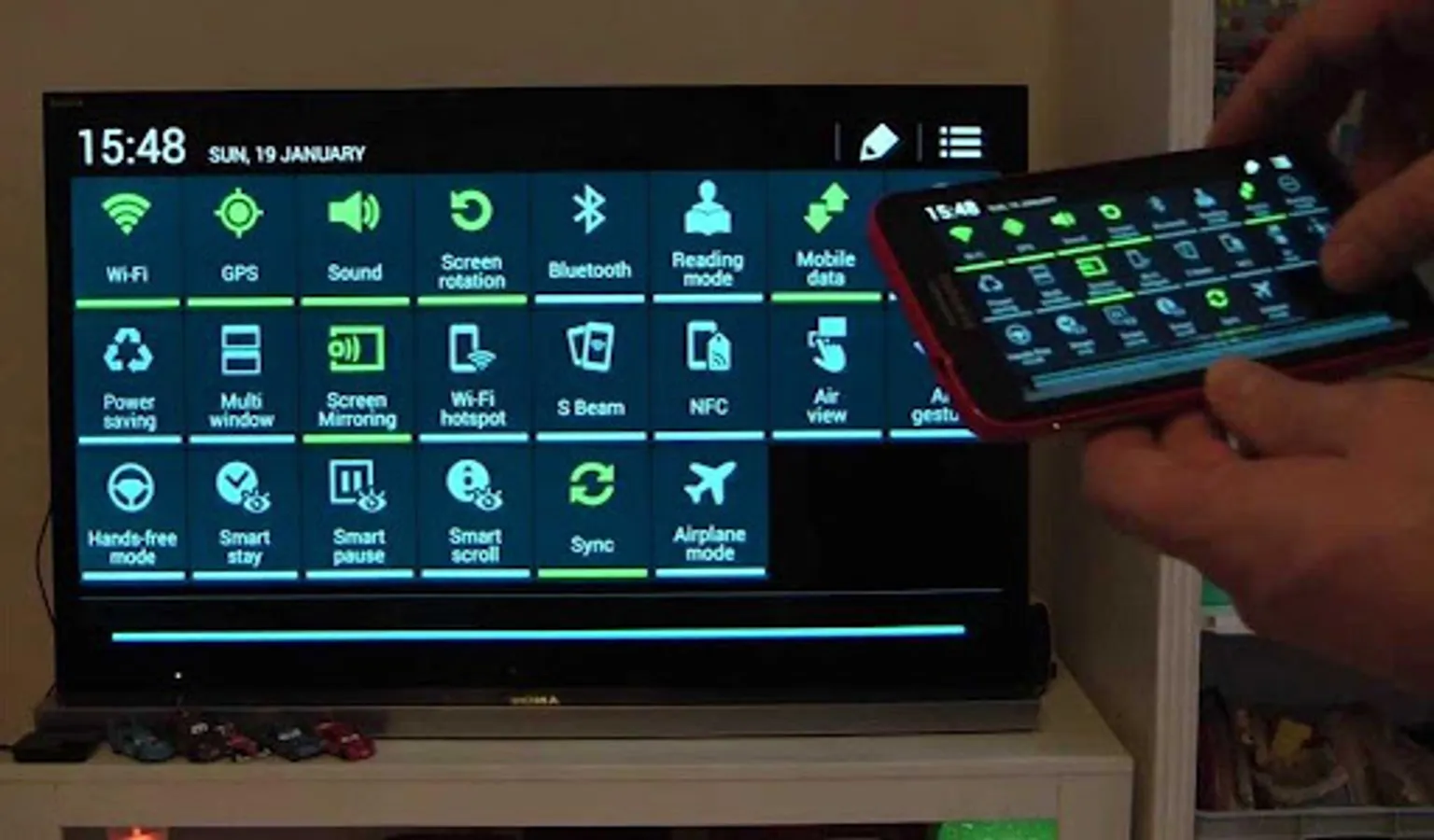
🔥 Screen Mirroring for All TV makes it easy to mirror your smartphone or tablet on any TV or compatible device. Enjoy seamless casting of your photos, videos, music, apps, and games—right on the big screen!
Whether you want to show vacation photos, enjoy movie nights, or present slides to colleagues, our screen mirror app gives you smooth and secure sharing with just a few taps.
🔑 Features & Benefits
✔️ Seamless Screen Mirroring: Connect your Android or iPhone to your TV instantly.
✔️ Share Across Devices: Works with Smart TVs, Roku, Chromecast, Fire TV, and browsers like Chrome, Safari, and Firefox.
✔️ Cast Without Limits: Mirror photos, videos, presentations, and apps in real time.
✔️ Secure Connection: Share your screen safely—your files and data remain private.
✔️ Easy Setup: Connect your phone and TV on the same WiFi, scan a QR code, and start mirroring.
✔️ Multi-Platform: Compatible with Android 5.0+, iPhone, and tablets.
📺 How It Works
Ensure your phone & TV are on the same WiFi network.
Open the app and start Screen Mirroring.
Scan the QR code or choose your TV.
Enjoy instant screen sharing with no extra software required.
🌟 Why Choose Screen Mirroring & Sharing?
Free & fast mirror cast with low delay.
Perfect for movies, gaming, and online classes.
Cast phone to TV anytime, anywhere.
📲 Download Screen Mirroring & Sharing now and turn your TV into a bigger, smarter screen!
Whether you want to show vacation photos, enjoy movie nights, or present slides to colleagues, our screen mirror app gives you smooth and secure sharing with just a few taps.
🔑 Features & Benefits
✔️ Seamless Screen Mirroring: Connect your Android or iPhone to your TV instantly.
✔️ Share Across Devices: Works with Smart TVs, Roku, Chromecast, Fire TV, and browsers like Chrome, Safari, and Firefox.
✔️ Cast Without Limits: Mirror photos, videos, presentations, and apps in real time.
✔️ Secure Connection: Share your screen safely—your files and data remain private.
✔️ Easy Setup: Connect your phone and TV on the same WiFi, scan a QR code, and start mirroring.
✔️ Multi-Platform: Compatible with Android 5.0+, iPhone, and tablets.
📺 How It Works
Ensure your phone & TV are on the same WiFi network.
Open the app and start Screen Mirroring.
Scan the QR code or choose your TV.
Enjoy instant screen sharing with no extra software required.
🌟 Why Choose Screen Mirroring & Sharing?
Free & fast mirror cast with low delay.
Perfect for movies, gaming, and online classes.
Cast phone to TV anytime, anywhere.
📲 Download Screen Mirroring & Sharing now and turn your TV into a bigger, smarter screen!
Screen Mirroring Samsung TV Screenshots
Tap to Rate:
Reviews for Screen Mirroring Samsung TV
Criptoe Supermannn
11/10/2025
love it
Ronald
4/1/2025
Casts your phone screen only with Google Chromecast device enabled. No settings, no additional features. Without this Google Chromecast device the app shows 'connected' but nothing is casted. So, why this app if Google Home does the same with lots of extra features??? Hence, completely useless app.