About Screen Mirroring Assistant
Welcome to the future of screen mirroring: the Wireless Screen Mirroring App. Experience the pinnacle of screen-sharing with unmatched quality, speed, and security.
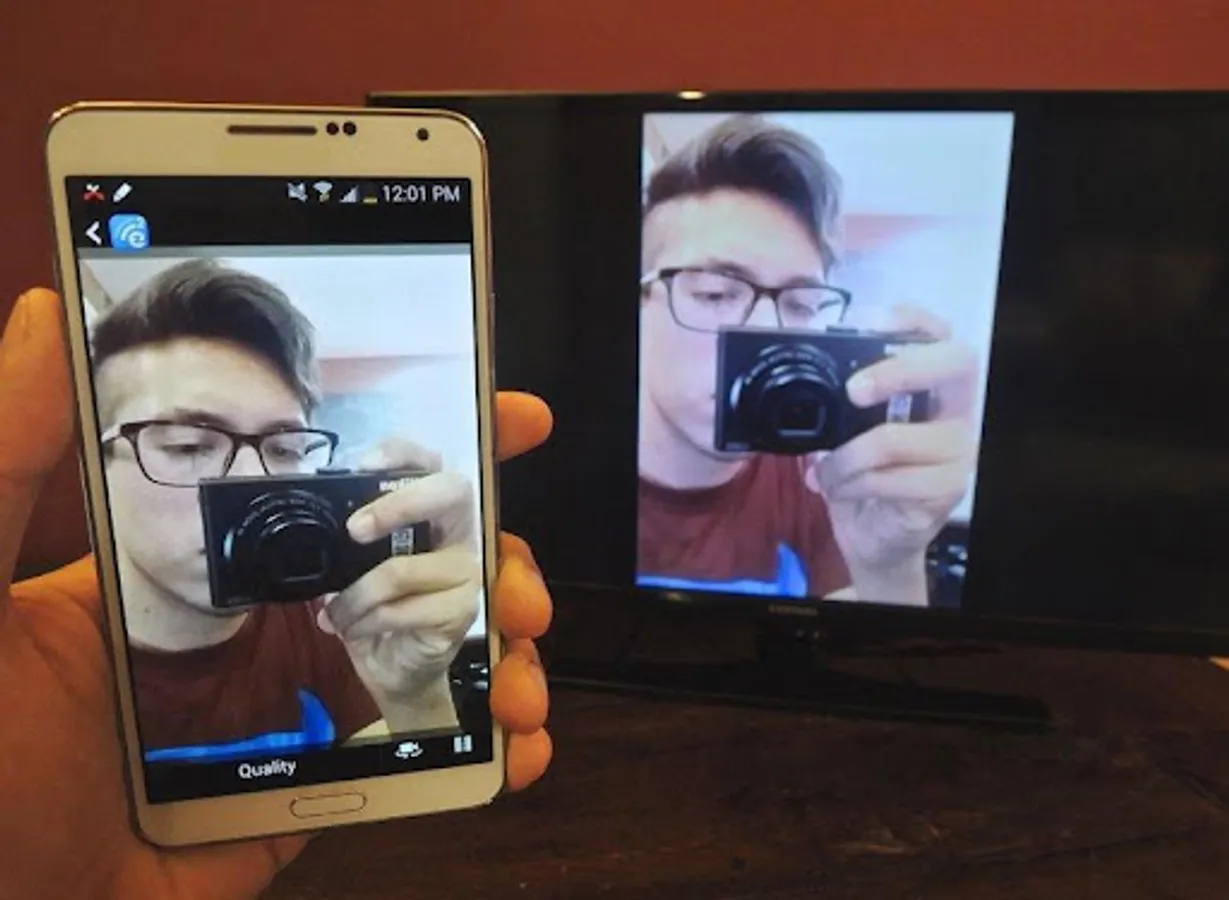
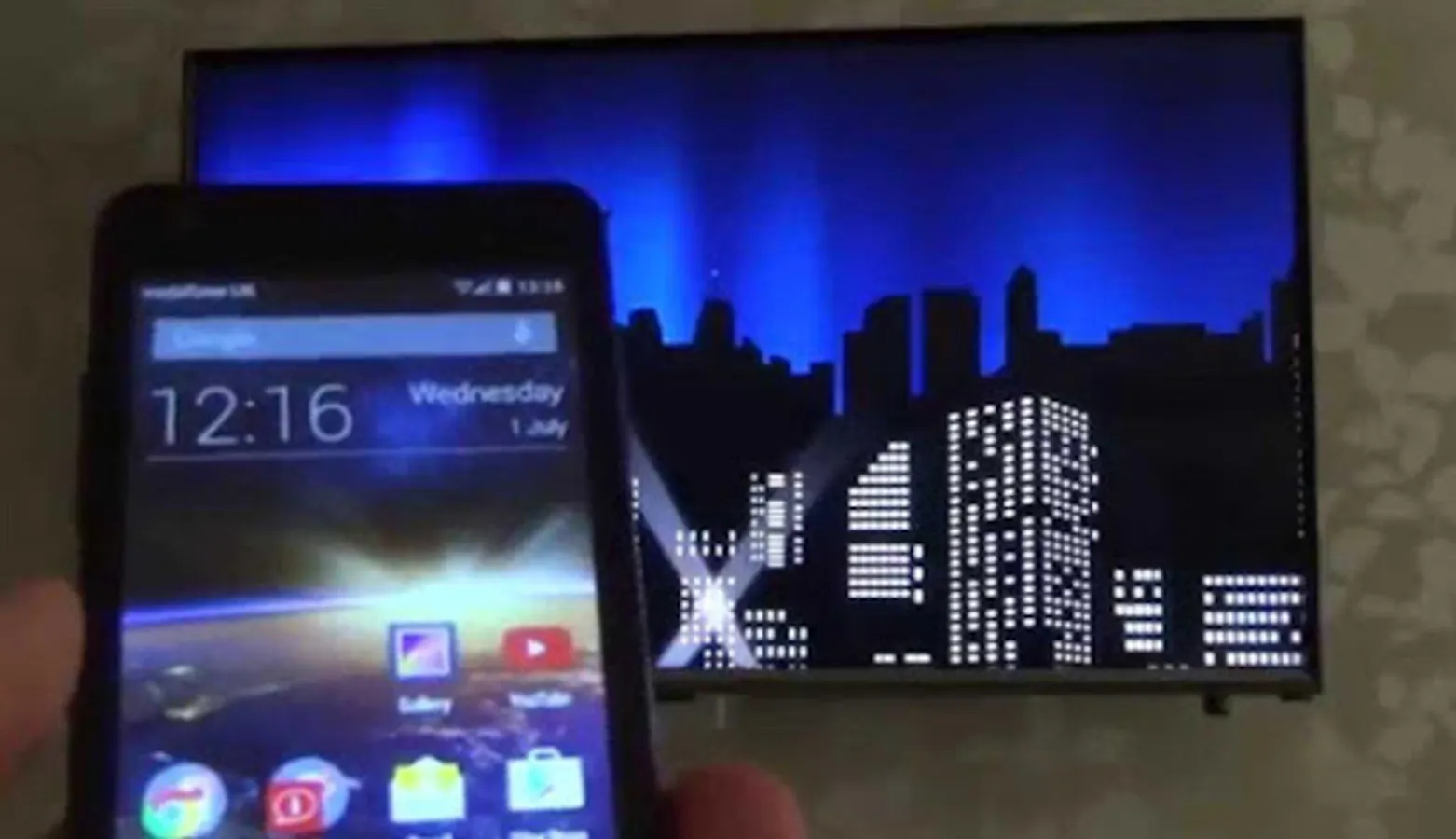
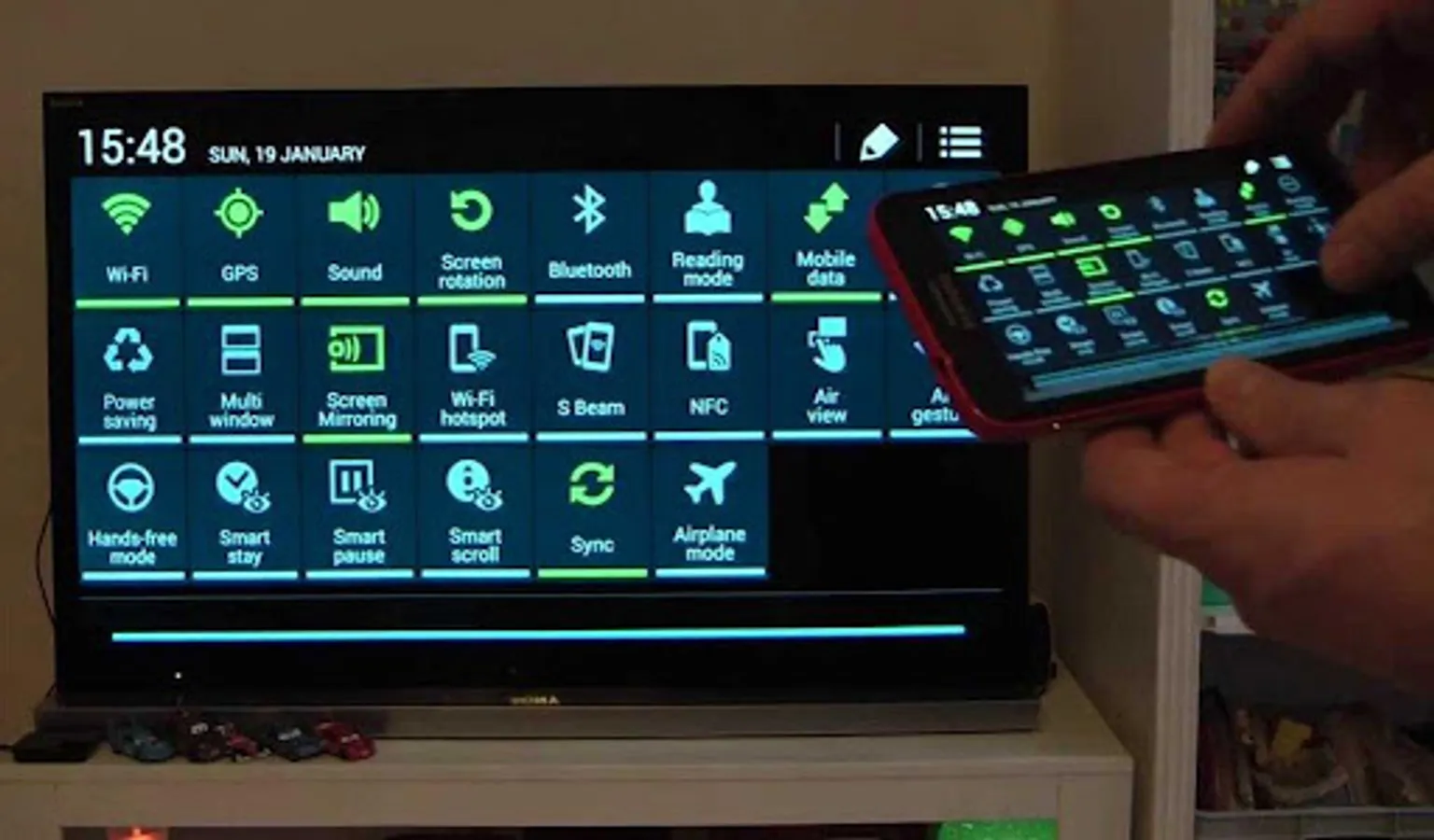
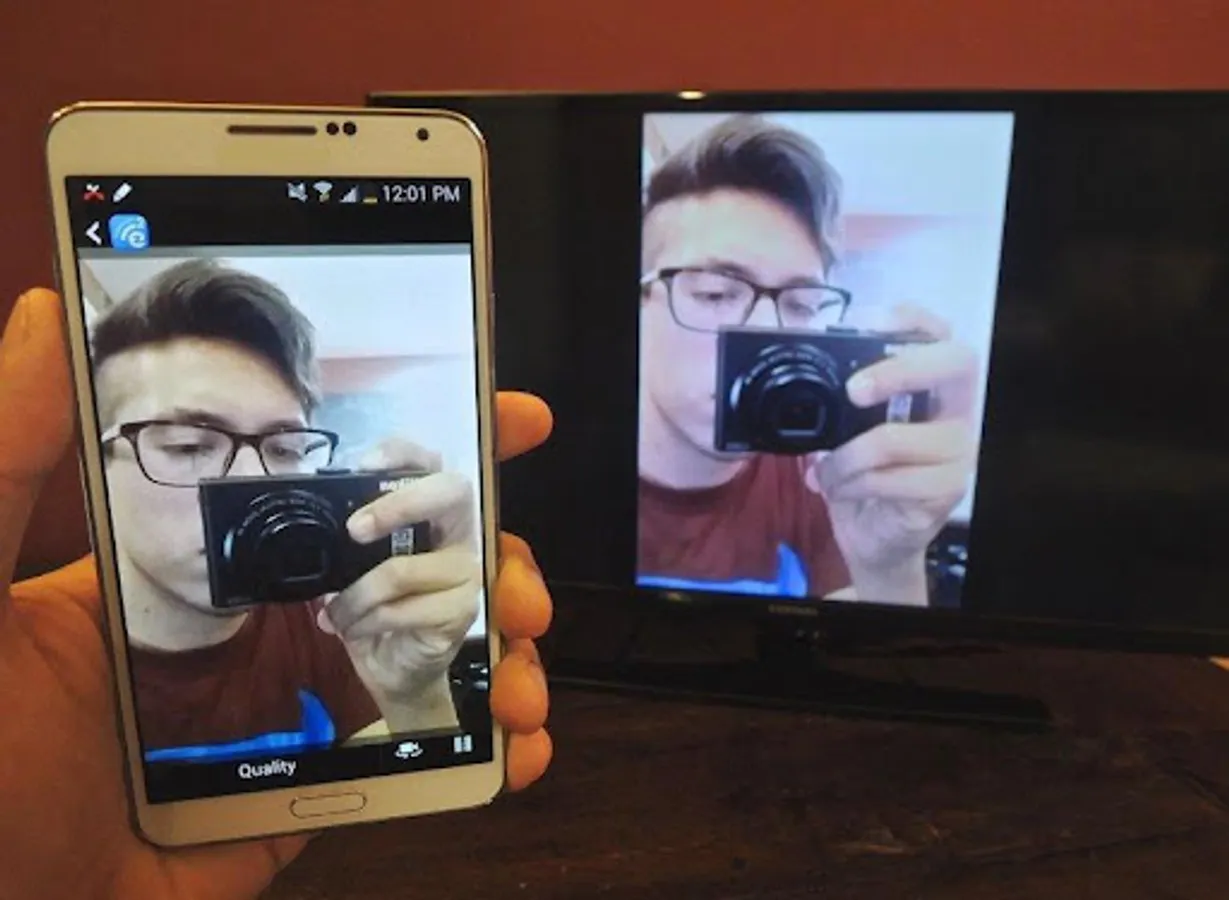
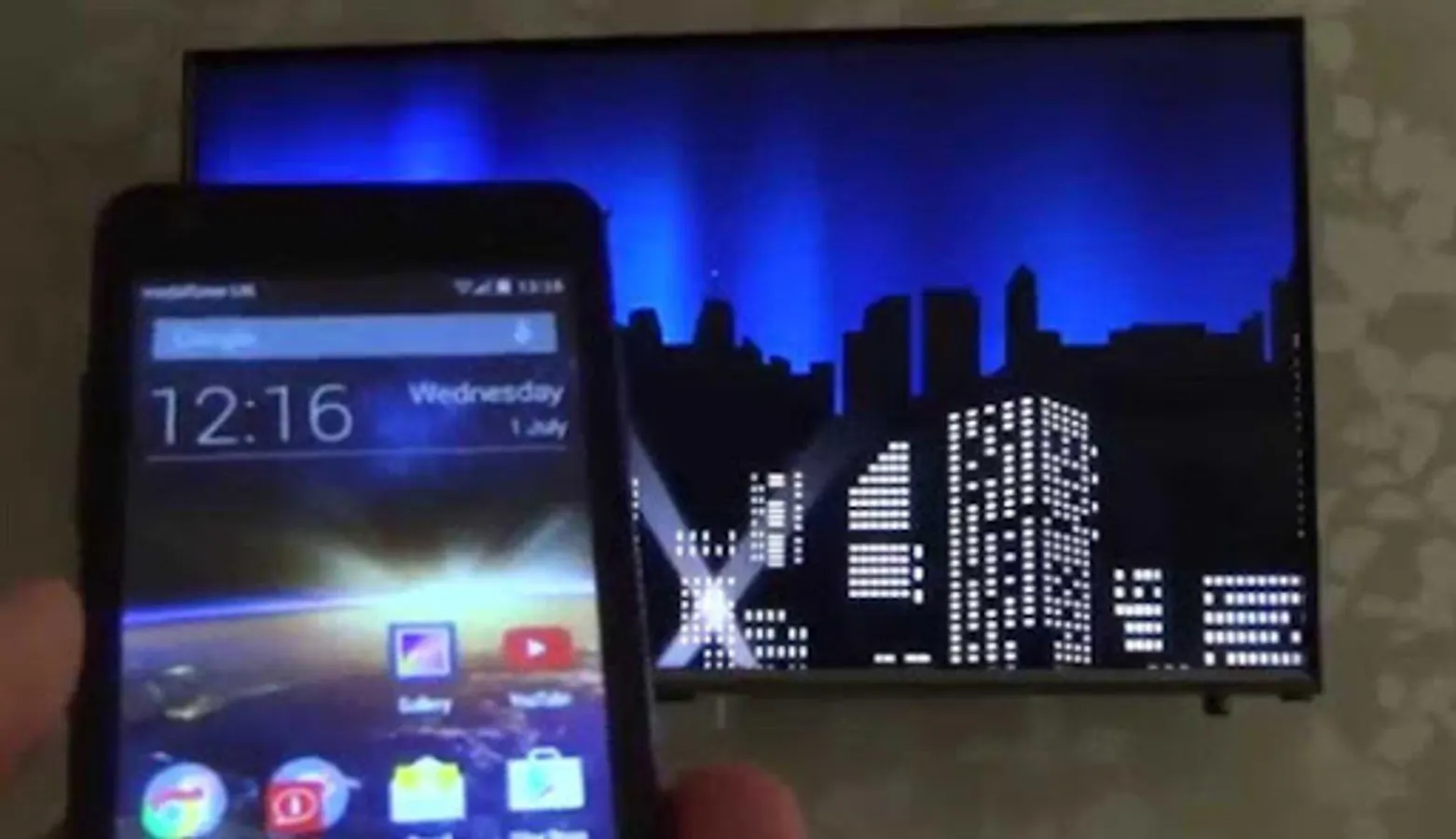
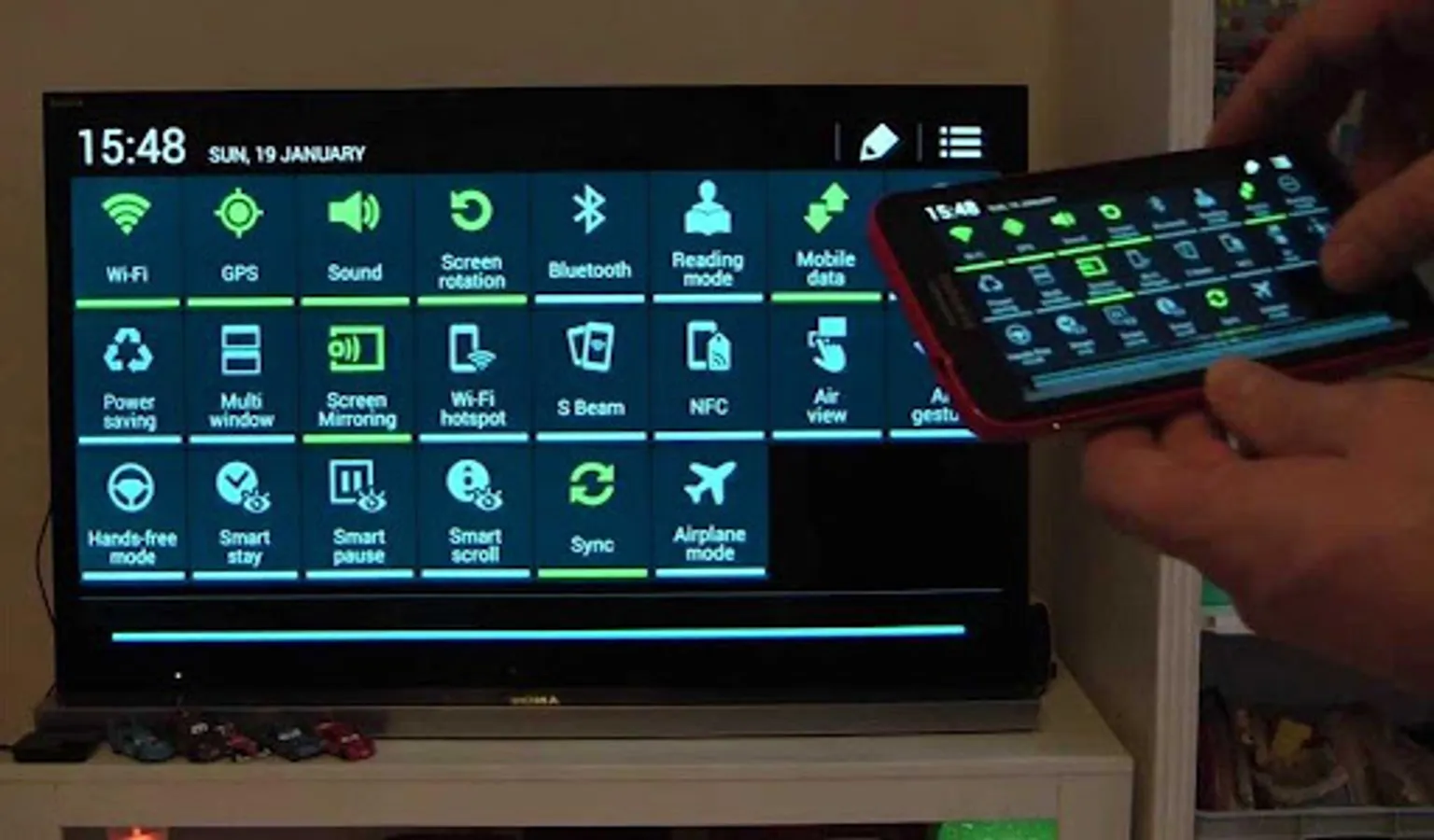
screen mirroring app App will assist you to scan and mirror your android phone or tab's screen on smart TV/Display (mira cast enabled ) or Wireless dongles or adapters.
🌟 Top Reasons Our App Stands Out 🌟
Universal Cast: Beam your screen to any device—TVs, projectors, monitors. You name it, we connect it.
HD Quality: Dive into visuals so sharp, you'd think they're real. Every detail, perfectly mirrored.
Real-Time Response: Our cutting-edge low-latency technology ensures your mirrored actions occur in real-time.
Ironclad Security: Sleep easy knowing all mirroring sessions are fortified with end-to-end encryption.
Simplified Interface: A user-centric design means you spend less time figuring things out and more time casting.
Features:
★ screen mirroring app
★ mirror screen
★ screen mirroring samsung tv
★ mirror tv
★ screen mirroring samsung smart tv
★ samsung screen mirroring
★ mirror cast
★ screen mirroring Samsung
★ cast screen android
★ samsung mirroring app
★ screen mirr
★ mirror screen android
★ screen mirroring for samsung tv
★ mirroring to tv
★ screen mirroring laptop
Please follow below steps to mirror your mobile screen to smart TV.
1) Your TV should support Wireless Display or any sort of Display Dongles.
2) The TV must be connected to wifi network same as your phone.
3) The Phone version must be android 4.2 and above.
4) Download and run Screen Mirroring App.
🚀 Features That Elevate Experience 🚀
Cord-Free Casting: Freedom from the clutter of cables.
Touch & Share: Make presentations interactive by sharing touch inputs.
Eco Mode: Enjoy prolonged mirroring without draining your battery.
💡 Perfect for All Scenarios 💡
Business Brilliance: Cast presentations and collaborate dynamically.
Learning Enhanced: Teachers and students can share content effortlessly, enriching classroom discussions.
Entertainment Unleashed: Movies, games, photos—enjoy on a grander scale.
Moments Multiplied: Share your life's moments on the big screen, making memories even more memorable.
Elevate your screen-sharing to an art form with the Wireless Screen Mirroring App. Revolutionize how you cast. Download today and witness the difference.
screen mirroring app App will assist you to scan and mirror your android phone or tab's screen on smart TV/Display (mira cast enabled ) or Wireless dongles or adapters.
🌟 Top Reasons Our App Stands Out 🌟
Universal Cast: Beam your screen to any device—TVs, projectors, monitors. You name it, we connect it.
HD Quality: Dive into visuals so sharp, you'd think they're real. Every detail, perfectly mirrored.
Real-Time Response: Our cutting-edge low-latency technology ensures your mirrored actions occur in real-time.
Ironclad Security: Sleep easy knowing all mirroring sessions are fortified with end-to-end encryption.
Simplified Interface: A user-centric design means you spend less time figuring things out and more time casting.
Features:
★ screen mirroring app
★ mirror screen
★ screen mirroring samsung tv
★ mirror tv
★ screen mirroring samsung smart tv
★ samsung screen mirroring
★ mirror cast
★ screen mirroring Samsung
★ cast screen android
★ samsung mirroring app
★ screen mirr
★ mirror screen android
★ screen mirroring for samsung tv
★ mirroring to tv
★ screen mirroring laptop
Please follow below steps to mirror your mobile screen to smart TV.
1) Your TV should support Wireless Display or any sort of Display Dongles.
2) The TV must be connected to wifi network same as your phone.
3) The Phone version must be android 4.2 and above.
4) Download and run Screen Mirroring App.
🚀 Features That Elevate Experience 🚀
Cord-Free Casting: Freedom from the clutter of cables.
Touch & Share: Make presentations interactive by sharing touch inputs.
Eco Mode: Enjoy prolonged mirroring without draining your battery.
💡 Perfect for All Scenarios 💡
Business Brilliance: Cast presentations and collaborate dynamically.
Learning Enhanced: Teachers and students can share content effortlessly, enriching classroom discussions.
Entertainment Unleashed: Movies, games, photos—enjoy on a grander scale.
Moments Multiplied: Share your life's moments on the big screen, making memories even more memorable.
Elevate your screen-sharing to an art form with the Wireless Screen Mirroring App. Revolutionize how you cast. Download today and witness the difference.
Screen Mirroring Assistant Screenshots
Tap to Rate: