Allshare Cast Screen Mirroring
AllShare apps
1.8 ★
115 ratings
10,000+
downloads
Free
In this screen mirroring app, you can scan and mirror your Android device’s screen to your TV or streaming devices. Includes features for casting videos, photos, music, and controlling Roku TV.
AppRecs review analysis
AppRecs rating 1.3. Trustworthiness 75 out of 100. Review manipulation risk 20 out of 100. Based on a review sample analyzed.
★☆☆☆☆
1.3
AppRecs Rating
Ratings breakdown
5 star
8%
4 star
17%
3 star
0%
2 star
0%
1 star
75%
What to know
⚠
Ad complaints
Many low ratings mention excessive ads
⚠
Mixed user feedback
Average 1.8★ rating suggests room for improvement
⚠
High negative review ratio
75% of sampled ratings are 1–2 stars
About Allshare Cast Screen Mirroring
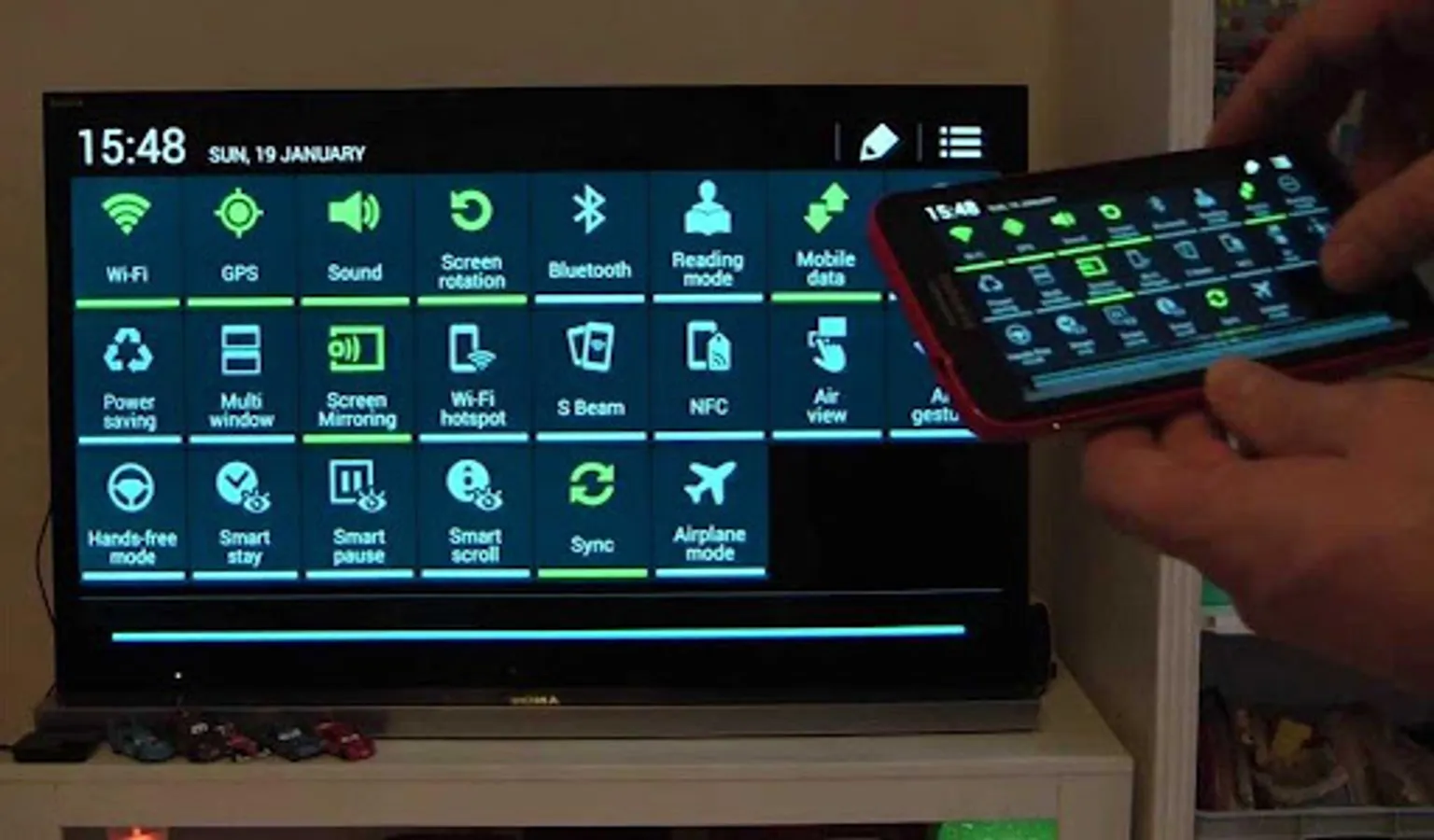
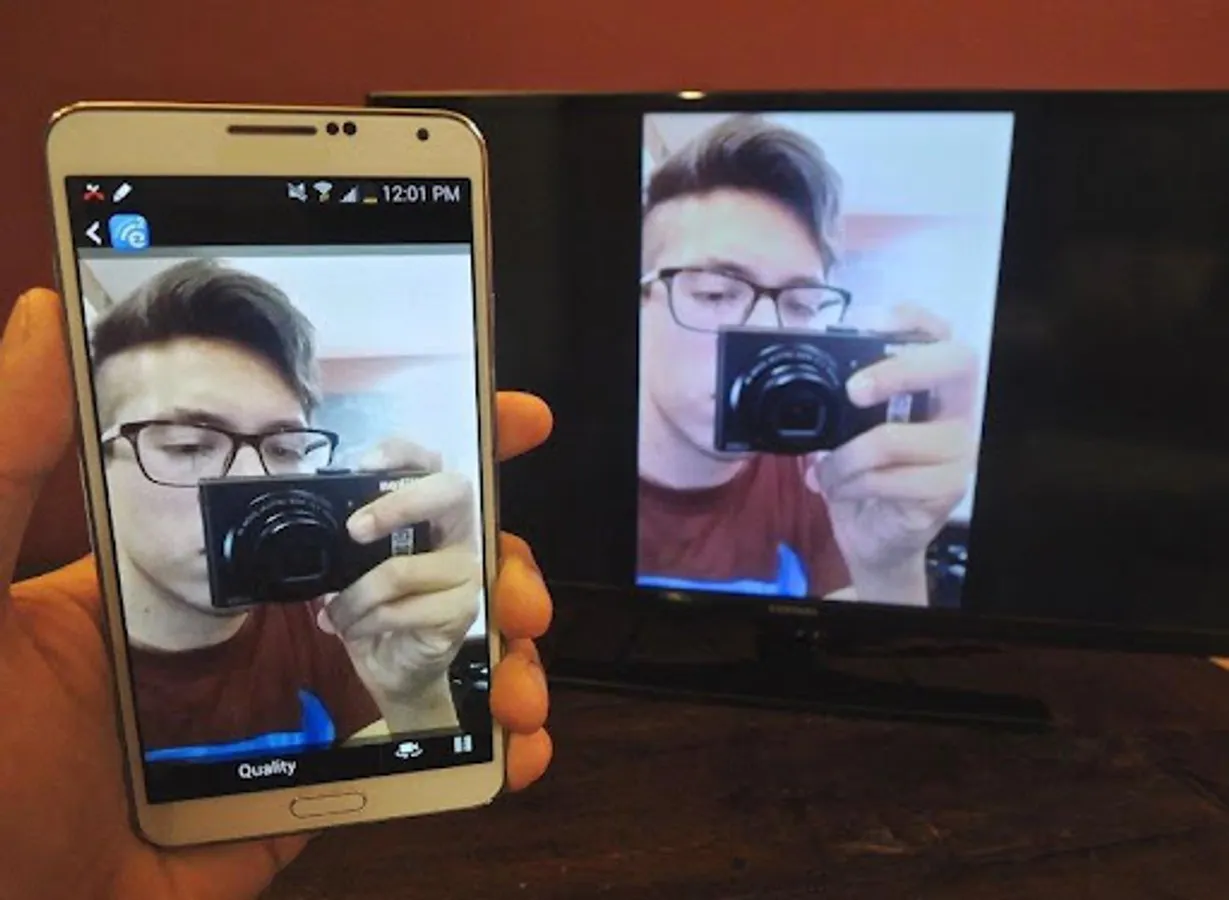
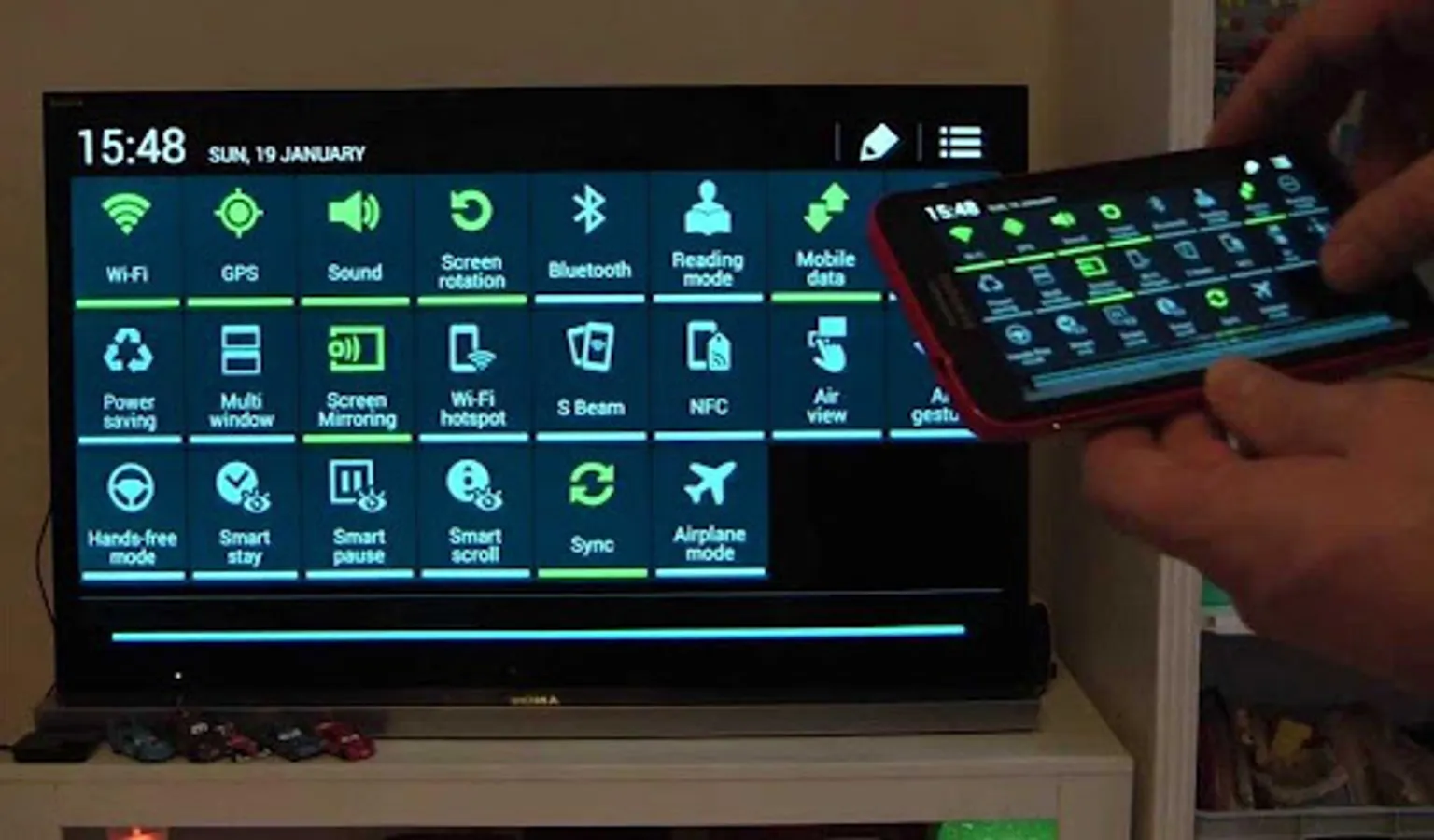
Screen Mirroring App will assist you to scan and mirror your android phone or tab's screen on your TV.
Smart TV Cast does not need extra dongle or cable. Click the “Start”, the Mobile hotspot will be operating automatically.
Screen Mirroring can only play contents but send screen as is such as HDMI, MHL, Miracast and Chromecast. Smart cast has been tested and found works on most of android mobiles. Stream Videos, Movies, Sports And Live TV From Android To Your Big TV Screen. Roku Mobile App enables you to cast images, videos and music to Samsung, LG, Sony, Hisense, TCL, Vizio, Chromecast, Roku, Amazon Fire Stick or Fire TV, Xbox, Apple TV or other DLNA Devices.
Please follow below steps to Screen Mirroring for Smart TV
1) Your TV should support Wireless Display or any sort of Display Dongles.
2) The TV must be connected to wifi network same as your phone.
3) The Phone version must be android 4.2 and above.
4) Download and run Screen Mirroring App.
Features:
- Screen Mirroring of your smartphone on Smart TV
- Mirror Smart View, Samsung Allshare, Allcast and more
- Ruku / Roku Stick / Roku TV
- TV Control for Roku TV
- Fire TV and cast to Amazon Fire Stick
- Cast videos, photos, and music to your TV
Using the roku app you can enjoy videos, movies, sports and tv shows in full HD 1080p on your big TV screen. No cable, no laptop, no server, no complex setup, no additional hardware needed. Just use your Android device to tap and stream. Connecting your phone to a TV screen via This Cast To TV app.
TV Remote For Roku App, Video & TV Cast plays the actual video directly on your TV or streaming player, mirror for samsung tv, so you can use other apps while playing. Screen Mirroring App for Roku is the prime way for you to watch, cast to TV and play games on TV conveniently.
using this Screen Stream Mirroring (Castto) App, Wireless Display supports for lg smart tv cast, Screen Share, Chromecast, Samsung TV, LG Screen Share, Sony TV, Amazon Fire TV, Roku, Google Cast powered TVs and many more (including DLNA). Roku remote app gets updated regularly to ensure support for the latest websites and video formats.
Remote Control for Roku TV witout wifi that you can start watching your favorite show on your commute and then immediately continue it on the big screen when you walk through the door. The Smart Things and Smart View apps make it quick and easy to connect to your Smart TV, but you can also connect through a Wi-Fi or HDMI connection.
To be able to Screen Mirroring assistant, your Smart TV will need to be able to support a Wi-Fi connection. If you don't have a Screen Mirroring Samsung, you will need a casting device such as a Samsung AllShare Cast, Chromecast or Amazon Firestick.
Stream Online Videos on TV monitor
Browse through the internet and search for web videos. A tap on the discovered video link starts the show on your TV or streaming player.
Stream Local Videos
Stream recorded or imported videos from your mobile device to your TV or streaming player and enjoy the show on the big screen.
Smart TV Cast does not need extra dongle or cable. Click the “Start”, the Mobile hotspot will be operating automatically.
Screen Mirroring can only play contents but send screen as is such as HDMI, MHL, Miracast and Chromecast. Smart cast has been tested and found works on most of android mobiles. Stream Videos, Movies, Sports And Live TV From Android To Your Big TV Screen. Roku Mobile App enables you to cast images, videos and music to Samsung, LG, Sony, Hisense, TCL, Vizio, Chromecast, Roku, Amazon Fire Stick or Fire TV, Xbox, Apple TV or other DLNA Devices.
Please follow below steps to Screen Mirroring for Smart TV
1) Your TV should support Wireless Display or any sort of Display Dongles.
2) The TV must be connected to wifi network same as your phone.
3) The Phone version must be android 4.2 and above.
4) Download and run Screen Mirroring App.
Features:
- Screen Mirroring of your smartphone on Smart TV
- Mirror Smart View, Samsung Allshare, Allcast and more
- Ruku / Roku Stick / Roku TV
- TV Control for Roku TV
- Fire TV and cast to Amazon Fire Stick
- Cast videos, photos, and music to your TV
Using the roku app you can enjoy videos, movies, sports and tv shows in full HD 1080p on your big TV screen. No cable, no laptop, no server, no complex setup, no additional hardware needed. Just use your Android device to tap and stream. Connecting your phone to a TV screen via This Cast To TV app.
TV Remote For Roku App, Video & TV Cast plays the actual video directly on your TV or streaming player, mirror for samsung tv, so you can use other apps while playing. Screen Mirroring App for Roku is the prime way for you to watch, cast to TV and play games on TV conveniently.
using this Screen Stream Mirroring (Castto) App, Wireless Display supports for lg smart tv cast, Screen Share, Chromecast, Samsung TV, LG Screen Share, Sony TV, Amazon Fire TV, Roku, Google Cast powered TVs and many more (including DLNA). Roku remote app gets updated regularly to ensure support for the latest websites and video formats.
Remote Control for Roku TV witout wifi that you can start watching your favorite show on your commute and then immediately continue it on the big screen when you walk through the door. The Smart Things and Smart View apps make it quick and easy to connect to your Smart TV, but you can also connect through a Wi-Fi or HDMI connection.
To be able to Screen Mirroring assistant, your Smart TV will need to be able to support a Wi-Fi connection. If you don't have a Screen Mirroring Samsung, you will need a casting device such as a Samsung AllShare Cast, Chromecast or Amazon Firestick.
Stream Online Videos on TV monitor
Browse through the internet and search for web videos. A tap on the discovered video link starts the show on your TV or streaming player.
Stream Local Videos
Stream recorded or imported videos from your mobile device to your TV or streaming player and enjoy the show on the big screen.
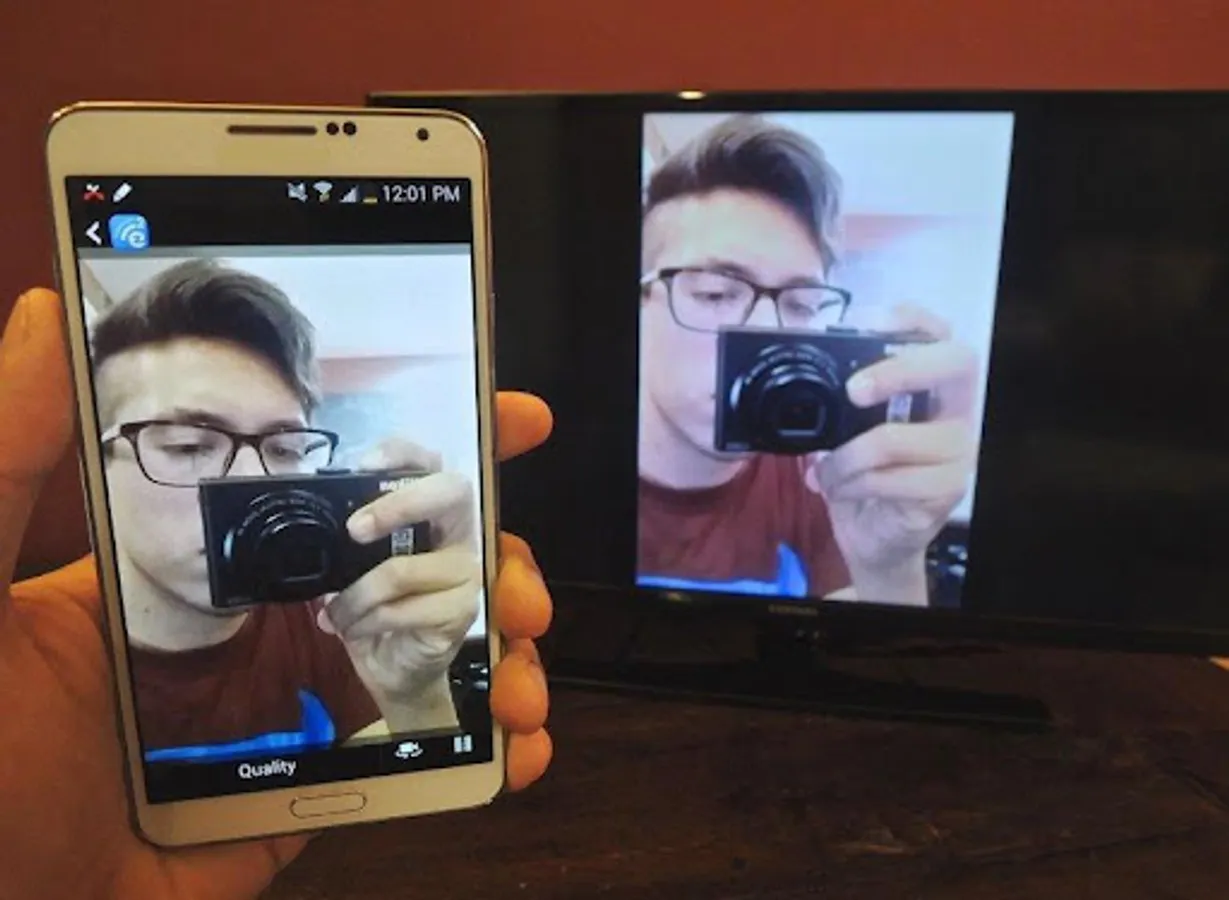
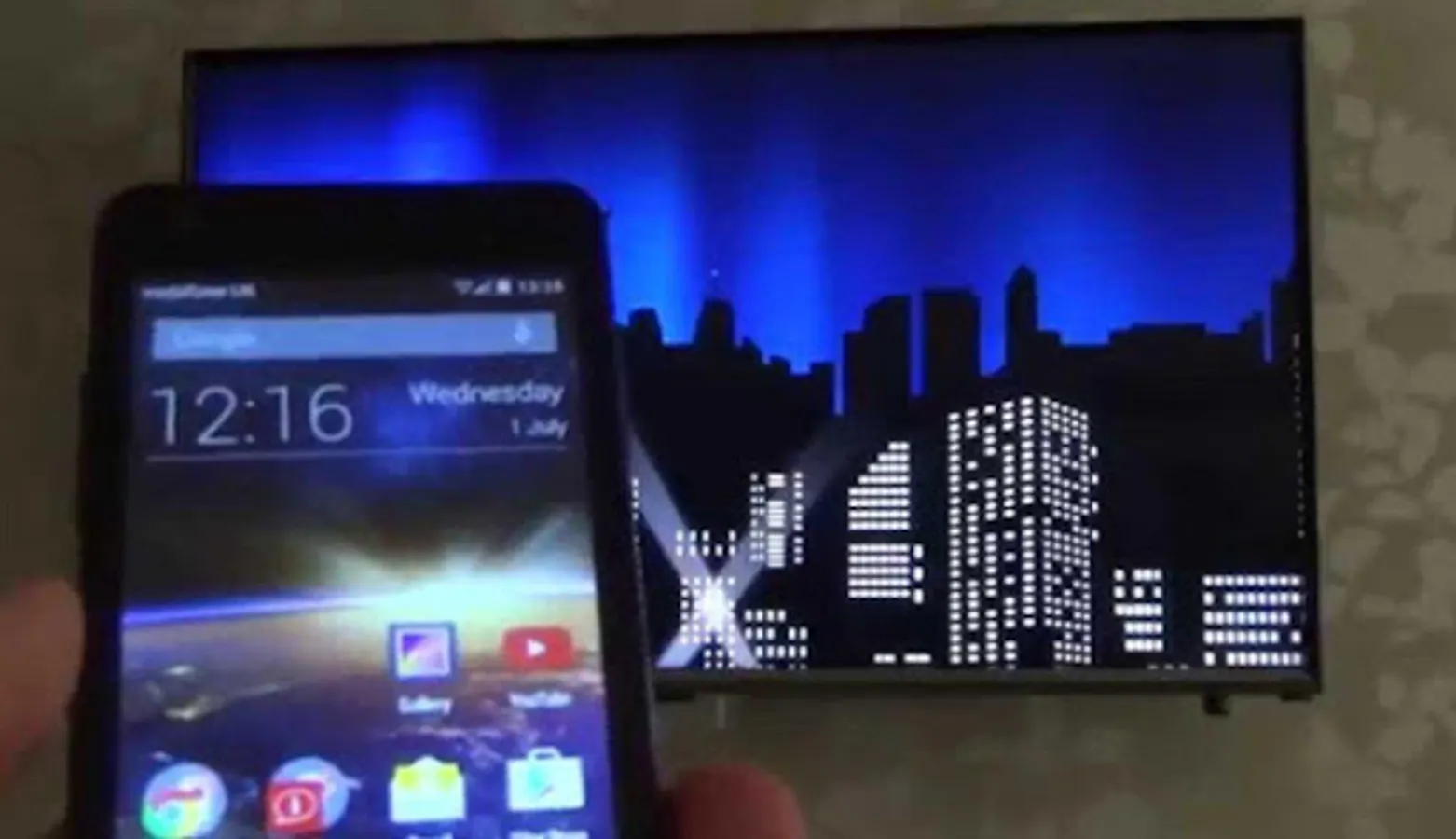
Allshare Cast Screen Mirroring Screenshots
Tap to Rate:
Reviews for Allshare Cast Screen Mirroring
Yaroslav Karulin
12/27/2025
Doesn't work but shows ads one after another.
Arman Rashid
9/17/2025
worst app. only ads