MTestM
ShenZhen SamApp Technology Development Co., Ltd
4.9 ★
93 ratings
Free
In this exam creator app, you can easily design and publish tests using Excel-imported questions. Includes question types such as multiple-choice, fill-in-the-blank, matching, and multimedia options.
AppRecs review analysis
AppRecs rating 4.5. Trustworthiness 77 out of 100. Review manipulation risk 20 out of 100. Based on a review sample analyzed.
★★★★☆
4.5
AppRecs Rating
Ratings breakdown
5 star
95%
4 star
4%
3 star
1%
2 star
0%
1 star
0%
What to know
✓
Low review manipulation risk
20% review manipulation risk
✓
Credible reviews
77% trustworthiness score from analyzed reviews
✓
High user satisfaction
95% of sampled ratings are 5 stars
About MTestM
MTestM is an exam creator application that allows you to create, publish and share exams. Creating an exam has never been easier. You can add different types of questions on an Excel spreadsheet.
MTestM is used by educators, trainers, non-profits, businesses and other professionals who need an easy way to quickly make exams, tests, and quizzes online. You can create and publish your first exam in a few minutes!
1.Create exams easily
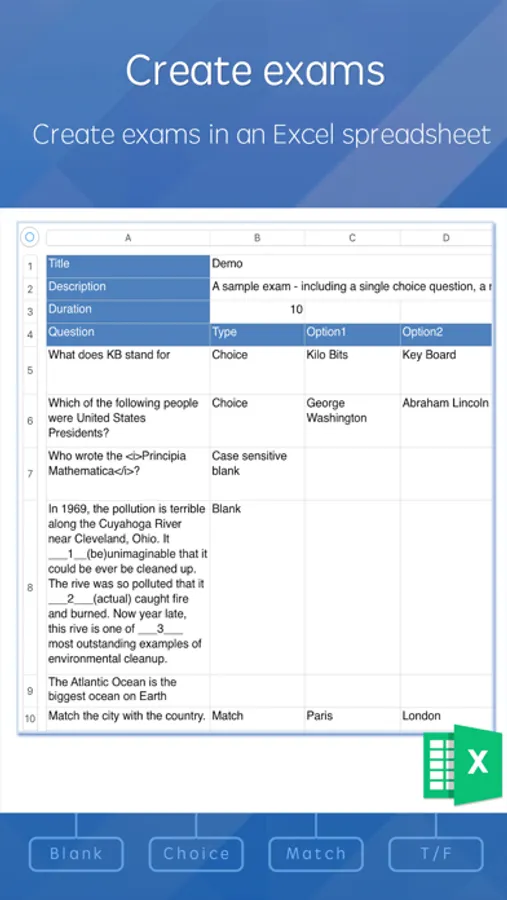
Excel is a great program for creating questions. Exams can be created offline using Excel. By taking a tour, it’s easy to understand the MTestM format and add your own questions in the spreadsheet.
MTestM allows you to use Excel to write multiple-choice, fill-in-the-blank and matching questions in a simple format that can be imported. When creating a large numbers of questions, MTestM can provide a quick way of bulk importing questions.
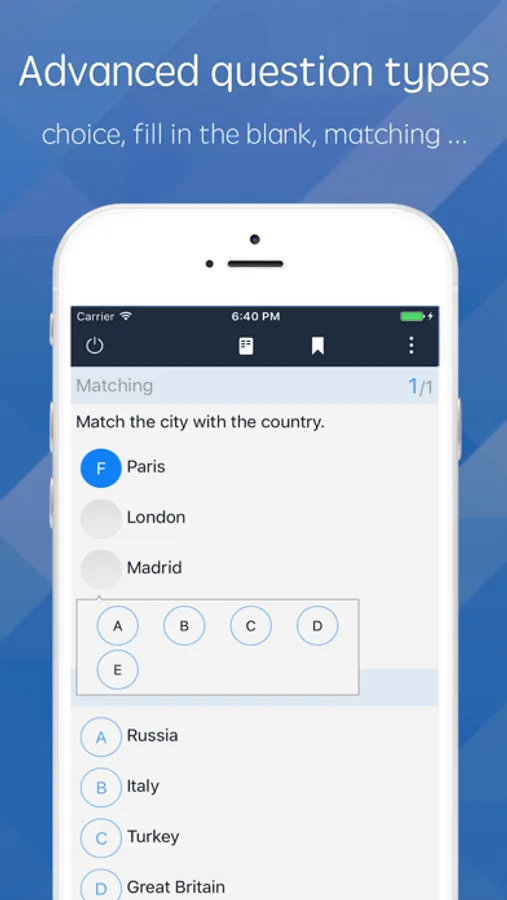
2.Advanced question types
MTestM allows you to create single choice, multiple choice, fill in the blank and matching questions. MTestM supports case sensitive answers and questions having more than one correct correct answer.
You can also create questions that are based on the same material or based on the same stem. You can also specify HTML, MathML, image, audio and video for the question.
3.Publish exams
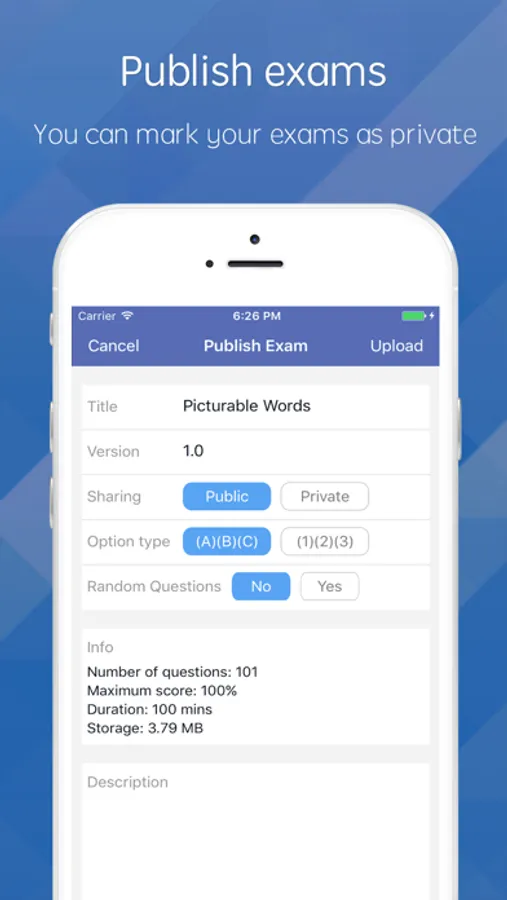
After you have created an exam, you can publish it. You can mark your exams as private if you do not want others to see your exams, otherwise your exam can be seen by others.
In order to create high quality exams, we recommend you to update your exams regularly. MTestM allows you to update your published exams. If an exam is not the current version, it will be kept for 30 days on the server.
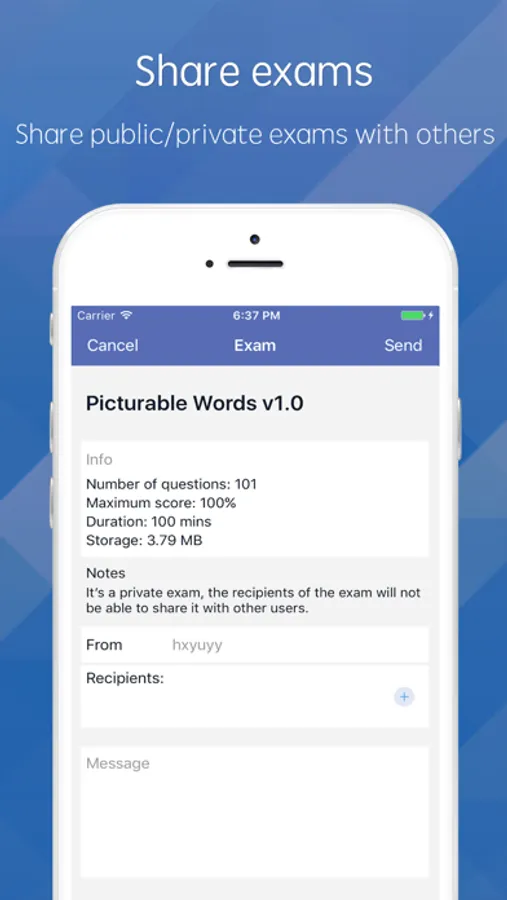
4.Share exams
Anyone can share public exams with others. Only you can share your own private exams with others. Others cannot share your private exams.
If you are a teacher, sharing exams is an alternative way to assign homework to your students. If you are a student, share your study quiz with your classmates and test each other as much as possible in order to discover even more details and areas you may have overlooked.
5.Organize exams into folders
Organizing exams is very important. You can organize exams into folders and subfolders.
Exams are saved locally on your phone, so you can search exams quickly using keywords. You can also find the exams and questions you recently took.
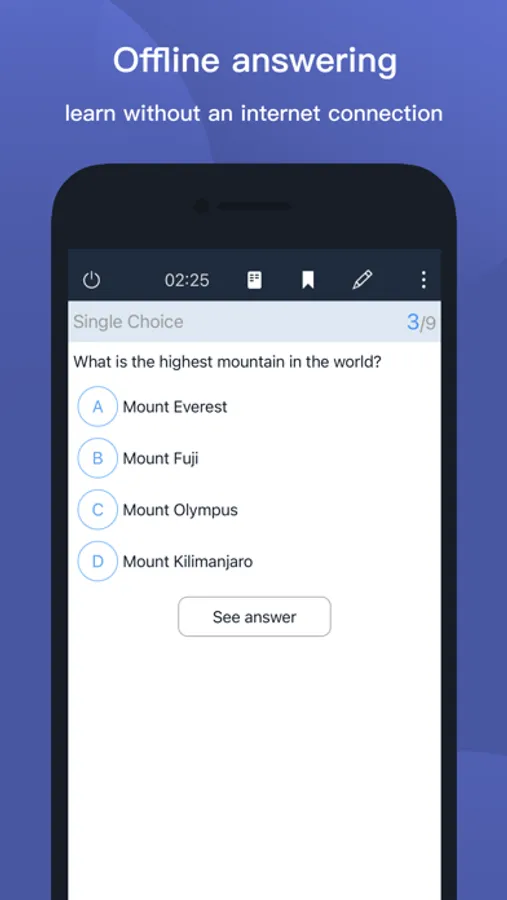
6.Take exams offline
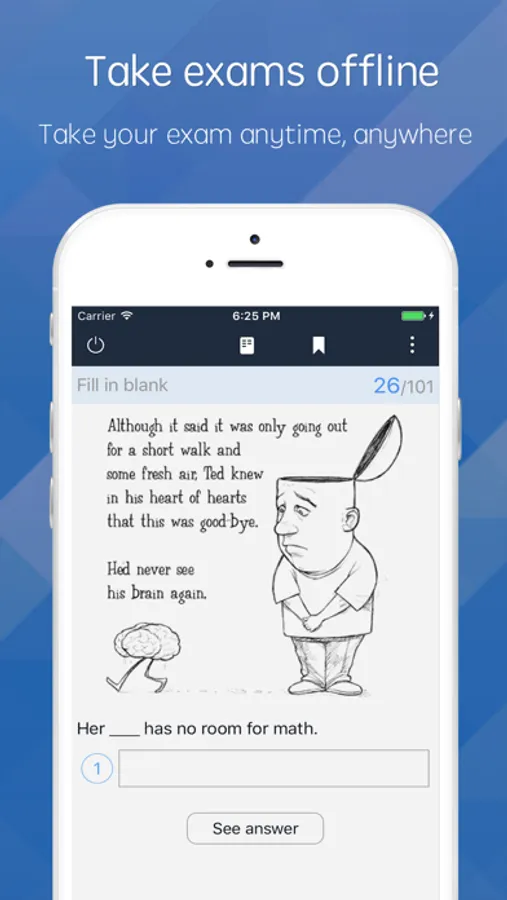
MTestM allows you to take your exam anytime, anywhere at your convenience. You do not need to be connected to the internet while you are taking the exam.
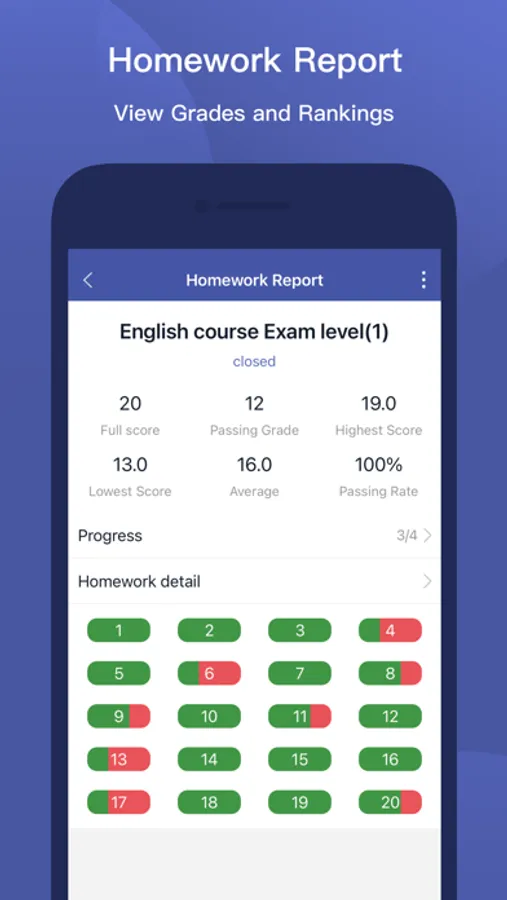
After the exam is scored, you can review the grade report and see which questions you got wrong.
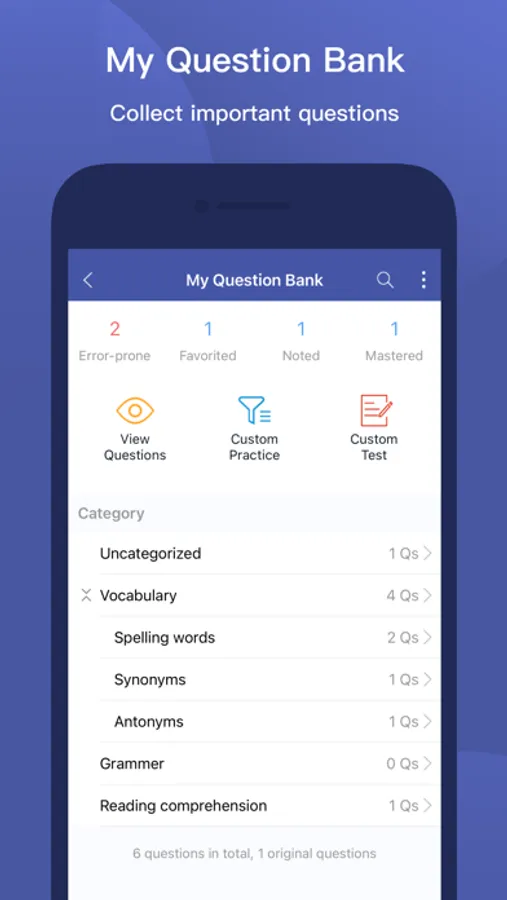
You can re-test yourself on the questions you’ve missed and you can re-test yourself on your favorite questions.
MTestM is used by educators, trainers, non-profits, businesses and other professionals who need an easy way to quickly make exams, tests, and quizzes online. You can create and publish your first exam in a few minutes!
1.Create exams easily
Excel is a great program for creating questions. Exams can be created offline using Excel. By taking a tour, it’s easy to understand the MTestM format and add your own questions in the spreadsheet.
MTestM allows you to use Excel to write multiple-choice, fill-in-the-blank and matching questions in a simple format that can be imported. When creating a large numbers of questions, MTestM can provide a quick way of bulk importing questions.
2.Advanced question types
MTestM allows you to create single choice, multiple choice, fill in the blank and matching questions. MTestM supports case sensitive answers and questions having more than one correct correct answer.
You can also create questions that are based on the same material or based on the same stem. You can also specify HTML, MathML, image, audio and video for the question.
3.Publish exams
After you have created an exam, you can publish it. You can mark your exams as private if you do not want others to see your exams, otherwise your exam can be seen by others.
In order to create high quality exams, we recommend you to update your exams regularly. MTestM allows you to update your published exams. If an exam is not the current version, it will be kept for 30 days on the server.
4.Share exams
Anyone can share public exams with others. Only you can share your own private exams with others. Others cannot share your private exams.
If you are a teacher, sharing exams is an alternative way to assign homework to your students. If you are a student, share your study quiz with your classmates and test each other as much as possible in order to discover even more details and areas you may have overlooked.
5.Organize exams into folders
Organizing exams is very important. You can organize exams into folders and subfolders.
Exams are saved locally on your phone, so you can search exams quickly using keywords. You can also find the exams and questions you recently took.
6.Take exams offline
MTestM allows you to take your exam anytime, anywhere at your convenience. You do not need to be connected to the internet while you are taking the exam.
After the exam is scored, you can review the grade report and see which questions you got wrong.
You can re-test yourself on the questions you’ve missed and you can re-test yourself on your favorite questions.
MTestM Screenshots
Tap to Rate:
Reviews for MTestM
heidar1988
App crash
When I opening the app suddenly crashed
Arturo Iturbe
Falla la opción de random practice
Al finalizar “random practice” marca un error y te permite guardar los cambios