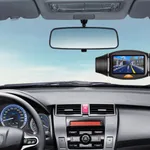
With this car video recorder app, you can automatically capture driving moments using auto-loop technology and collision detection. Includes manual and auto recording modes, resolution options, cloud upload, and sharing features.
AppRecs review analysis
AppRecs rating 4.1. Trustworthiness 79 out of 100. Review manipulation risk 20 out of 100. Based on a review sample analyzed.
★★★★☆
4.1
AppRecs Rating
Ratings breakdown
5 star
64%
4 star
20%
3 star
7%
2 star
5%
1 star
6%
What to know
✓
Low review manipulation risk
20% review manipulation risk
✓
Credible reviews
79% trustworthiness score from analyzed reviews
⚠
Ad complaints
Many low ratings mention excessive ads
About Smart Dash Cam
Turn your phone into a full featured car video recorder at a fraction of the cost of the standalone device. Smart Dash Cam app automatically captures every driving moment using the auto-loop technology and collision detection. You can feel at ease having a dependable "silent witness" by your side. You can feel at ease having a dependable “silent witness” by your side.
App Features:
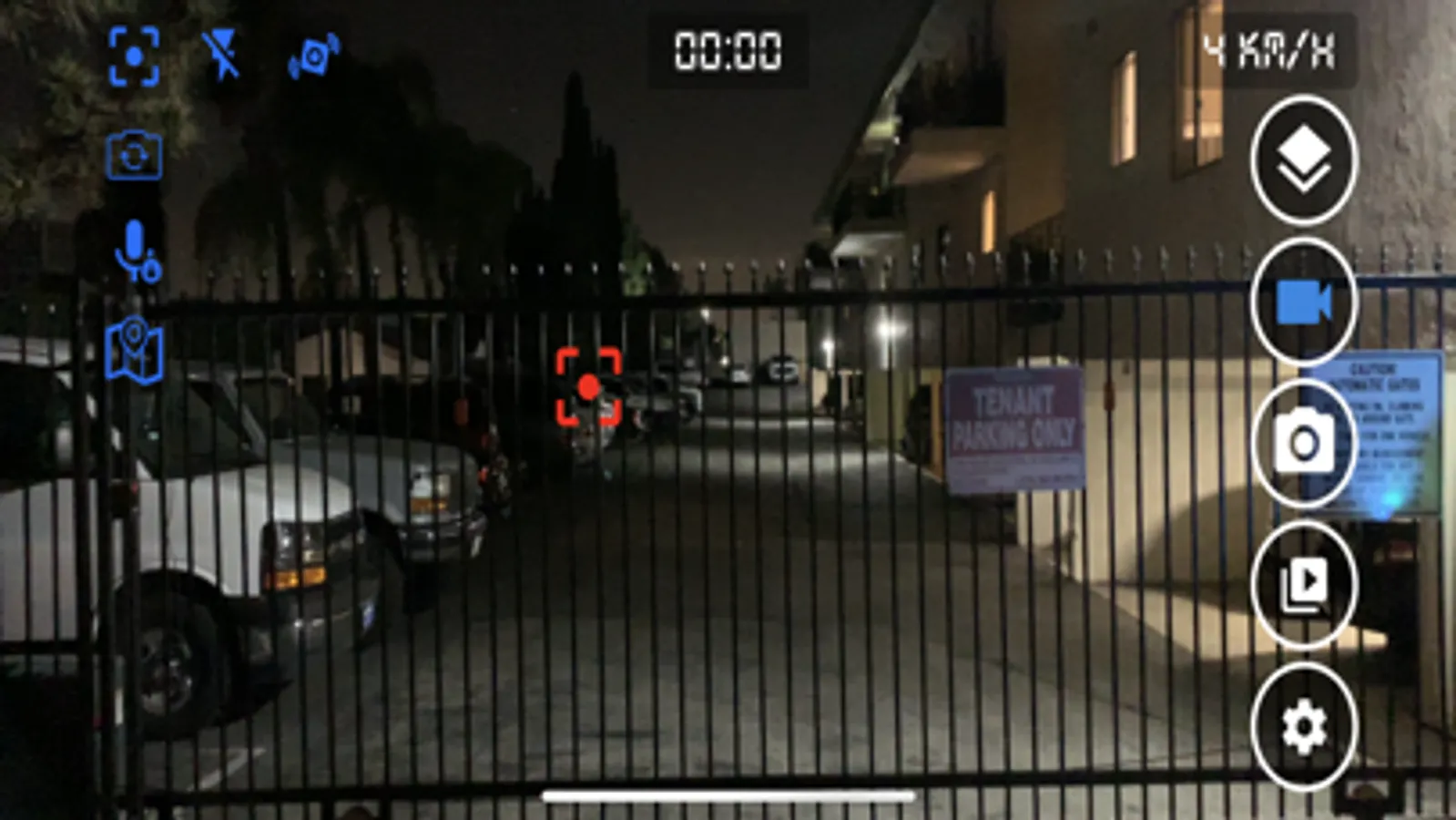
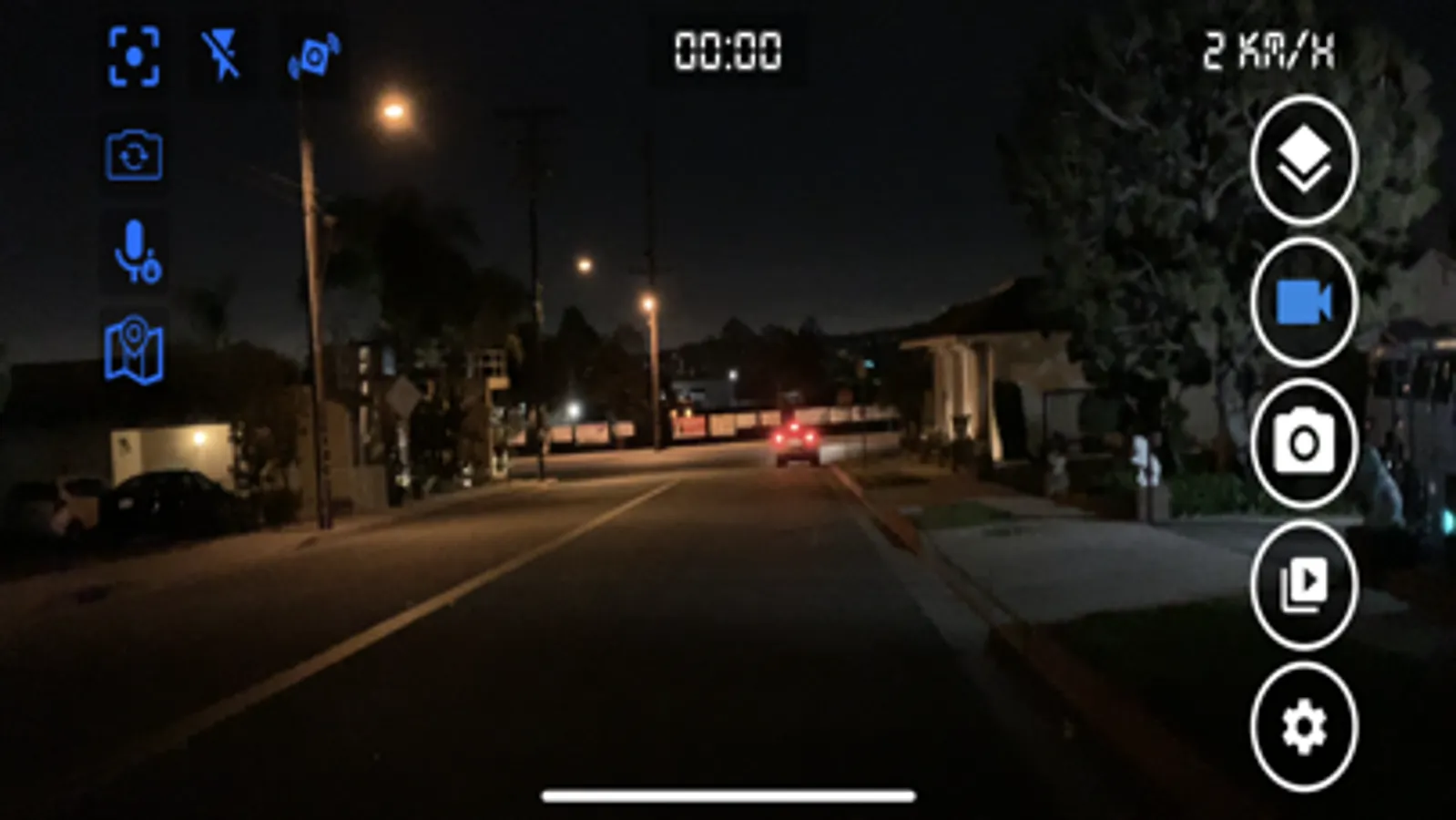
- Built-in manual and auto recording mode
- Record video with low/medium/high/480/720 resolutions
- Record with or without audio
- Custom frame rate
- Display time/speed (metric and English units)/Map on video
- Turn off monitor while driving
- Auto record/Lock video when detecting an impact
- Allow music play while recording
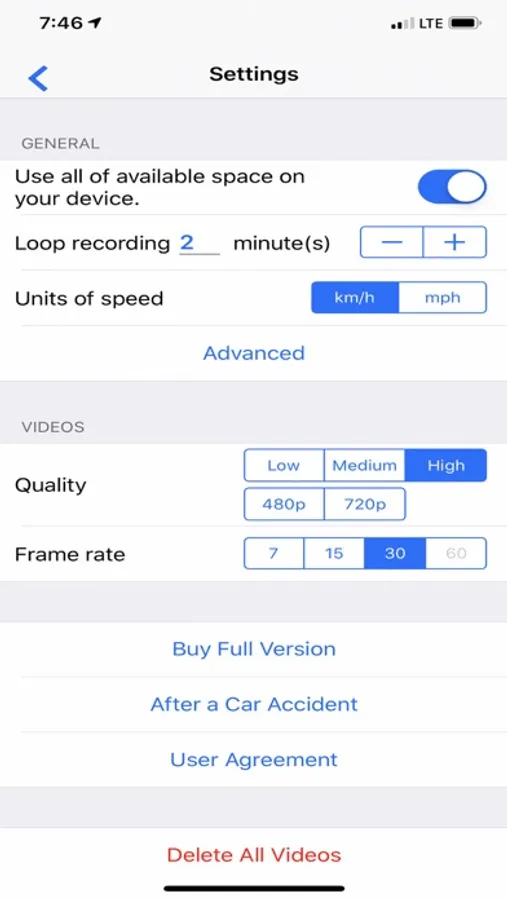
- Continues loop recording. Older videos are overridden by newer ones to preserve space on the device.
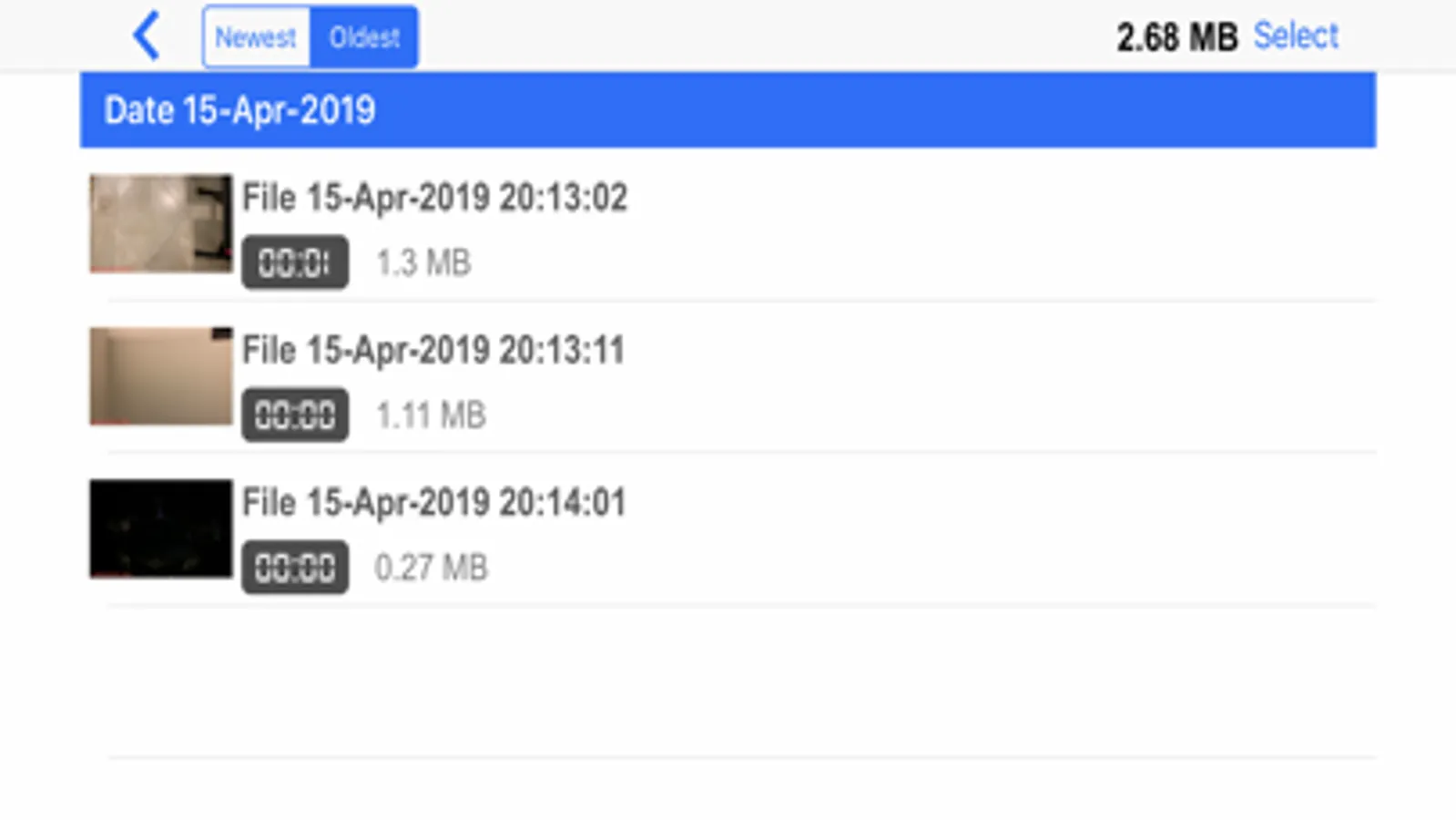
- Allow to delete one/multiple or all files at once.
- Set time range for loop recording (up to 60 minutes)
- 2 options for how much storage space you want to store your videos: set Max capacity or allow use all of available space of your device.
- Store recorded videos within the app or upload to the clouds (Google Drive/Drop Box/Box Drive)
- Share video via email
- Upload video on Youtube
- Languages: English, French, German, Spanish
App Features:
- Built-in manual and auto recording mode
- Record video with low/medium/high/480/720 resolutions
- Record with or without audio
- Custom frame rate
- Display time/speed (metric and English units)/Map on video
- Turn off monitor while driving
- Auto record/Lock video when detecting an impact
- Allow music play while recording
- Continues loop recording. Older videos are overridden by newer ones to preserve space on the device.
- Allow to delete one/multiple or all files at once.
- Set time range for loop recording (up to 60 minutes)
- 2 options for how much storage space you want to store your videos: set Max capacity or allow use all of available space of your device.
- Store recorded videos within the app or upload to the clouds (Google Drive/Drop Box/Box Drive)
- Share video via email
- Upload video on Youtube
- Languages: English, French, German, Spanish
Smart Dash Cam Screenshots
Tap to Rate:
Reviews for Smart Dash Cam
jsb123
Fantastic app
I love this app. Dev’s are very responsive to requests for help and helped me get app stability/reliability in the 5.3.7 release for my iOS 26.2 iPhone 13 Mini 256gb.
Brendt
Great for my needs (using extra phone)
Does everything it claims. Has worked perfect for my needs. Use it mainly on long drives and this app has been perfect.