
With this email app, you can read, send, and manage your EarthLink messages and contacts. Includes email access, contact management, and support chat features.
AppRecs review analysis
AppRecs rating 1.6. Trustworthiness 72 out of 100. Review manipulation risk 23 out of 100. Based on a review sample analyzed.
★☆☆☆☆
1.6
AppRecs Rating
Ratings breakdown
5 star
9%
4 star
7%
3 star
5%
2 star
10%
1 star
68%
What to know
⚠
Pricing complaints
Many low ratings mention paywalls or pricing
⚠
Mixed user feedback
Average 1.8★ rating suggests room for improvement
⚠
High negative review ratio
79% of sampled ratings are 1–2 stars
About myEarthLink Mail
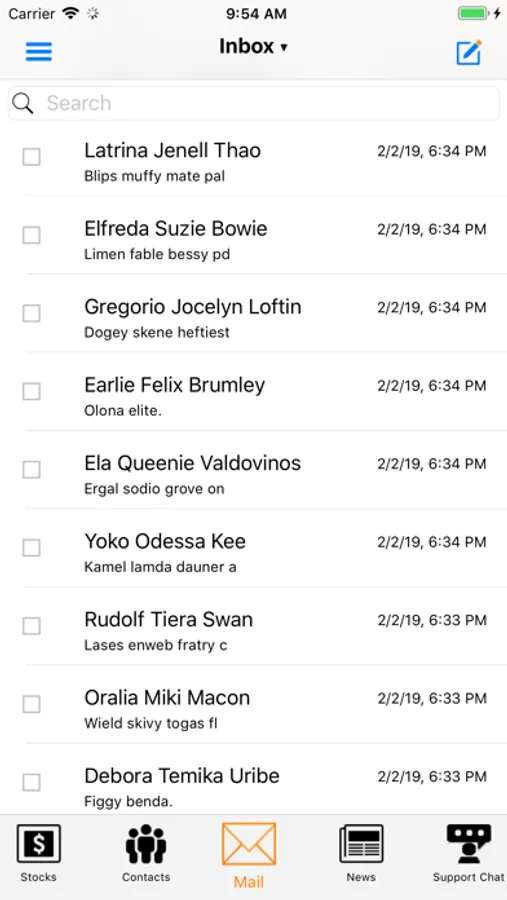
With the new myEarthLink® app you can conveniently access email, manage your contacts, and get support - just tap on the feature and go!
- Check your EarthLink email at any time, from anywhere.
- Read, send, and manage email from your inbox with access to all of your EarthLink contacts.
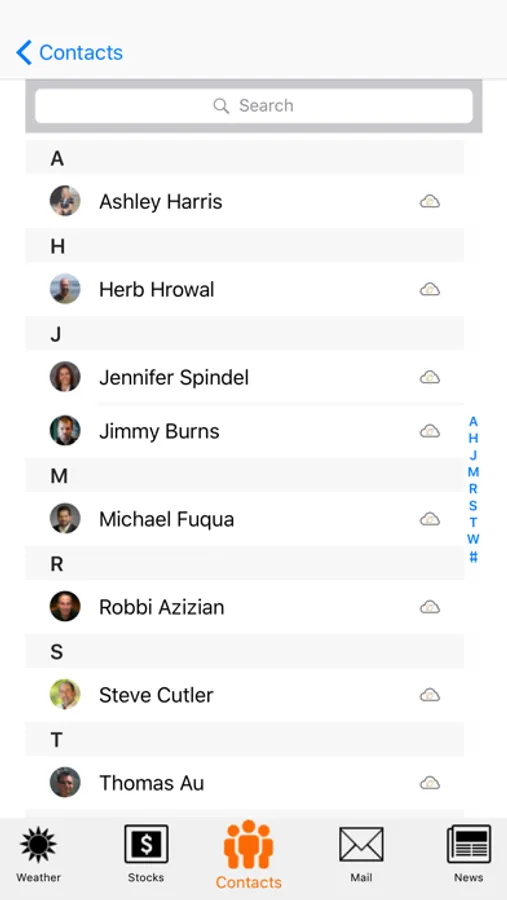
Contacts
- View and send email to your local and/or EarthLink contacts.
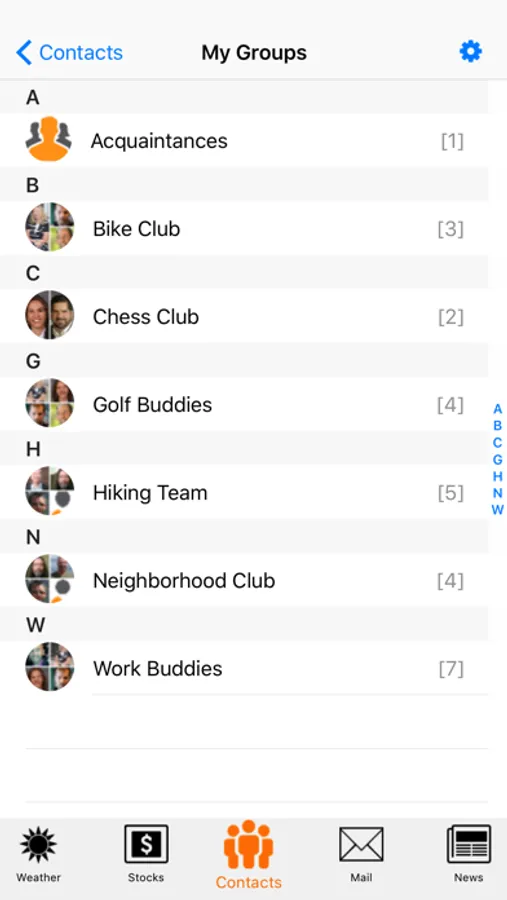
- View and send email to your EarthLink groups.
Chat
- Chat with support.
Getting started
-Below are a few tips for navigating the myEarthLink® app.
-You will need to provide your EarthLink email address and password to check your EarthLink email. You will be asked to enter this information when necessary.
-If you want to check another EarthLink email account, you will need to log out first. Click the Gear button and select the Logout button.
-When you first open the myEarthLink® app you will receive several prompts asking for permissions. Select “Allow” to take advantage of the full functionality of the app.
Questions or need additional support? Go to https://www.earthlink.net/mobile-email/
myEarthLink Mail Screenshots

Tap to Rate:
Reviews for myEarthLink Mail
Rich602231
Response Time
Since the last iOS iPhone update, the response time using this app degraded considerably. It still works but navigating between folder is slower.
*$-=(64$+=((
Would rate less than one star
Doesn’t work, completely useless and they aren’t fixing it (or they just have morons for programmers?). Just use the website, much less frustrating and does work!