In this remote control app, you can connect to NUX Mighty Lite BT and other Mighty series amplifiers to adjust parameters and access hidden functions. Includes Bluetooth connectivity, device management, and parameter control features.
AppRecs review analysis
AppRecs rating 3.4. Trustworthiness 78 out of 100. Review manipulation risk 20 out of 100. Based on a review sample analyzed.
★★★☆☆
3.4
AppRecs Rating
Ratings breakdown
5 star
36%
4 star
24%
3 star
12%
2 star
7%
1 star
21%
What to know
✓
Low review manipulation risk
20% review manipulation risk
✓
Credible reviews
78% trustworthiness score from analyzed reviews
✓
Authentic reviews
Natural distribution, no red flags
About MightyAmp
Mighty Amp is a remote control and device management APP for NUX's amplifier.
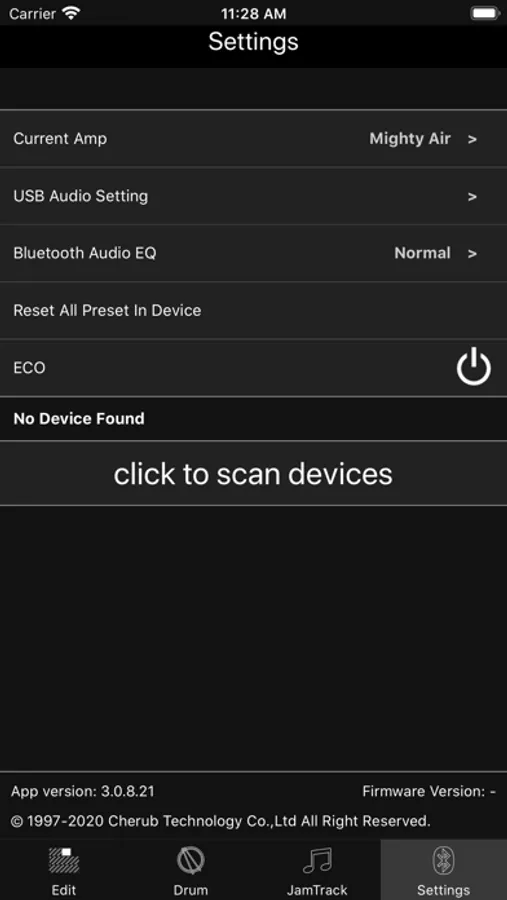
*********Note that this application requires Bluetooth and location privileges.Otherwise
Bluetooth will not work.*******
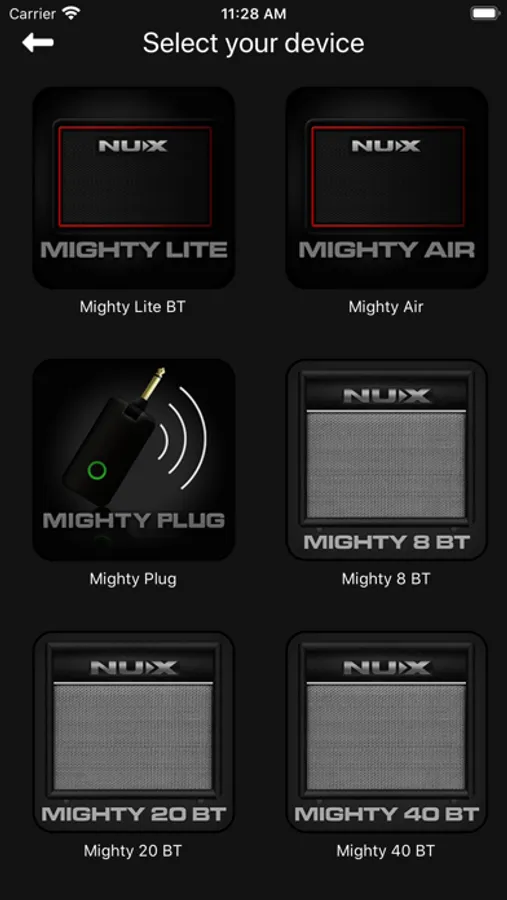
Mighty Amp is a remote control and device management APP for NUX Mighty Lite BT
amplifier (NGA-3)/ Mighty 8 BT/Mighty 20 BT/Mighty 40 BT/GA-01
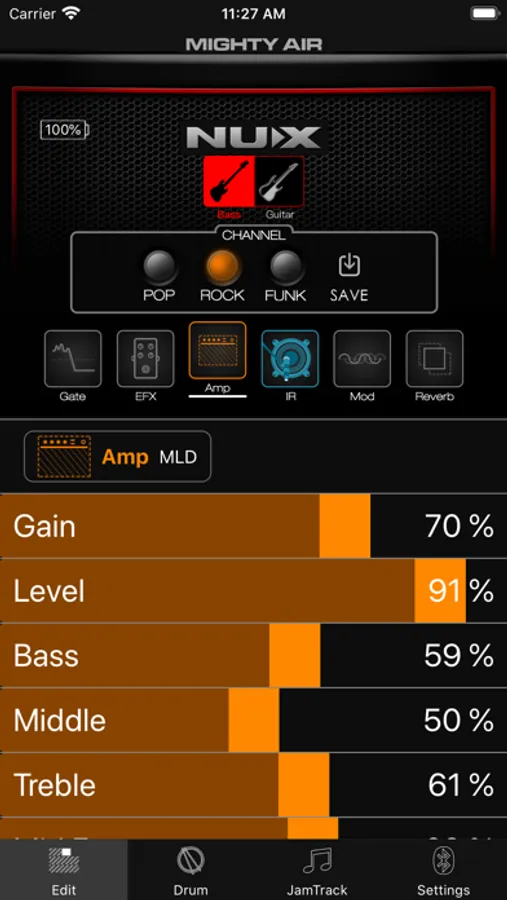
Connect Mighty Amps via Bluetooth to access wireless parameter-control and engage hidden functions like Modulation, Playback,...etc.
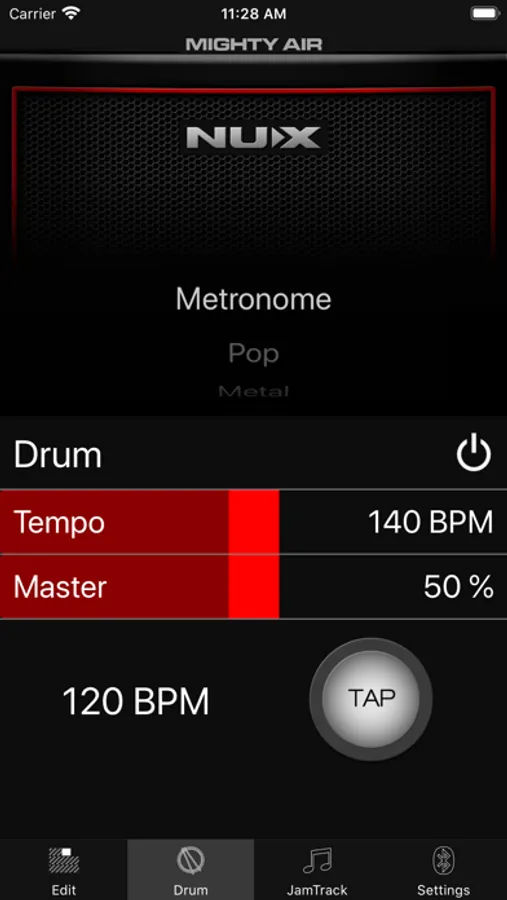
The APP allows user to engage and tweak all the parameters with Bluetooth.User could control the effect like channel switching,depth & rate of Modulation,drum styles, ....etc.
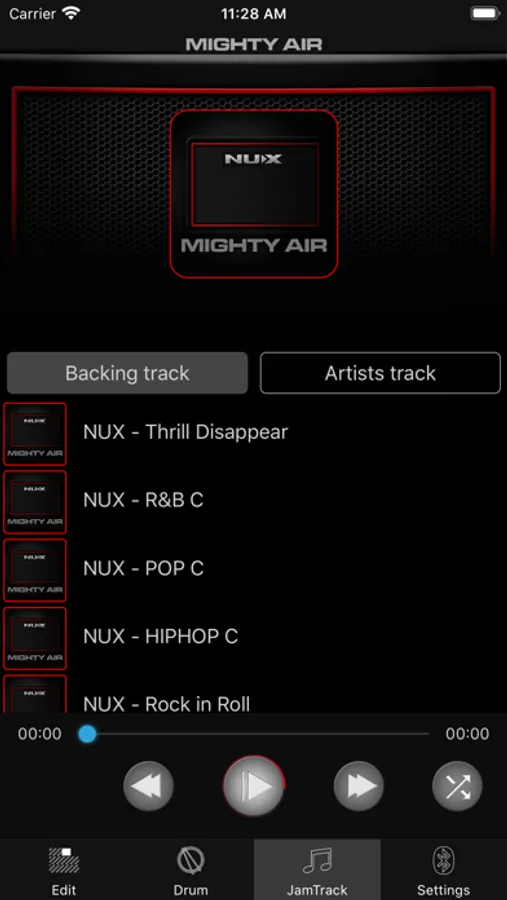
MightyAmp Screenshots
Tap to Rate:
Reviews for MightyAmp
ItsMeGabe
Love it!
I bought an MP-2. It was a bit tricky getting it hooked up to the app. But now that I did, I totally love it. I had to delete the app and reinstall it. Make sure you OK location services when you first open the app. Worked fine after that.
MN.Mike
Disappointed.
The update doesn’t work 0n the Wah or pitch. They both sound like a chorus pedal. What up? Well after a month from the support staff I learned on my own if you use windows 10/11 in Microsoft it’s mandatory to delete the S Mode because Microsoft won’t except a 3rd party app. The instructions are vague. NUX had no idea about the S Mode, so I told them to put in their instructions. Now back to the updates, I like the all of them except for the Mono Octave. It sounds like a ring modulator on steroids, it’s so bad it makes me nauseous. The only note that sounded almost bearable is F on the 6th string. The Auto Wah is glitchy and that gets annoying. You just have to find the sweet spot, it’s not that good but if it is buried in with back ground music you don’t notice it. NUX says they can’t do anything with the Mono Octave or Wah. I wish I knew that Positive Grid was in the works of the spark 2. I wouldn’t have bought the Mighty Space. Now I’m screwed.