With this private browser, you can browse the internet securely while keeping your history and bookmarks protected. Includes automatic lock features and local data storage with no account required.
AppRecs review analysis
AppRecs rating 4.1. Trustworthiness 70 out of 100. Review manipulation risk 24 out of 100. Based on a review sample analyzed.
★★★★☆
4.1
AppRecs Rating
Ratings breakdown
5 star
79%
4 star
10%
3 star
4%
2 star
2%
1 star
6%
What to know
✓
Low review manipulation risk
24% review manipulation risk
✓
Credible reviews
70% trustworthiness score from analyzed reviews
⚠
Ad complaints
Many low ratings mention excessive ads
About Private Browser - Priver
Priver is a private browser that automatically locks and protects your browsing history and bookmarks.
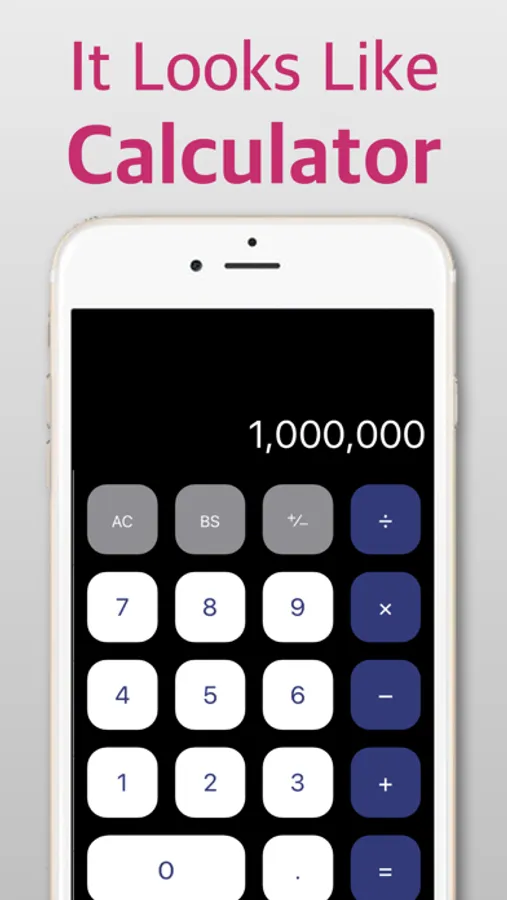
• On the home screen, it appears with a calculator-style icon and name, and can be used as a regular calculator at launch.
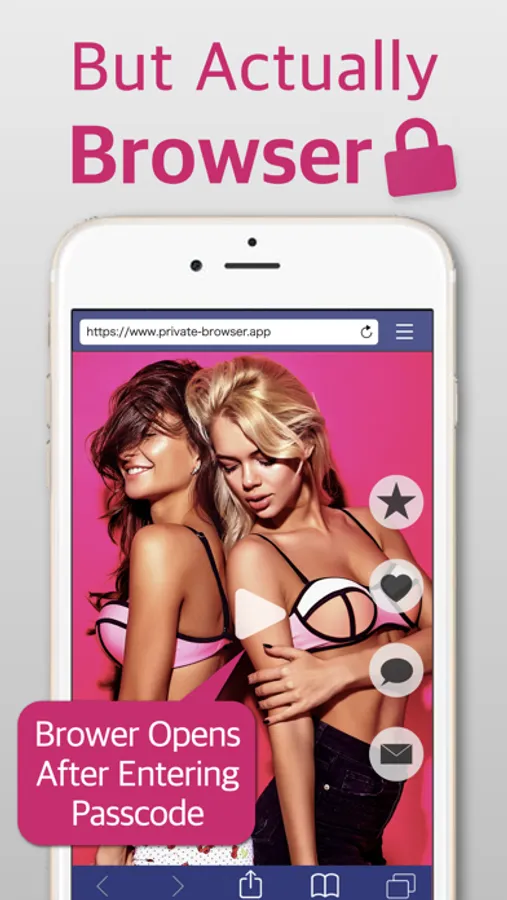
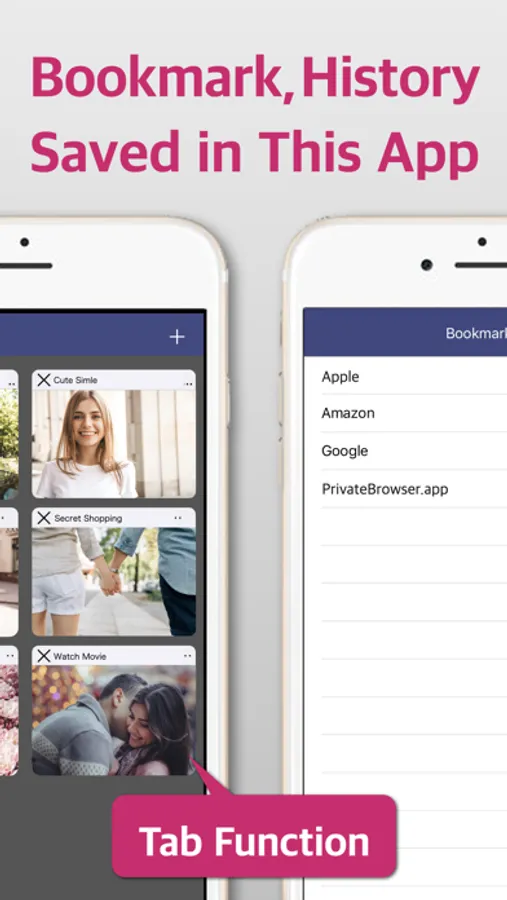
• When you enter your passcode, the app switches to browser mode, allowing secure and private internet browsing with its built-in browser. Your history and bookmarks are stored only within the app and are never accessible to other apps or devices.
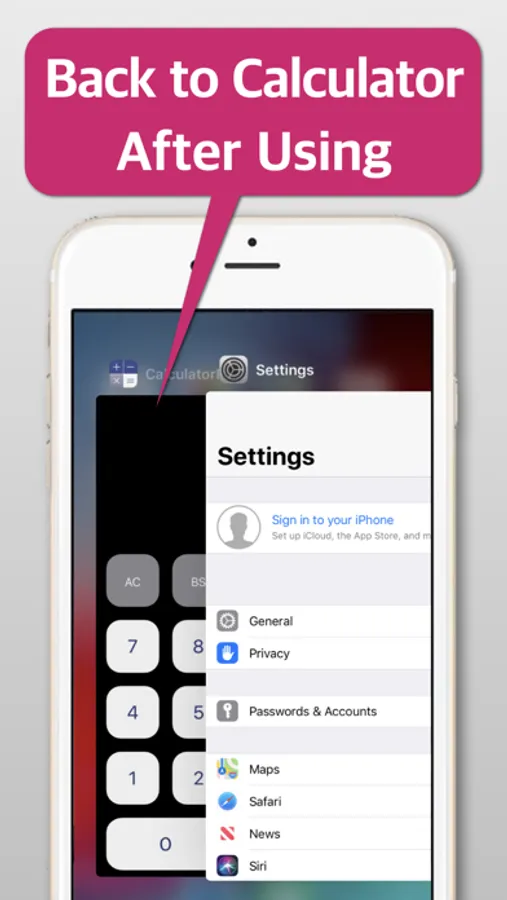
• When the screen is turned off or you return to the home screen, browser mode automatically closes and reverts to calculator mode, keeping your privacy safe even after use.
• No account registration or personal information is required — you can start using it right away.
Note:
On first launch, a tutorial explains how to set and enter your passcode. If you use multiple iOS devices, please complete the tutorial on each device.
• On the home screen, it appears with a calculator-style icon and name, and can be used as a regular calculator at launch.
• When you enter your passcode, the app switches to browser mode, allowing secure and private internet browsing with its built-in browser. Your history and bookmarks are stored only within the app and are never accessible to other apps or devices.
• When the screen is turned off or you return to the home screen, browser mode automatically closes and reverts to calculator mode, keeping your privacy safe even after use.
• No account registration or personal information is required — you can start using it right away.
Note:
On first launch, a tutorial explains how to set and enter your passcode. If you use multiple iOS devices, please complete the tutorial on each device.
Private Browser - Priver Screenshots
Tap to Rate:
Reviews for Private Browser - Priver
nameless00000
app glitches deleted all of my tabs
if you need to delete the app because it’s glitching don’t expect it to keep your bookmarks. they’ll disappear.
jFitz32
New update. Now ads??
Newest update brought ads. Now we have to endure a 30 second ad every few minutes. Thanksgreat downgrade I mean update.