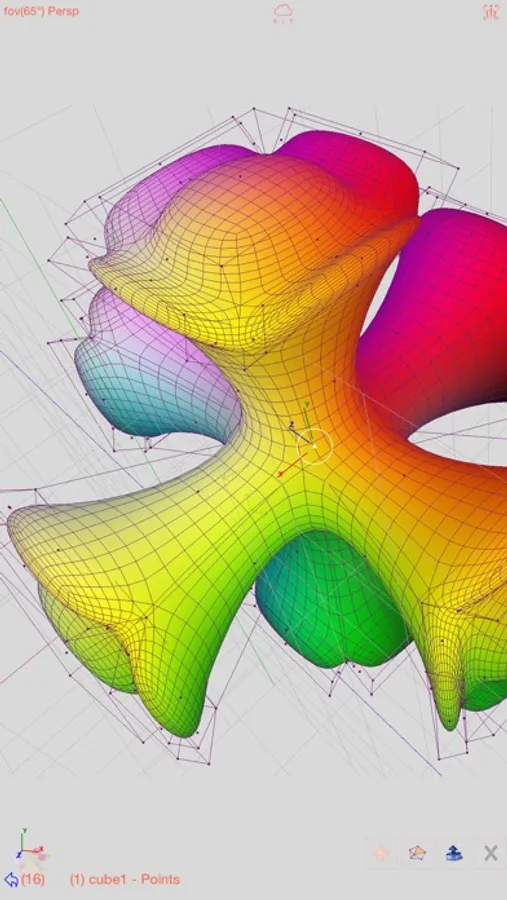
In this 3D modeling app, users can create, import, and share detailed 3D models with various editing tools and support for multiple formats. Includes features such as face capture with True Depth, video-textured models, and animation with skeleton structures.
AppRecs review analysis
AppRecs rating 2.8. Trustworthiness 74 out of 100. Review manipulation risk 23 out of 100. Based on a review sample analyzed.
★★☆☆☆
2.8
AppRecs Rating
Ratings breakdown
5 star
30%
4 star
11%
3 star
12%
2 star
10%
1 star
37%
What to know
✓
Low review manipulation risk
23% review manipulation risk
⚠
Mixed user feedback
Average 2.9★ rating suggests room for improvement
⚠
High negative review ratio
47% of sampled ratings are 1–2 stars
About Sketch 3D
New Feature: Integrated MaterialX library into the app.
Mesh object can be applied with materialx documents. When Saving and Loading with material, the document relative path is stored as a diffuse map entry, similar to the way of handling movie textures. Other features like material adjustment and graph editing are not supported yet. User could download free material documents from public websites and import those zip files with this app, using ShareTo or AirDrop.
Feature: Use True Depth Camera to capture face model.
Feature: Support using video as model texture.
You could use video clips from Photo Album, or from Internet URL (YouTube URL not supported), and then apply it onto a model as texture map.
Feature: Capture movie from the 3D scene.
Note! If your device could not capture movie, then, could try out a smaller output resolution (by tapping the control pane). However, arbitrary output size may stop capturing prematurely.
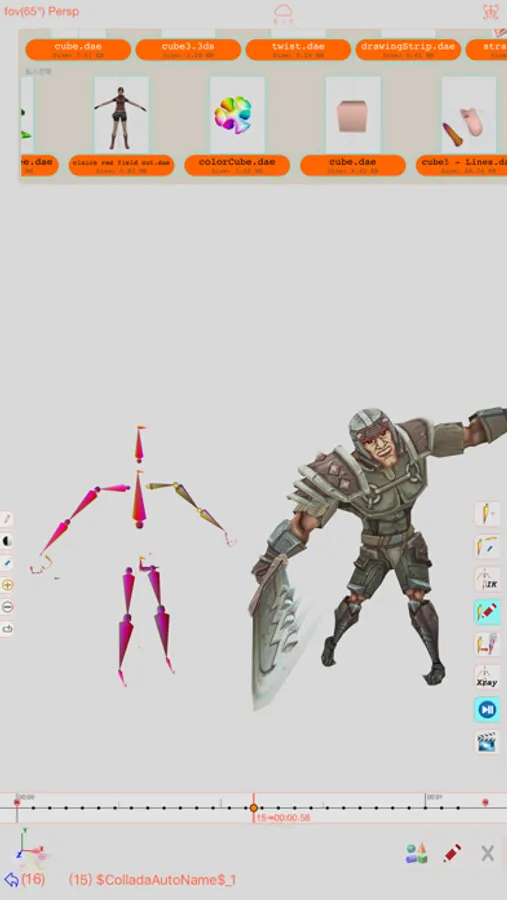
Feature: Design 3D model animation with skeleton structure.
You could design a skeleton structure by placing bones in hierarchical relation. Attach model to the skeleton, and then moving the bones to define different poses. Each pose represented as a keyframe in the timeline view. And animation sequence is produced by playing interpolation between the keyframes.
Features:
- Import 3D content directly from browser or email, either in .zip, .rar, .7z.
- Support formats: Collada DAE, OBJ, 3DS, STL(for 3D printing), and others.
- Import/export to iCloud drive, via iTune File Sharing, or to Public area via Apple CloudKit Service.
- Supports AirDrop.
- Support Quad faces.
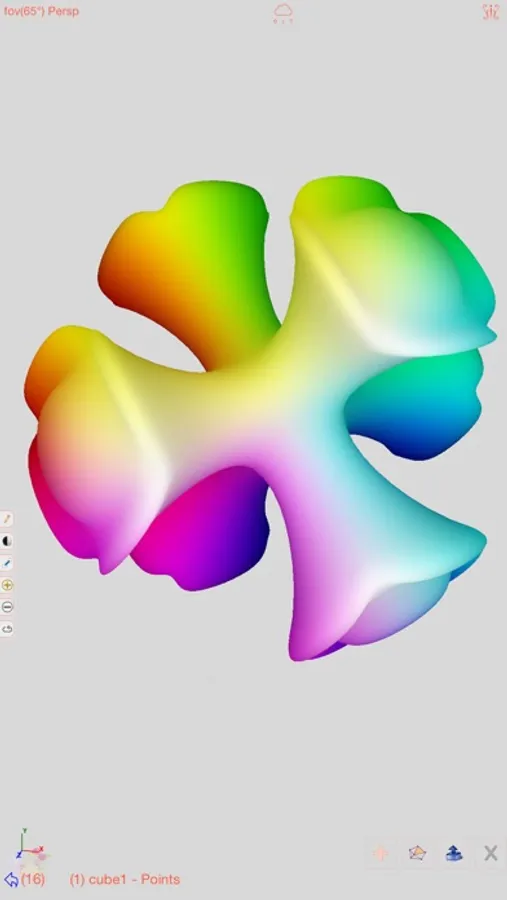
- Smooth surfaces using Subdivision.
- Mirroring editing.
- 2-fingers vertex movement, 3 or 4-fingers planar shape creation.
- Versatile multi-touches drag-through-space gestures to support editing and changing viewing angle at the same time.
- Flexible face strip drawing.
- Stitching boundary faces. Stitch triangle soap into connected faces. Stitch over edge or vertex to form a larger face.
- Stitching Triangles to Quads.
- Loop Cut faces.
- Bevel edges.
- Extrude faces or edges.
- Revolve (Spin).
- Vertex Smoothing.
- Vertex Slide along edges.
- Crease Editing after mesh subdivision.
- Split mesh from, or Join mesh to the editing one.
- Support hierarchical mesh node structure.
- Direct vertex color editing when texture map is not used.
- Edit texture map UV coordinates, include atlas generation.
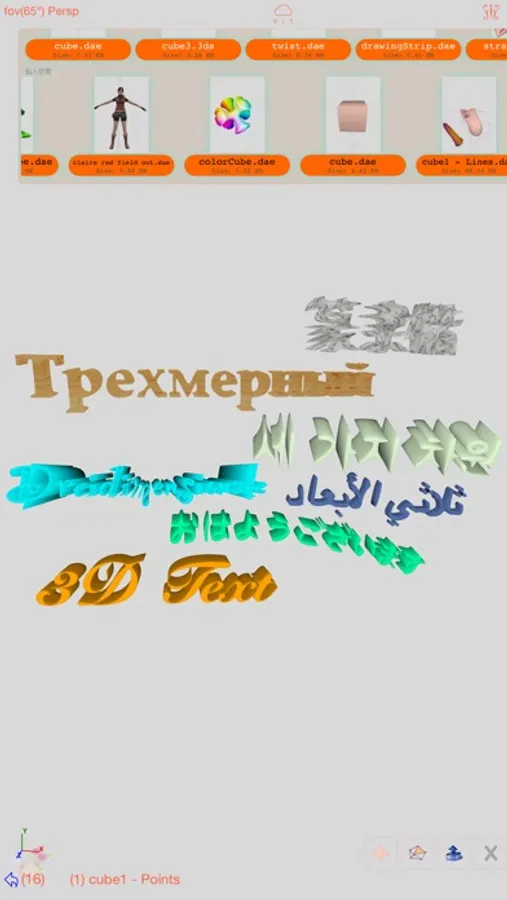
- 3D Text generation.
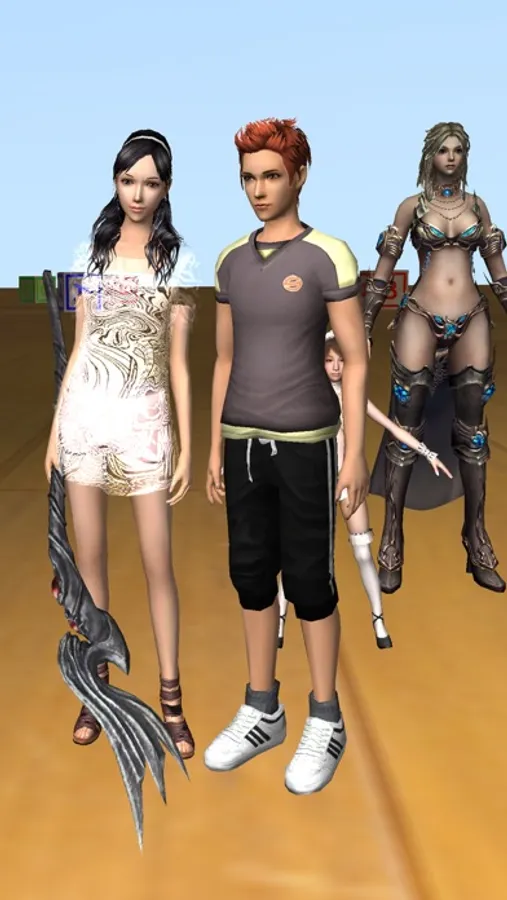
- Scene interaction with your created shape.
- Design Animation with skeleton structure.
- Capture movie from the 3D scene.
- Support using video as model texture map.
Sketch 3D Screenshots
Tap to Rate:
Reviews for Sketch 3D
Juniorkkkmember
Jr
Ts ahh onb
Panther2e5
Needs a tutorial channel
This app has good stuff with modeling and animation, but it needs a tutorial! It’s really confusing and I have no idea how to make a simple rig on a simple shape! And I can’t find anything on YouTube except for one video, and I can’t even understand what the person is saying, and he doesn’t give a tutorial on rigging! So if the developers are reading this, please make a tutorial channel on YouTube, or make a tutorial button in the app. I don’t think it’ll bother you much to add one more button! 😁