
AppRecs review analysis
AppRecs rating 1.5. Trustworthiness 76 out of 100. Review manipulation risk 31 out of 100. Based on a review sample analyzed.
★☆☆☆☆
1.5
AppRecs Rating
Ratings breakdown
5 star
10%
4 star
0%
3 star
0%
2 star
10%
1 star
80%
What to know
✓
Credible reviews
76% trustworthiness score from analyzed reviews
⚠
Mixed user feedback
Average 1.5★ rating suggests room for improvement
About ZyXEL Drive
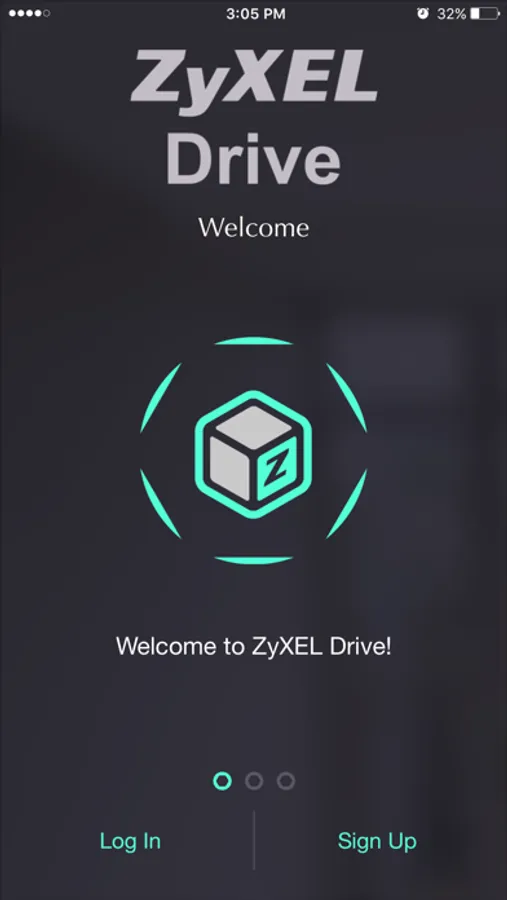
- ZyXEL Drive app makes it simple to download content from ZyXEL NAS to your iOS devices anywhere.
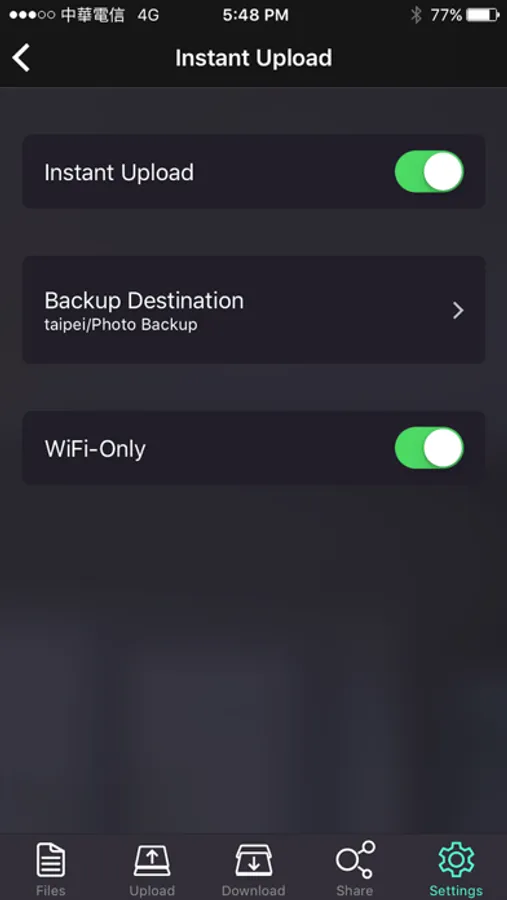
- ZyXEL Drive app can upload your camera roll from your iOS devices to your NAS, allowing for effortless backup of your precious photos and videos.
- ZyXEL Drive app supports ZyXEL DirectConnect P2P technology, which transfers data directly from point to point, without stopping over at any 3rd party servers and can pass through home routers without any configurations.
- ZyXEL Drive app offers an easy and simple way to manage mobile group sharing with family members or close friends.
Prerequisites:
- iOS 9 or later.
- ZyXEL NAS firmware v5.1 / Cloud Agent v1.0.3 or later.
- Compatible with iPhone. This app is optimized for iPhone 6.
- Compatible Models: NAS520 / NAS540 / NAS542 / NAS326
ZyXEL Drive major features:
- Supports ZyXEL DirectConnect P2P technology
- Easy management on invited group members, shared folders and files with different permission settings via App.
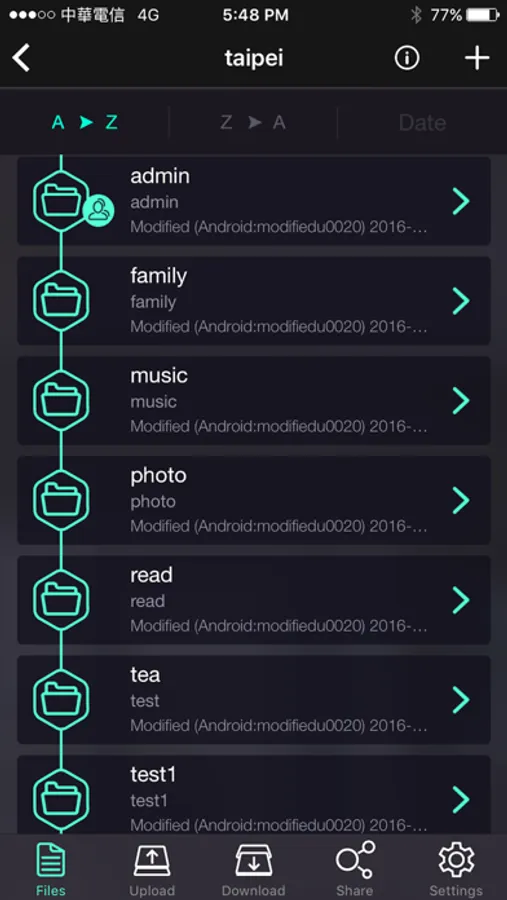
- Files, videos and photos browsing / streaming.
- Browsing and viewing files, streaming video and music files.
- Support upload and download tasks between ZyXEL NAS and iOS devices.
- Selecting specific files or folders as “my favorites”.
- Checking ZyXEL NAS storage capacity via App.
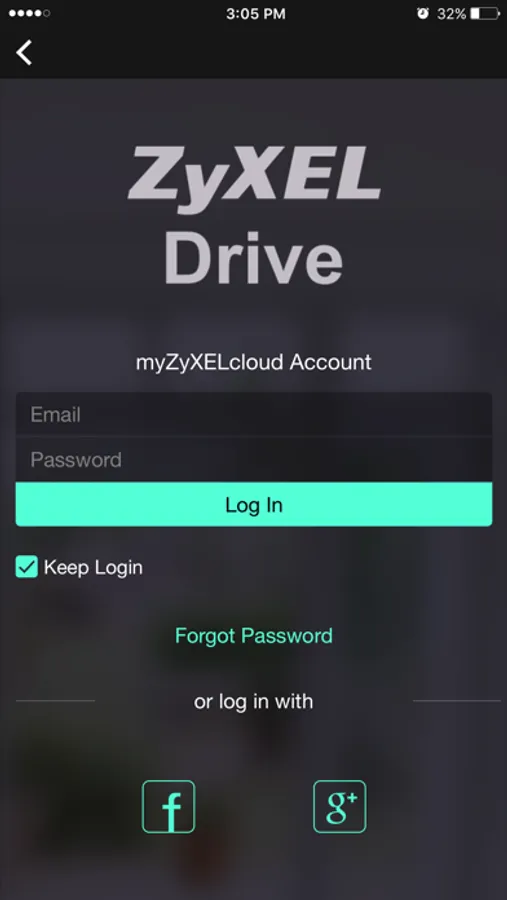
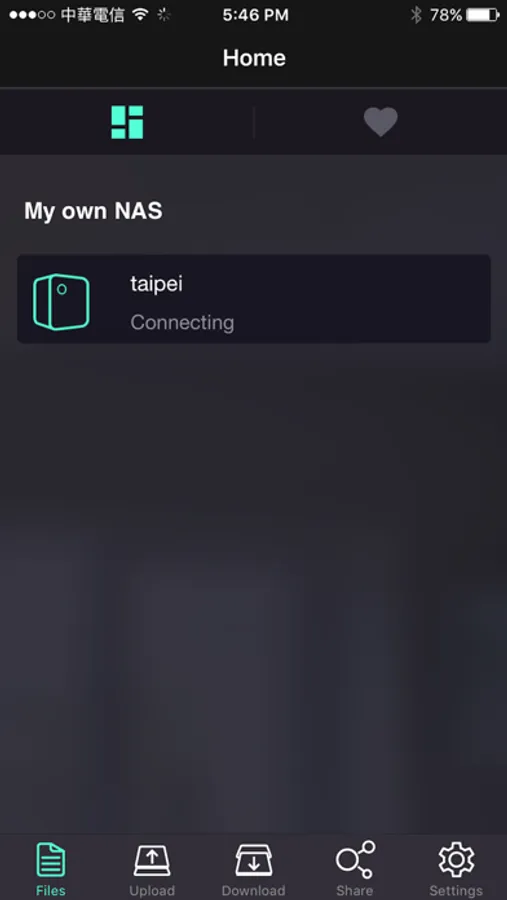
ZyXEL Drive Screenshots
Tap to Rate:
Reviews for ZyXEL Drive
Deathczx
Photo backup not working in background
Me and my wife wants backup of photos, but: the app uploading only when the phone screen is awaken and app is in phone “foreground”. So there are lot of photos and We do not have time to pernamently click to phone screen to keeping connection alive. Why this action is not possible in phone background? I do not want to use apps from 3rd party for this primitive functionality. Also changing the NAS only becouse the app is not well writen seems crazy to me. Please can someone solve this obstacle?
HeyChane
Waste of phone storage space
Drive itself works great, web GUI is fine, this app is junk. Constantly crashes.