With this app, you can preview and test display and video creatives on mobile devices using supported ad SDKs or browser. Includes QR code scanning, reporting metrics, and file sharing features.
AppRecs review analysis
AppRecs rating 4.3. Trustworthiness 0 out of 100. Review manipulation risk 0 out of 100. Based on a review sample analyzed.
★★★★☆
4.3
AppRecs Rating
Ratings breakdown
5 star
69%
4 star
12%
3 star
12%
2 star
4%
1 star
4%
What to know
✓
High user satisfaction
81% of sampled ratings are 4+ stars (4.4★ average)
About Creative Preview
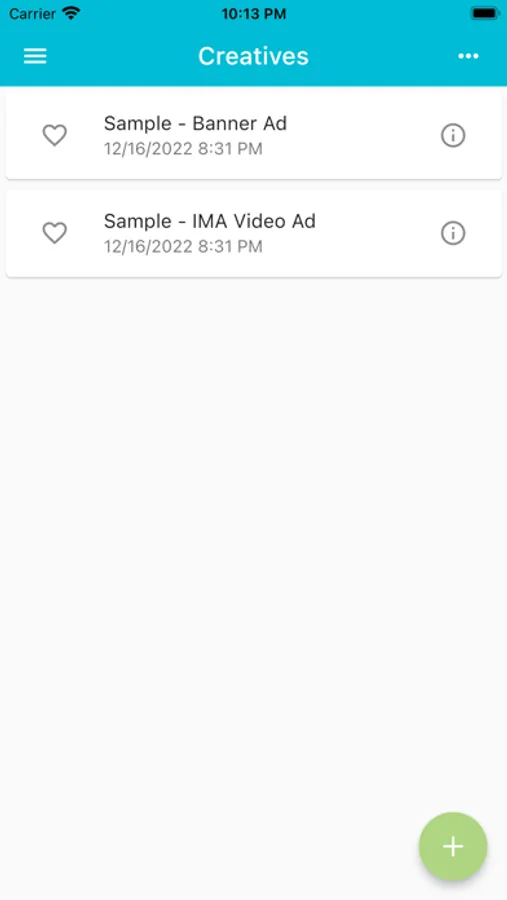
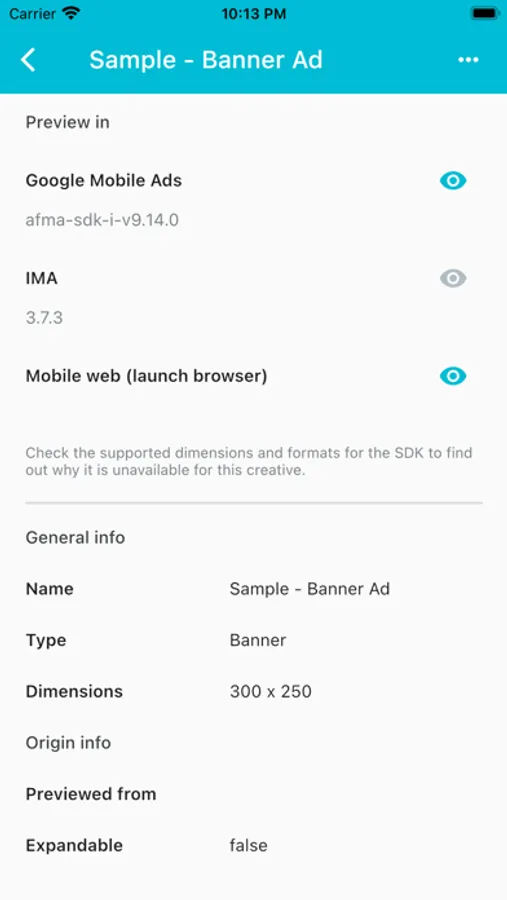
Make sure you know how consumers will experience your ad when it goes live. Creative Preview helps you test mobile ads directly on a smartphone or tablet.
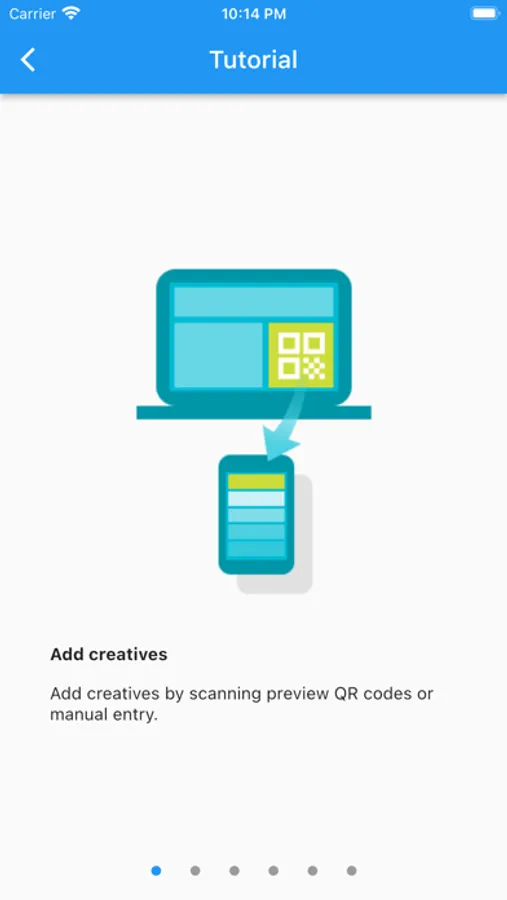
Scan a QR code from a Google Marketing Platform product to preview an ad on your device, or manually add a creative URL. Test on your device using the supported mobile ad SDKs or in any mobile browser, and review reporting metrics in the app's console.
Use Creative Preview to:
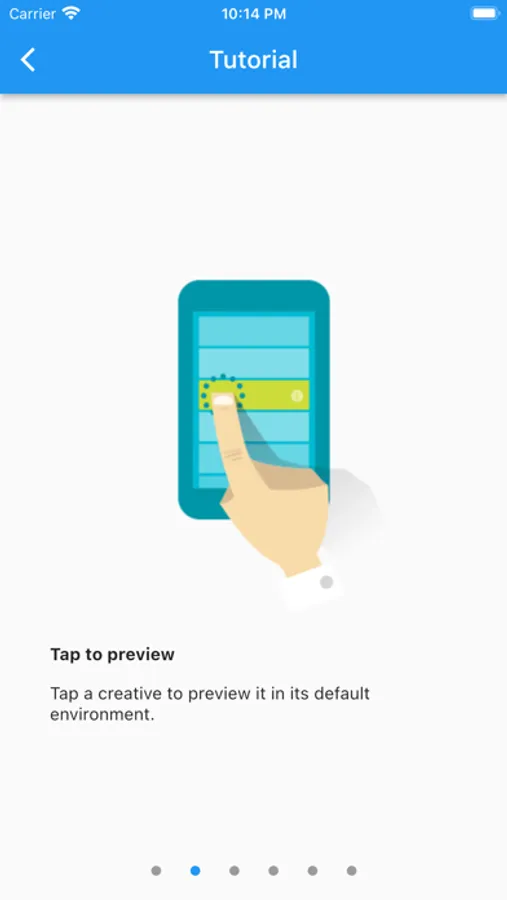
* Preview and test display and video creatives directly on your mobile device.
Supported mobile ad SDKs:
* Google Mobile Ads
* Interactive Media Ads (IMA)
Permissions Notice:
* Camera: Needed to scan QR codes.
* Microphone: Needed to preview creatives using mobile ads SDKs that support audio recording.
* Storage: Needed to attach photos, videos, and local files for submitting app feedback. It's also needed to save your preview list and app settings.
Scan a QR code from a Google Marketing Platform product to preview an ad on your device, or manually add a creative URL. Test on your device using the supported mobile ad SDKs or in any mobile browser, and review reporting metrics in the app's console.
Use Creative Preview to:
* Preview and test display and video creatives directly on your mobile device.
Supported mobile ad SDKs:
* Google Mobile Ads
* Interactive Media Ads (IMA)
Permissions Notice:
* Camera: Needed to scan QR codes.
* Microphone: Needed to preview creatives using mobile ads SDKs that support audio recording.
* Storage: Needed to attach photos, videos, and local files for submitting app feedback. It's also needed to save your preview list and app settings.
Creative Preview Screenshots
Tap to Rate: