
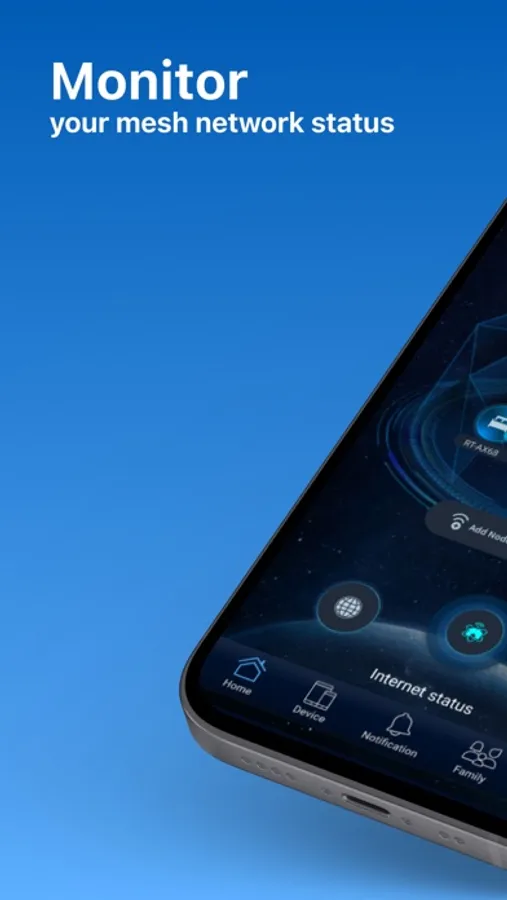
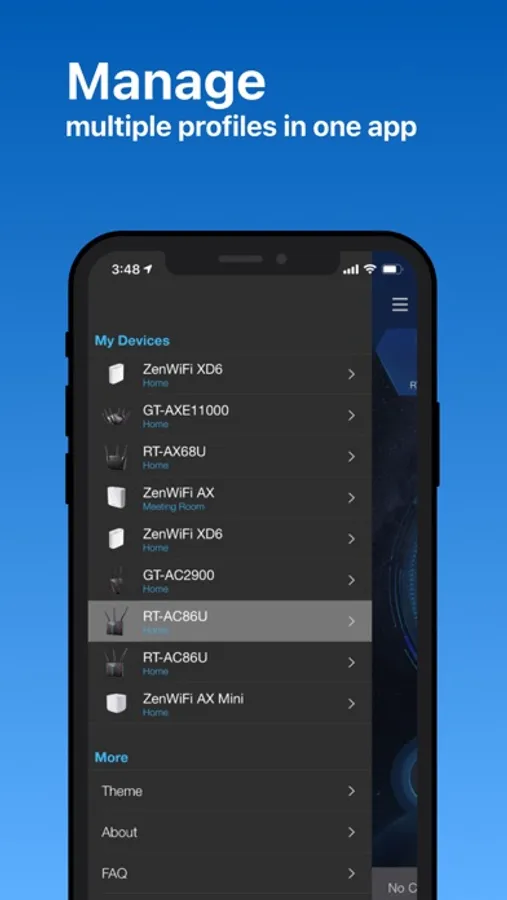
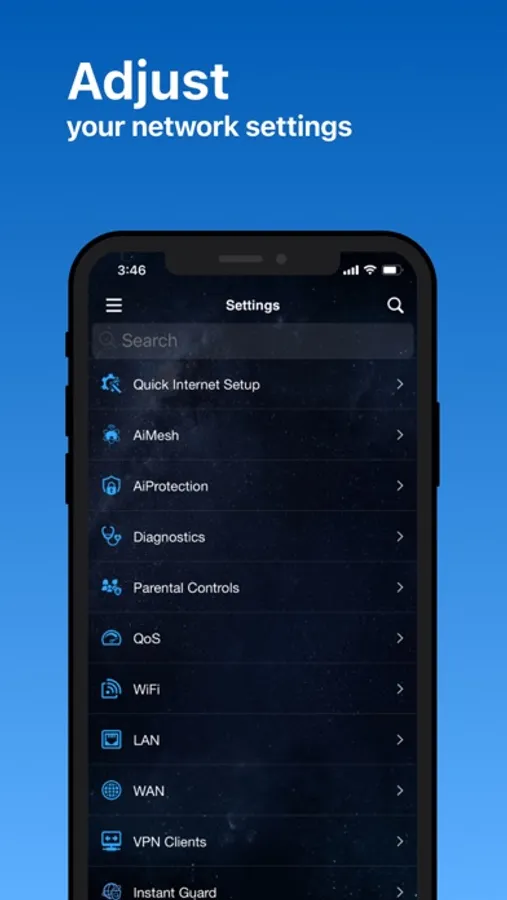
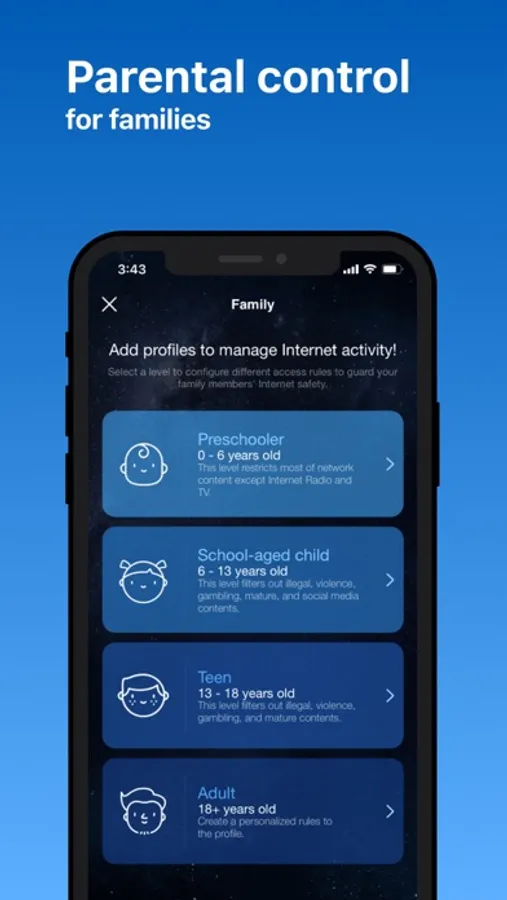
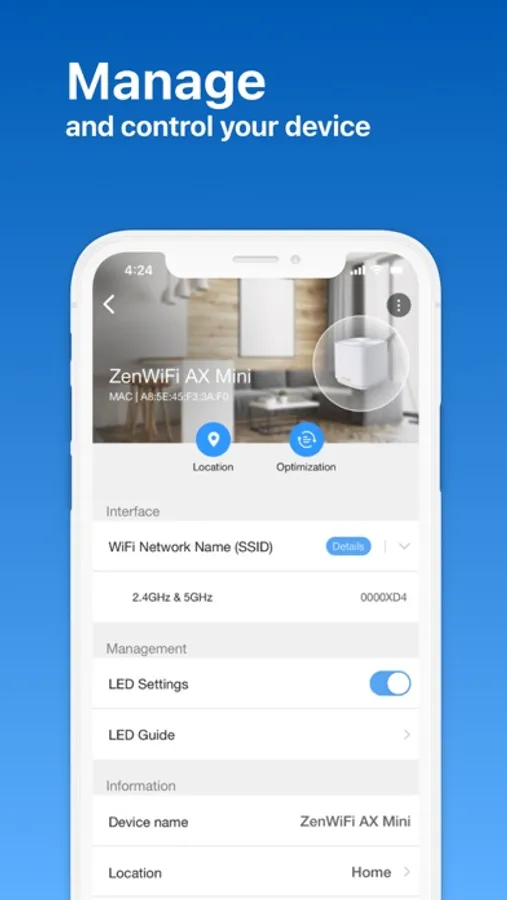
In this ASUS Router app, you can manage network settings and monitor devices remotely. Includes features like parental controls, guest network creation, and device management options.
AppRecs review analysis
AppRecs rating 4.5. Trustworthiness 79 out of 100. Review manipulation risk 23 out of 100. Based on a review sample analyzed.
★★★★☆
4.5
AppRecs Rating
Ratings breakdown
5 star
80%
4 star
9%
3 star
3%
2 star
2%
1 star
6%
What to know
✓
Low review manipulation risk
23% review manipulation risk
✓
Credible reviews
79% trustworthiness score from analyzed reviews
✓
High user satisfaction
80% of sampled ratings are 5 stars
About ASUS Router
KEY FEATURES:
*Router Monitoring and Remote Management
*AiMesh
….….Add AiMesh node
….….AiMesh Network Topology
….….Network management and optimization
….….AiMesh node monitoring and customized settings
….….Full backhaul options
*Parental Controls
….….Time scheduling
….….Content Block
….….Online/Offline schedule
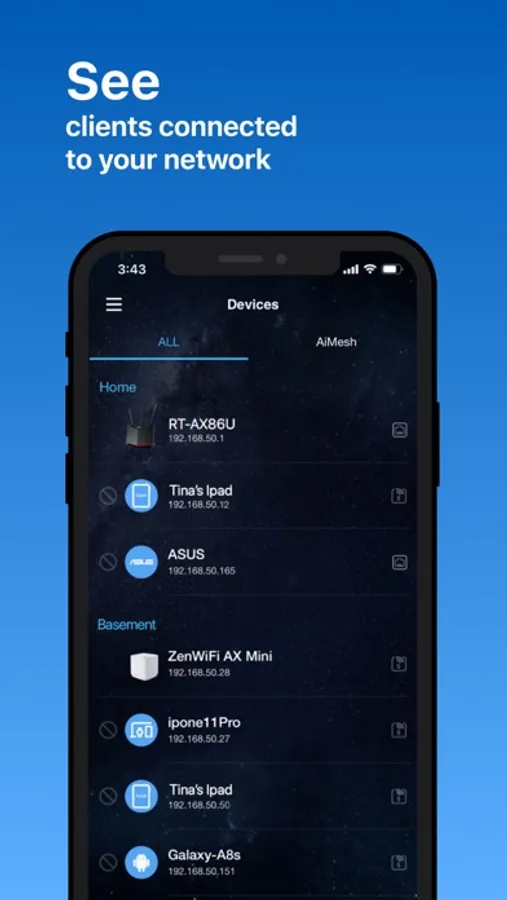
*Client Device Management
….….Safe Browsing
….….Bandwidth limiter
….….Block Internet access
….….Customizable device icon and nickname
*Guest network
….….Create guest network
….….Share WiFi with QR code
*More Features
….….Account binding
….….4G / 5G Auto Mobile Tethering
….….Port Status
….….VPN Fusion
….….VPN Server
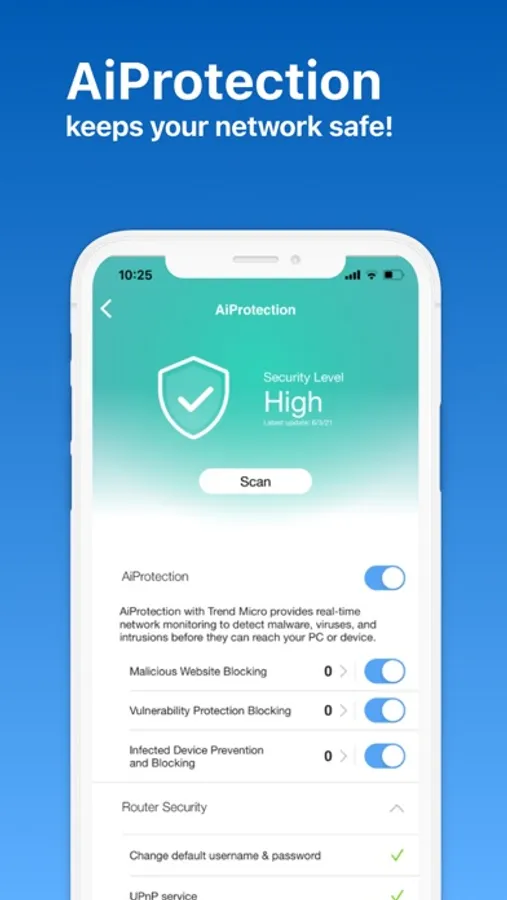
….….AiProtection
….….Firmware Update
….….QoS
….….Mobile Game Mode
….….DNS settings
….….VPN clients
….….Wireless settings
….….Connect with Alexa
….….Google assistant
….….Router setting backup
….….IP Binding
….….WOL (Wake-on-LAN)
….….Port forwarding (RT models)/ OpenNAT (ROG Models)
….….Schedule Reboot
….….ASUS Notice
-----
SUPPORTED MODELS
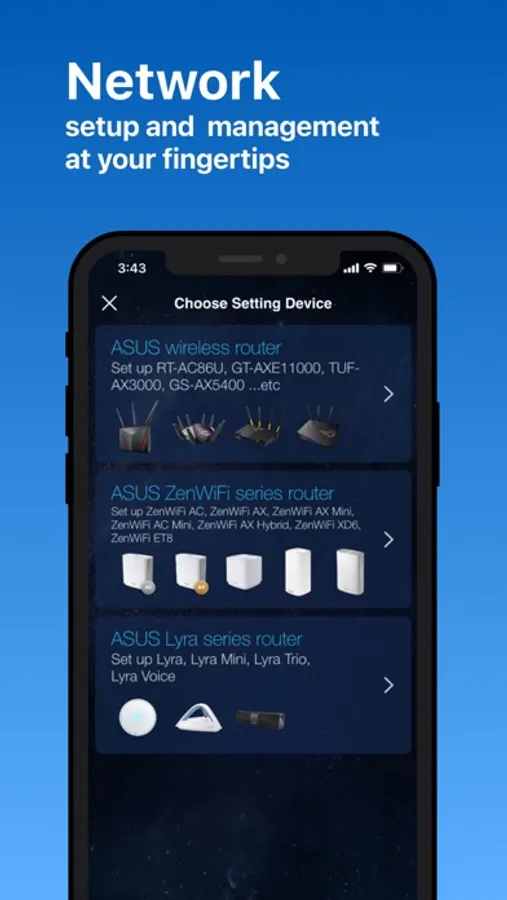
- All ZenWiFi line up
- All 802.11ax line up
- All 802.11be line up
- All ROG Rapture line up
- All ROG Strix line up
- All TUF Gaming line up
- Lyra/Lyra mini/Lyra Trio/Lyra Voice (needs to be at least 3.0.0.4.384 version)
- Blue Cave
- RT-AC5300
- RT-AC3100
- RT-AC88U
- RT-AC3200
- RT-AC2900
- RT-AC2600
- RT-AC2400
- RT-AC2200
- RT-AC87U/R
- RT-AC86U
- RT-AC85U
- RT-AC85P
- RT-AC65P
- RT-AC57U
- RT-AC68U/R/P/W/UF
- RT-AC65U
- RT-AC1900
- RT-AC1900P/U
- RT-AC1750
- RT-AC1750 B1
- RT-AC66U/R/W
- RT-AC66U B1
- RT-AC66U+
- RT-AC1300UHP/ G+
- RT-AC1200
- RT-AC1200G/HP/G+/ E/ GU
- RT-AC58U
- RT-AC56U/R/S
- RT-AC55U
- RT-AC55UHP
- RT-AC53
- RT-AC52U B1
- RT-AC51U/ U+
- RT-ACRH17
- RT-ACRH13
- RT-N66U/R/W/C1
- RT-N18U
- RT-N19
- RT-N14UHP
- RT-N12E B1/C1
- RT-N12HP B1
- RT-N12VP B1
- RT-N12+ B1
- RT-N12D1
- 4G-AC53U
- 4G-AC68U
- Selected DSL models
[Only supports router login and partial management functions. The QIS (Quick Internet Setup) process is excluded]
-DSL-AX5400
-DSL-AX82U
-DSL-AC68U
-DSL-AC68R
-DSL-AC52U
-DSL-AC55U
-DSL-AC56U
-DSL-AC51
-DSL-AC750
-DSL-N17U
-DSL-N16
-DSL-N16P
-DSL-N16U
-DSL-N14U
-DSL-N14U_B1
-DSL-N55U_C1
-DSL-N55U_D1
-DSL-N12U_C1
-DSL-N12U_D1
-DSL-N12E_C1
-DSL-N10_C1
-DSL-N66U
-----
UNSUPPORTED MODELS:
-All Cable modem models
-----
New features are consistently being added. Get excited for the ASUS Router App!
-----
PLEASE NOTE:
Some of the features are only available on supported models or firmware later than 3.0.0.4.388.xxxxx Please visit the official ASUS website to view the latest list of supported models.
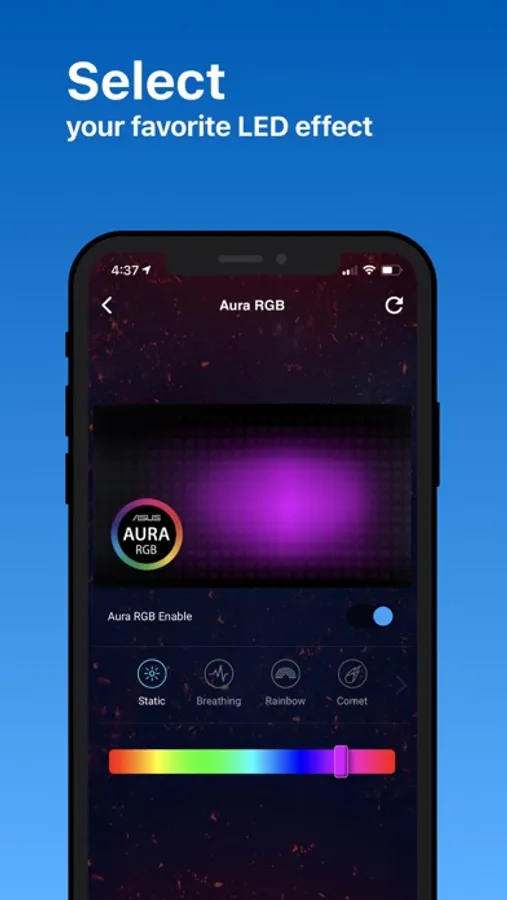
ASUS Router Screenshots

Tap to Rate:
Reviews for ASUS Router
Mom7635785
Not specific enough
Need to be able to block individual websites. In order to block YouTube, I need to block all “media streaming”.
Hayxfg76
DDNS forces to enable remote web management
Excellent router and software plus iOS app, however if you decide to enable DDNS it breaks your app’s core capability to manage the router remotely via Asus reverse proxy. Once Asus DDNS is enabled, if you try to connect outside the network you getting error message that web remote management is not enabled. Keeping it enabled exposes your entire router to the internet (terrible security practice) Asus should design DDNS enablement in such a way that it will let you decide if you want to access it via web remote management or keep using reverse proxy which still gives you full control to the router remotely but without exposing it to internet and external attacks.