In this remote access app, users can connect to multiple remote servers and manage passwords with centralized data sources. Includes support for various protocols, integrations with password managers, and cloud storage options.
AppRecs review analysis
AppRecs rating 3.7. Trustworthiness 77 out of 100. Review manipulation risk 23 out of 100. Based on a review sample analyzed.
★★★☆☆
3.7
AppRecs Rating
Ratings breakdown
5 star
56%
4 star
10%
3 star
6%
2 star
8%
1 star
19%
What to know
✓
Low review manipulation risk
23% review manipulation risk
✓
Credible reviews
77% trustworthiness score from analyzed reviews
✓
Good user ratings
67% positive sampled reviews
About Remote Desktop Manager
Remote Connections
================
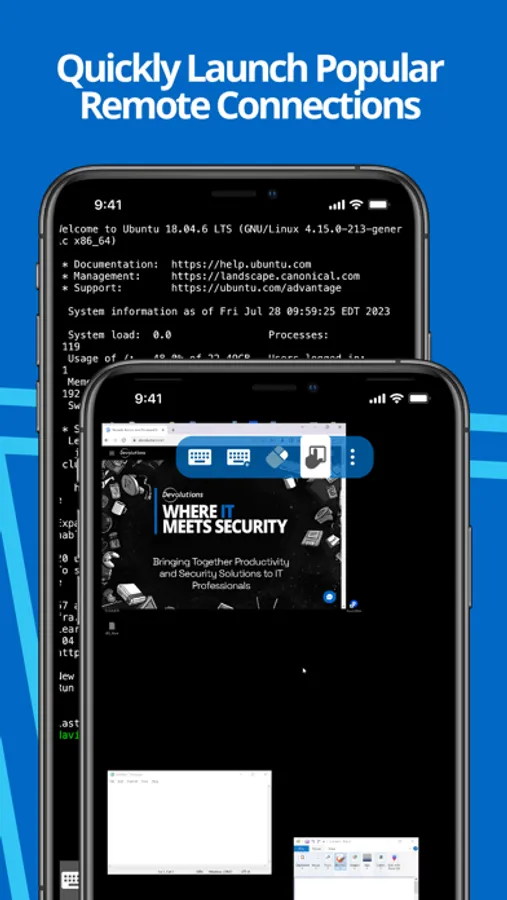
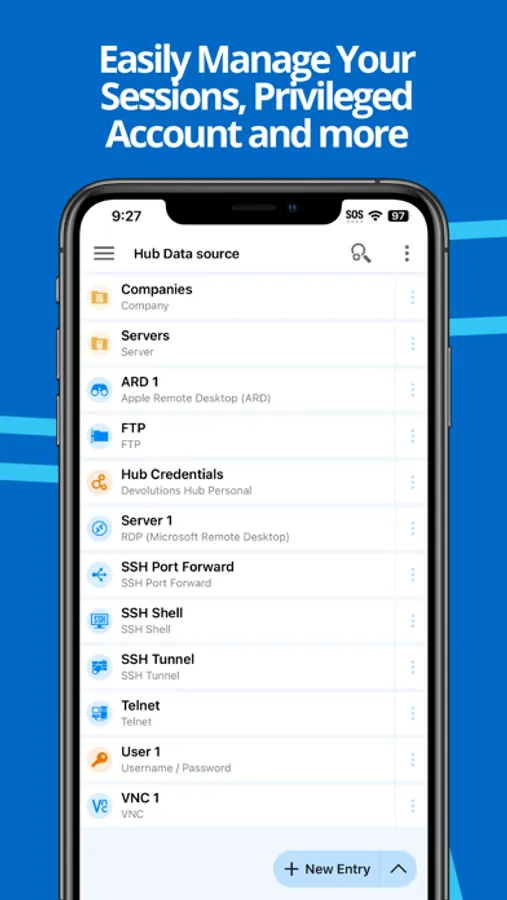
Remote Desktop Manager for iOS supports Microsoft Remote Desktop Protocol (RDP), VNC, Apple Remote Desktop (ARD), SSH Shell, SSH Tunnel, Proxy Tunnel, Telnet, FTP, TFTP, SFTP, SCP, Active Directory Console, WebDAV, Google Drive, Microsoft OneDrive, Microsoft RDP Gateway, Azure Blob Storage Explorer, Amazon AWS Dashboard, Amazon S3 Explorer, Website, Devolutions PAM Dashboard, SSH Port forward, Dell iDRAC, Dropbox Explorer, HP iLO, BeyondTrust Password Safe and BeyondTrust Password Safe Dashboard.
Once configured, connections to your remote servers, virtual machines and other workstations can be easily launched using a single tap.
Password Management
=================
Along with remote connections, Remote Desktop Manager for iOS lets you save and manage your passwords and credentials from your centralized database or your local XML file. Easily input your credentials and automatically sign in everywhere.
Credentials
=========
RDM supports generic credentials as well as the following integrations: 1Password, Bitwarden, CyberArk, CyberArk AAM, Dashlane, Keeper, LastPass, One Time Password, Passportal, Password Manager Pro, Passwordstate, Pleasant Password Server, RoboForm, Secret Server, Sticky Password, TeamPass, True Key, and Zoho Vault, in addition to our own products, Devolutions Hub, Devolutions Server.
Database
=======
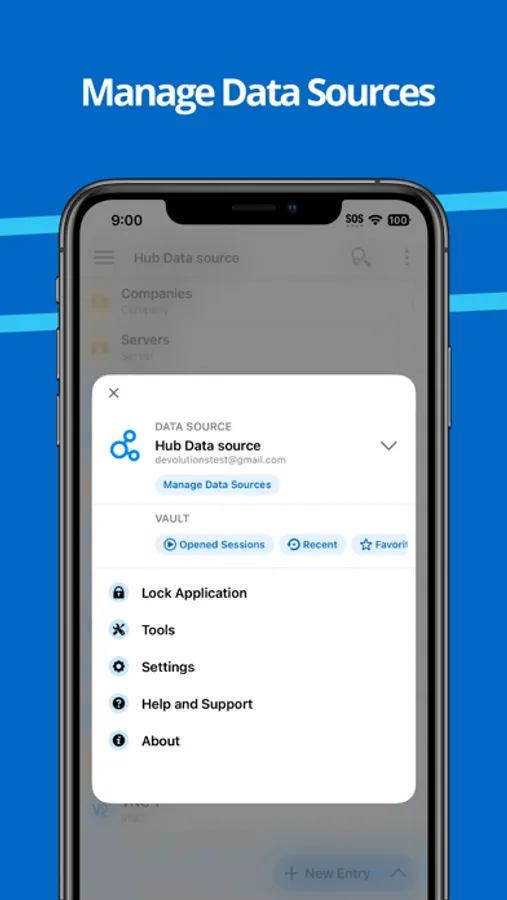
Remote Desktop Manager for iOS supports these data sources:
For teams:
- Devolutions Server (DVLS)
- Devolutions Hub Business
- Microsoft SQL Server
For individuals:
- Devolutions Hub Personal
- XML File
- Dropbox
- Google Drive
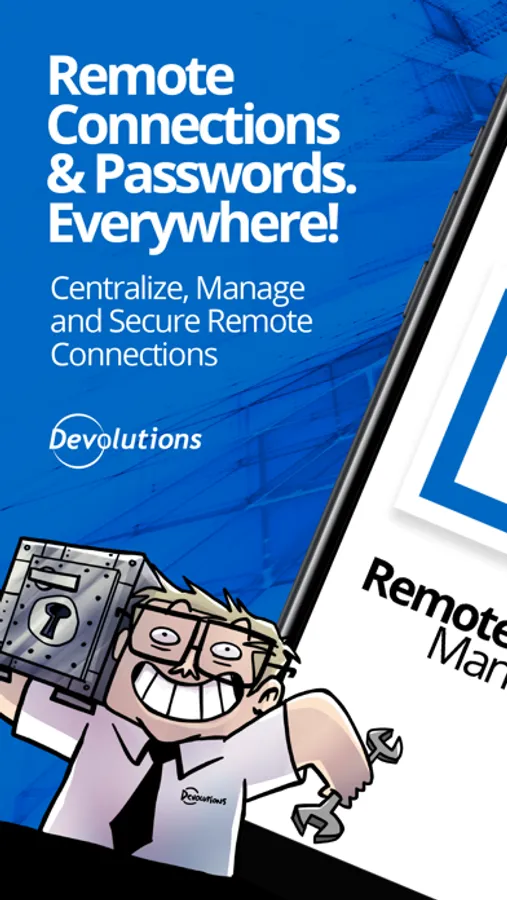
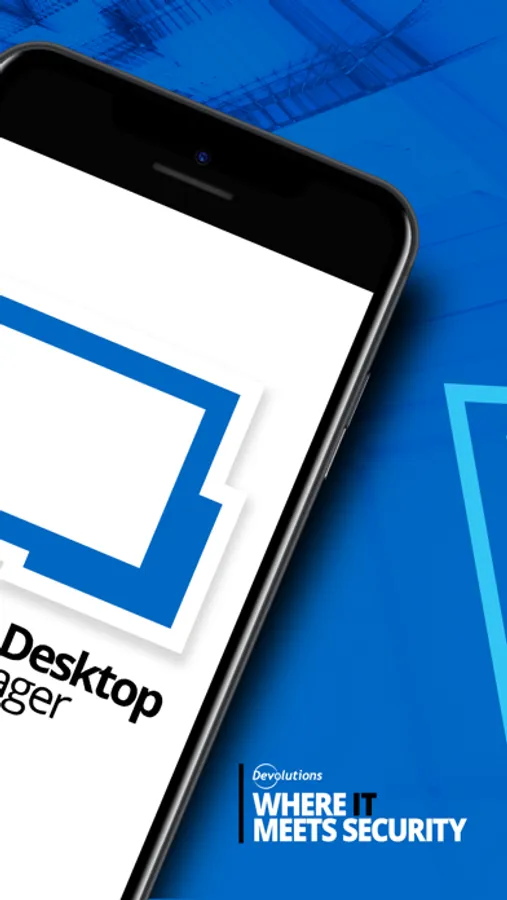
Remote Desktop Manager Screenshots
Tap to Rate:
Reviews for Remote Desktop Manager
alüminum
Was great, until recently
The most recent update completely broke it and now my xml vault will not load or let me connect to any of my systems. This has been rock solid for months prior and still works fine on desktop, but the mobile app is no longer functioning as expected. Vaults show as blank and the one time I was able to see the contents it refused to connect, just kept opening menus but never started a session when selecting an entry. There is no connect button, it only open the entry overview. My xml vault was located on a remote drive which I do have access to, but I have to manually point it there every time now and it seems to forget the location which it did not do before. This is quite the regression and I wish I could roll back to the previous version.
Your mom says1
RDP actually works
Easy five stars from me