
With this VPN app, you can establish secure connections using SSLVPN or IPsec protocols and manage encryption settings. Includes support for certificates authentication and two-factor authentication with FortiToken.
AppRecs review analysis
AppRecs rating 2.0. Trustworthiness 73 out of 100. Review manipulation risk 21 out of 100. Based on a review sample analyzed.
★★☆☆☆
2.0
AppRecs Rating
Ratings breakdown
5 star
21%
4 star
3%
3 star
8%
2 star
9%
1 star
59%
What to know
✓
Low review manipulation risk
21% review manipulation risk
⚠
Mixed user feedback
Average 2.2★ rating suggests room for improvement
⚠
High negative review ratio
68% of sampled ratings are 1–2 stars
About FortiClient VPN
This Free version of FortiClient VPN App supports limited basic features for SSLVPN and IPsec. This app does not come with any Fortinet TAC support.
Supported Features
- SSLVPN
- Certificates based authentication
- Two-factor Authentication using FortiToken
You can install FortiClient App to get advanced VPN functionality and 24 x7 TAC support.
FortiClient VPN Screenshots
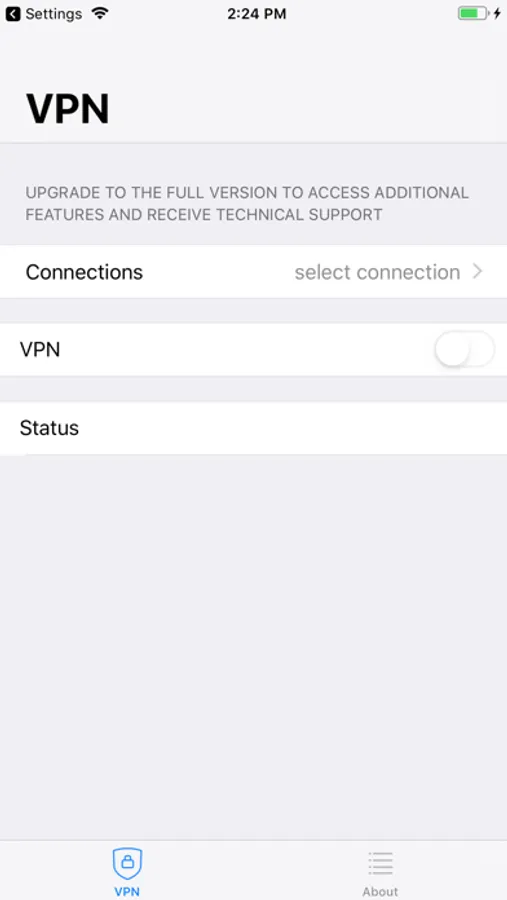
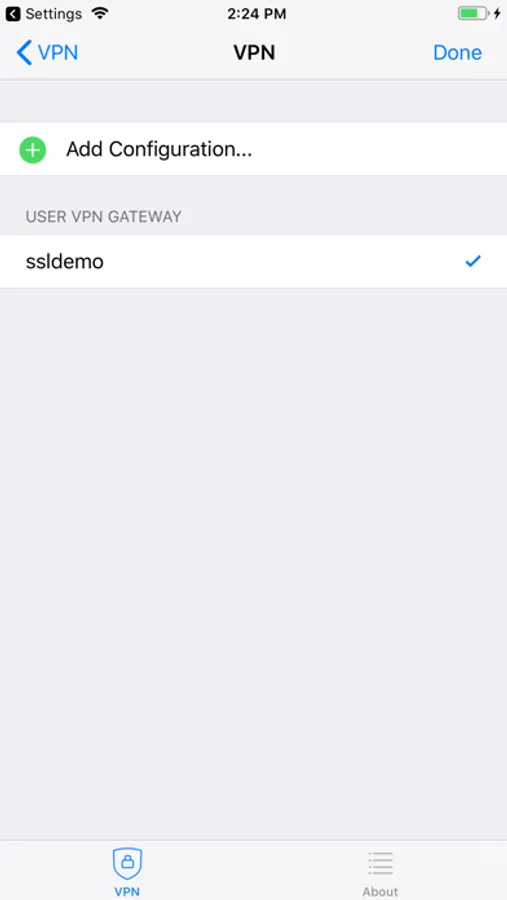
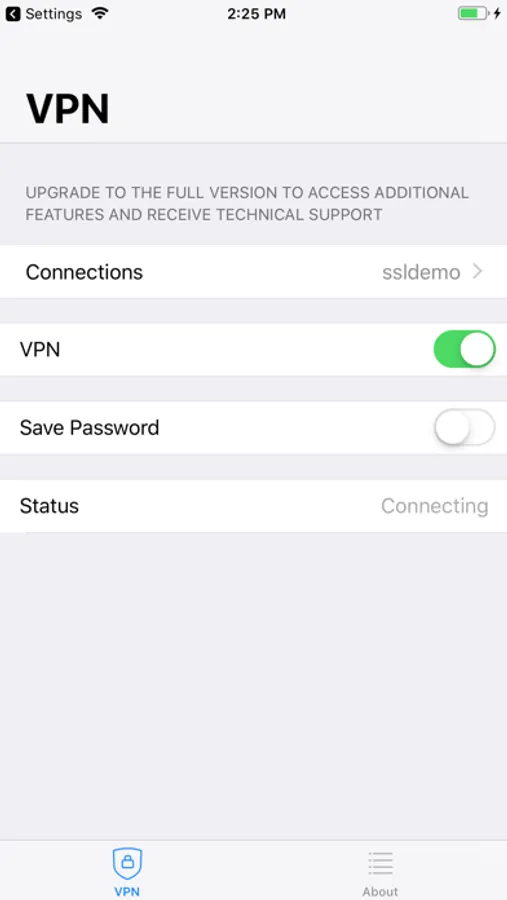
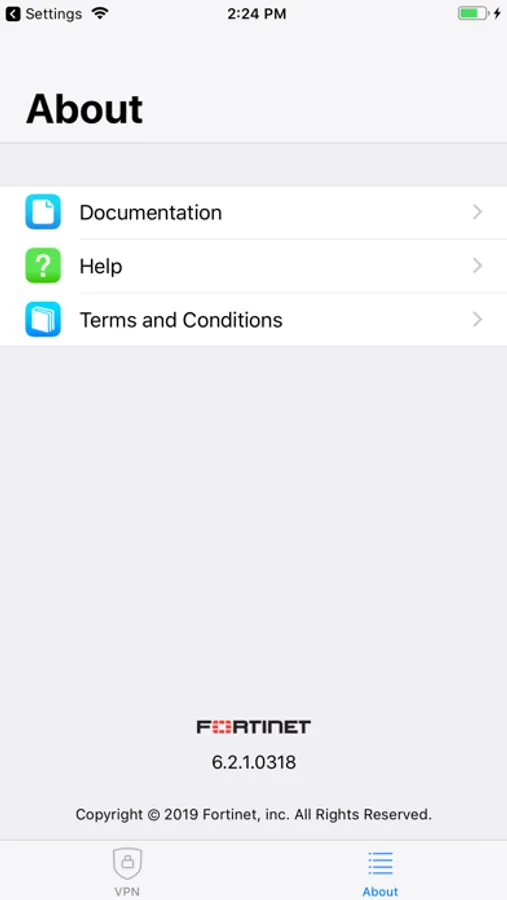
Tap to Rate:
Reviews for FortiClient VPN
Amirhmt72
Bad user experience for connections handling!
There is no any button for connection removal
Fail132
Works like a charm!
Seeing the negative reviews had me going in with the expectation that it wouldn’t work. Idk if they fixed whatever the issue was for everyone else, but I was able to connect to my work’s VPN that uses Forticlient from my phone without issue. I would say that if you can’t connect, try enabling “Single sign on” when setting it up. Whenever I normally sign in thru forticlient I am redirected and once I enabled that and tried again, I got my redirect on my phone and was able to sign in like normal