PhotoWall+ Cam – the Companion App for PhotoWall+
Boinx Software International GmbH
3.7 ★
3 ratings
Free
AppRecs review analysis
AppRecs rating 3.7. Trustworthiness 82 out of 100. Review manipulation risk 36 out of 100. Based on a review sample analyzed.
★★★☆☆
3.7
AppRecs Rating
Ratings breakdown
5 star
67%
4 star
0%
3 star
0%
2 star
0%
1 star
33%
What to know
✓
Credible reviews
82% trustworthiness score from analyzed reviews
✓
Good user ratings
67% positive sampled reviews
About PhotoWall+ Cam – the Companion App for PhotoWall+
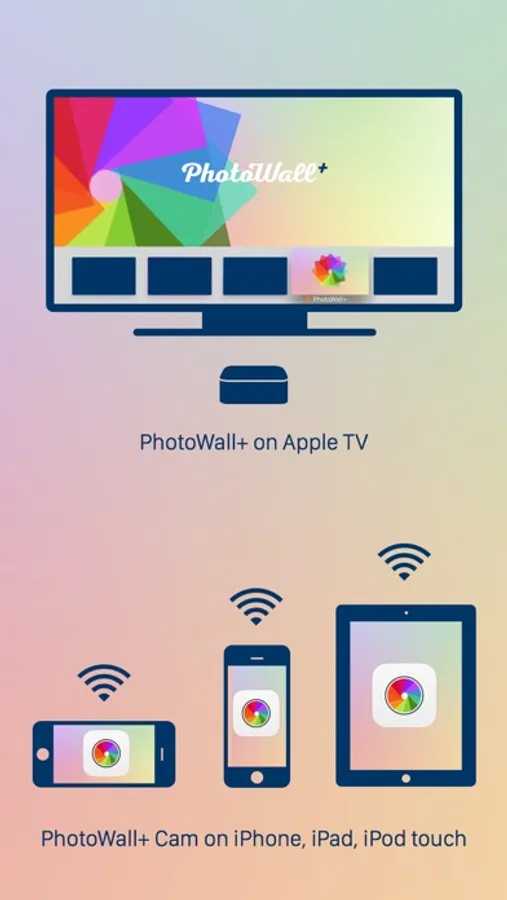
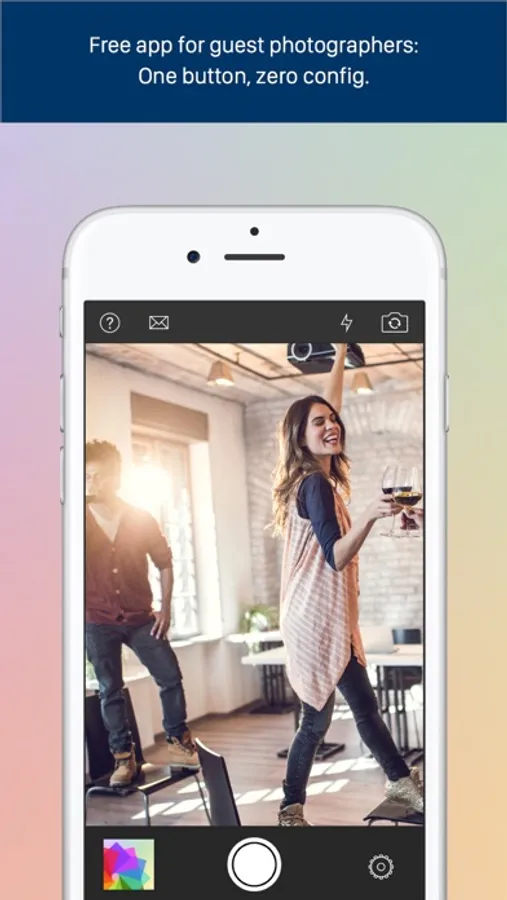
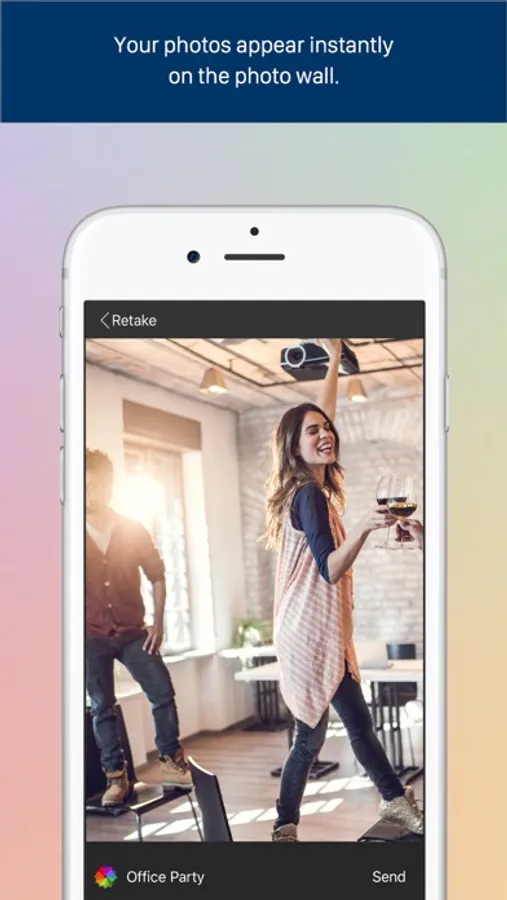
PhotoWall+ Cam for iOS is the companion app to the tvOS app PhotoWall+, a social photo sharing solution that easily turns your Apple TV into a powerful photo wall. Simply download the PhotoWall+ Cam app onto your iPhone and start snapping photos - once you send your photos to the hosted photo wall, they’ll appear instantly on the main screen!
Host Top Notch Events with PhotoWall+
Your guests are taking pictures already - why not give them a central place to share them with the crowd? Tell your guests to download PhotoWall+ Cam from the iOS AppStore for free and let them post their photos on the big screen so every attendee can enjoy them. Plus, all photos posted on your photo wall will be stored in your iCloud account, making it easy to collect and share after the confetti has settled.
For more information, see the website at http://boinx.com/photowallplus.
PhotoWall+ Cam – the Companion App for PhotoWall+ Screenshots
Tap to Rate:
Reviews for PhotoWall+ Cam – the Companion App for PhotoWall+
inaugusta
Great addition to sweet 16 party
Very pleased with the results. I used this app to get teens engaged at a Sweet 16 bash. The adults quickly got into the act too! By the end of the celebration I had nearly 200 photos! I found the moderation of photos easy and intuitive, with little disruption to the experience - you can either hide a photo or delete permanently. After the event, you need to log into your iCloud account via the Boinx support page and using Chrome, you can download all the images with one click. My setup included my Apple TV, running the Photo Wall + Cam app as the host, projected to a screen via HDMI. You can do this to any monitor, TV, or projector. Con. Android users felt left out. (Seriously)
@sonicjoy
Can't download pictures from party
When we try to download party pictures via the Boinx website, many photos are missing ("image not downloaded yet" error). This app was a hit at the party as guests could see their photos on the AppleTV. But now we can't access and download the photos!!