iStopMotion Remote Camera
Boinx Software International GmbH
2.2 ★
28 ratings
Free
AppRecs review analysis
AppRecs rating 2.1. Trustworthiness 76 out of 100. Review manipulation risk 23 out of 100. Based on a review sample analyzed.
★★☆☆☆
2.1
AppRecs Rating
Ratings breakdown
5 star
21%
4 star
11%
3 star
0%
2 star
4%
1 star
64%
What to know
✓
Low review manipulation risk
23% review manipulation risk
✓
Credible reviews
76% trustworthiness score from analyzed reviews
⚠
Mixed user feedback
Average 2.2★ rating suggests room for improvement
About iStopMotion Remote Camera
KEY FEATURES
- Be inspired by watching stop motion and time lapse movies created by users of iStopMotion.
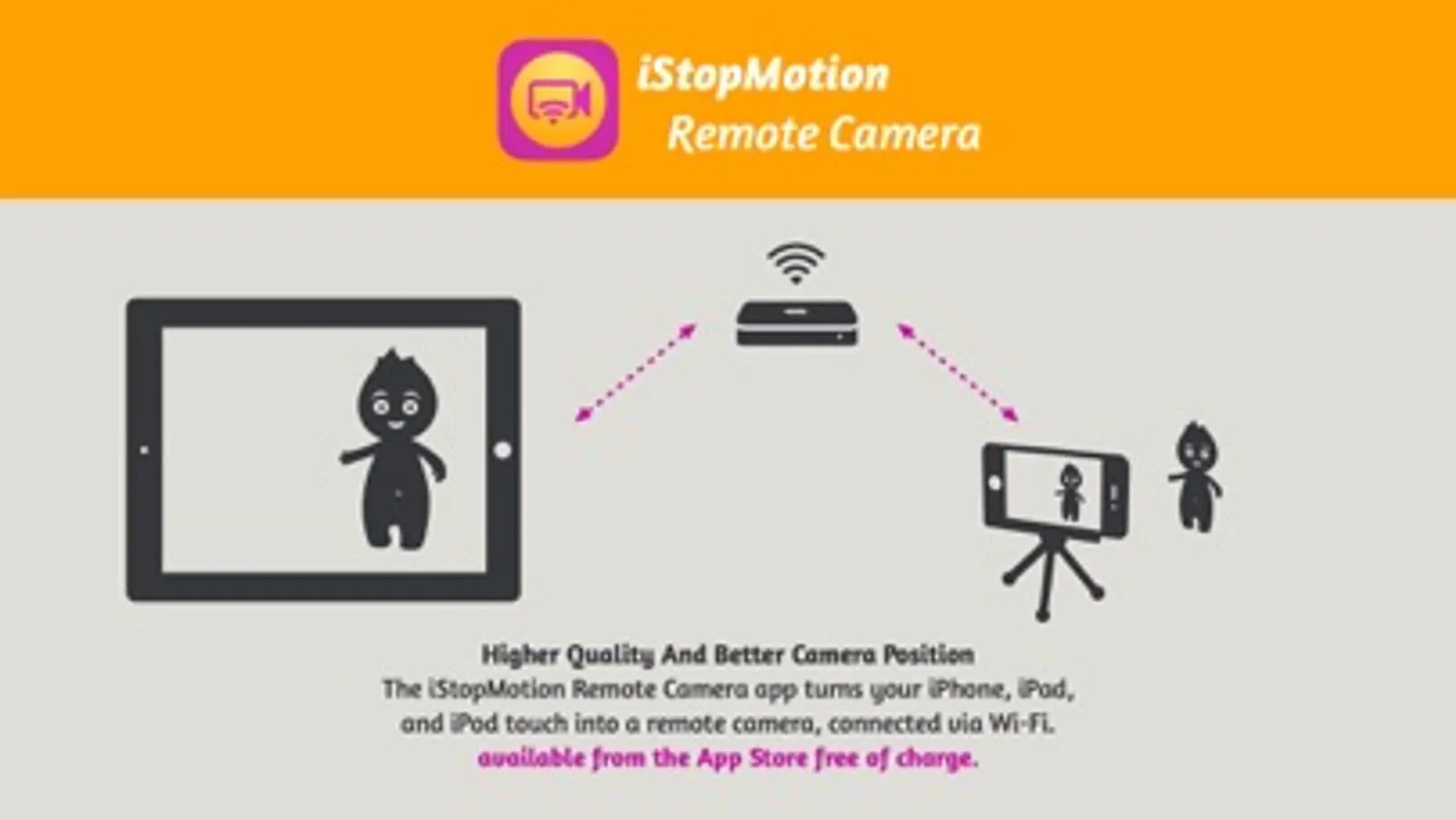
- If you have iStopMotion, you can use your iPhone or iPad as a remote camera connected via Wi-Fi.
NOTE: iStopMotion - available as a separate purchase -
is required for this app to create stop motion or time lapse movies.
WHAT IS A REMOTE CAMERA?
iStopMotion Remote Camera allows the use of the camera of an iPhone (4 or newer) or iPad (2 or newer) as a remote camera for iStopMotion running on iOS. The remote camera is connected via a Wi-Fi connection.
iStopMotion is a stop motion (aka stop action or claymation) animation and time lapse app.
For more information on iStopMotion see http://boinx.com/istopmotion/
For more information about how to set up the iStopMotion Remote Camera refer to the help menu.
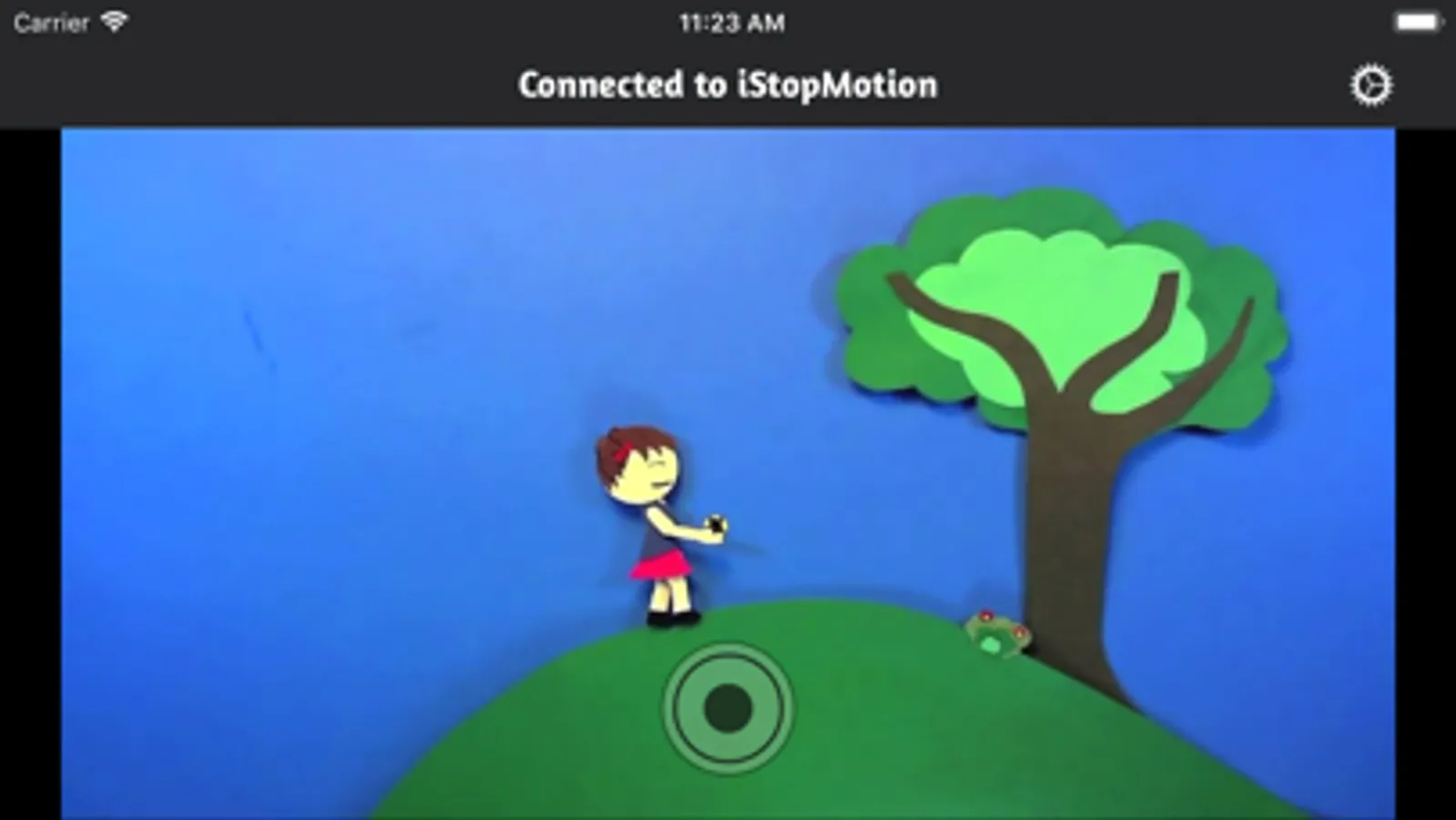
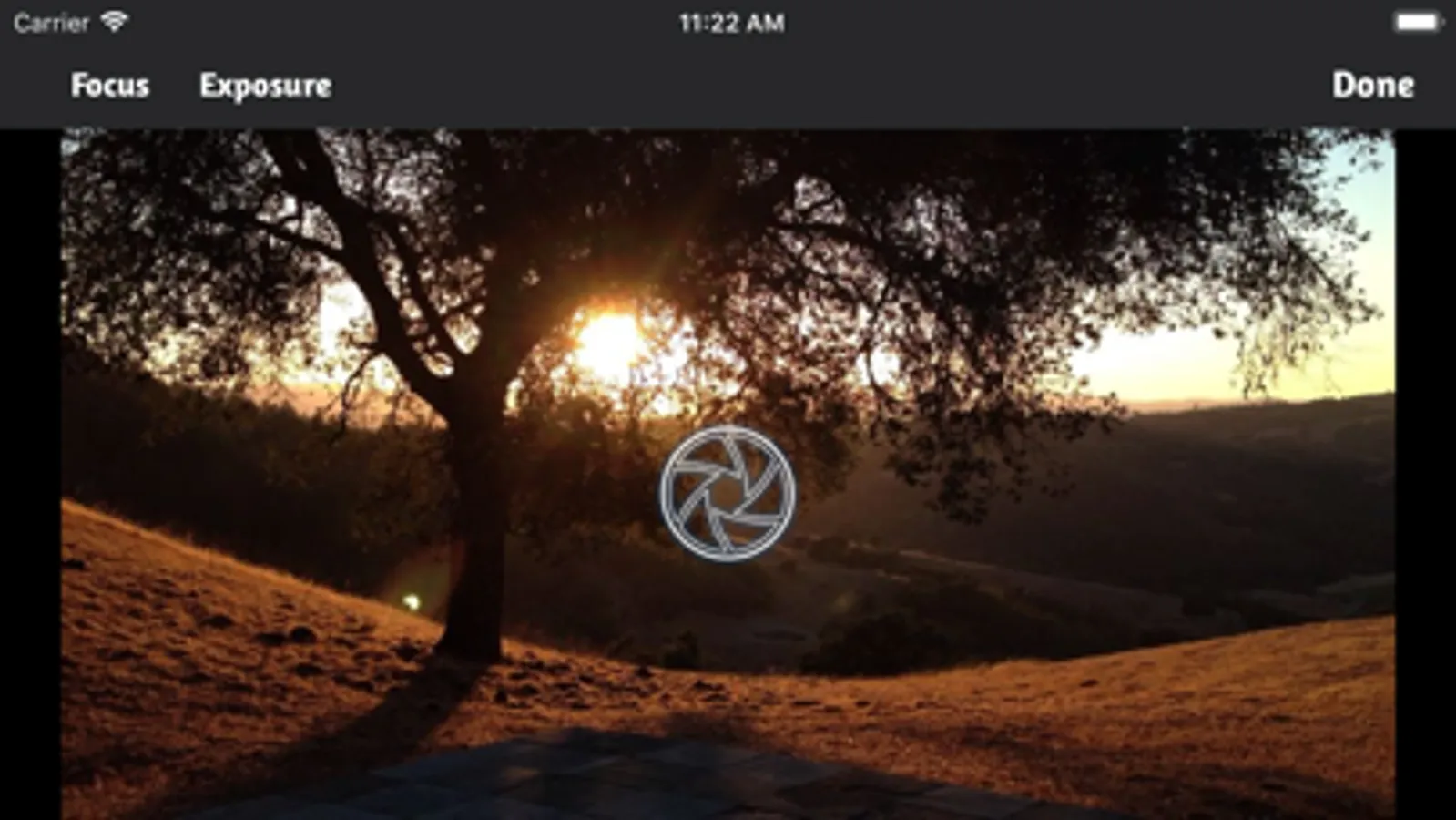
iStopMotion Remote Camera Screenshots
Tap to Rate:
Reviews for iStopMotion Remote Camera
K vote The Bloodless
Works well, needs more features!
The app works perfectly, but you need a wired connection. I think a few people missed this. The app works as intended but is very limited. No manual focus, or real exposure lock. No ability to adjust shutter speed or ISO. Very bare bones.
aj_denver
Read the details, only works between iOS devices
This is a handy program that, once installed on an iOS device, allows it to act as a remote camera for another iOS device that’s running the iStopmotion app. Another reviewer seemed to be trying to use this app between a Mac and an iOS device, but the app description says both devices must be iOS. So you need two iOS device and two apps. The iOS device that’s acting as the camera needs to be running iStopmotion Remote (this app), and the other iOS device that’s acting as the master (has the shutter control, and builds the clip by receiving frames sent by the other device) needs to be running the separate iStopmotion app. Also, the two devices need to be connected to the same network (WiFi network, I believe) to communicate with each other. Read the directions from the software publisher here in the App Store to learn how to connect the two iOS devices.