AppRecs review analysis
AppRecs rating 3.5. Trustworthiness 65 out of 100. Review manipulation risk 26 out of 100. Based on a review sample analyzed.
★★★☆☆
3.5
AppRecs Rating
Ratings breakdown
5 star
0%
4 star
0%
3 star
0%
2 star
0%
1 star
100%
What to know
✓
Low review manipulation risk
26% review manipulation risk
About Chordana Trackformer
[Compatible devices] iPhone6 or later(Except for the iPhone SE).
[System requirements] iOS 11.0 or later required.
An easy way to create your own original dance music!
Chordana Trackformer makes it easy for you to write your own dance music, even if you don't know how to compose music.
You can enter a parts (two-bar melody) using your choice of 4 input modes. There's no need to enter the melody for the entire tune.
You just enter a parts and Chordana Trackformer automatically creates a whole tune, so you don't have to spend ages composing the dance music.
Product Features
1. Three ways to enter your parts (2-bar melody)
A melody that comes to you in the middle of an ordinary day...
Have you ever thought: “This would make a really great tune.
But I need to know how to compose, and it's no good if I can't read music. And that all takes time to learn”?
Chordana Trackformer will take care of all those concerns.
Just input your 2-bar melody you thought of.
Chordana Trackformer will automatically make it into an entire tune.
You can choose from 3 types of input method.
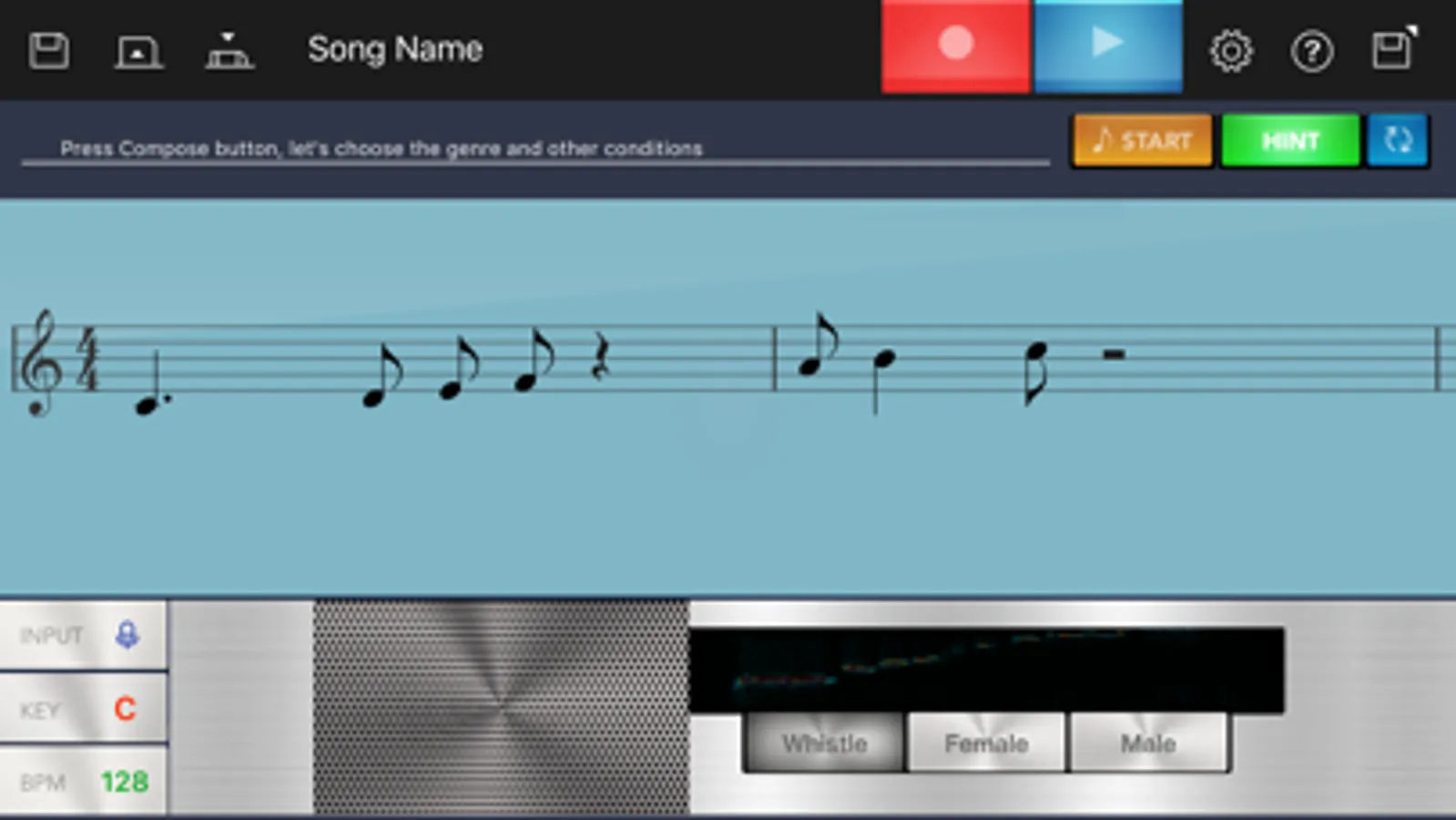
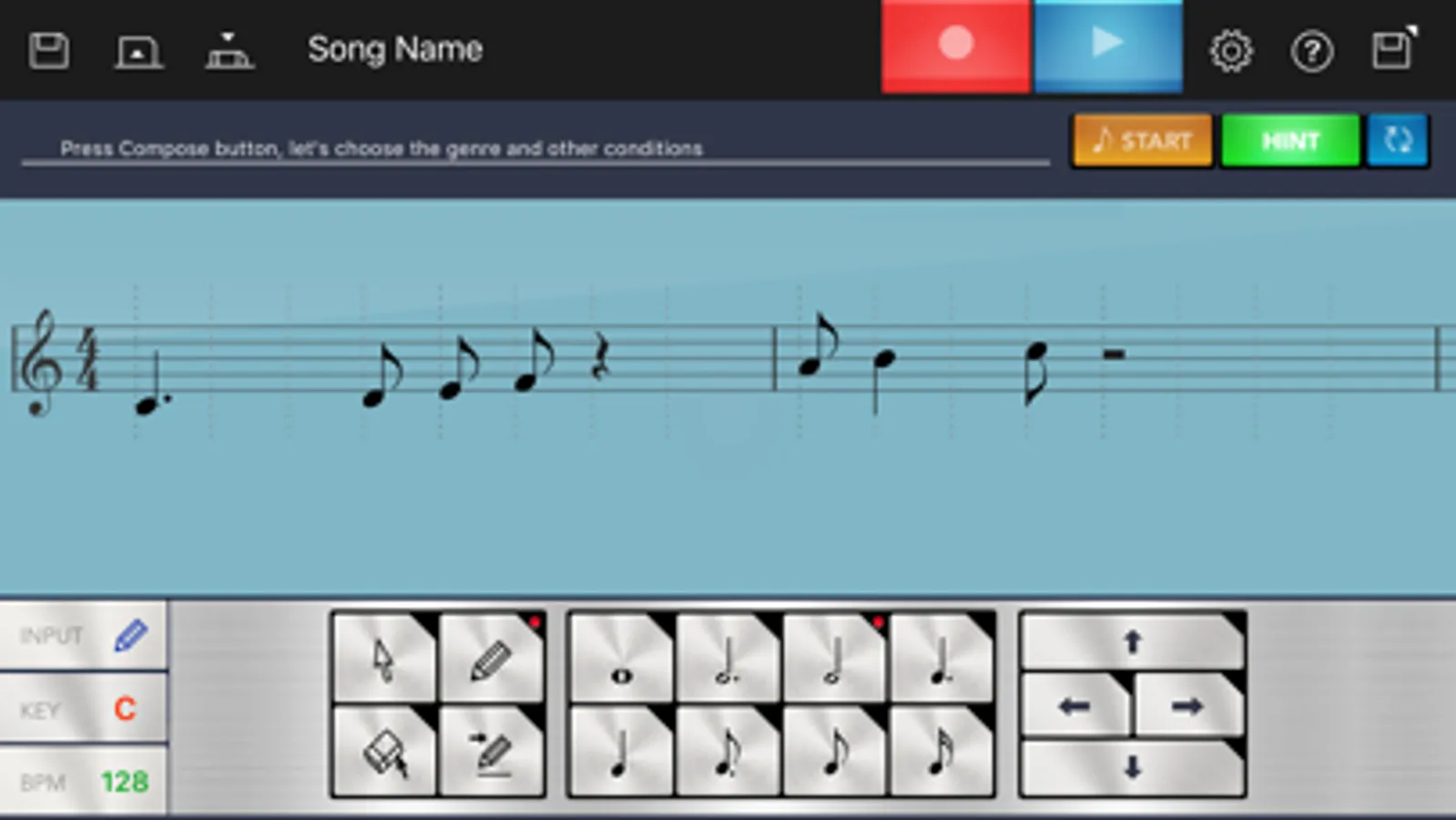
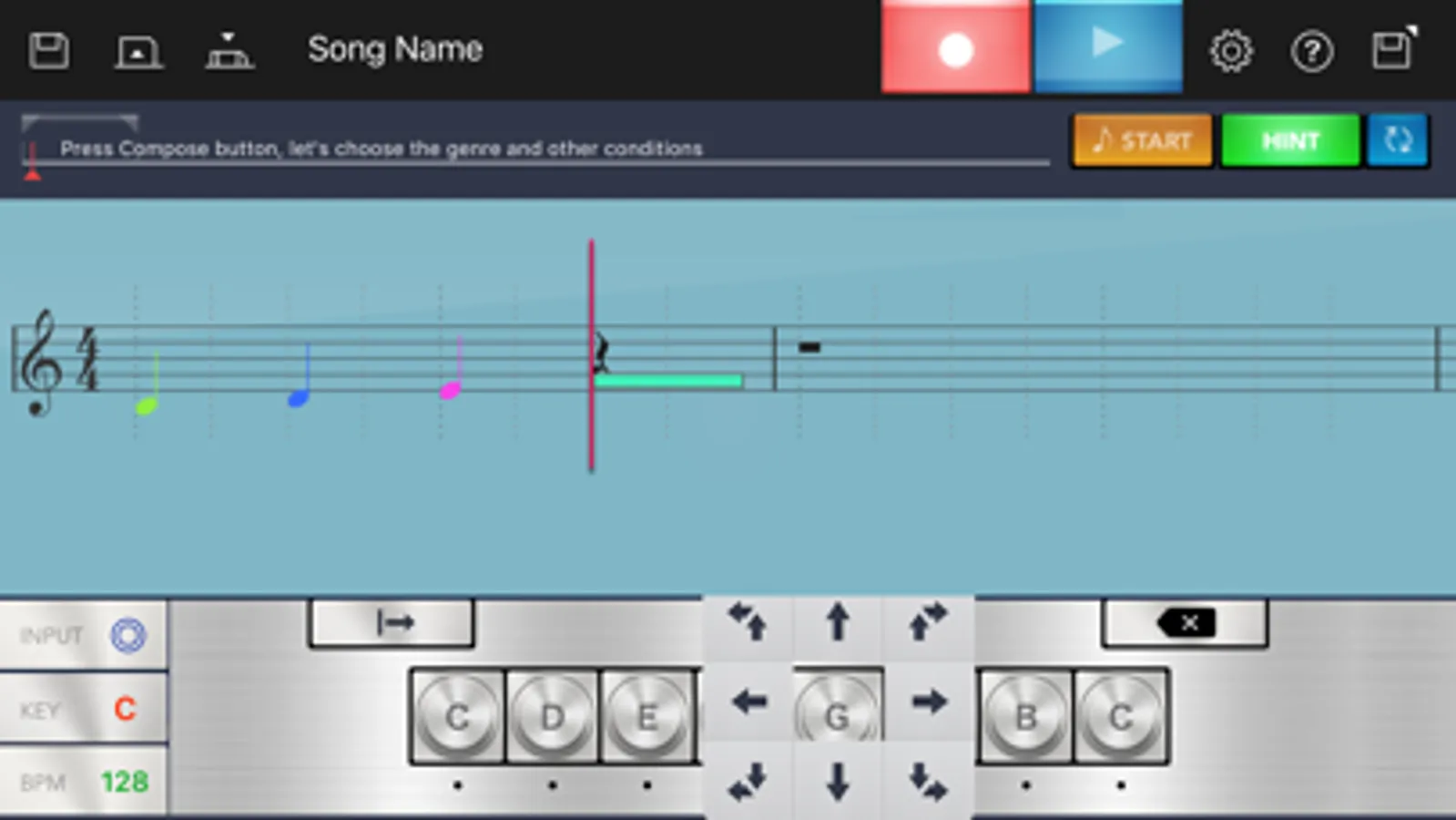
In "Keyboard input mode" you use a virtual keyboard, in "Notation input mode, you paste the notes into a sheet of music, and in "Microphone input mode", you just sing the melody into the microphone.
2. Automatic composition by choosing "Genre" and "Concept"
Once you've entered the melody using one of the modes above, you're ready for automatic composition.
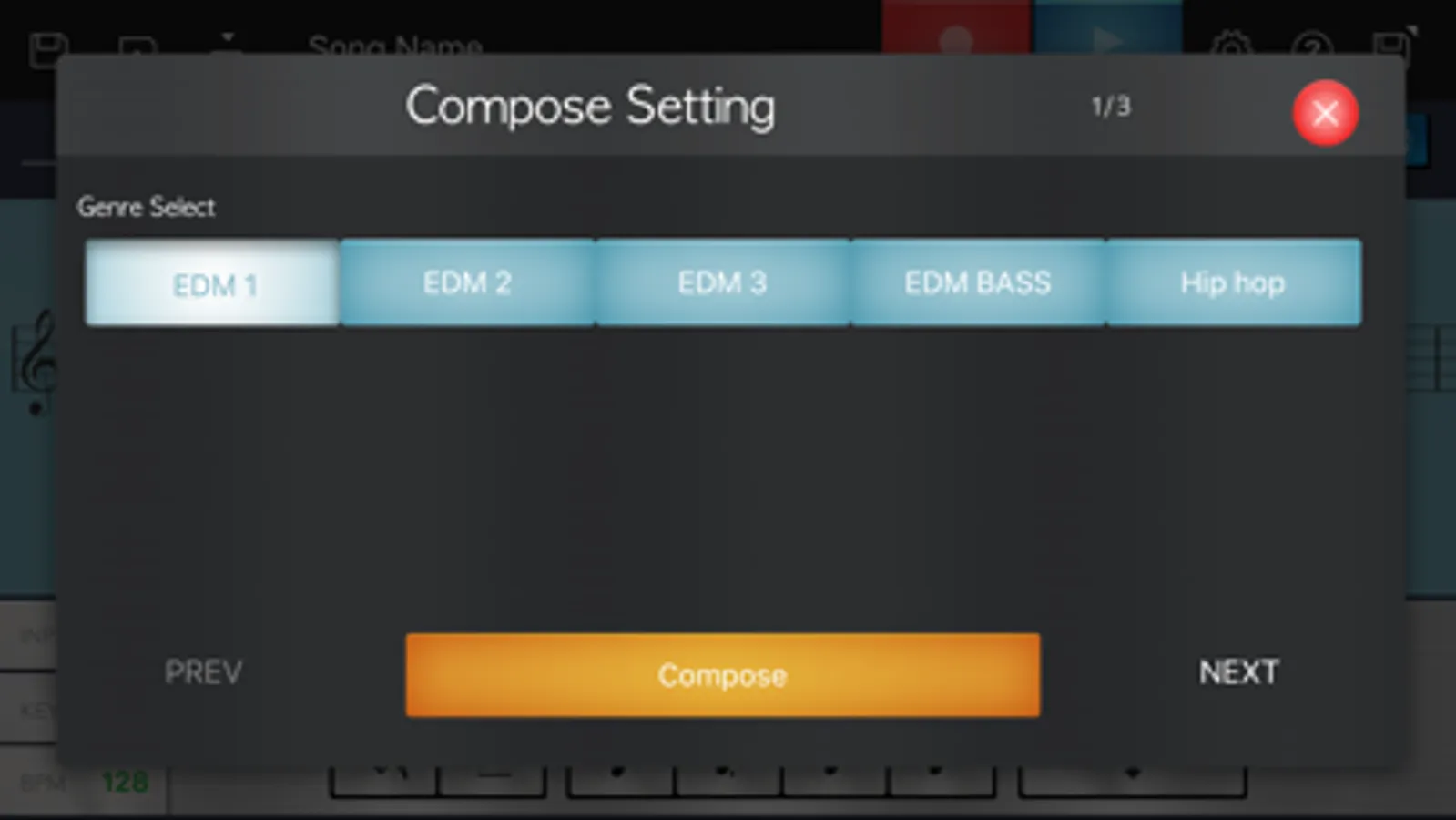
Choose whichever combination of "Genre", "Concept", "Range of melody movement" and "Level of melody tension" creates a tune that best matches what you've imagined.
3. Your own editing using the Hints function
In Notation input mode, you can edit the the created melody yourself.
If you enable the Hints function when you're editing the tune, the notation is color coded as a reference for your edits (notes that match the chord, notes in the same scale, notes that increase the tension and other notes you need to be aware of).
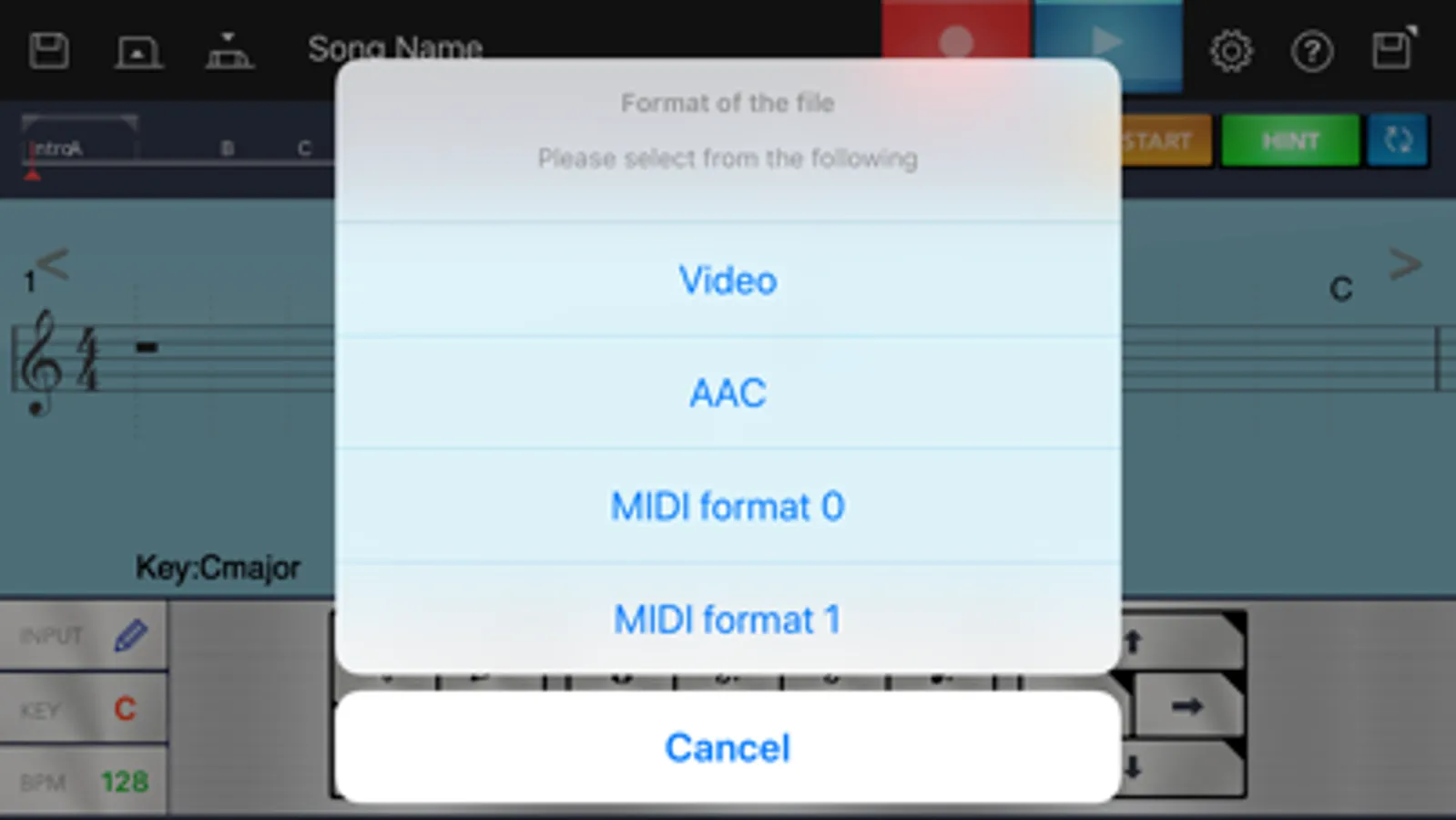
4. Using simple steps, you can upload your finished tune as a video to YouTube along with the staff notation, or slideshow of photos. You can also send your tunes as email attachments in AAC or MIDI format.
[System requirements] iOS 11.0 or later required.
An easy way to create your own original dance music!
Chordana Trackformer makes it easy for you to write your own dance music, even if you don't know how to compose music.
You can enter a parts (two-bar melody) using your choice of 4 input modes. There's no need to enter the melody for the entire tune.
You just enter a parts and Chordana Trackformer automatically creates a whole tune, so you don't have to spend ages composing the dance music.
Product Features
1. Three ways to enter your parts (2-bar melody)
A melody that comes to you in the middle of an ordinary day...
Have you ever thought: “This would make a really great tune.
But I need to know how to compose, and it's no good if I can't read music. And that all takes time to learn”?
Chordana Trackformer will take care of all those concerns.
Just input your 2-bar melody you thought of.
Chordana Trackformer will automatically make it into an entire tune.
You can choose from 3 types of input method.
In "Keyboard input mode" you use a virtual keyboard, in "Notation input mode, you paste the notes into a sheet of music, and in "Microphone input mode", you just sing the melody into the microphone.
2. Automatic composition by choosing "Genre" and "Concept"
Once you've entered the melody using one of the modes above, you're ready for automatic composition.
Choose whichever combination of "Genre", "Concept", "Range of melody movement" and "Level of melody tension" creates a tune that best matches what you've imagined.
3. Your own editing using the Hints function
In Notation input mode, you can edit the the created melody yourself.
If you enable the Hints function when you're editing the tune, the notation is color coded as a reference for your edits (notes that match the chord, notes in the same scale, notes that increase the tension and other notes you need to be aware of).
4. Using simple steps, you can upload your finished tune as a video to YouTube along with the staff notation, or slideshow of photos. You can also send your tunes as email attachments in AAC or MIDI format.
Chordana Trackformer Screenshots
Tap to Rate:
Reviews for Chordana Trackformer
321Write
No more privacy
Newest update removed privacy option, which is now no longer offered in the updated version. Just so u know, there were no new features to the app - keep the old version and don’t upgrade. I deleted the app. This app lost its honor.