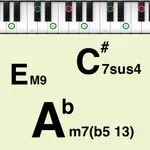
With this musical tool, you can check chord sounds and display on the keyboard, customize chord pads, and view chord progressions. Includes support for multiple UI layouts, chord reordering, MIDI connection, and in-app purchases for extended features.
AppRecs review analysis
AppRecs rating 4.5. Trustworthiness 71 out of 100. Review manipulation risk 20 out of 100. Based on a review sample analyzed.
★★★★☆
4.5
AppRecs Rating
Ratings breakdown
5 star
87%
4 star
12%
3 star
0%
2 star
1%
1 star
0%
What to know
✓
Low review manipulation risk
20% review manipulation risk
✓
Credible reviews
71% trustworthiness score from analyzed reviews
✓
High user satisfaction
87% of sampled ratings are 5 stars
About Chords Pad
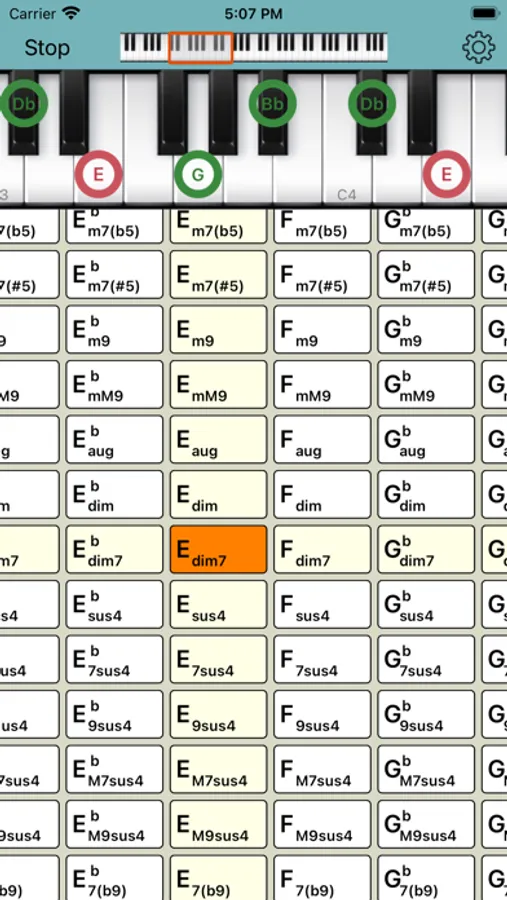
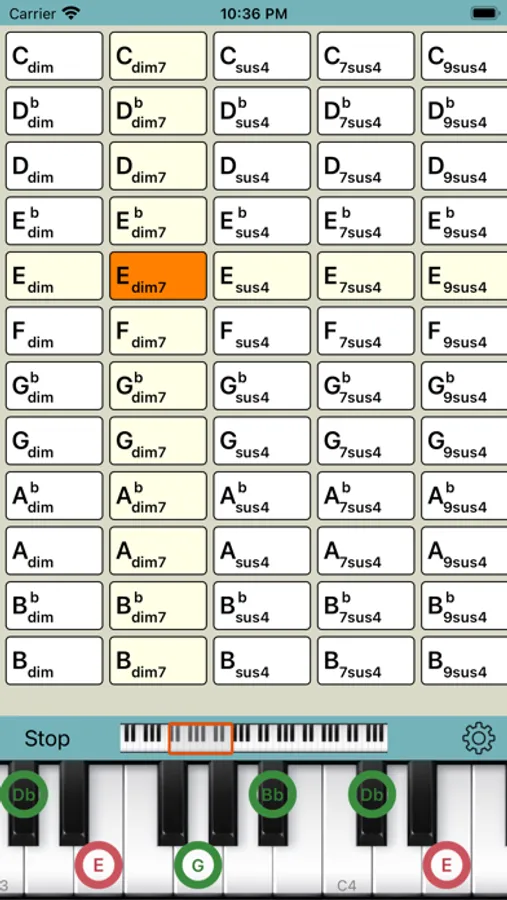
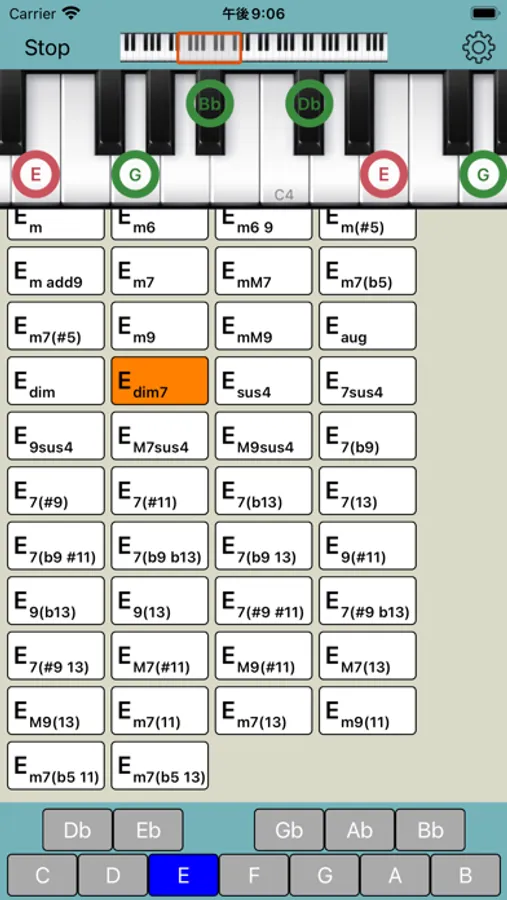
This app can easily check the sound and the display on the keyboard of the chord tone of musical chords.
We have prepared various UI for checking the chords. Use the method that suits you.
- Pad Display (Chord List, Custom Pad)
- Chord Progress
[Chord List]
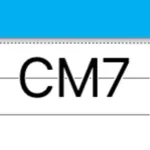
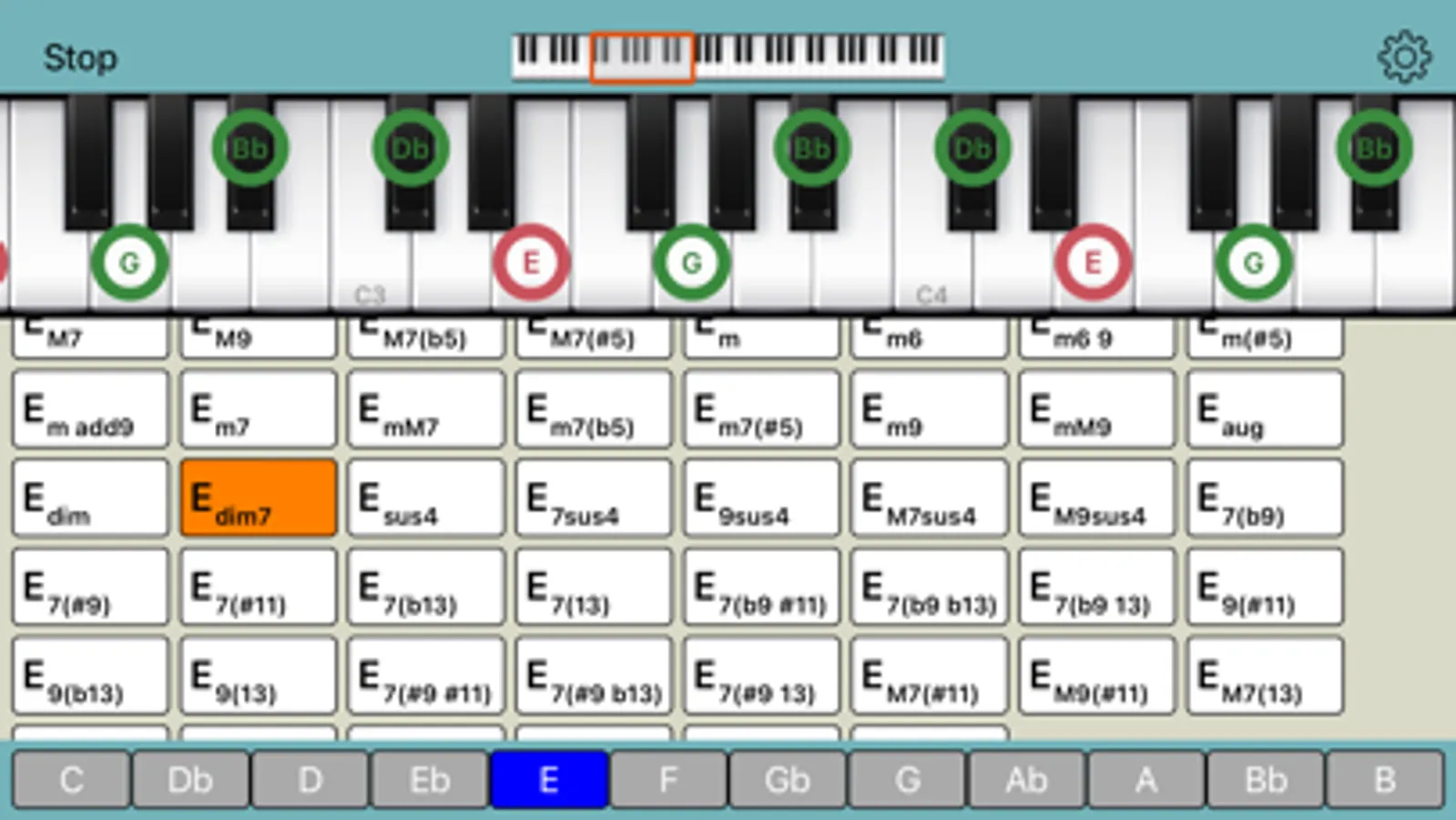
You can select from the following patterns for the chord button list display. It supports chord reordering and toggling chord visibility.
- Each key : Displays all types of chord patterns in a list for each key
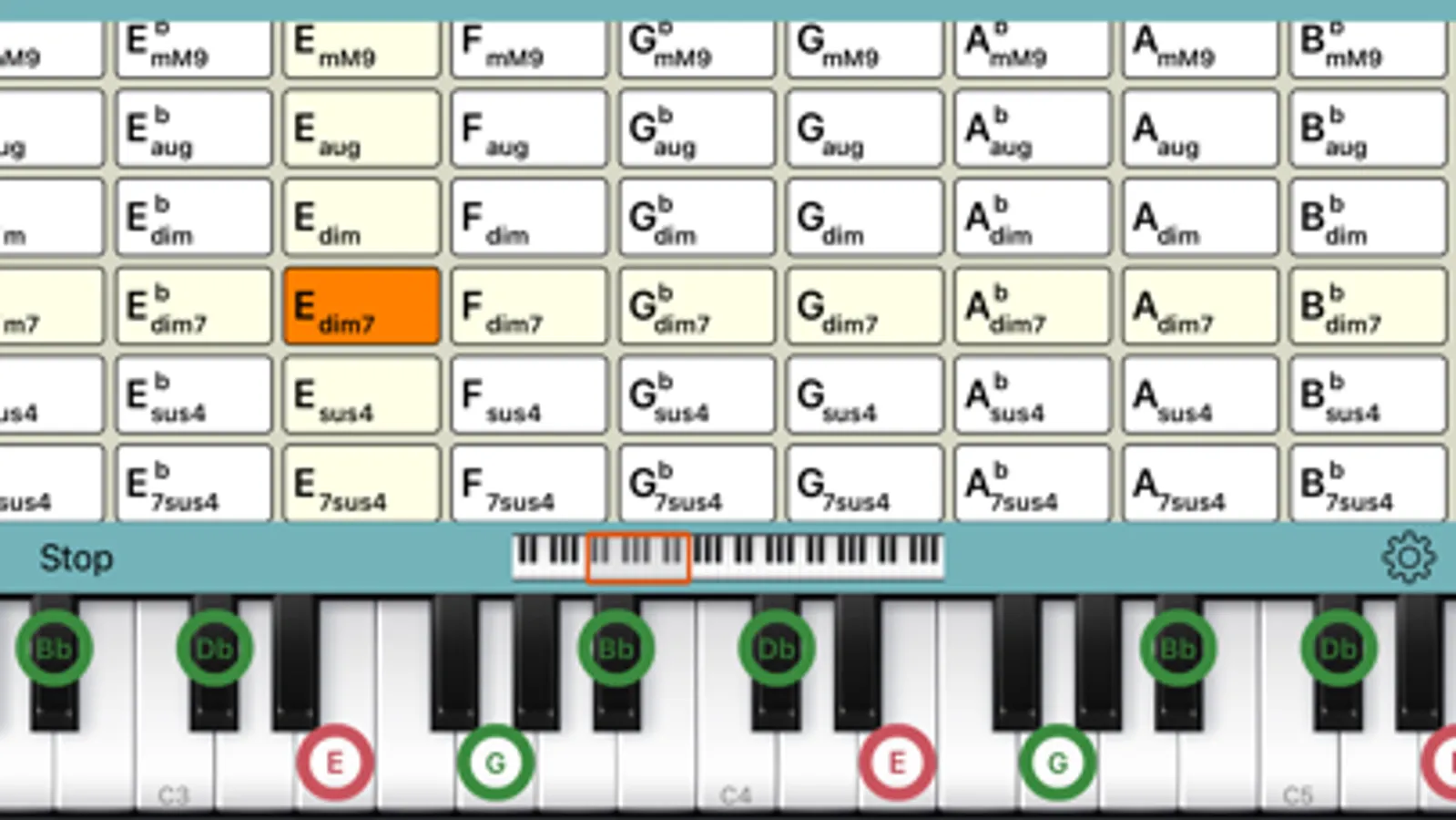
- Vertical : Displays all types of chord patterns vertically and each key horizontally
- Horizontal : Displays all types of chord patterns horizontally with each key vertically
[Custom pad]
Larger buttons than the chord list are arranged. You can freely set the chord and key for each button.
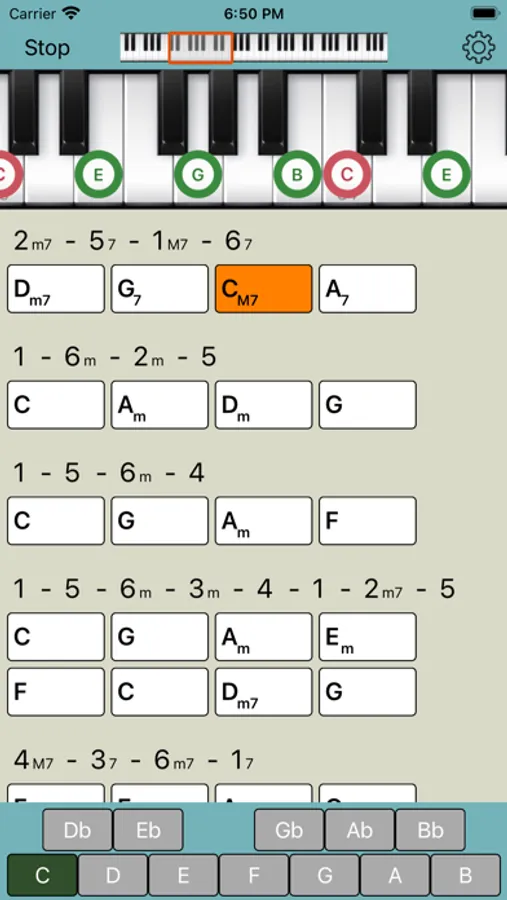
[Chord Progress]
Displays a list of typical chord progressions. The chord buttons are arranged so that you can easily check the sound of the chord progression, and it supports chord changes. It also supports root shifts.
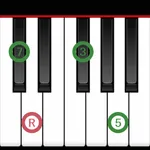
In either case, when the chord button is tapped, the selected chord is played and the chord tone is displayed on the keyboard.
* If you'd like to display all the chord patterns including tension (b9, # 9, 11, # 11, b13, 13), You need In-App Purchase.
Other features:
- Supports chord reordering and toggling chord visibility in the "Chord List". ([Settings screen] - [Edit Chord List])
- The keyboard can be slid with the slider. (range: C2 ~ C7) And the keyboard also supports playing.
- There are 28 types in all kinds of sound. (It is 9 kinds can be used in the initial state. To use all type, you need In-App Purchase.)
- Supports Bluetooth MIDI connection.
- Supports sending MIDI messages (note on / off).
Chord list:
M, 7, 7(b5), 7(#5), 6, 6 9, 9, add9, M7, M9, M7(b5), M7(#5), m, m6, m6 9, m(#5), m add9, m7, mM7, m7(b5), m7(#5), m9, mM9, aug, dim, dim7, sus4, 7sus4, 9sus4, M7sus4, M9sus4
(To use below, you need In-App Purchase.)
7(b9), 7(#9), 7(#11), 7(b13), 7(13), 7(b9 #11), 7(b9 b13), 7(b9 13), 9(#11), 9(b13), 9(13), 7(#9 #11), 7(#9 b13), 7(#9 13), M7(#11), M9(#11), M7(13), M9(13), m7(11), m7(13), m9(11), m7(b5 11), m7(b5 13)
If you would like to create more flexible chord progressions or compose music using chords, try iOS app "Piano Chords Master".
We have prepared various UI for checking the chords. Use the method that suits you.
- Pad Display (Chord List, Custom Pad)
- Chord Progress
[Chord List]
You can select from the following patterns for the chord button list display. It supports chord reordering and toggling chord visibility.
- Each key : Displays all types of chord patterns in a list for each key
- Vertical : Displays all types of chord patterns vertically and each key horizontally
- Horizontal : Displays all types of chord patterns horizontally with each key vertically
[Custom pad]
Larger buttons than the chord list are arranged. You can freely set the chord and key for each button.
[Chord Progress]
Displays a list of typical chord progressions. The chord buttons are arranged so that you can easily check the sound of the chord progression, and it supports chord changes. It also supports root shifts.
In either case, when the chord button is tapped, the selected chord is played and the chord tone is displayed on the keyboard.
* If you'd like to display all the chord patterns including tension (b9, # 9, 11, # 11, b13, 13), You need In-App Purchase.
Other features:
- Supports chord reordering and toggling chord visibility in the "Chord List". ([Settings screen] - [Edit Chord List])
- The keyboard can be slid with the slider. (range: C2 ~ C7) And the keyboard also supports playing.
- There are 28 types in all kinds of sound. (It is 9 kinds can be used in the initial state. To use all type, you need In-App Purchase.)
- Supports Bluetooth MIDI connection.
- Supports sending MIDI messages (note on / off).
Chord list:
M, 7, 7(b5), 7(#5), 6, 6 9, 9, add9, M7, M9, M7(b5), M7(#5), m, m6, m6 9, m(#5), m add9, m7, mM7, m7(b5), m7(#5), m9, mM9, aug, dim, dim7, sus4, 7sus4, 9sus4, M7sus4, M9sus4
(To use below, you need In-App Purchase.)
7(b9), 7(#9), 7(#11), 7(b13), 7(13), 7(b9 #11), 7(b9 b13), 7(b9 13), 9(#11), 9(b13), 9(13), 7(#9 #11), 7(#9 b13), 7(#9 13), M7(#11), M9(#11), M7(13), M9(13), m7(11), m7(13), m9(11), m7(b5 11), m7(b5 13)
If you would like to create more flexible chord progressions or compose music using chords, try iOS app "Piano Chords Master".
Chords Pad Screenshots
Tap to Rate:
Reviews for Chords Pad
JFK/9-11/COVIT-19/EPSTEIN
Emotionally impacting chords
Controlled emotions music chords 🤫
Jshxusjwnsns
Awesome!
This app is great when I have to create charts for myself, a group, or band, and I have no instrument available. I can create charts at the gym! Really handy for learning to recognize extended harmonies too!