PlayOn Cloud - Streaming DVR
MediaMall Technologies, Inc.
4.6 ★
2K ratings
Free
In this streaming DVR app, users can record, download, and watch videos from multiple streaming services offline. Includes features for scheduling recordings, managing downloads, and streaming to compatible devices.
AppRecs review analysis
AppRecs rating 4.6. Trustworthiness 75 out of 100. Review manipulation risk 29 out of 100. Based on a review sample analyzed.
★★★★☆
4.6
AppRecs Rating
Ratings breakdown
5 star
85%
4 star
5%
3 star
2%
2 star
2%
1 star
7%
What to know
✓
Low review manipulation risk
29% review manipulation risk
✓
Credible reviews
75% trustworthiness score from analyzed reviews
✓
High user satisfaction
85% of sampled ratings are 5 stars
About PlayOn Cloud - Streaming DVR
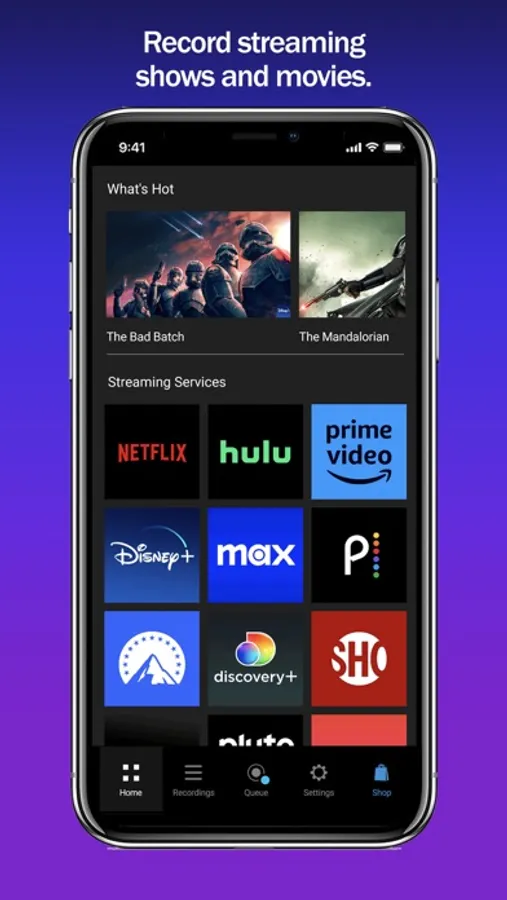
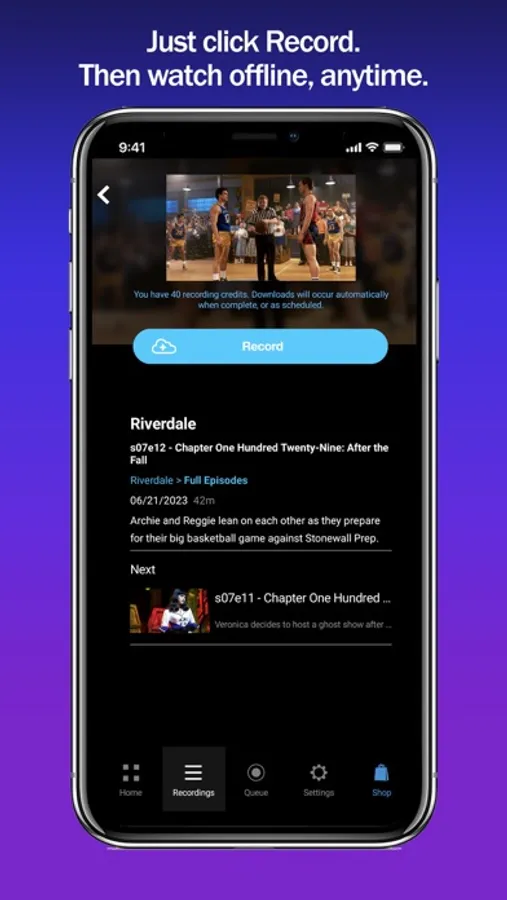
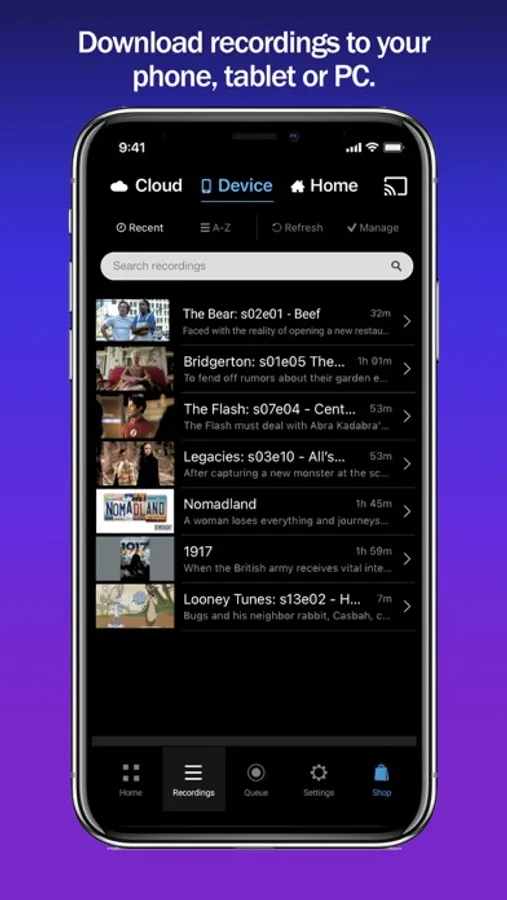
Save hundreds of dollars a year by subscribing to the Ad-supported tiers of Netflix, Hulu, Disney+, HBO Max, Peacock, and Paramount+ and then skip over the ads when you watch with PlayOn (just like you do with your cable DVR). Record and download videos from Netflix before they go offline then watch them anywhere, anytime, even after they have been removed from Netflix. No need to select only the videos that Netflix lets you download, with PlayOn Cloud you can download ANY Netflix or Hulu video. Record and download Disney+ videos to watch offline. The simple PlayOn Cloud app gives you easy access to download all streaming videos from Netflix, Disney+, Hulu, Amazon Prime, HBO Max, Peacock, Paramount+, The CW, Discovery+, Showtime, STARZ, Vudu, Pluto, Tubi, CBS, NBC, ABC, FOX, PBS, The Roku Channel, and BBC iPlayer, Acorn, Xfinity, and Spectrum.– over 20 of the most popular streaming services. Love House of Dragon, Game of Thrones, Jack Ryan or want to watch Moon Knight when you’re offline? Simply select the show you want and hit record. Once recorded, a streaming show or movie will be available for you to download to your mobile device or PC. You can even set it to automatically download to your phone, tablet, or TV as soon as the recording is finished. You can skip right over the recordings automatically when you watch. You can even watch your recordings on your Roku, Chromecast, Fire TV, or Apple TV (and skip the recordings). The recording happens in the PlayOn Cloud so no data is used to make the recording.
Once your PlayOn Cloud recording is downloaded, you can watch it anytime and anywhere. You can watch it on your big screen TV with your Roku, Chromecast, Fire TV, or Apple TV. No more worrying about a Netflix video leaving. You can even download it to your Mac, PC or other device. No more WiFi requirement to watch on your mobile device – you can download Netflix and watch when you're not on WiFi without using data. Want to watch your downloaded PlayOn Cloud recordings on your TV? You can cast to your TV with Roku, Chromecast or Fire TV or AirPlay it to your Apple TV. Have a long flight tomorrow? Queue up Game of Thrones, Jack Ryan or The Mandalorian tonight and they’ll be downloaded and waiting when you take off. Long subway ride to work? With PlayOn Cloud, you’ll be watching downloaded Netflix, The CW, or Disney+ videos the entire time. Need a selection of safe shows for your kids to watch? PlayOn Cloud makes it easy to fill up your kid's device with safe streaming shows - and watch them without using any cellular data, or watching any commercials. When you watch recordings that have commercials, you have an option to automatically skip the ads. How great is that?
Want to make PlayOn Cloud even more powerful? Get an optional PlayOn Cloud Storage and Credit plan.
You'll get a week to make 7 free recordings. After that you'll be billed $4.99 per month for 30 recordings and 100GB cloud storage. You’ll be charged as a recurring transaction through your iTunes account. Your subscription will automatically renew unless canceled at least 24 hours before the end of the current billing period. Your account will be charged for renewal within 24 hours prior to the end of the current period. You can manage your subscription and turn off auto-renewal by going to your iTunes Account Settings after purchase.
Terms of Use: https://www.playon.tv/eula
Privacy Policy: http://www.playon.tv/privacy
PlayOn Cloud - Streaming DVR Screenshots
Tap to Rate:
Reviews for PlayOn Cloud - Streaming DVR
Railwiki
Great affordable service
I have a ton of streaming subscriptions and am frustrated that they don’t allow you to download movies/shows to watch offline- or if they do- they are limited and most of them expire within 48 hours after you start to watch them, and you can only watch them once. Playon Cloud is easy to install and once you place shows in your queue- you can just close your device and let them download in the cloud. You can either set them to auto download to your device or go out using the downloader and put them on a PC. I chose to download them to a PC as MP4 files because I want to be able to move on and off my device as space is needed. If you download them to your iPad/iPhone - it places them inside your app where you can watch them, but you can’t move them- all you can do is delete them. If you ever want to watch them again- as long as they are still saved in your cloud files, you can still download them again, but that’s more of a pain than just putting them on a USB thumb drive. A little frustration at first when it took a couple hours for the recording to start going- but all got resolved. Apparently they do occasional server maintenance which will hold things up for a while.
kaszeta
Decent service, but obnoxiously poor app
The basic functionality of the app is here, but it is marred with a poor layout (giant icons using up space), and having entirely too many popups, liking constantly telling me to turn in Full HD mode when it is already turned on.