
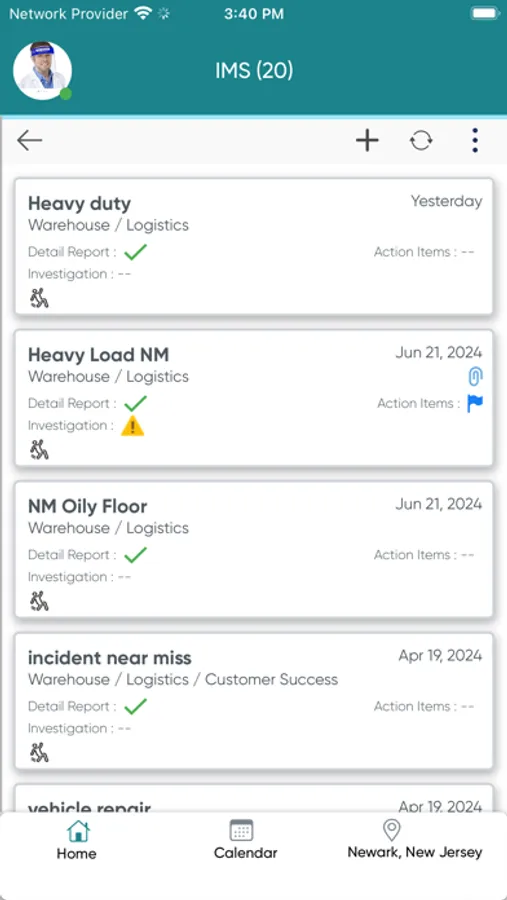
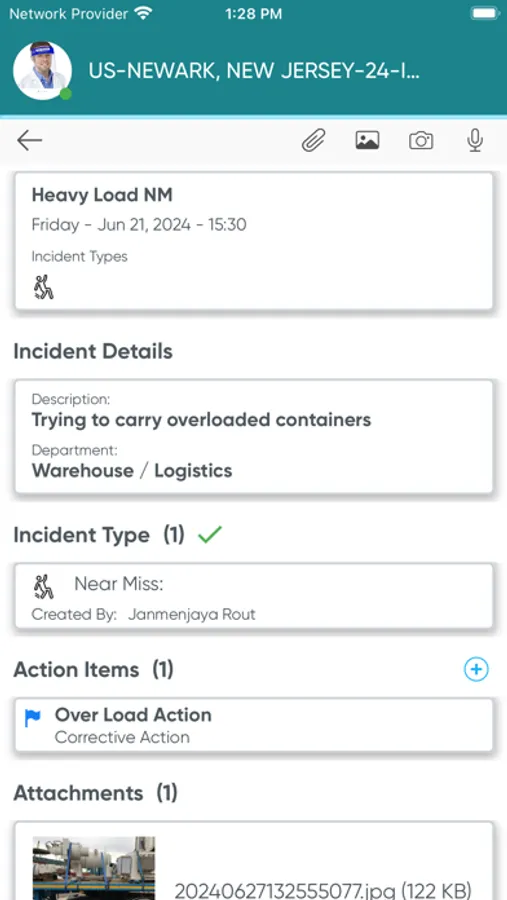
In this environmental, health, and safety management app, users can report incidents, conduct audits, and record observations. Includes offline support, image annotation, QR code scanning, and multi-language options.
AppRecs review analysis
AppRecs rating 2.7. Trustworthiness 70 out of 100. Review manipulation risk 23 out of 100. Based on a review sample analyzed.
★★☆☆☆
2.7
AppRecs Rating
Ratings breakdown
5 star
34%
4 star
6%
3 star
6%
2 star
6%
1 star
48%
What to know
✓
Low review manipulation risk
23% review manipulation risk
⚠
Mixed user feedback
Average 2.7★ rating suggests room for improvement
⚠
High negative review ratio
54% of sampled ratings are 1–2 stars
About Ideagen EHS
Benefits:
· Enhance Employee Engagement: Empower employees to participate in safety initiatives through near miss and incident reporting, behavior-based observations and learning programs
· Improve Workplace Safety: Identify and address hazards proactively to prevent accidents and injuries
· Increase Efficiency: Streamline EHS management processes, saving time and resources for your organization
· Ensure Compliance: Simplify compliance with EHS regulations and standards, reducing the risk of fines and penalties
Key Features:
· Intuitive and user-friendly interface for ease of use
· Offline support enables working without an internet connection
· Picture annotation feature for enhanced visual communication
· Image compression functionality for efficient data handling
· QR code scanning tool for quick information retrieval
· Multilingual for global accessibility
· Push notifications keep you informed in real-time
· Signature capture for accountability and validation
· Voice-to-text functionality for convenient data input
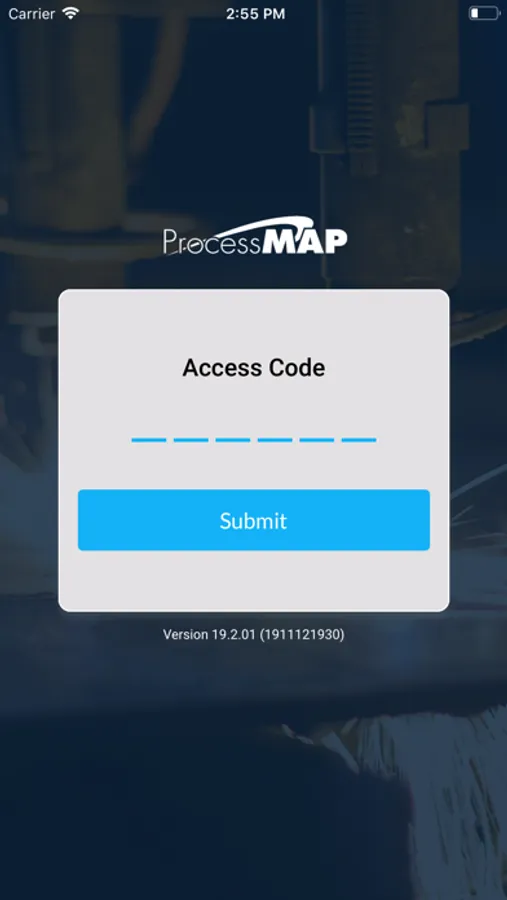
· Face ID and Touch ID login options for enhanced security and convenience
· On-device data encryption and Single Sign-On (SSO) for enhanced security
Device Minimum Requirement:
-----------------------
iOS : 12
RAM: 6 GB
Ideagen EHS Screenshots


Tap to Rate:
Reviews for Ideagen EHS
c-tang
Blurry photos
Why is it that every photo that is attached in this app are so blurry that there is basically no point in even attaching any? I have image compression setting turned off and they are still blurry. Also, why do the settings go back to default every time the app updates?
Pattycakes223
Ummmmm
Constantly have to delete then reinstall just to do training assignments 0/10