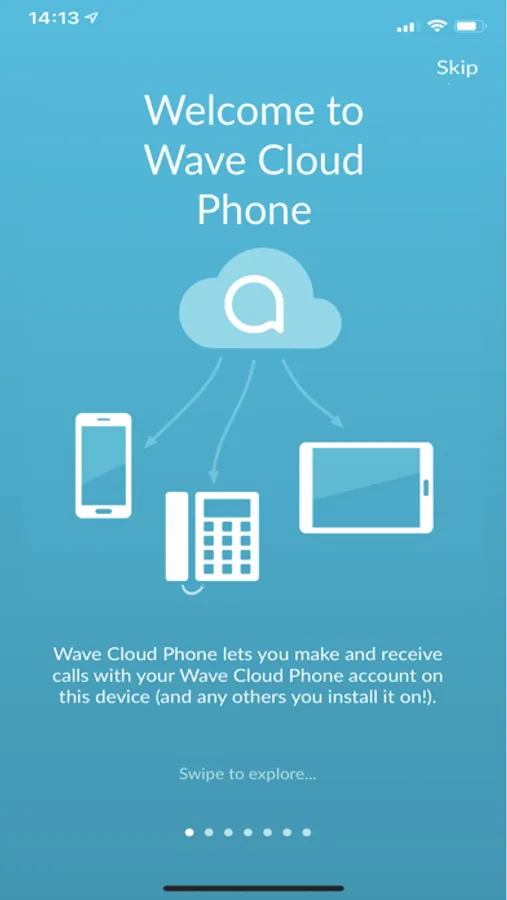
With this calling app, you can make and receive calls using your Wave-provided number and sync contacts across devices. Includes call transfer, conference calls, voicemail alerts, and Wi-Fi calling features.
AppRecs review analysis
AppRecs rating 3.7. Trustworthiness 79 out of 100. Review manipulation risk 24 out of 100. Based on a review sample analyzed.
★★★☆☆
3.7
AppRecs Rating
Ratings breakdown
5 star
38%
4 star
27%
3 star
4%
2 star
11%
1 star
20%
What to know
✓
Low review manipulation risk
24% review manipulation risk
✓
Credible reviews
79% trustworthiness score from analyzed reviews
✓
Good user ratings
64% positive sampled reviews
About Wave Cloud Phone
Features included:
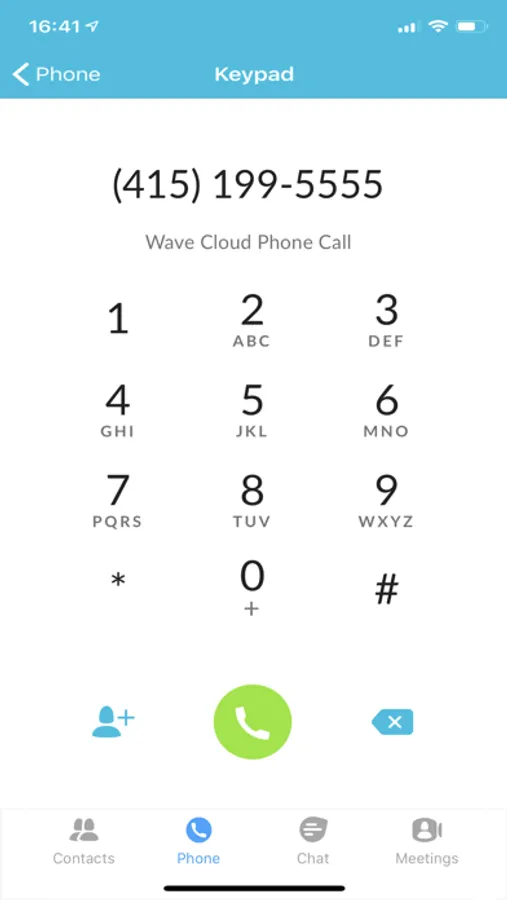
• Make and Receive calls on your mobile phone or tablet using your Wave-provided number
• Simultaneously rings across all devices including connected smart phones and tablets
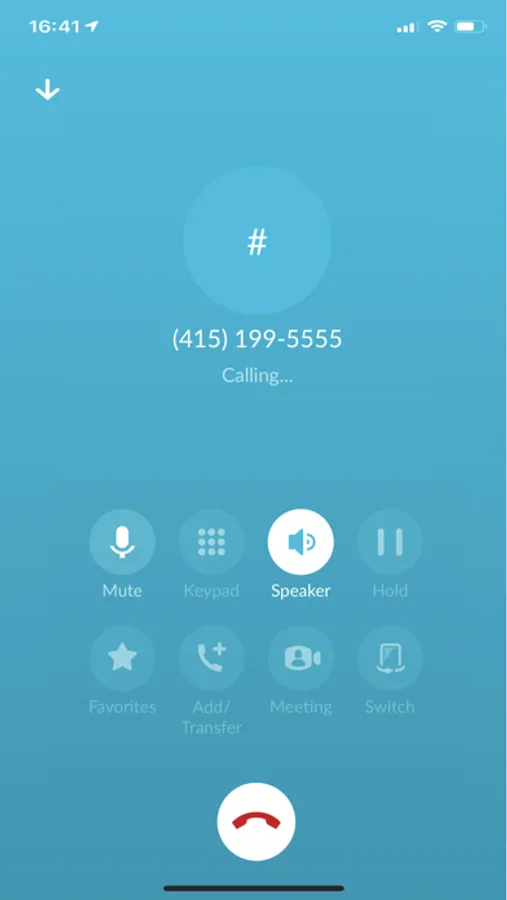
• Enjoy calling features such as 3 way conference and Call Transfer
• Voicemail alerts and Message retrieval
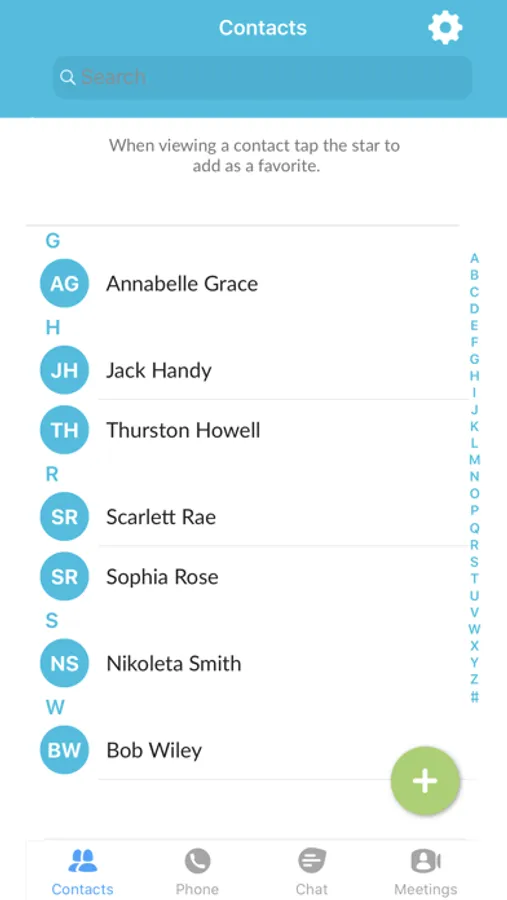
• Sync your contacts across multiple devices
• Make Calls via Wi-Fi that avoid roaming and cellular call plan charges
Wave Business customers can also add Presence, Chat, SMS and conferencing features to enable a more comprehensive communications solution.
IMPORTANT, PLEASE READ:
• You must be a Wave phone customer to use this app. Please call Wave to subscribe:
Residential customers: 855-971-1252
Business customers: 844-910-8519
• Requires WiFi or 4G/5G access. Use of these services may incur additional charges.
• THIS APP DOES NOT MAKE EMERGENCY 911 CALLS. It will automatically switch to your 4G/5G cellular network to complete a call to 911.
About Wave:
Wave is a leading provider of fiber internet, voice, and video services on the West Coast. For more information, visit gowave.com or wavebusiness.com.
Copyright:
2022 ©WaveDivision Holdings, LLC
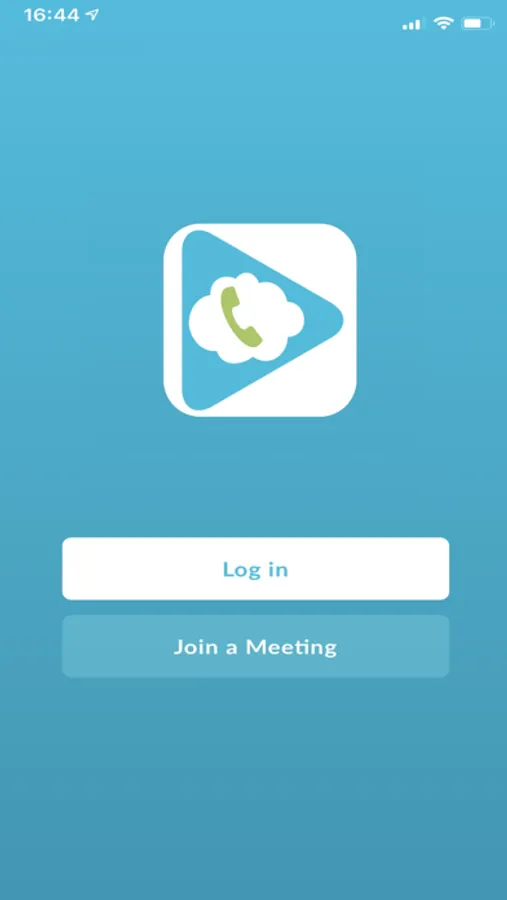
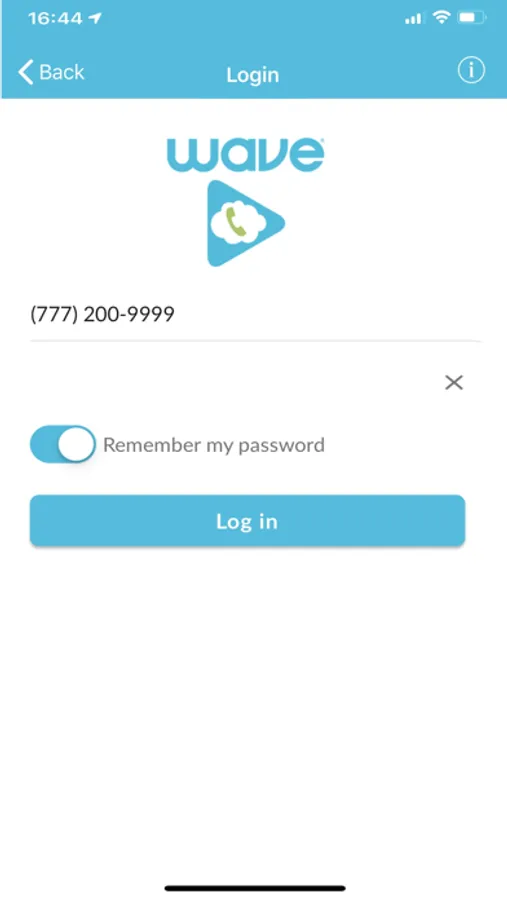
Wave Cloud Phone Screenshots
Tap to Rate:
Reviews for Wave Cloud Phone
rosaposapie27
Inconsistent Cell Linking
Recently I have noticed this app won’t allow me app answer calls on my mobile phone. I get a variety of reasons and errors. I’ve deleted and redownloaded the app 3 times and today it isn’t working at all, just an “Error try again later” message. Really really frustrating
WalkerTexas27
Good idea but Annoying alerts
These alerts (a do nothing alert that pops up and goes away so fast you can hardly read it) don’t inform the user at all. They serve no purpose. But they buzz the phone even when I have all alerts disabled for the app. WHY? I see other complaints for the same going back a long time. So what are you doing about it?