
Use this photo editing app to split panoramic images into multiple squares for Instagram posts and organize them with tags, descriptions, and branding. Includes metadata viewing, editing, and organizing tools.
AppRecs review analysis
AppRecs rating 4.0. Trustworthiness 77 out of 100. Review manipulation risk 23 out of 100. Based on a review sample analyzed.
★★★★☆
4.0
AppRecs Rating
Ratings breakdown
5 star
76%
4 star
10%
3 star
3%
2 star
1%
1 star
10%
What to know
✓
Low review manipulation risk
23% review manipulation risk
✓
Credible reviews
77% trustworthiness score from analyzed reviews
⚠
Pricing complaints
Many low ratings mention paywalls or pricing
About Panols
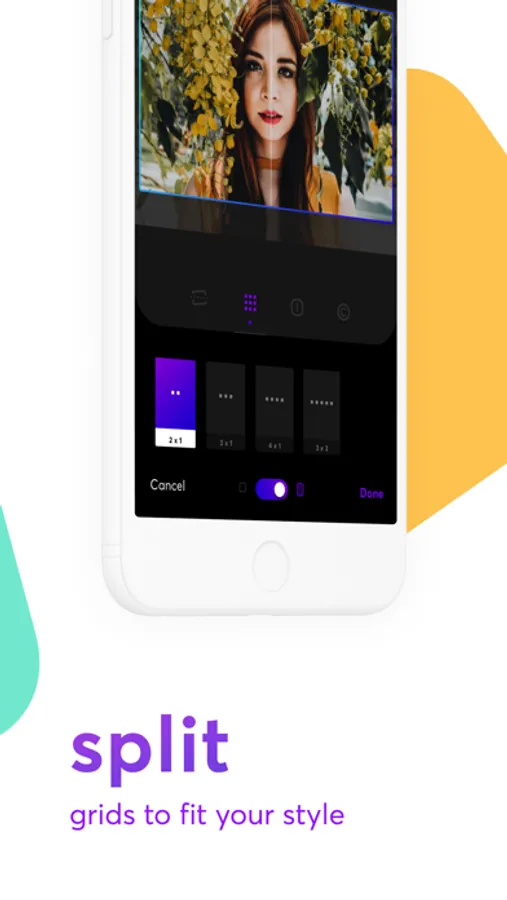
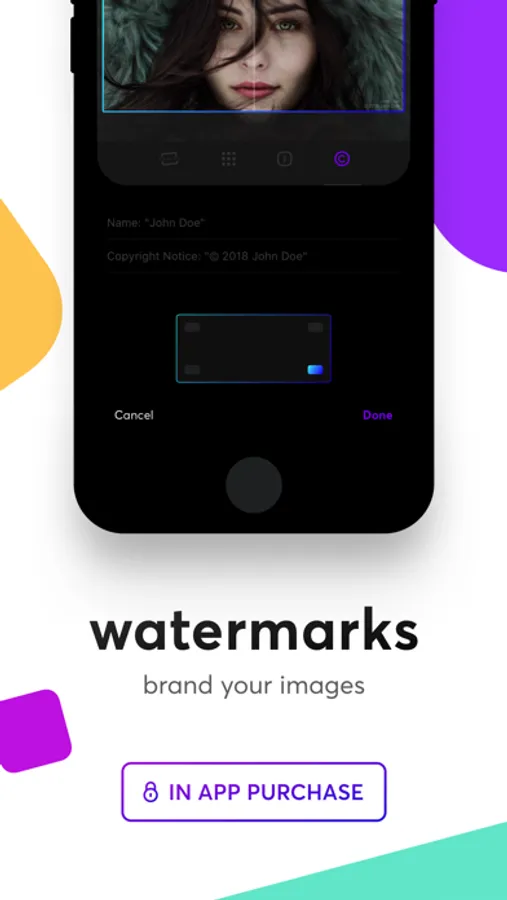
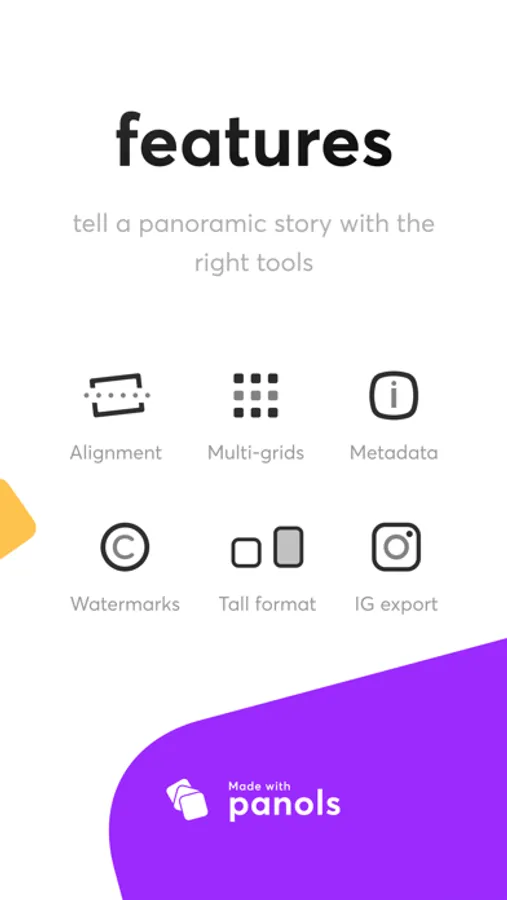
Split any photo from your photo library into multiple squares to post into Instagram. With the ability to see metadata information and able to edit and organize your photos with tags, descriptions and titles, as well as adding personal branding to them.
1. Select a photo
2. Split photo
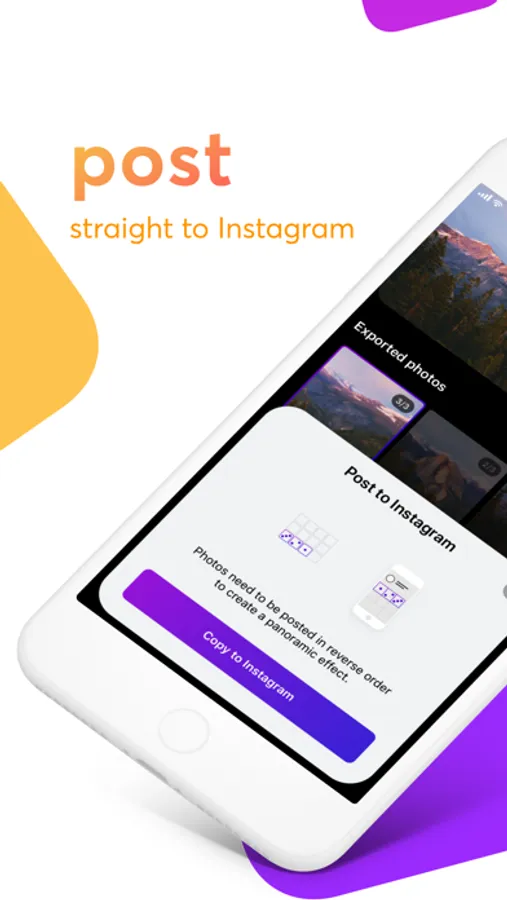
3. Post to Instagram
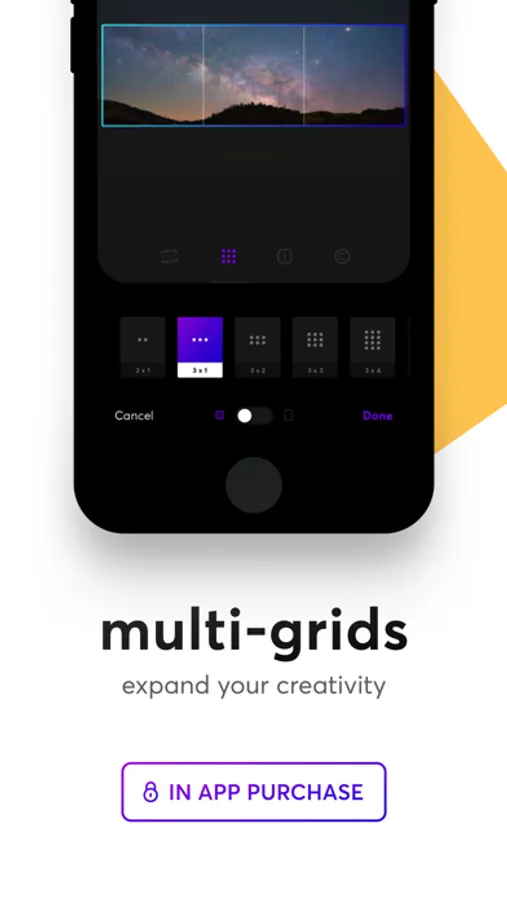
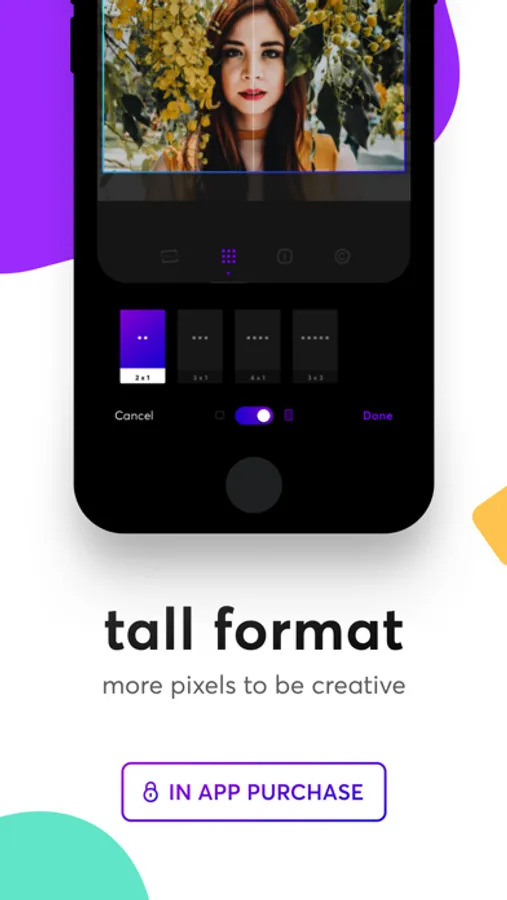
Panols allows photographers to share the panoramic photos taken with their iPhone, as well as other photos stored in their Photo Library, with Instagram users everywhere. The app takes the Panorama shots stored in the device's Photo Library, and accurately splits the wide-shot into two/three/four/etc., separate shots, allowing users to take advantage of the Instagram profile display grid to showcase them in their full glory via instagram’s standard three-across display view.
Edits to photos sync with your Photo Library without effecting the original.
Tag your photos with @panols or #MadeWithPanols to get a feature!
Panols Screenshots



Tap to Rate:
Reviews for Panols
andrewyhy
Does not export photos
This app does not export photos. After splitting a photo in-app, it claims the photos were saved to my Photos library but they're nowhere to be found. I've tried everything from changing app settings to uninstalling and reinstalling. After spending $1.99 on the app and $0.99 on IAP, I'm stuck with a broken application that hasn't been updated meaningfully in years. And by the looks of it, others have seen the same issue and haven't received any customer support. Avoid this app.
Julio Macuxi
Reinstall to use
I have to delete and reinstall the app to make it work. Before that, divided photos were not saved.