AppRecs review analysis
AppRecs rating 3.6. Trustworthiness 71 out of 100. Review manipulation risk 26 out of 100. Based on a review sample analyzed.
★★★☆☆
3.6
AppRecs Rating
Ratings breakdown
5 star
63%
4 star
0%
3 star
0%
2 star
13%
1 star
25%
What to know
✓
Low review manipulation risk
26% review manipulation risk
✓
Credible reviews
71% trustworthiness score from analyzed reviews
✓
Good user ratings
63% positive sampled reviews
About UC-One Connect
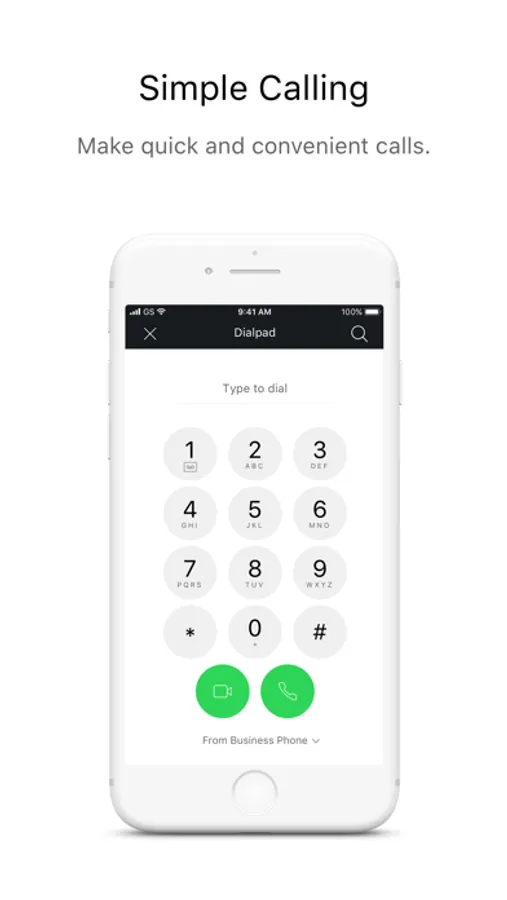
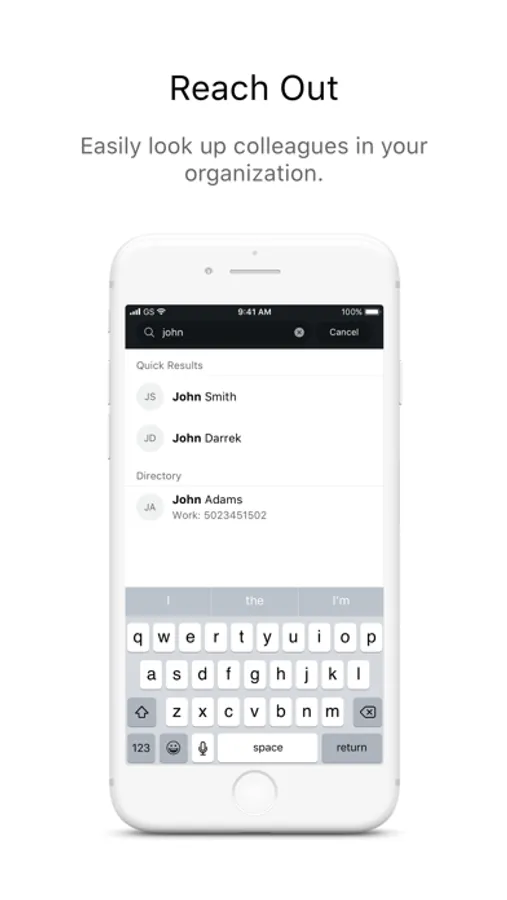
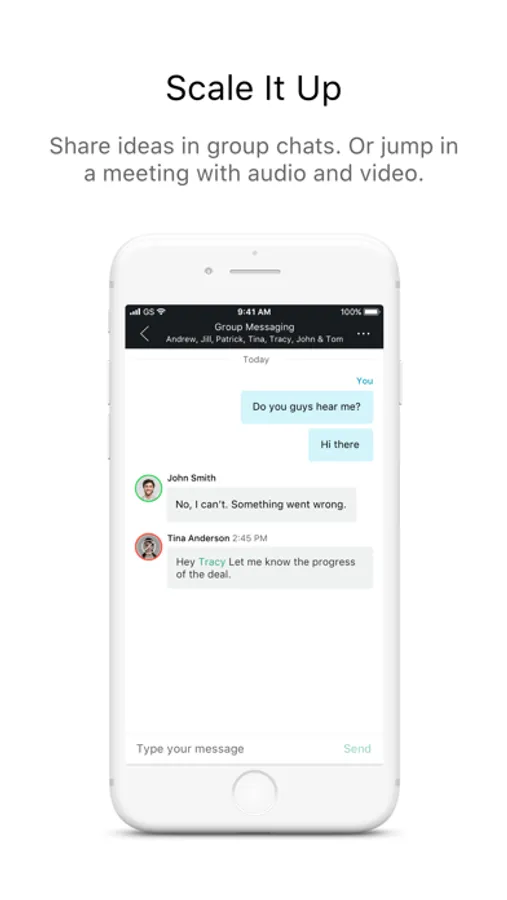
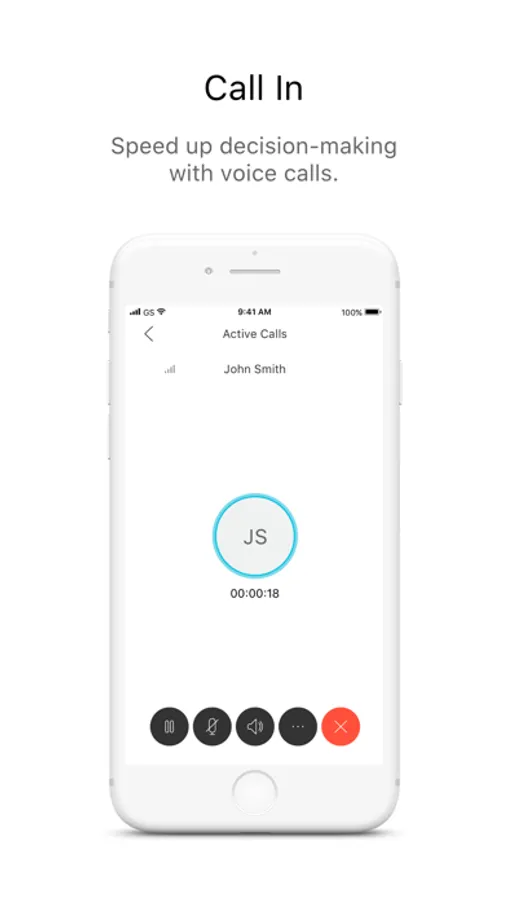
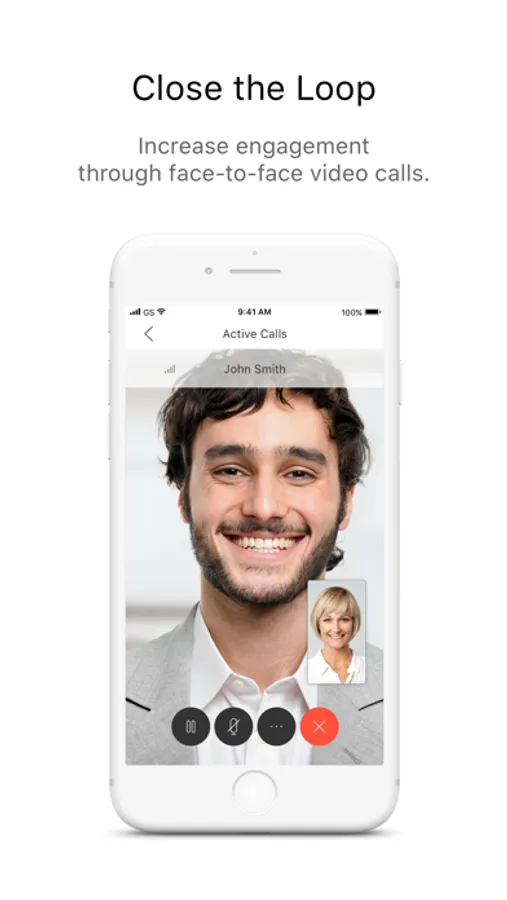
Users can also search corporate directories, manage basic call settings, view call history, and one-tap dial into My Room.
Operator and system neutral, UC-One Connect is completely integrated with the BroadWorks® service delivery platform, turning the business user’s personal mobile into an extension of their business communication identity.
*********************************************
Note: UC-One Connect will only work when provisioned by your service provider. Please contact your service provider for details.
*********************************************
UC-One Connect Screenshots
Tap to Rate:
Reviews for UC-One Connect
828485$: dnd
Less than Impressed
This app is pretty awful in my experience. We all switched over to this one at work and I’ve had nothing but problems. My IT guy is doing his best to figure it out, but no luck so far. I had this app to take work calls when I was working from home, but somehow those work calls were still coming through when I **signed off**. I signed off because I didn’t want to receive any calls off the clock, but I still did. Eventually I went and deleted the app because being signed out wasn’t enough to avoid the calls. Now, after having deleted the app for a week, I STILL am getting work calls and voicemails to my personal phone. This is incredibly frustrating because I’m sitting in the office and want to receive calls on my office phone. But they instead are delivered to my personal cell phone. I’m starting to wonder if they somehow ended up getting my personal number somehow.
Heidi_Wheeler
No instructions
Our communications provider recently sent us the link to update to version 3.9. This might be a fantastic app, but unless you magically know to press *68 to park a call or *88 to retrieve a call, it’s not that helpful. Still trying to figure out the magic numbers to transfer a call or put someone on hold. Even before you press the magic * numbers, first you have to press the three dots, then the dial pad icon to bring up the dial pad. Why not just have buttons for hold, park, transfer etc? I’m sure there are lots of other helpful function like chat and teams and group calls, but I haven’t had chance to get several colleagues together to try to figure them all out through trial and error. Google searches for instructions do not result in anything for this version.