With this business communications app, you can make calls, send messages, and join meetings using your business identity. Includes HD video meetings, screen sharing, and integration with cloud office apps.
AppRecs review analysis
AppRecs rating 2.2. Trustworthiness 75 out of 100. Review manipulation risk 26 out of 100. Based on a review sample analyzed.
★★☆☆☆
2.2
AppRecs Rating
Ratings breakdown
5 star
20%
4 star
4%
3 star
4%
2 star
5%
1 star
68%
What to know
✓
Low review manipulation risk
26% review manipulation risk
⚠
Mixed user feedback
Average 2.0★ rating suggests room for improvement
⚠
High negative review ratio
73% of sampled ratings are 1–2 stars
About BroadSoft UC-One
UC-One uses BroadSoft Meet, a virtual meeting room app that provides an integrated and exceptional HD video and screen sharing meeting experience with other UC-One users and external guests.
UC-One integrates with common cloud business apps like G-Suite and Office 365, to streamline your work and make it easy to access those apps, while you’re communicating in UC-One.
Key Features Include:
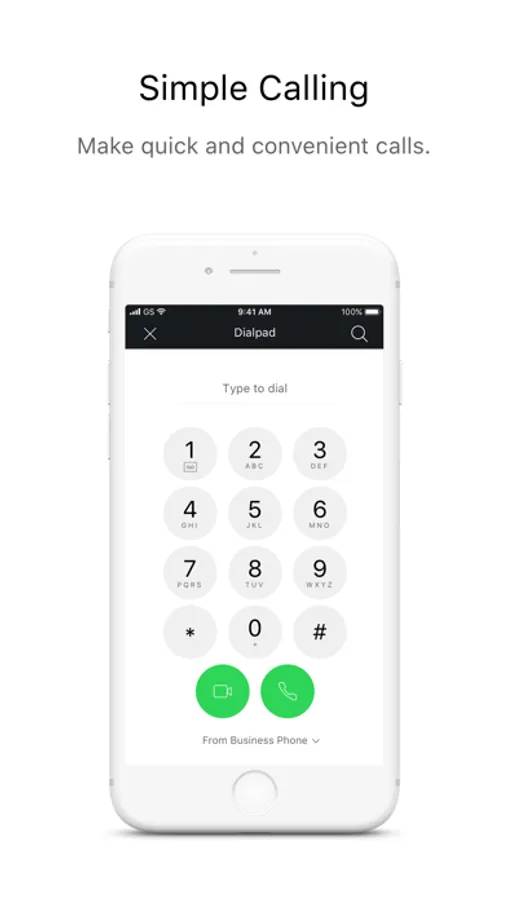
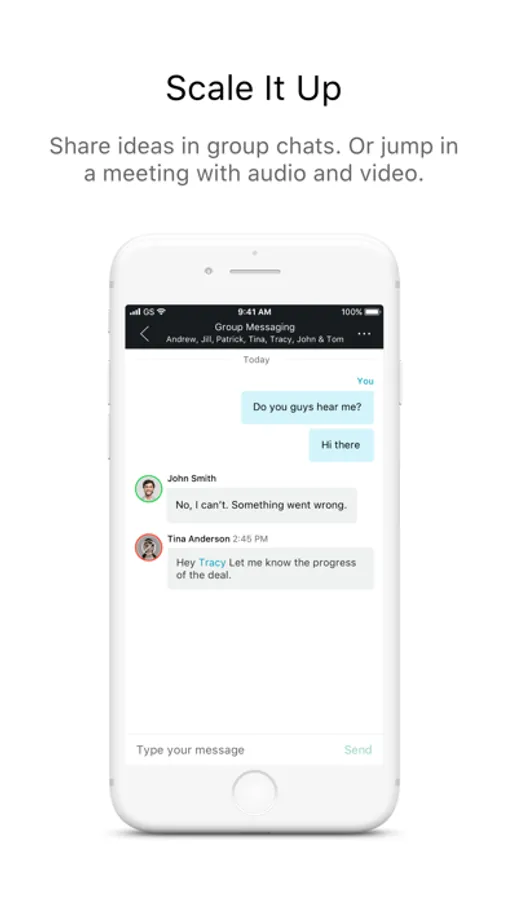
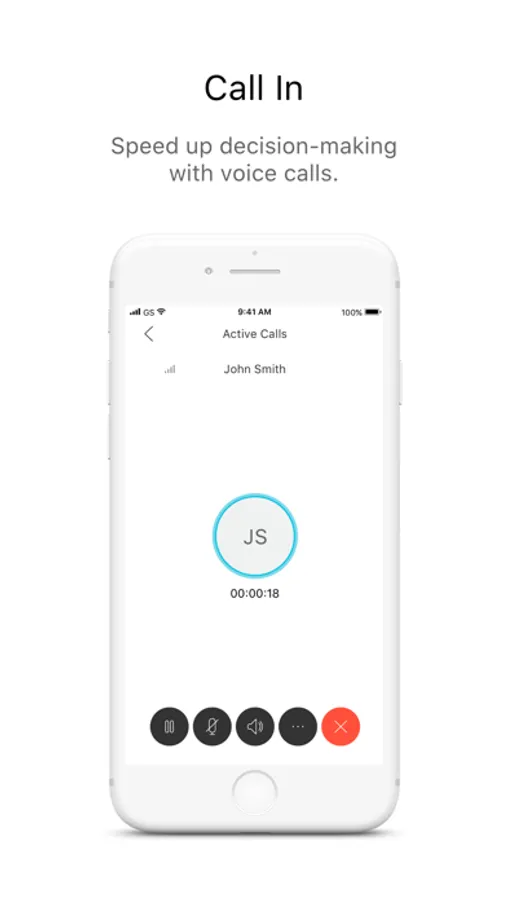
• Business Messaging and Calling
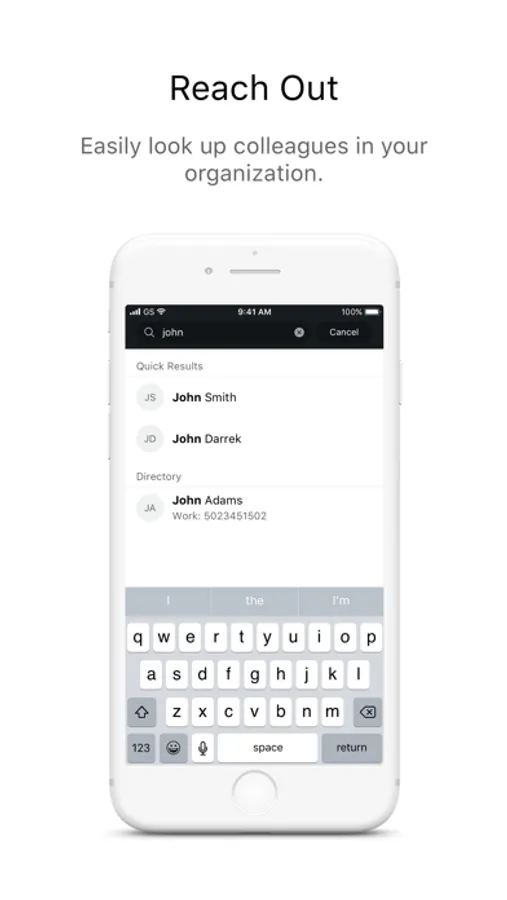
• Corporate Directories
• Call History
• Access Voicemail
• Manage Basic Call Settings
• Business App Integrations
***************************
Note: UC-One will only work for BroadWorks subscribers on a UC-One enabled service provider. Please contact your service provider for details.
****************************
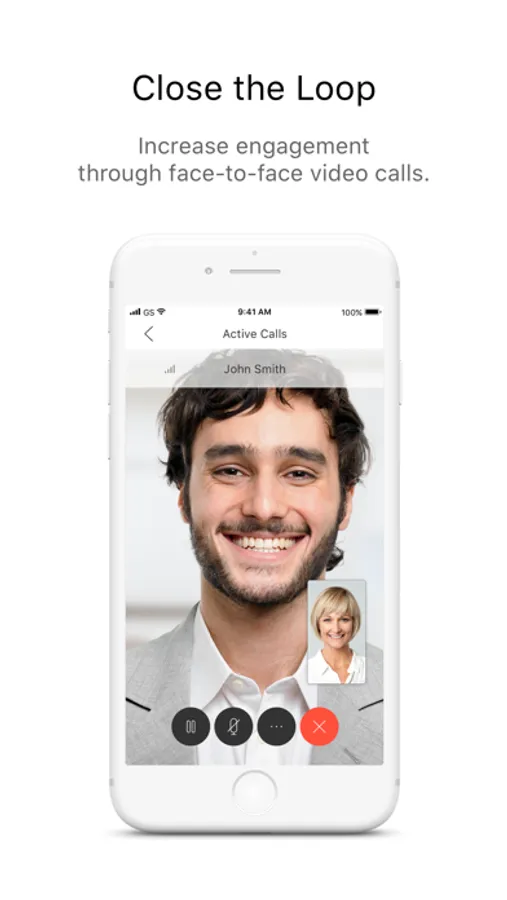
BroadSoft UC-One Screenshots
Tap to Rate:
Reviews for BroadSoft UC-One
I miss my snake
Needs some customization
I use this mostly with good WiFi and it does make and receive calls. Would be excellent if I could pick my Home Screen from the available options. Kinda painful to always open to messages screen, select dial pad from the menu screen, make a call and return to the message screen upon disconnect. Every call shouldn’t need menu plus dial pad taps to initiate. Just leave me where I was or let me pick my Home Screen. Thanks
beatricedtn
Does its job!
This app does what it needs to do, it makes calls easily and as long as you have decent connection you should be good to go. I use it on an iPhone 11 with mobile data and I haven’t had any issues, except for not being able to keep the call on speaker for the whole duration of the call. Other than that, it’s great and very useful when working from home!