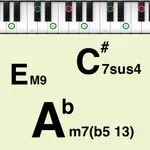
In this app, you can set and check chords on a virtual keyboard and playback songs with adjustable BPM. Includes features for chord editing, presets, and MIDI compatibility.
AppRecs review analysis
AppRecs rating 4.6. Trustworthiness 82 out of 100. Review manipulation risk 23 out of 100. Based on a review sample analyzed.
★★★★☆
4.6
AppRecs Rating
Ratings breakdown
5 star
79%
4 star
10%
3 star
5%
2 star
3%
1 star
3%
What to know
✓
Low review manipulation risk
23% review manipulation risk
✓
Credible reviews
82% trustworthiness score from analyzed reviews
✓
High user satisfaction
79% of sampled ratings are 5 stars
About Piano Chords Master
This app supports chord piano playing.
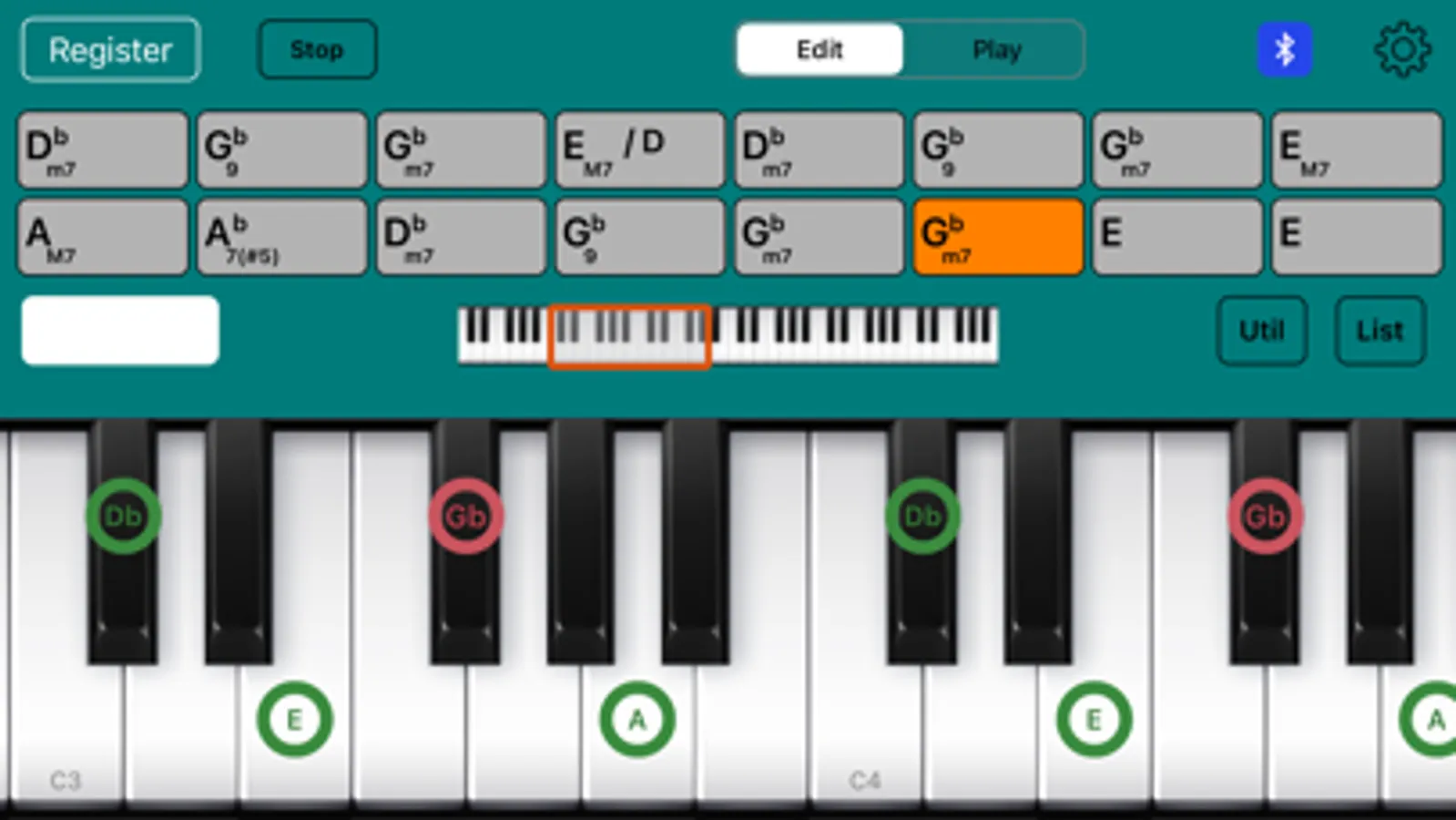
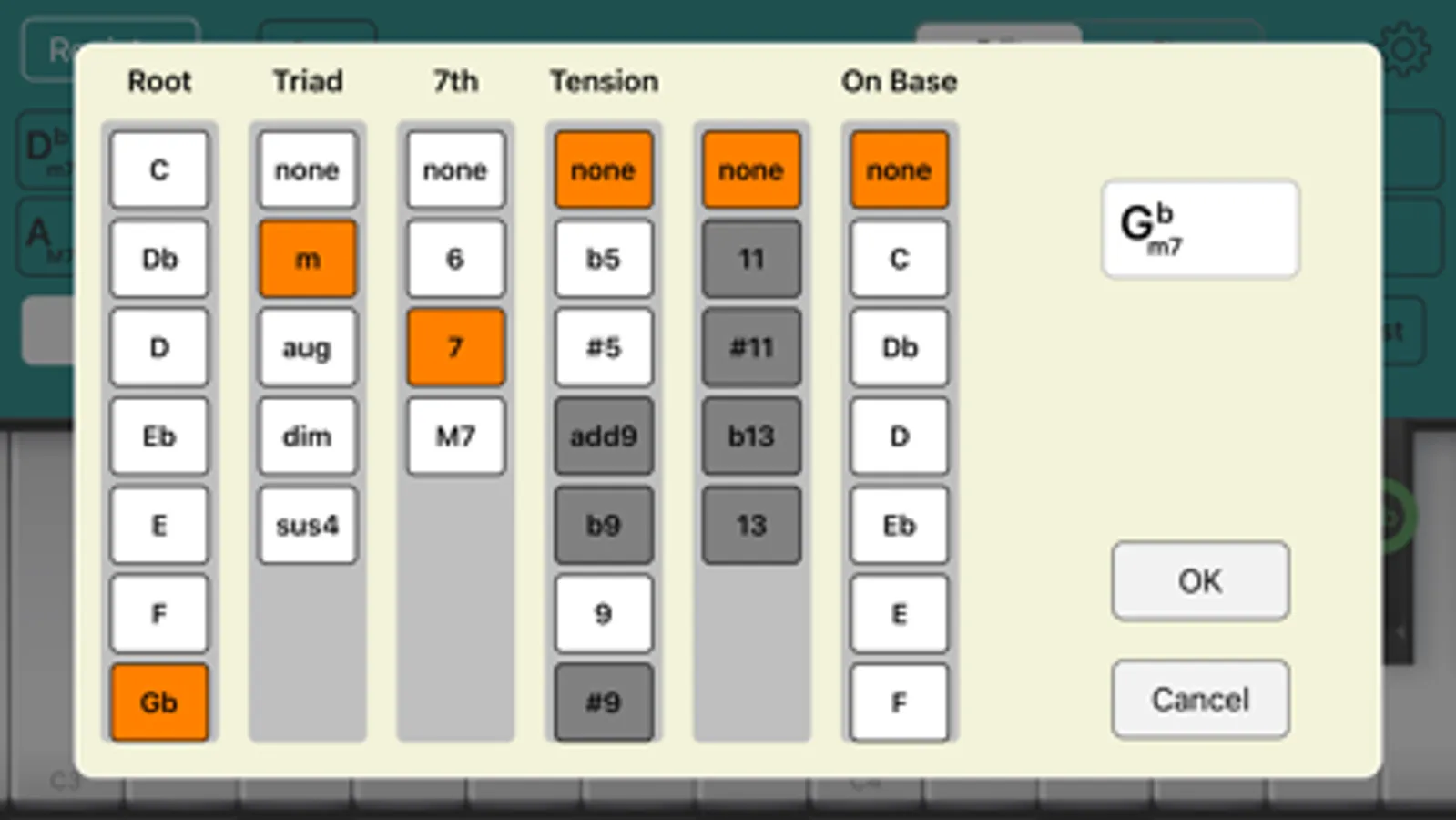
You can set the chord for each bar and check the chord tone and chord sounds on the keyboard.
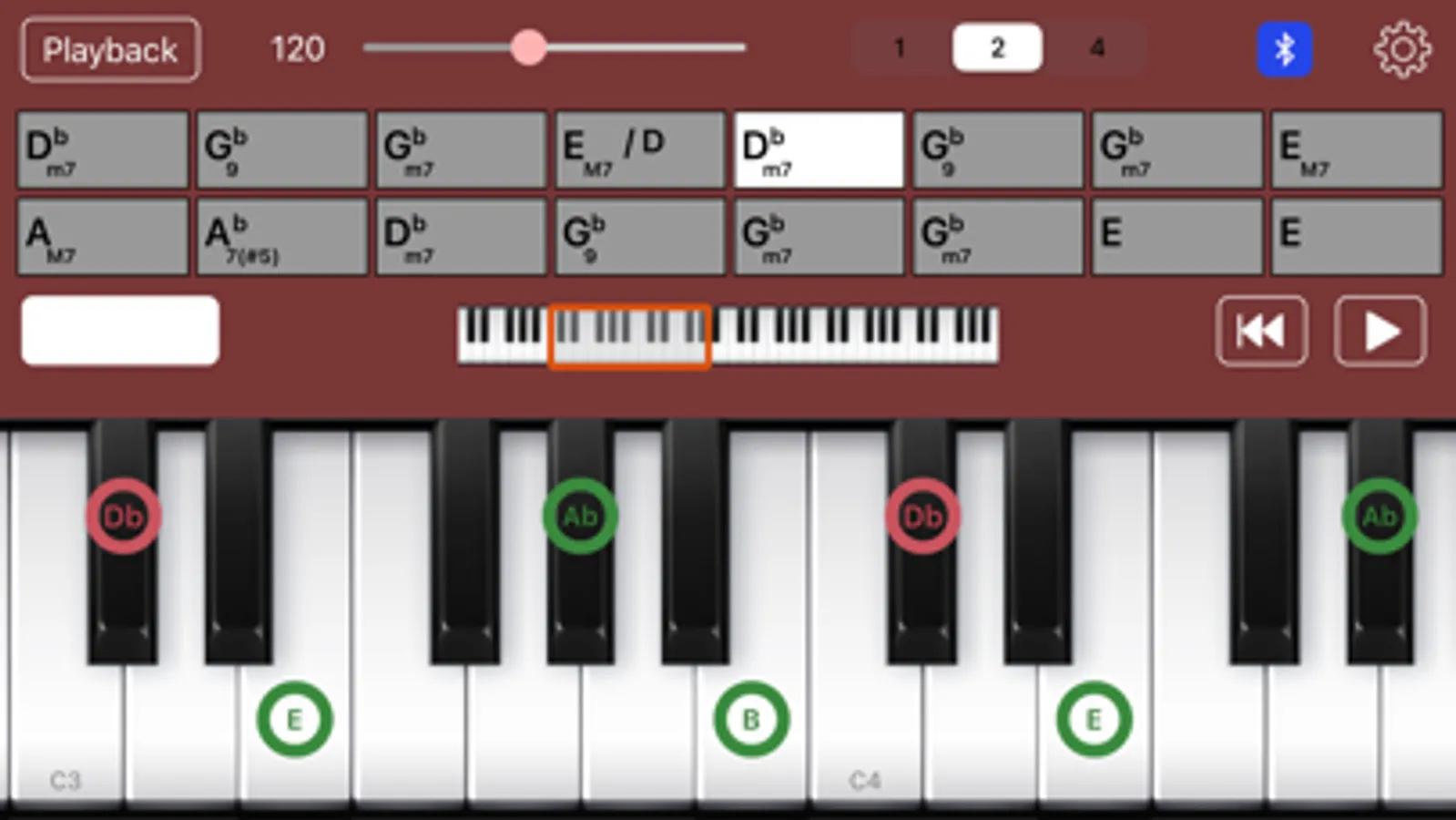
You can also play a song (all bars).
We hope this app will help you practice songs that are composed of chords, such as pop music and jazz.
================================
Ver.3 New features:
- Applying the concepts of "Bar" and "Song" (all bars).
- "Bar" can contain a single chord or silence (N.C.).
- "Song" can have any number of bars (previous version: 16).
- Supports both portrait and landscape orientations.
*If you would like to use the specifications of the previous version, please use 'Piano Chords Master [Classic]'.
================================
Main Features:
- Set a chord per bar (including silence (N.C.))
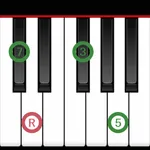
- Display the chord tone of the selected chord (root, triad, 7th, tension, on-base) on the keyboard
- Confirm the sound of the selected chord
- Identify the chord when you press a key and display the chord name
- Playback of song (all bars) (specifies BPM)
- Save/load song (all bars)
Convenient Features:
- A variety of chord input methods
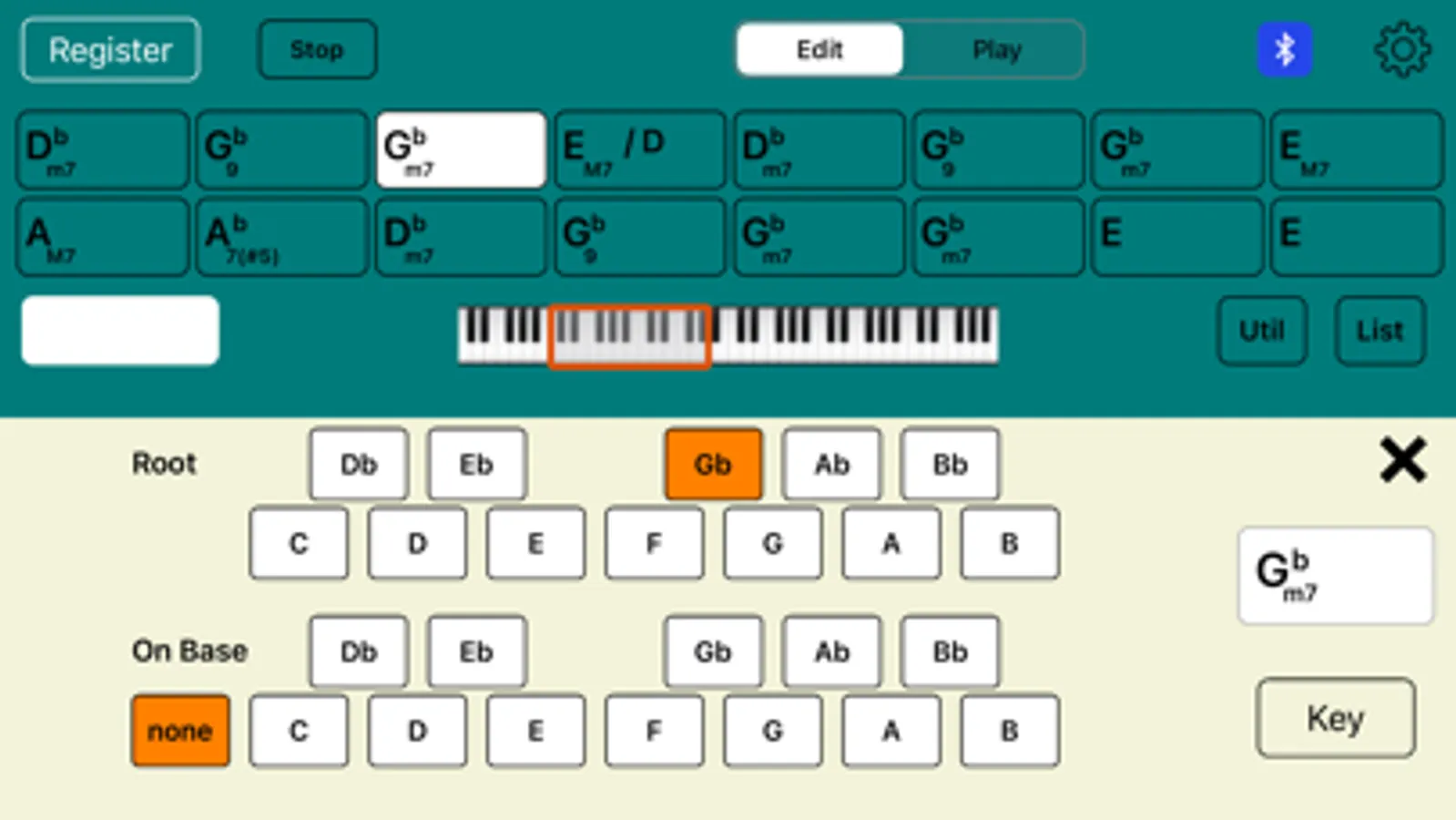
> Set from the key/chord selection view
> Set from the on-screen keyboard
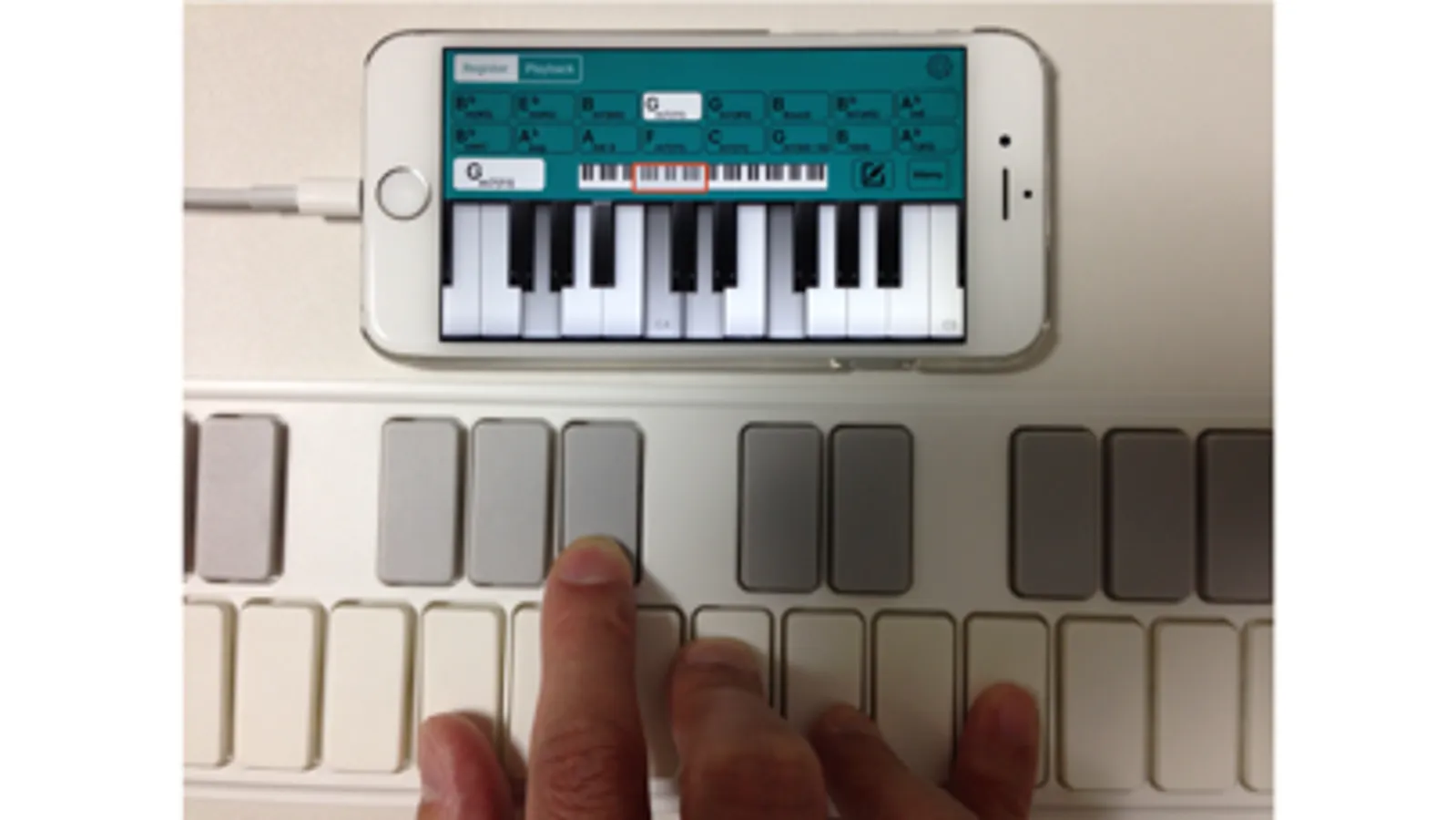
> Set from a MIDI-compatible keyboard (Core MIDI compatible)
- Convenient chord registration method
> Simply select a common chord progression (e.g., 1-6-2-5) and add it to a bar.
> Select from presets (e.g., blues, jazz standards) and register them as templates for new songs.
- Edit chords
> Transposition (change the key of the entire bar)
- Keyboard UI
> 6-octave keyboard (C2 - C7)
> Adjustable keyboard width
- MIDI features
> Supports MIDI message (note on/off) transmission
> Supports Bluetooth MIDI connection
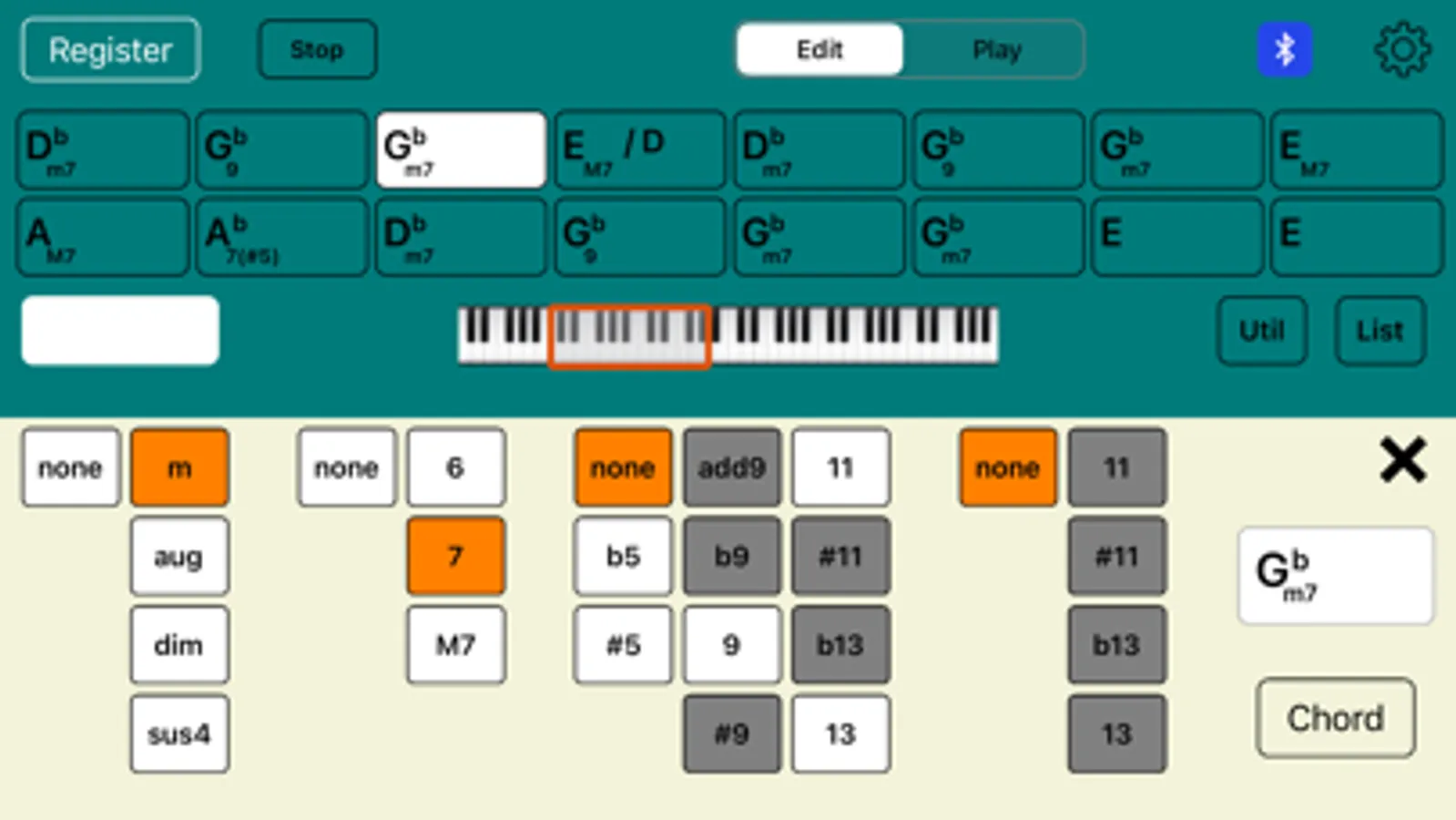
* To enter and display all chord patterns, including tensions (b9, #9, 11, #11, b13, 13), In-app purchase is required.
* There are 28 sounds in total (9 are available by default). To use them all, In-app purchase is required.)
Chord type:
M, 7, 7(b5), 7(#5), 6, 6 9, 9, add9, M7, M9, M7(b5), M7(#5), m, m6, m6 9, m(#5), m add9, m7, mM7, m7(b5), m7(#5), m9, mM9, aug, dim, dim7, sus4, 7sus4, 9sus4, M7sus4, M9sus4
(To use below, you need In-App Purchase.)
7(b9), 7(#9), 7(#11), 7(b13), 7(13), 7(b9 #11), 7(b9 b13), 7(b9 13), 9(#11), 9(b13), 9(13), 7(#9 #11), 7(#9 b13), 7(#9 13), M7(#11), M9(#11), M7(13), M9(13), m7(11), m7(13), m9(11), m7(b5 11), m7(b5 13)
We'll update this app to help you in the future.
You can set the chord for each bar and check the chord tone and chord sounds on the keyboard.
You can also play a song (all bars).
We hope this app will help you practice songs that are composed of chords, such as pop music and jazz.
================================
Ver.3 New features:
- Applying the concepts of "Bar" and "Song" (all bars).
- "Bar" can contain a single chord or silence (N.C.).
- "Song" can have any number of bars (previous version: 16).
- Supports both portrait and landscape orientations.
*If you would like to use the specifications of the previous version, please use 'Piano Chords Master [Classic]'.
================================
Main Features:
- Set a chord per bar (including silence (N.C.))
- Display the chord tone of the selected chord (root, triad, 7th, tension, on-base) on the keyboard
- Confirm the sound of the selected chord
- Identify the chord when you press a key and display the chord name
- Playback of song (all bars) (specifies BPM)
- Save/load song (all bars)
Convenient Features:
- A variety of chord input methods
> Set from the key/chord selection view
> Set from the on-screen keyboard
> Set from a MIDI-compatible keyboard (Core MIDI compatible)
- Convenient chord registration method
> Simply select a common chord progression (e.g., 1-6-2-5) and add it to a bar.
> Select from presets (e.g., blues, jazz standards) and register them as templates for new songs.
- Edit chords
> Transposition (change the key of the entire bar)
- Keyboard UI
> 6-octave keyboard (C2 - C7)
> Adjustable keyboard width
- MIDI features
> Supports MIDI message (note on/off) transmission
> Supports Bluetooth MIDI connection
* To enter and display all chord patterns, including tensions (b9, #9, 11, #11, b13, 13), In-app purchase is required.
* There are 28 sounds in total (9 are available by default). To use them all, In-app purchase is required.)
Chord type:
M, 7, 7(b5), 7(#5), 6, 6 9, 9, add9, M7, M9, M7(b5), M7(#5), m, m6, m6 9, m(#5), m add9, m7, mM7, m7(b5), m7(#5), m9, mM9, aug, dim, dim7, sus4, 7sus4, 9sus4, M7sus4, M9sus4
(To use below, you need In-App Purchase.)
7(b9), 7(#9), 7(#11), 7(b13), 7(13), 7(b9 #11), 7(b9 b13), 7(b9 13), 9(#11), 9(b13), 9(13), 7(#9 #11), 7(#9 b13), 7(#9 13), M7(#11), M9(#11), M7(13), M9(13), m7(11), m7(13), m9(11), m7(b5 11), m7(b5 13)
We'll update this app to help you in the future.
Piano Chords Master Screenshots
Tap to Rate:
Reviews for Piano Chords Master
earlytimesguy
keys stick
unusable so far.
MLeeJackson
Good app
It’s a cool app I believe with a little more effort and more presents and a prettier interface this app could really take the music world by storm whoever developed this app , it’s simply amazing keep at it .