In this text editor app, you can create, edit, and organize documents with support for multiple formats and easy formatting tools. Includes synchronization across devices, folder management, and sharing options.
AppRecs review analysis
AppRecs rating 3.2. Trustworthiness 73 out of 100. Review manipulation risk 28 out of 100. Based on a review sample analyzed.
★★★☆☆
3.2
AppRecs Rating
Ratings breakdown
5 star
58%
4 star
9%
3 star
4%
2 star
3%
1 star
26%
What to know
✓
Low review manipulation risk
28% review manipulation risk
✓
Credible reviews
73% trustworthiness score from analyzed reviews
⚠
Pricing complaints
Many low ratings mention paywalls or pricing
About TextEdit - Text Editor
If you don’t write all the time, then you probably don’t need a full-featured word processor, such as Microsoft Word or Apple Pages. But you still may want a flexible tool for handling text. You know what? You already have one: TextEdit+.
TextEdit+ is your white, plain, blank sheet of paper that is always with you on your iPad or iPhone. Simple but very quick, easy to use and useful.
Also TextEdit+ can sync and share your documents across devices and your Mac or Windows computer via Files app or iCloud.
MAIN FEATURES
Multi-platform support: Mac, PC, Linux
- Open, edit, save documents created by hundreds of text editors with support for Rich Text Format files (RTF), Markdown, TeX and plain text files (TXT)
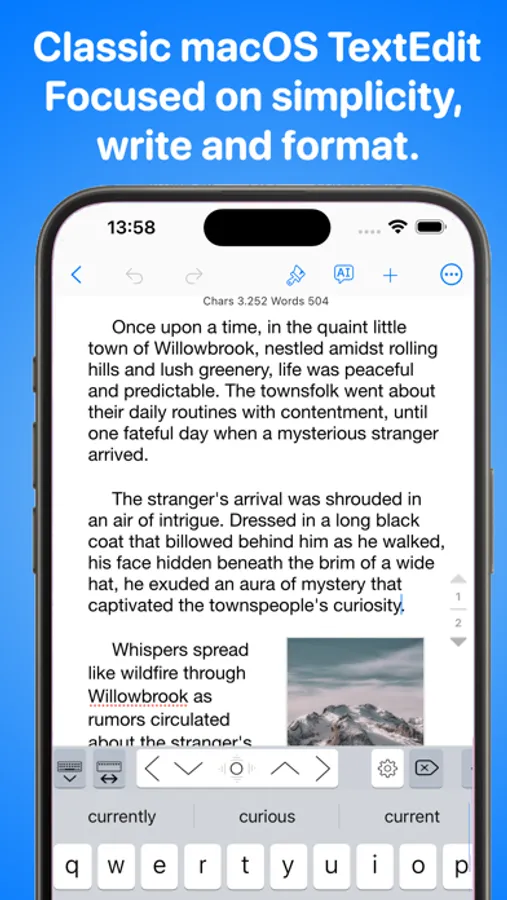
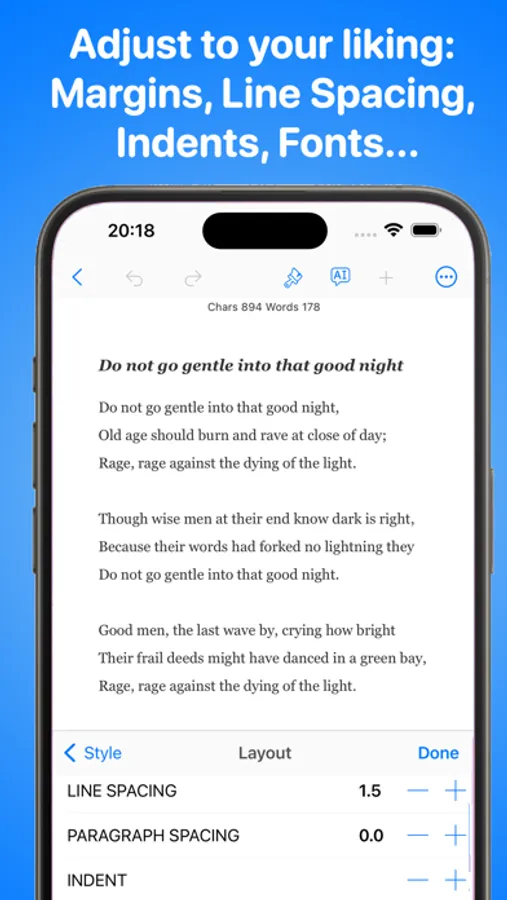
Easy to use interface. Distraction-free
- Less is more. No cluttered user interface. Just focus on your creation process not the tool.
Faster Typing with Keyboard Extension
- Quickly move around the cursor. Quick keys for tab, forward delete, up, down, left, right, etc. Customize our extended keyboard with your own keys.
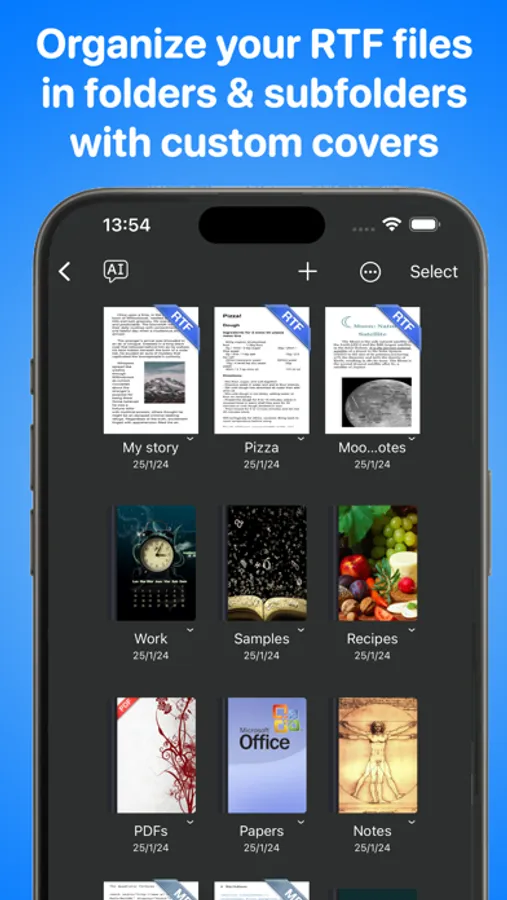
Stay Organized
- Easily create folders and subfolders for your projects and documents
- Personalise the cover of your folders
Easy Sharing
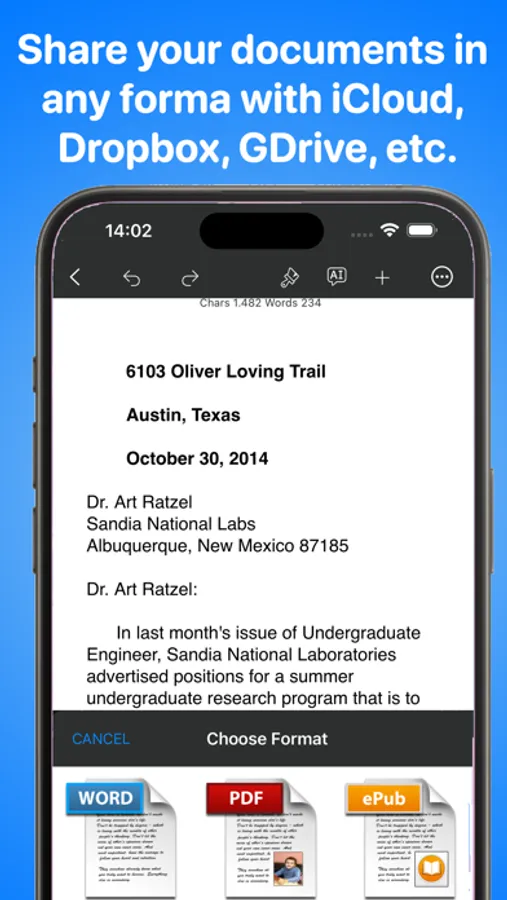
- Sync your documents across devices and computers and with TextEdit or Wordpad via Files app or iCloud Drive
- Email, print and open your documents from your mail or in other apps
Visual Rich Text Formatting
- Apply format, colours and style directly in your words, sentences and paragraphs
One Tap Formatting
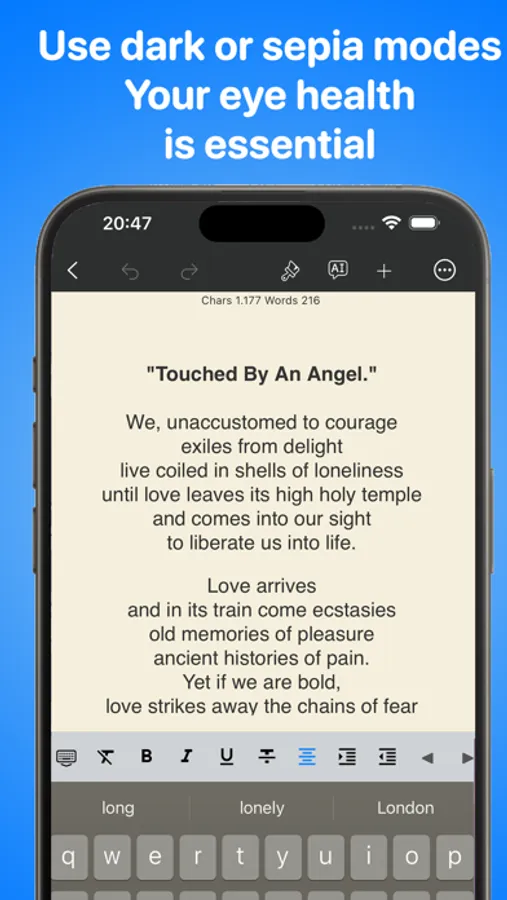
- Bold, italic, underline, line spacing, highlight, indents, subscript/superscript, alignment, lists, type size, text and paper colors, etc.
- Syntax highlighting for Markdown and TeX documents
- Shortcuts for Markdown and TeX documents
International Typing support:
- Over 30 languages including right to left languages like Japanese, Chinese, Arabic and Hebrew
Instant Statistics and Counters
- Characters, words, syllables, reading time, sentences, average word length, Readability Index, etc.
Text to Speech and Dictacion support
- Hear your document read aloud
- Dictation lets you speak text instead of typing
Useful Find&Replace
- Find and replace words on the documents
Powerful export
- Export your work as PDF , RTF , RTFD, Plain Text , TeX, Markdown, PNG and HTML formats
Privacy Policy
http://www.noteswriter.com/Kairoos_Privacy_Policy.html
EULA
https://www.apple.com/legal/internet-services/itunes/dev/stdeula/
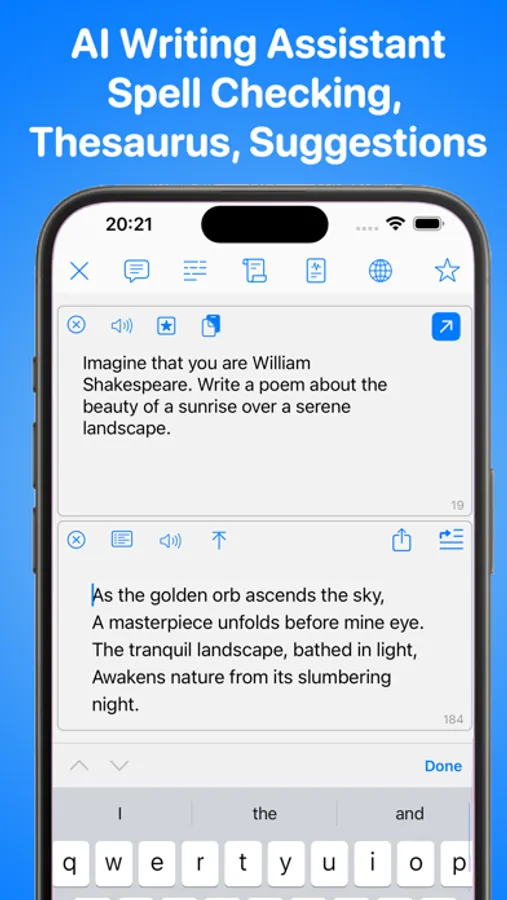
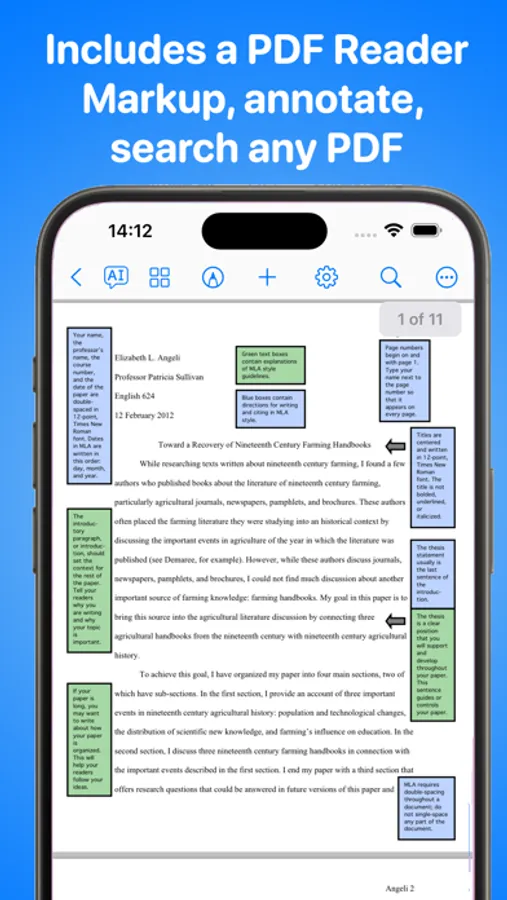
TextEdit - Text Editor Screenshots
Tap to Rate:
Reviews for TextEdit - Text Editor
pija_a
Subscription model lock-in of prior purchased unlocked.
AI is an insignificant addition to my contract prior to your update. I purchased that not the upgraded AI version this is breach of contract since my prior purchase was taken without consent. The older software needs to continue working under the prior contract or this is extortion. Do not by into these trapped subscription purchases because then the develop does nothing more yet you are trapped paying for nothing.
pastorAg
I do not want AI! ! ! ! !
Shame on you, forcing me to pay for AI. I do not want it, i do not want to pay for it, i do not trust it. The original idea was precisely what i wanted to use. You lost me as a customer. Luckily, others have not polluted their apps with AI. I plan to concentrate on them instead.