AppRecs review analysis
AppRecs rating 4.1. Trustworthiness 83 out of 100. Review manipulation risk 20 out of 100. Based on a review sample analyzed.
★★★★☆
4.1
AppRecs Rating
Ratings breakdown
5 star
69%
4 star
12%
3 star
4%
2 star
8%
1 star
8%
What to know
✓
Low review manipulation risk
20% review manipulation risk
✓
Credible reviews
83% trustworthiness score from analyzed reviews
✓
High user satisfaction
81% of sampled ratings are 4+ stars (4.3★ average)
About EZText - Text Editor
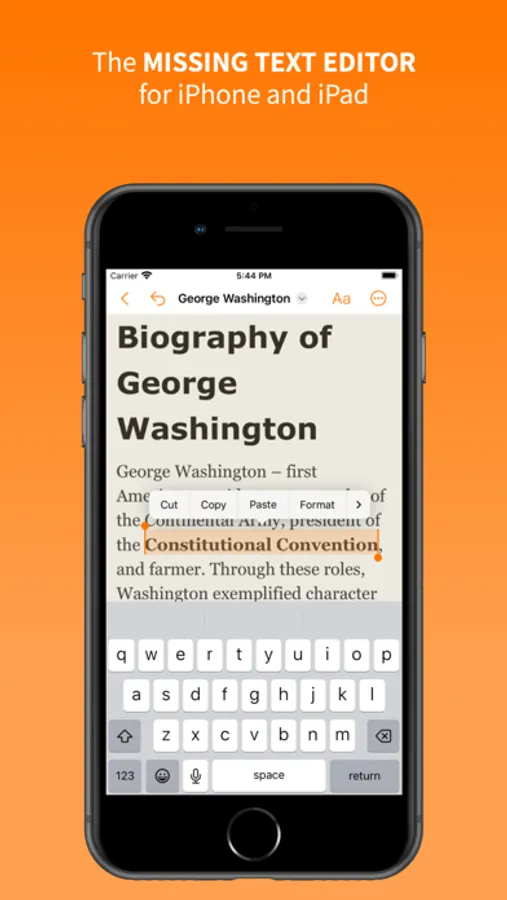
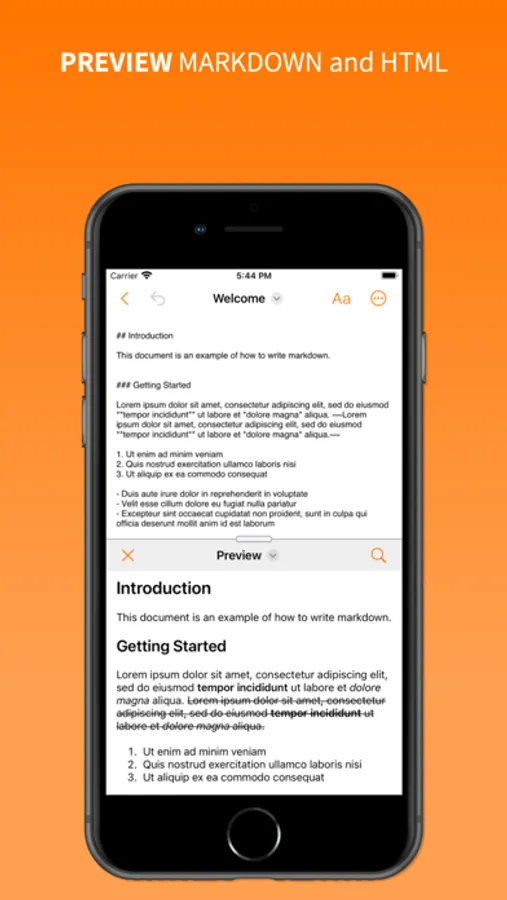
For files like RTF and RTFD, EZText displays them fully formatted and lets you edit all the style information, such as font, point size, color, and paragraph alignment. You can even view the raw RTF text and edit that directly. For HTML and markdown, you can view a live preview as you edit.
Features:
- Edit any text file on your device, in iCloud, or in other cloud services (such as DropBox) that appear in the Files app
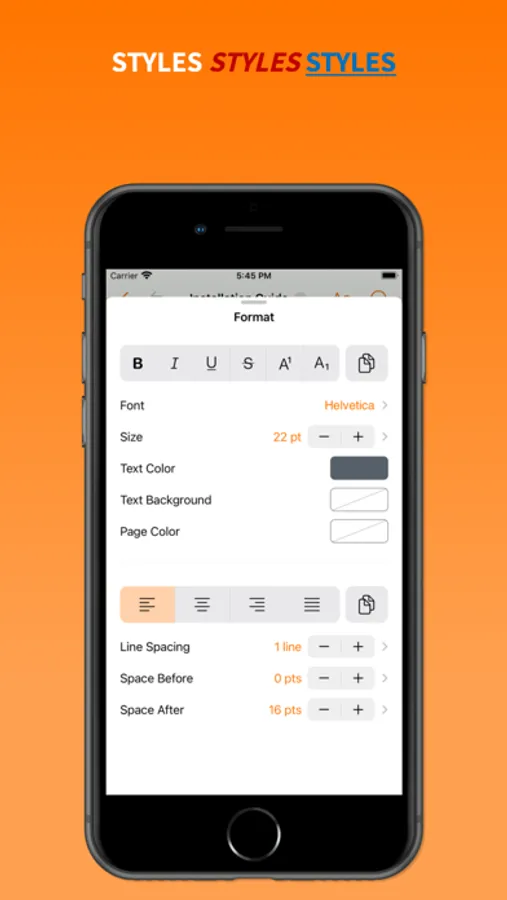
- Bold, italic, underline, strikethrough, superscript, subscript
- Text foreground and background color
- Paragraph alignment
- Line & paragraph spacing
- Bulleted lists
- Copy & paste text style and paragraph style
- Search and replace text
- Undo and redo
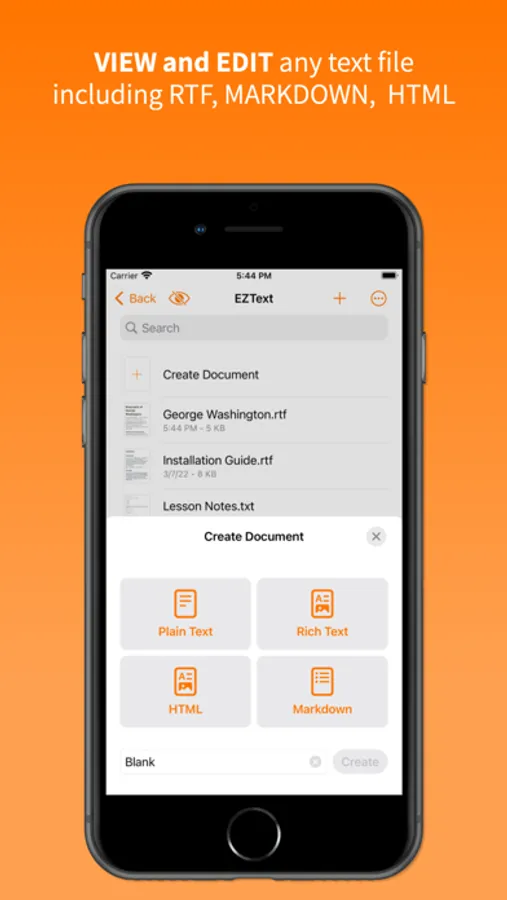
- Create plain text file, rich text files (RTF), rich text with graphics (RTFD), HTML, and markdown files
- View and edit the raw text for files that supports text style
- Live previews of HTLM and markdown
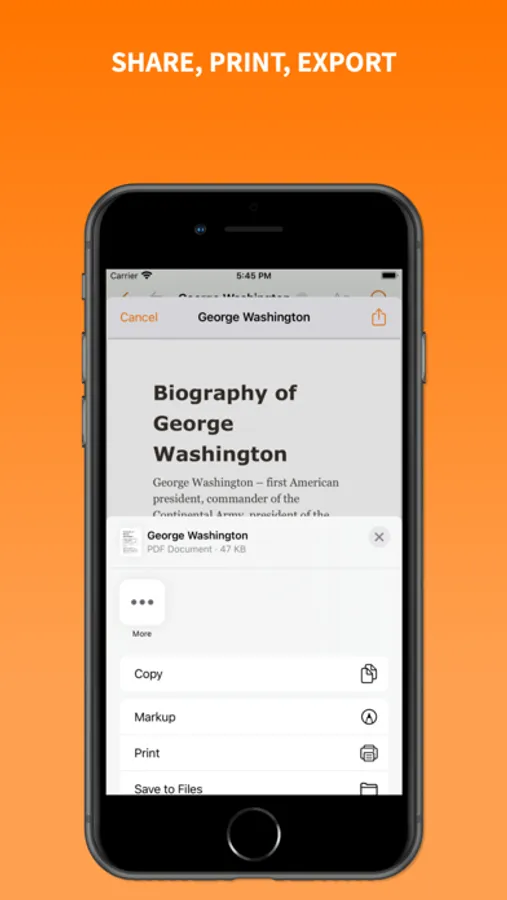
- Export to PDF
- Convert between plain text, RTF, and RTFD
- Supports multitasking on iPad
- Dark mode support
EZText - Text Editor Screenshots
Tap to Rate:
Reviews for EZText - Text Editor
Paper_Queen
Can’t open/edit rich text created elsewhere
My primary need is an iOS app that can open, view, and edit existing RTFD files in Dropbox and iCloud Drive. This app *cannot* do that. Additional shortcomings: (1) Plain text cannot be converted to rich text; (2) there are no list options—bullets, numbered, dashes, etc.; (3) default text size is huge, 23pt; and (4) there are no tab adjustments—you get what you get. While I understand the app was created to be a simple/basic text editor, its inability to open existing rich text docs—even small ones—makes this no more useful than Dropbox’s built in plain text editor.
dysamoria
No Zoom, File Creation Metadata WRONG, No Lists
There should be control over the text rendering size on screen, so that font size is maintained but a mobile user doesn’t have to struggle with tiny text. Many text editing apps traditionally call this as a “Zoom” function. The font sizing also seems to lack any display of the actual point size; there’s just a + & - button *when accessed from the context menu* (the main formatting menu’s interface is fine). List buttons in formatting do nothing. The developer was told this and they replied that there’s no such feature. Yeah? Then maybe you shouldn’t expose these buttons in the formatting UI when someone selects text, swipes to “Format” and chooses “More…” The controls for bulleted lists are right there and they don’t work at all. This is inconsistent UI design and I’m fairly sure RTF documents support basic lists in the standard. Worse: all documents created in this app are stamped with a file creation date & time that is 100% WRONG. File metadata matters, folks! Other reviewers pointed out the same issues and the developer responses were clueless or absent. Easy editing of RTF on iOS is ridiculously kneecapped by Apple and no developer has managed to fill in for the lack of a TextEdit for iOS as is found on Mac OS.