In this video recording app, you can manually control camera settings and capture high-quality videos. Includes support for external microphones, different camera lenses, and video stabilization.
AppRecs review analysis
AppRecs rating 4.7. Trustworthiness 71 out of 100. Review manipulation risk 36 out of 100. Based on a review sample analyzed.
★★★★☆
4.7
AppRecs Rating
Ratings breakdown
5 star
81%
4 star
11%
3 star
4%
2 star
1%
1 star
3%
What to know
✓
Credible reviews
71% trustworthiness score from analyzed reviews
✓
High user satisfaction
81% of sampled ratings are 5 stars
✓
Authentic reviews
Natural distribution, no red flags
About ProMovie Recorder
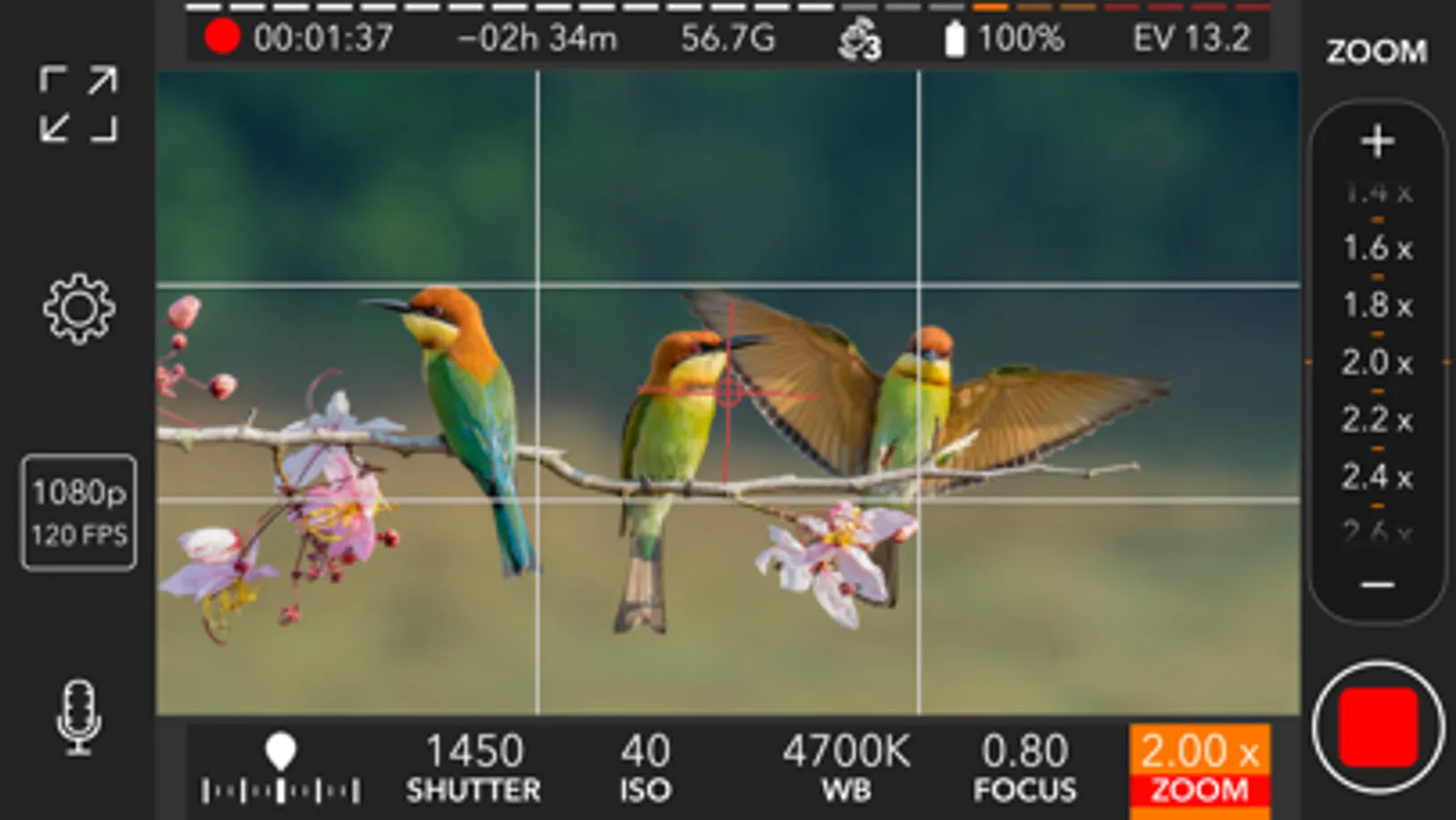
ProMovie Recorder is a feature-rich yet easy-to-use video camera App for your iPhone and iPad. Take control of exposure, focus, frame rate, and every other aspect of video recording right at your fingertip. Take full advantage of your device's videography capability and create professional clips.
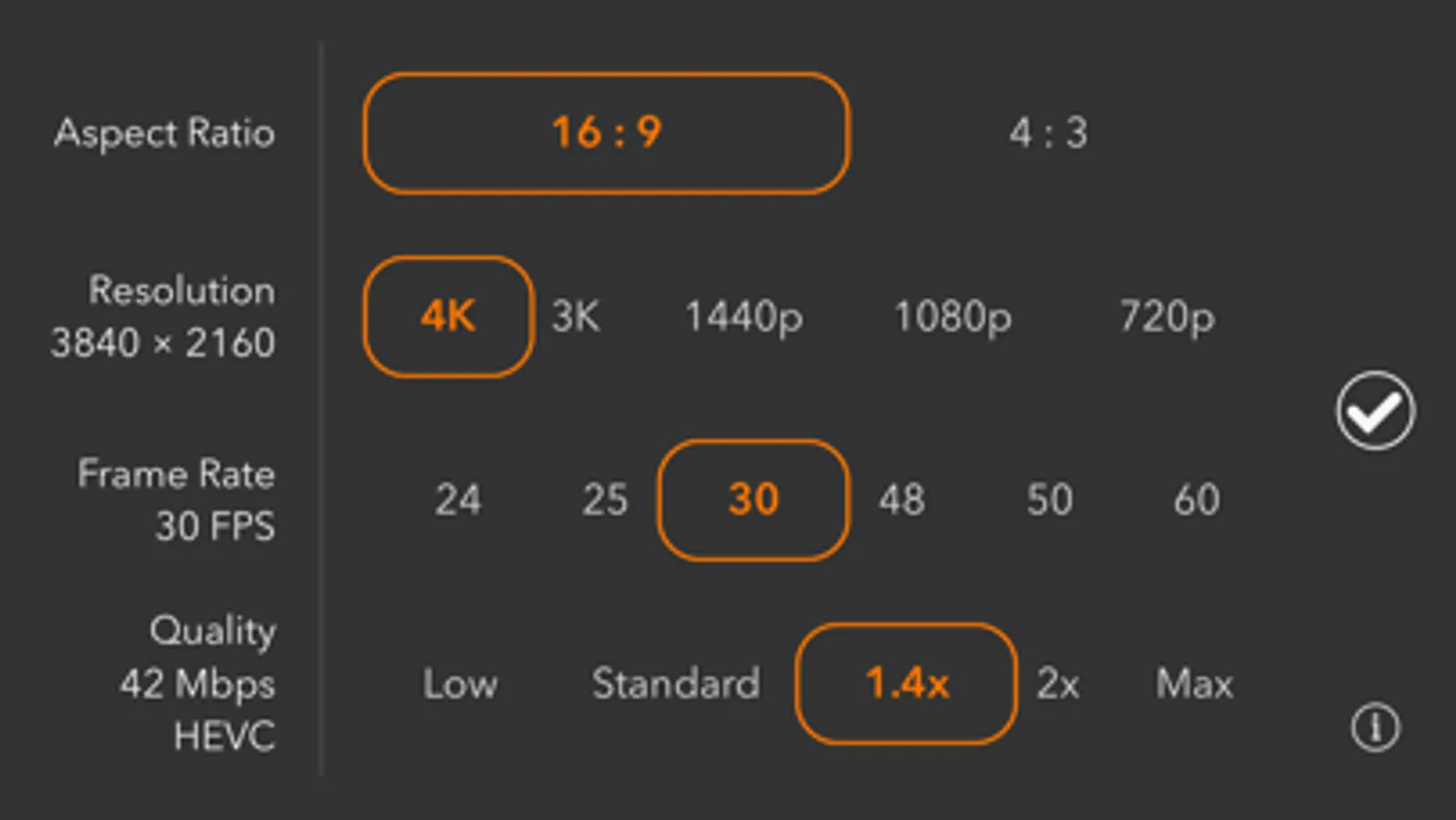
• 4K video recording (up to 120FPS) ¹.
• 1080p video recording (up to 240FPS) ².
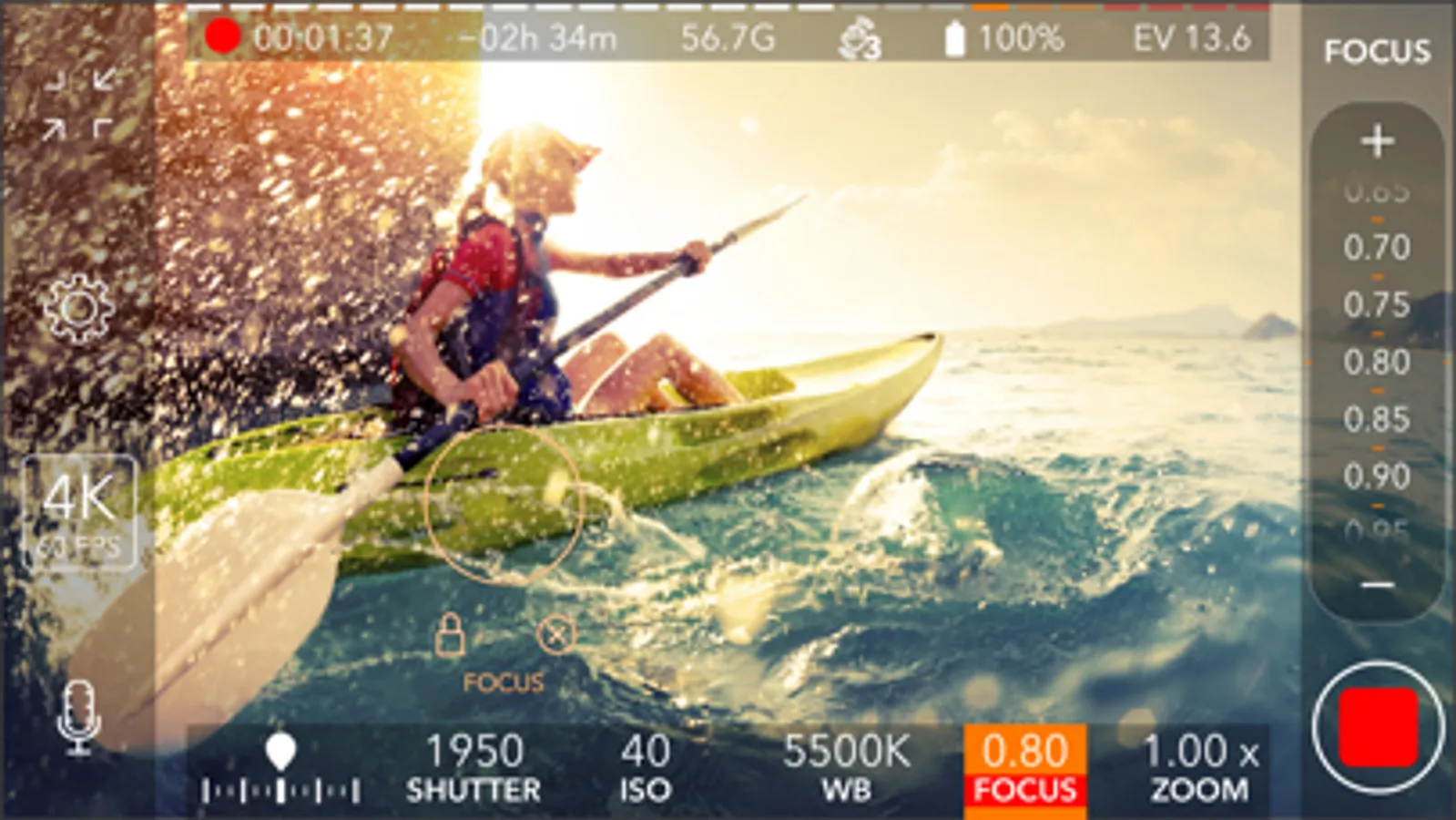
• Manual camera control for exposure, shutter speed, ISO, focus, and white balance.
• High-quality video recording with up to 224Mbps bitrate.
• Switch between Ultra Wide, Wide, and Telephoto cameras ³.
********
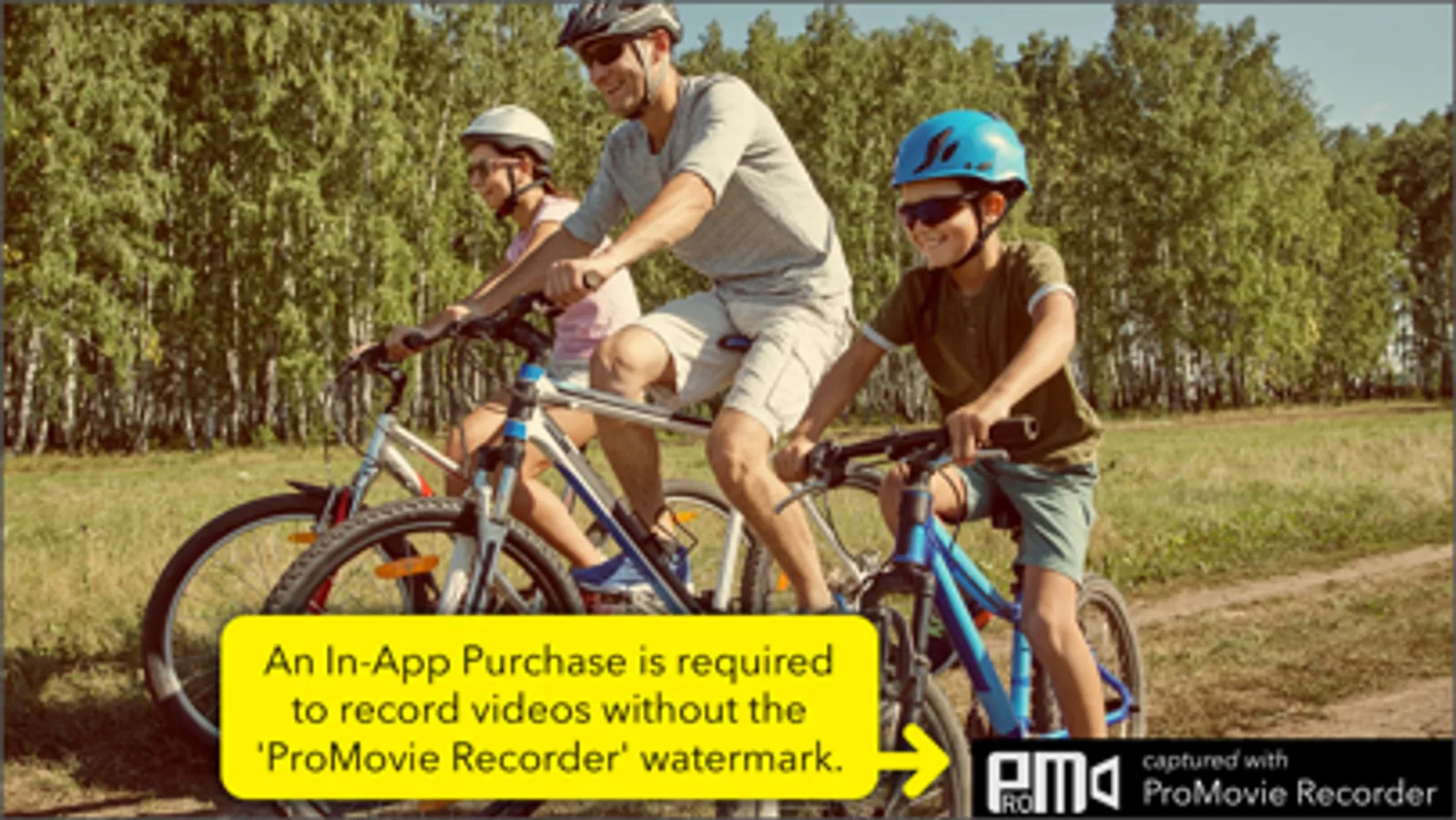
An In-App Purchase is required to record videos without the 'ProMovie Recorder' watermark.
********
Audio features:
• External microphones (Lightning/3.5 mm headphone jack ⁴/Bluetooth).
• Stereo audio recording *.
• Audio monitoring through headphones and Bluetooth headphones.
• On-screen audio level indicator.
• Audio gain control *.
• Supported audio formats: 256 Kbps AAC, 16-bit PCM.
Camera control:
• Separate Exposure Point and Focus Point.
• Exposure compensation.
• Manual control/parameter lock for:
- Shutter Speed/ISO
- Color Temperature
- Focus
• White balance presets.
• White balance calibration with gray cards.
Supported accessories:
• 2.4:1 anamorphic adapters.
• Video rotation/flip for lens accessories.
• External displays connected via Lightning-to-HDMI/VGA adapters.
• Bluetooth remote *.
Other features:
• Grids and cropping guides for easier composition.
• Full-screen modes.
• Level (tilt indicator).
• Both HEVC and H.264 encoding *.
• Standard and Cinematic stabilization mode.
¹
4K @30FPS: iPhone 6s/6s Plus/SE and newer, iPad (2022), iPad Mini (2021 and newer), iPad Air (2020 and newer), iPad Pro 9.7-in., iPad Pro 10.5-in., iPad Pro 12.9-in. (2017 and newer), iPad Pro 11-in. (all models), iPad Pro 13-in.
4K @60FPS: iPhone 8/8 Plus/X and newer, iPad (2022), iPad Mini (2021 and newer), iPad Air (2020 and newer), iPad Pro 12.9-in. (2018 and newer), iPad Pro 11-in. (all models), iPad Pro 13-in.
4K @120FPS: iPhone 16 Pro/16 Pro Max.
²
1080p @30FPS: iPhone 5s and newer, iPad (2017 and newer), iPad Mini (2013 and newer), iPad Air (all models), iPad Pro (all models).
1080p @60FPS: iPhone 6/6 Plus/SE and newer, iPad (2022), iPad Mini (2021 and newer), iPad Air (2020 and newer), iPad Pro 9.7-in., iPad Pro 10.5-in., iPad Pro 12.9-in. (2017 and newer), iPad Pro 11-in. (all models), iPad Pro 13-in.
1080p @120FPS: iPhone 6s/6s Plus/SE and newer, iPad (2022), iPad Mini (2021 and newer), iPad Air (2020 and newer), iPad Pro 9.7-in., iPad Pro 10.5-in., iPad Pro 12.9-in. (2017 and newer), iPad Pro 11-in. (all models), iPad Pro 13-in.
1080p @240FPS: iPhone 8/8 Plus/X and newer, iPad (2022), iPad Mini (2021 and newer), iPad Air (2020 and newer), iPad Pro 12.9-in. (2018 and newer), iPad Pro 11-in. (all models), iPad Pro 13-in.
³
For iPhone and iPad models with Ultra Wide and/or Telephoto cameras.
⁴
Depending on your iPhone/iPad model and microphone connector, some of the following adapters may be required:
• TRS to TRRS adapter
• Lightning to 3.5 mm headphone jack adapter
• USB-C to 3.5 mm headphone jack adapter
* For supported devices only.
Contact us: support@ProMovieApp.com
• 4K video recording (up to 120FPS) ¹.
• 1080p video recording (up to 240FPS) ².
• Manual camera control for exposure, shutter speed, ISO, focus, and white balance.
• High-quality video recording with up to 224Mbps bitrate.
• Switch between Ultra Wide, Wide, and Telephoto cameras ³.
********
An In-App Purchase is required to record videos without the 'ProMovie Recorder' watermark.
********
Audio features:
• External microphones (Lightning/3.5 mm headphone jack ⁴/Bluetooth).
• Stereo audio recording *.
• Audio monitoring through headphones and Bluetooth headphones.
• On-screen audio level indicator.
• Audio gain control *.
• Supported audio formats: 256 Kbps AAC, 16-bit PCM.
Camera control:
• Separate Exposure Point and Focus Point.
• Exposure compensation.
• Manual control/parameter lock for:
- Shutter Speed/ISO
- Color Temperature
- Focus
• White balance presets.
• White balance calibration with gray cards.
Supported accessories:
• 2.4:1 anamorphic adapters.
• Video rotation/flip for lens accessories.
• External displays connected via Lightning-to-HDMI/VGA adapters.
• Bluetooth remote *.
Other features:
• Grids and cropping guides for easier composition.
• Full-screen modes.
• Level (tilt indicator).
• Both HEVC and H.264 encoding *.
• Standard and Cinematic stabilization mode.
¹
4K @30FPS: iPhone 6s/6s Plus/SE and newer, iPad (2022), iPad Mini (2021 and newer), iPad Air (2020 and newer), iPad Pro 9.7-in., iPad Pro 10.5-in., iPad Pro 12.9-in. (2017 and newer), iPad Pro 11-in. (all models), iPad Pro 13-in.
4K @60FPS: iPhone 8/8 Plus/X and newer, iPad (2022), iPad Mini (2021 and newer), iPad Air (2020 and newer), iPad Pro 12.9-in. (2018 and newer), iPad Pro 11-in. (all models), iPad Pro 13-in.
4K @120FPS: iPhone 16 Pro/16 Pro Max.
²
1080p @30FPS: iPhone 5s and newer, iPad (2017 and newer), iPad Mini (2013 and newer), iPad Air (all models), iPad Pro (all models).
1080p @60FPS: iPhone 6/6 Plus/SE and newer, iPad (2022), iPad Mini (2021 and newer), iPad Air (2020 and newer), iPad Pro 9.7-in., iPad Pro 10.5-in., iPad Pro 12.9-in. (2017 and newer), iPad Pro 11-in. (all models), iPad Pro 13-in.
1080p @120FPS: iPhone 6s/6s Plus/SE and newer, iPad (2022), iPad Mini (2021 and newer), iPad Air (2020 and newer), iPad Pro 9.7-in., iPad Pro 10.5-in., iPad Pro 12.9-in. (2017 and newer), iPad Pro 11-in. (all models), iPad Pro 13-in.
1080p @240FPS: iPhone 8/8 Plus/X and newer, iPad (2022), iPad Mini (2021 and newer), iPad Air (2020 and newer), iPad Pro 12.9-in. (2018 and newer), iPad Pro 11-in. (all models), iPad Pro 13-in.
³
For iPhone and iPad models with Ultra Wide and/or Telephoto cameras.
⁴
Depending on your iPhone/iPad model and microphone connector, some of the following adapters may be required:
• TRS to TRRS adapter
• Lightning to 3.5 mm headphone jack adapter
• USB-C to 3.5 mm headphone jack adapter
* For supported devices only.
Contact us: support@ProMovieApp.com
ProMovie Recorder Screenshots

Tap to Rate:
Reviews for ProMovie Recorder
Gta mining 
I didn’t use the app yet I will update my reveal I heard there is a auto lock and if you turn your p
If you turn your phone, it says stay leveled That means I’m gonna go look
Coldramm
The best choice for me
I tried every video recording app and this one meets all my requirements.