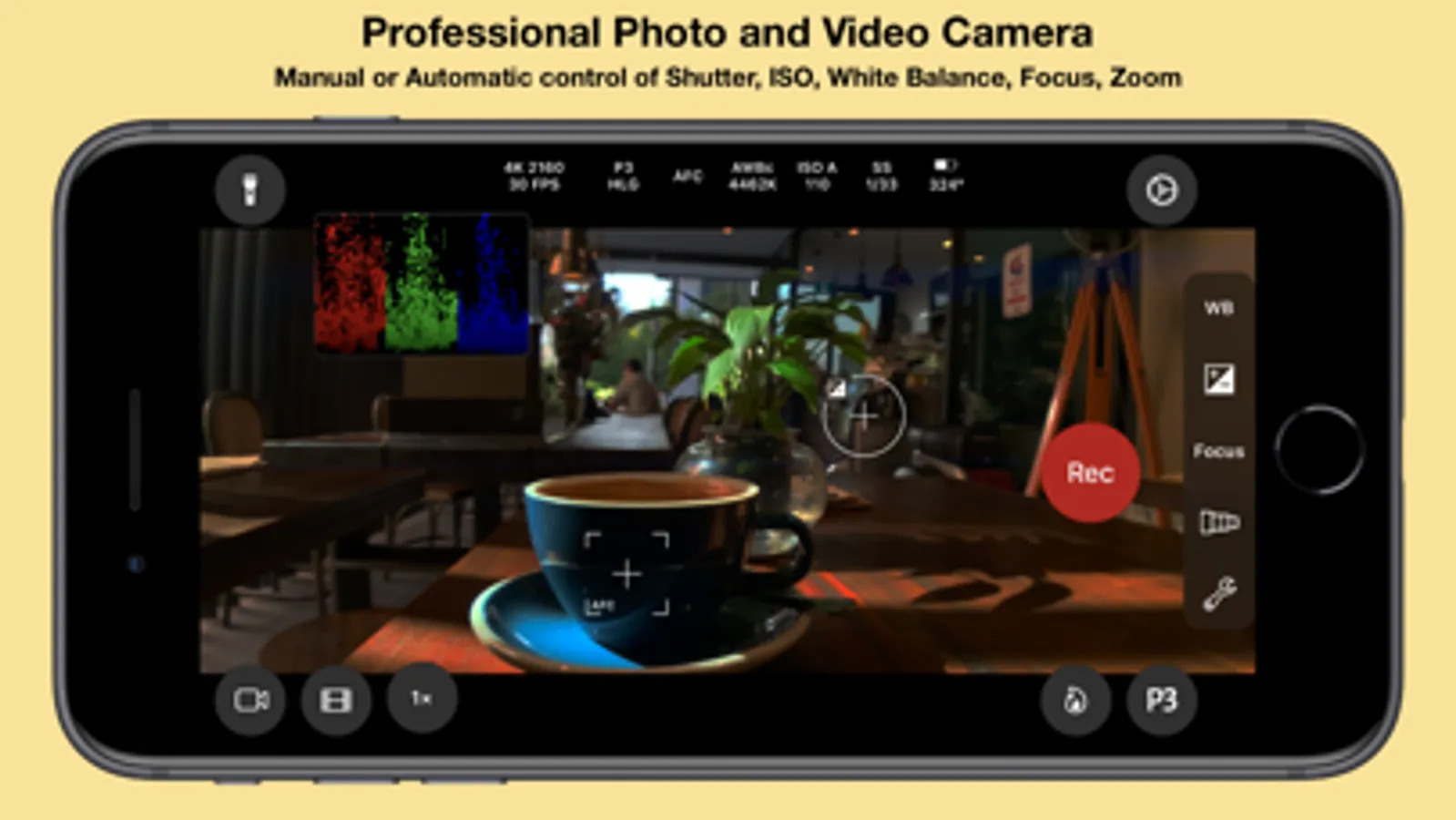
In this app, you can control camera settings manually and automate adjustments for high-quality photos and videos. Includes advanced tools like HDR video recording, full-screen scopes, and custom preset configurations.
AppRecs review analysis
AppRecs rating 4.7. Trustworthiness 79 out of 100. Review manipulation risk 22 out of 100. Based on a review sample analyzed.
★★★★☆
4.7
AppRecs Rating
Ratings breakdown
5 star
87%
4 star
6%
3 star
2%
2 star
1%
1 star
3%
What to know
✓
Low review manipulation risk
22% review manipulation risk
✓
Credible reviews
79% trustworthiness score from analyzed reviews
✓
High user satisfaction
87% of sampled ratings are 5 stars
About Cinema P3 Pro Camera
— Intuitive easy to use controls make taking photos and video a pleasure.
— Advanced professional tools allow you to capture the highest quality image every time.
FULL CONTROL
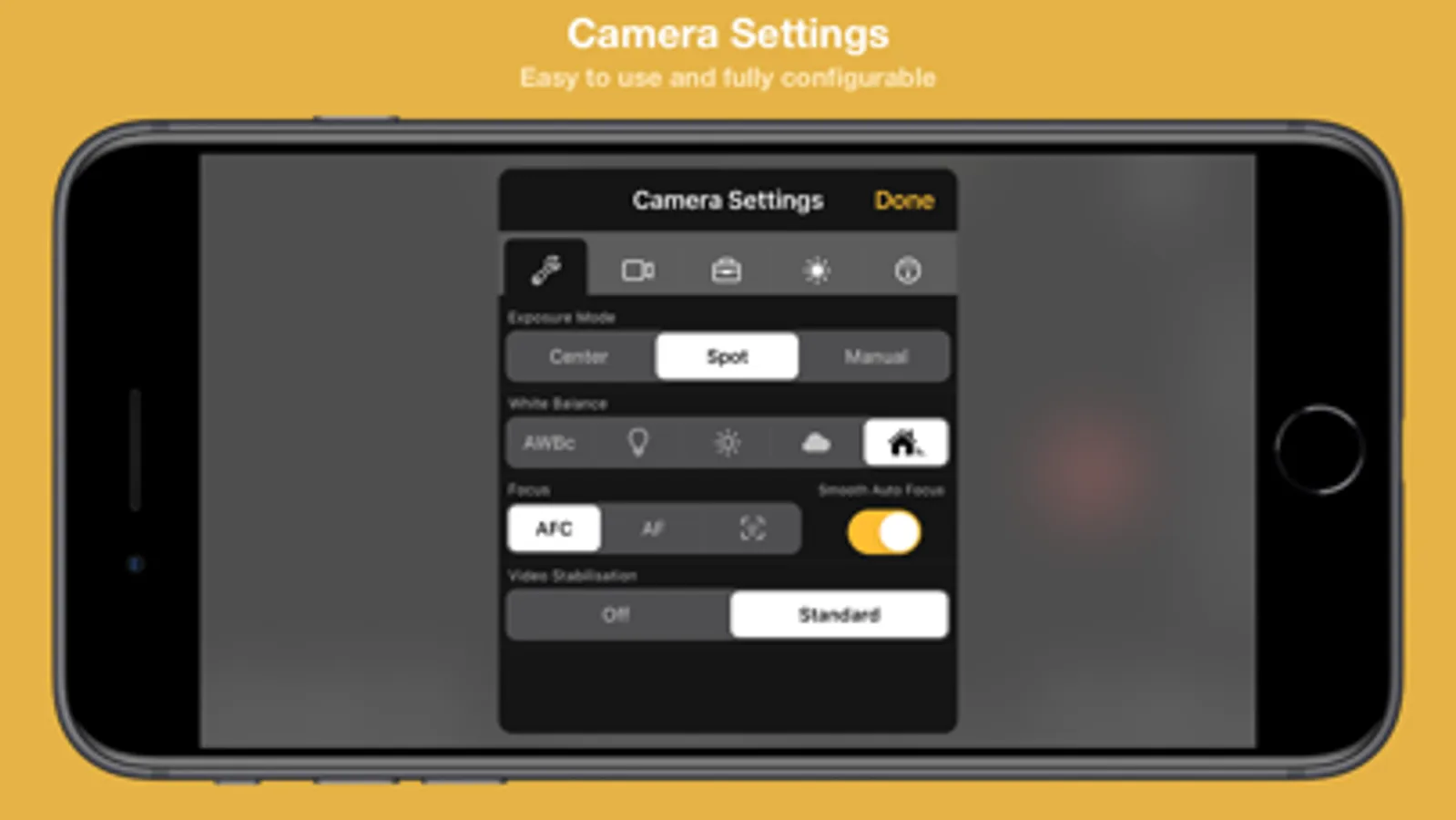
— Automatic and Manual controls
White balance, temperature and tint, exposure, ISO, shutter speed, shutter angle and focus
— ISO Priority and Shutter Priority with Spot, Matrix and Center Weight Metering
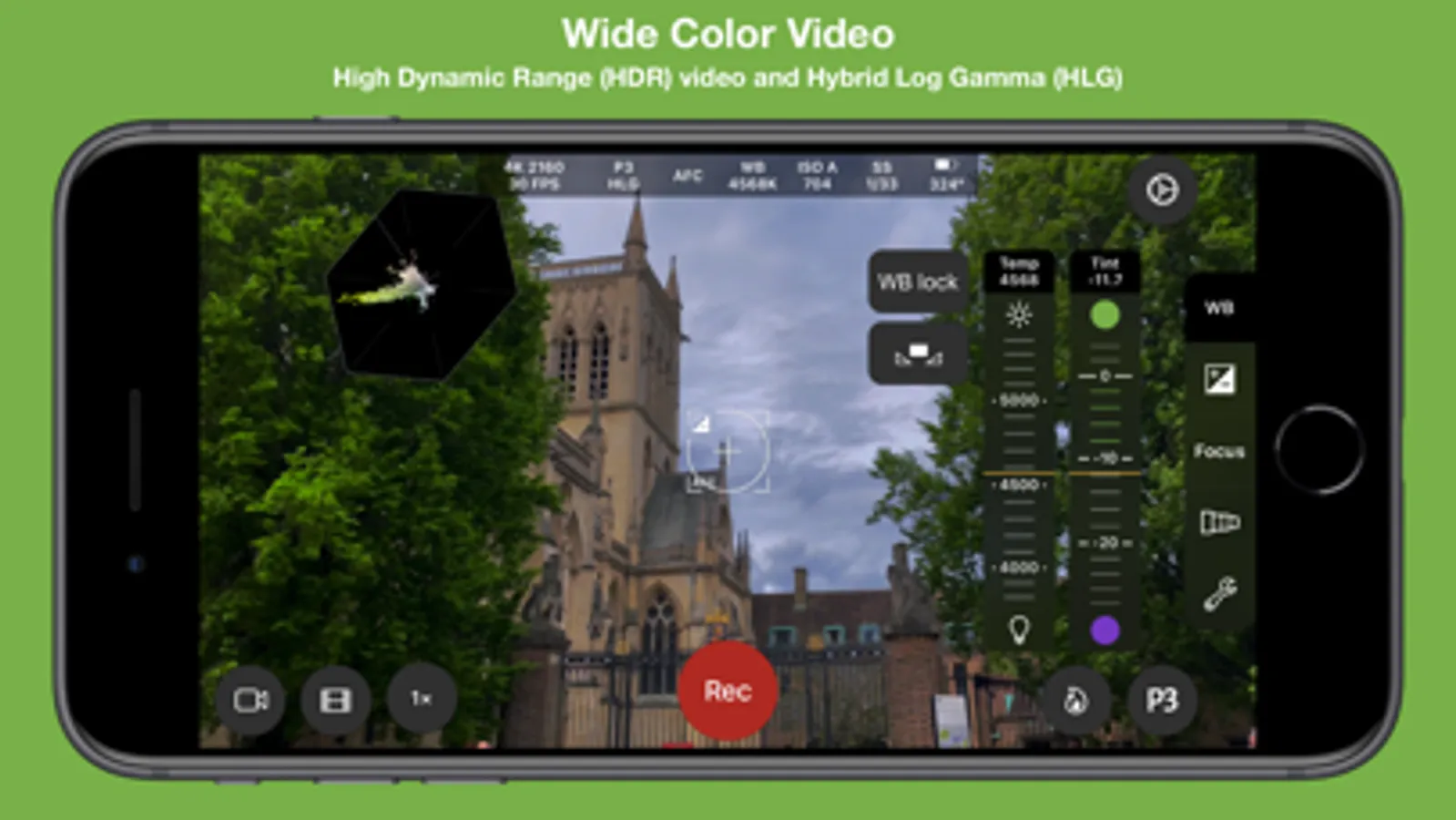
— Manual and Automatic White Balance (AWBc) with Temperature and Tint controls
Automatic White Balance calibration using a grey card
— Manual Zoom control with adjustable zoom speed for smooth transitions
Zoom with a two finger pinch gesture
— High Dynamic Range (HDR) Video Capture
— Capture 10-bit video with Apple Log*.
— Capture 10-bit BT.2020 color (Dolby Vision)*.
— Capture HDR video with Hybrid Log Gamma (HLG).
— Capture HDR video with C-Log and D-Log.
— Capture and playback video with P3 wide color.
— Presets to store custom camera settings such as Exposure Mode, White Balance, Video Format and Anamorphic Lens Distortion,
Restore a preset with a single tap.
ADVANCED TOOLS
● Multiple video recording formats:
— 10-bit Apple Log*
— 10-bit HLG (Dolby Vision)*
— 10-bit 709*
— 8-bit P3 HLG
— 8-bit P3
— 8-bit 709
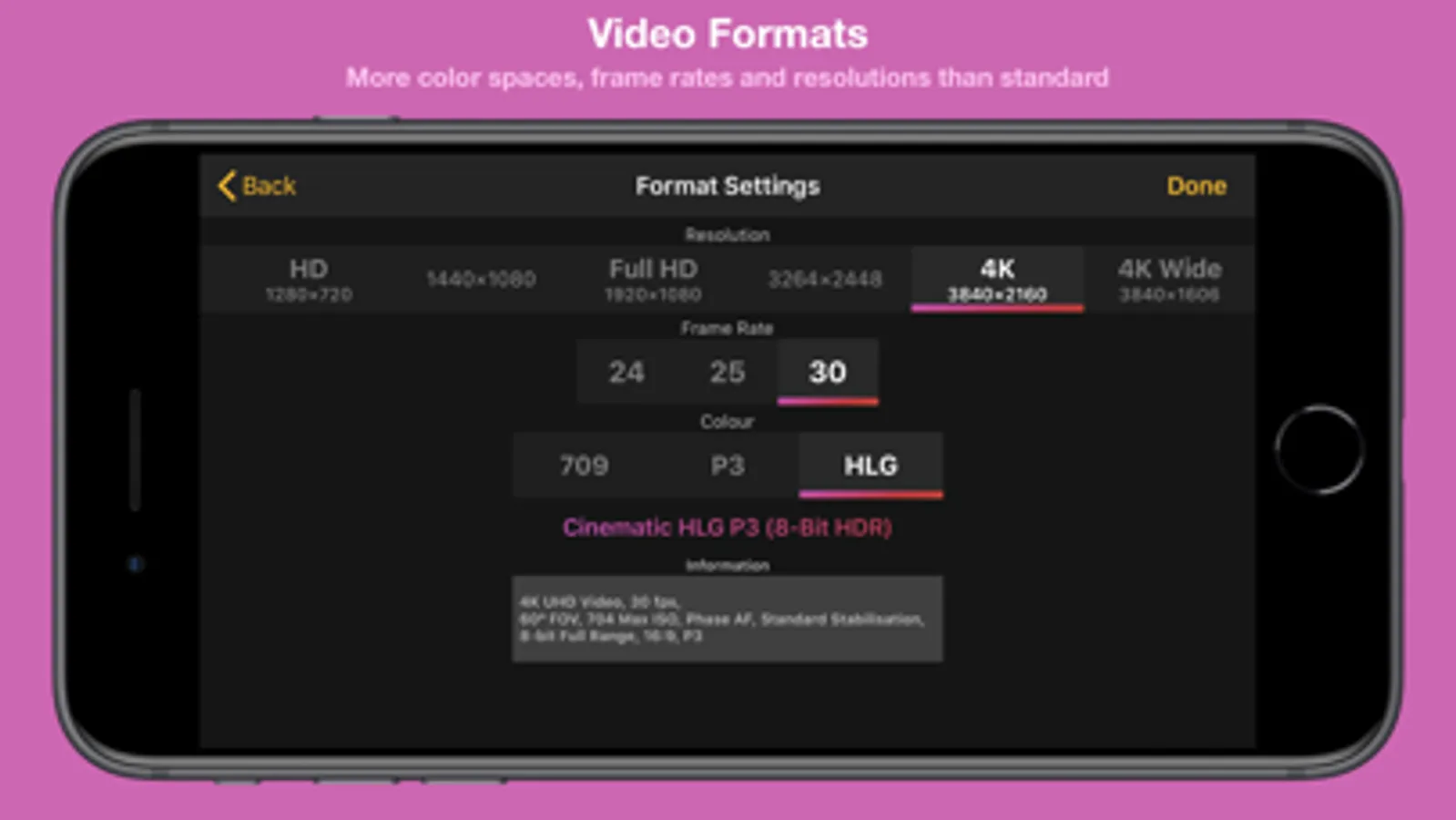
● Full control over video format settings:
— Use all Frame Rate, Resolution and Color Spaces supported by your device.
— H.265 HEVC, H.264, H.265 4:2:2, ProRes*
— Bit Rate, Pixel Aspect Ratio and Key Frame Interval
— Time Code Track
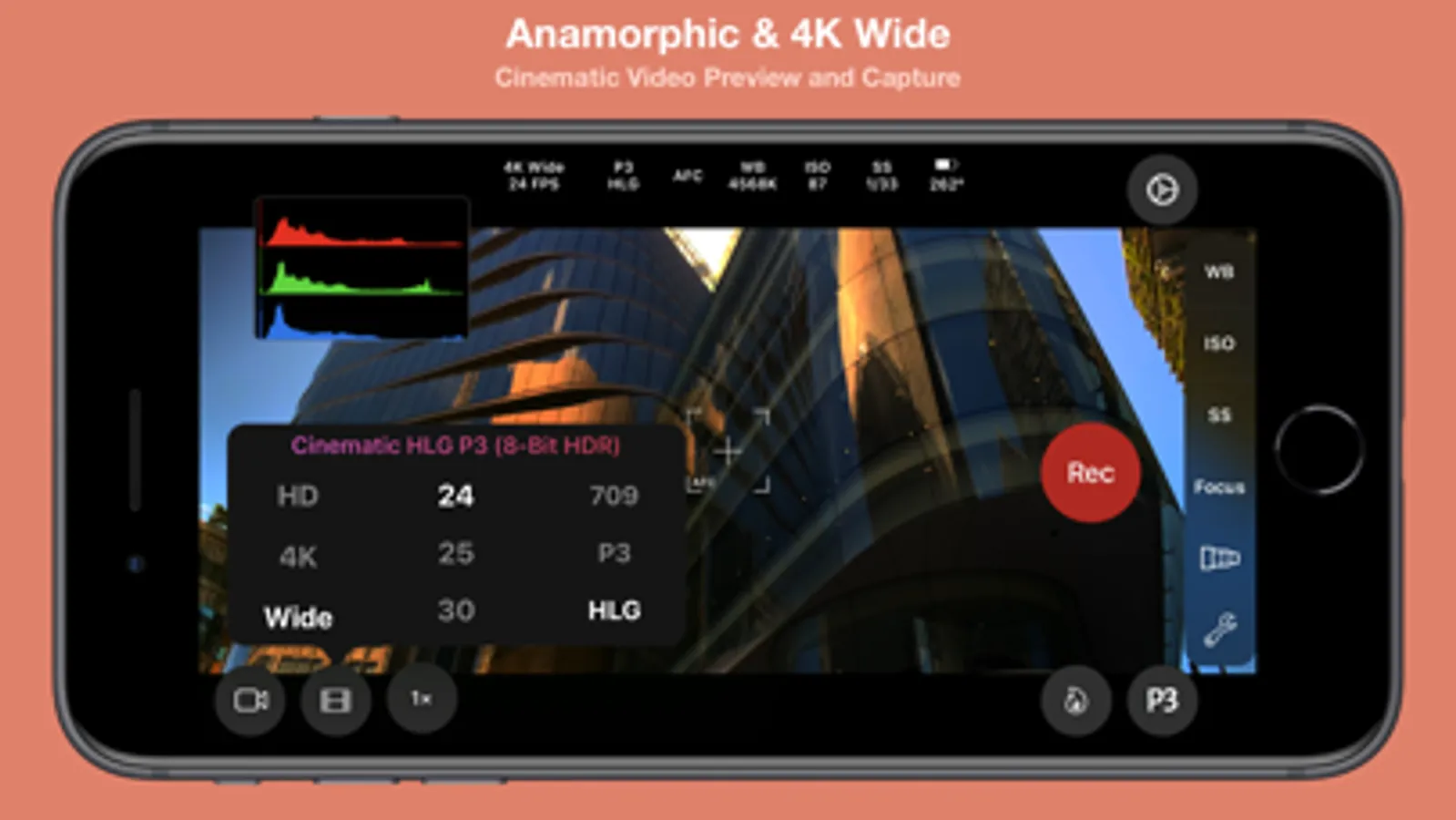
— 4K Wide Recording Mode
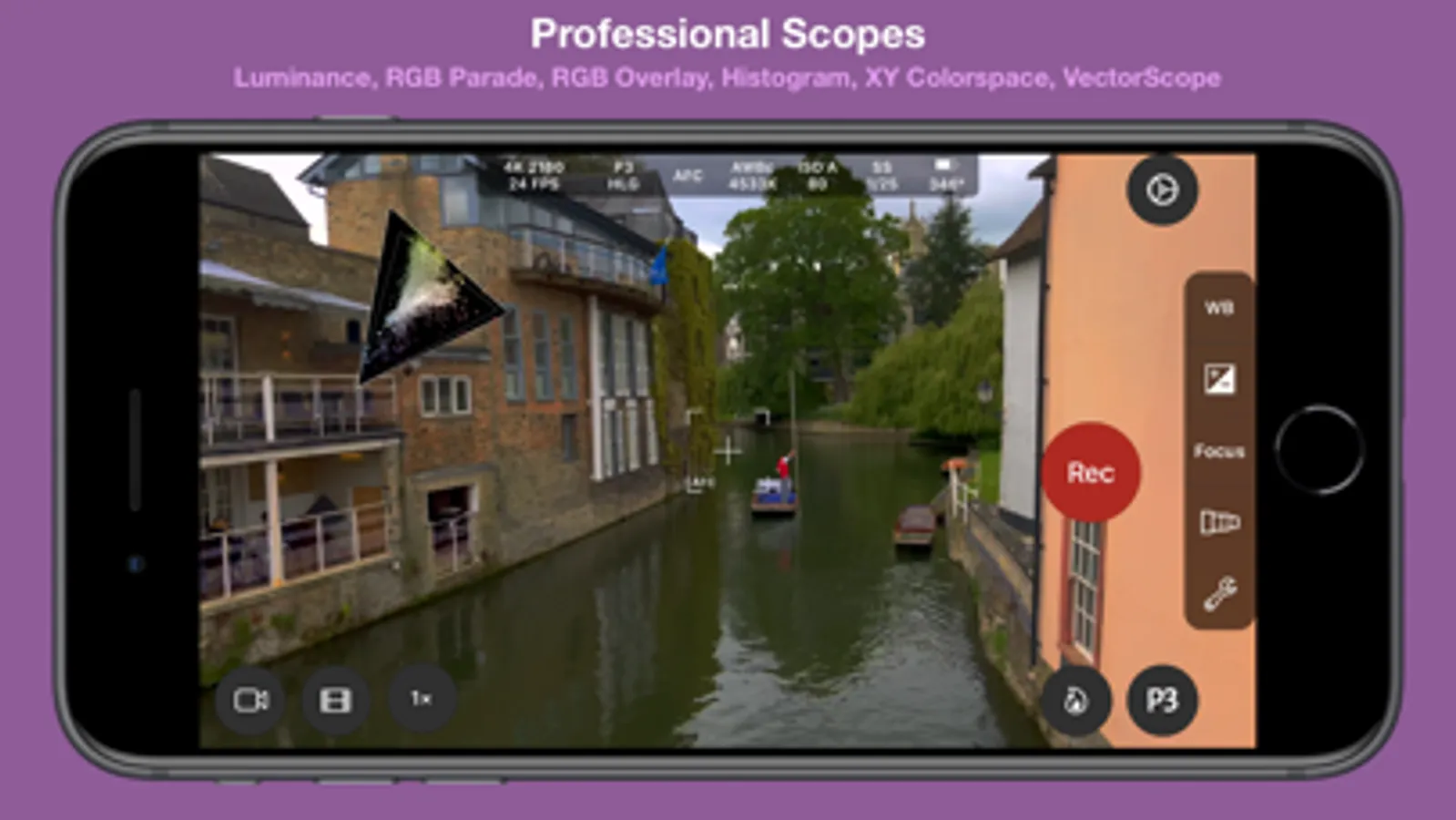
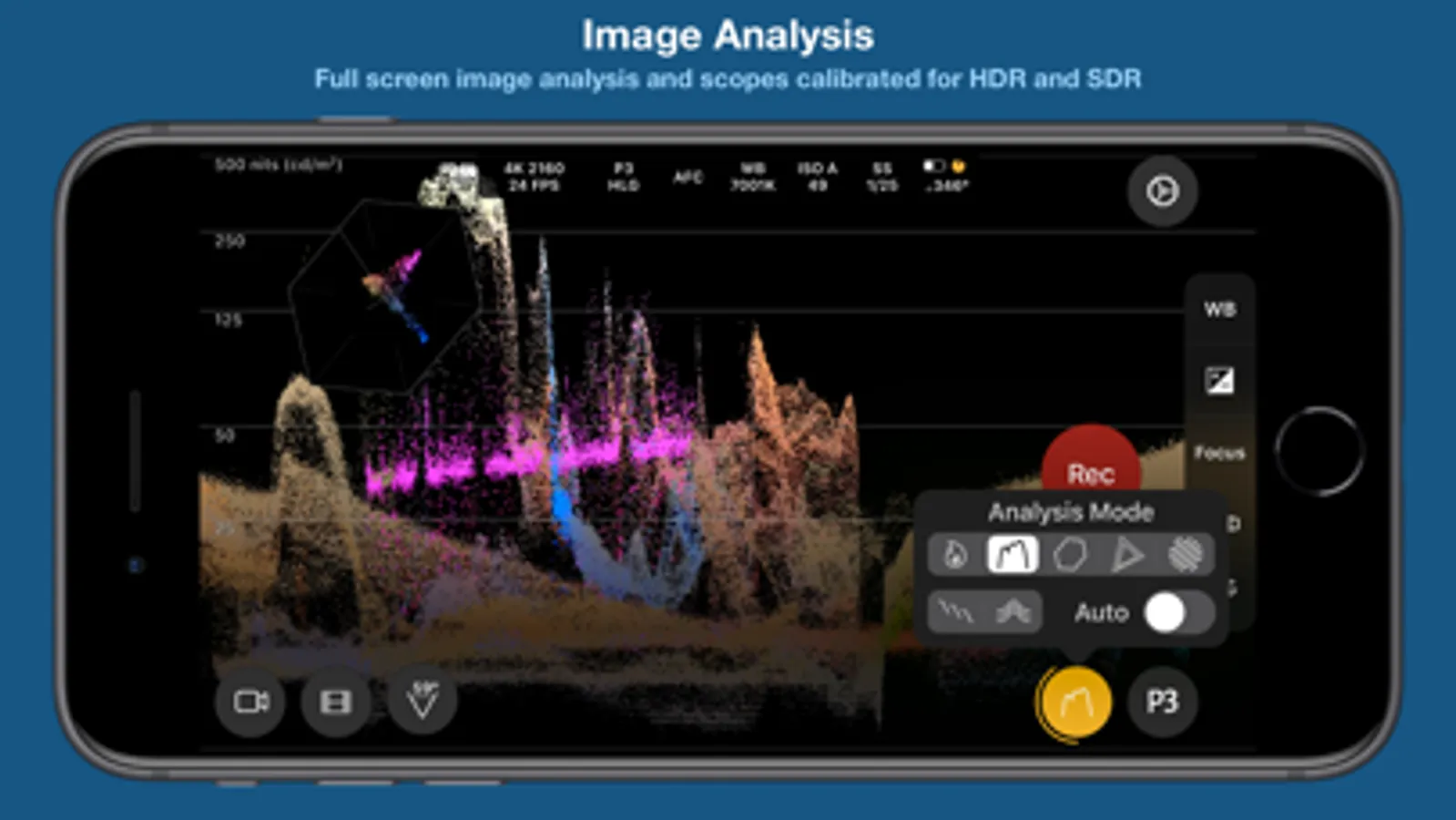
● Powerful full screen and mini scopes, with advanced image processing tools provide real time image analysis.
— Luma/Luminance Scope
— RGB Parade
— RGB Overlay
— Histogram.
— XY Colorspace
— VectorScope
— Luma Histogram
— (False) Color Analysis
● Tools
— Anamorphic Desqueeze with Distortion Correction
— Aspect Ratio Guides and Grids assist scene composition.
— P3 Button highlights parts of an image that use P3 color.
— Anamorphic De-squeeze for 1.3x, 1.55x and custom lenses.
— Preserve Camera Settings when changing camera modes
— Lock White Balance on Record
— Camera Quick Select
— Torch
— Tilt Sensor
— Rotation Lock
— Zebras
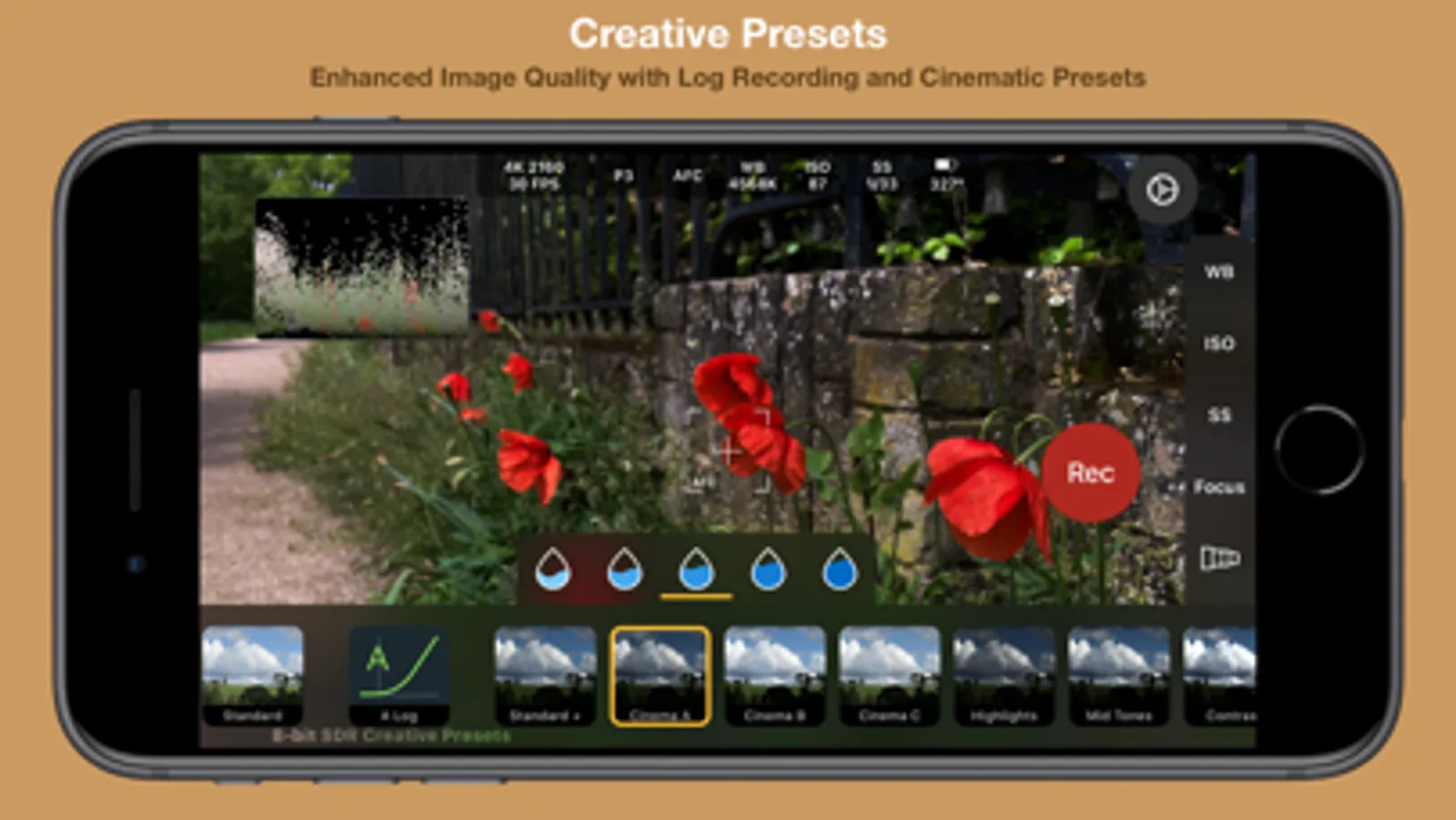
● Creative Video Mode to optimise and enhance the image in camera:
— A-Log & B-Log (SDR)
— C-Log & D-Log (HDR)
— 33 and 65 point LUT export to convert Log footage to 709, 2020 PQ & 2020 HLG color spaces.
— Creative presets with saturation adjustment
— .cube LUT support with “LUT Tools Upgrade” In-App Purchase.
● Focus Controls
— Continuous Automatic Focus, Manual and Automatic Focus
— Face and Animal Detection focus modes.
— Focus Target for automatic focus and Focus Lock function
— Focus Assist Tool for precise manual focus
— Manual focus control with Focus Loupe
— Focus peaking
● Audio
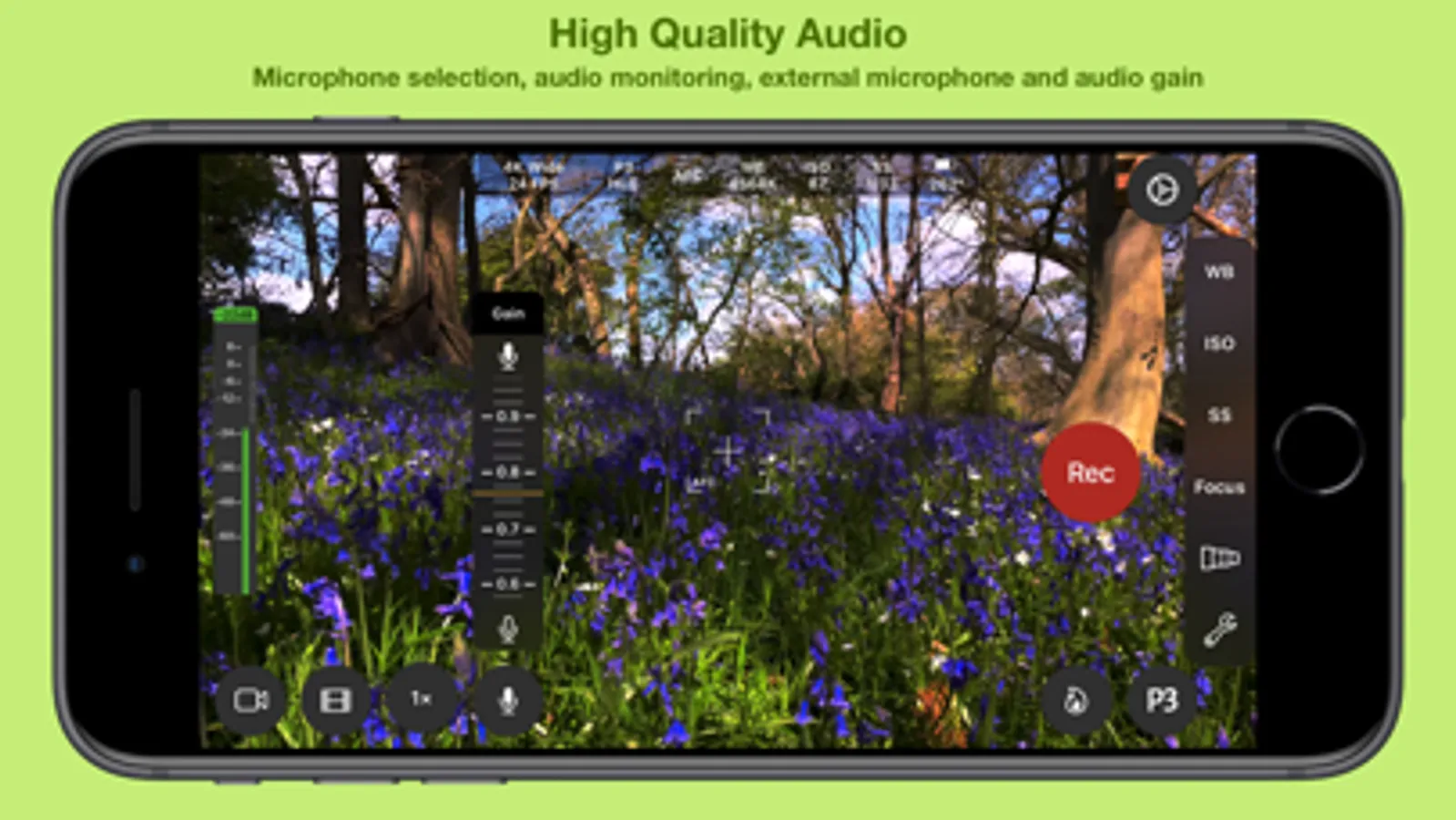
— Audio level meter
— Audio monitoring with headphones
— Stereo audio recording on compatible devices
— Audio Format selection AAC/LPCM
— Manual or automatic microphone selection
— Microphone gain control for compatible microphones
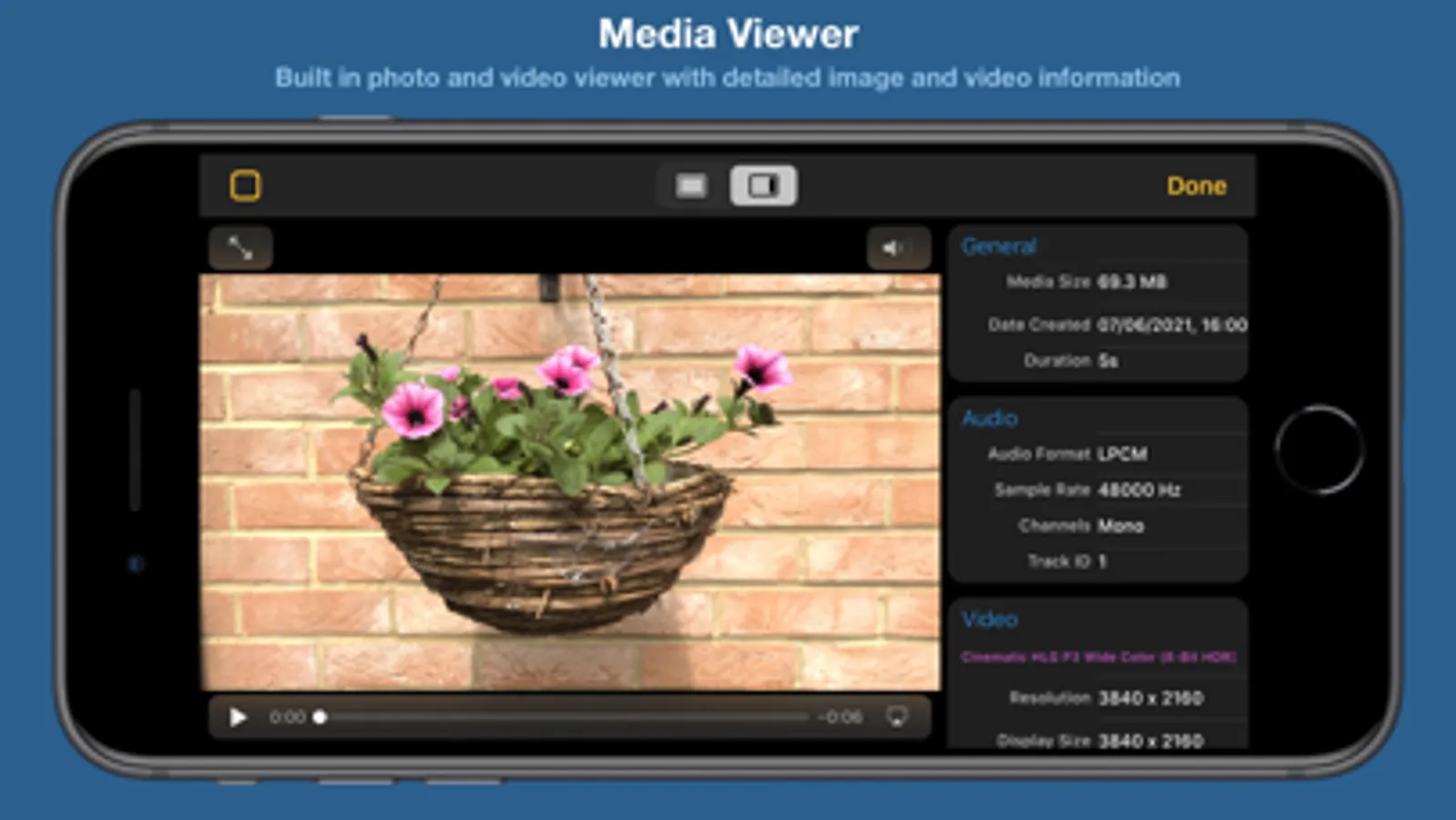
● Media Player/Viewer
— Photo Viewer with image info display (EXIF, TIFF)
— Video Player with track info display (audio, video, timecode)
PHOTOGRAPHY
● Full Manual Control for Photos
— White Balance, Color Temperature and Tint, Exposure, Shutter Speed, Stabilisation, Flash, Focus, HDR and Red Eye Reduction
● Multiple image formats
— Capture photos in HEIC or JPG formats, with optional Live Photo
— Custom Aspect Ratio for JPG photos 4:3, 3:2, 5:4, 7:5, 1:1, 16:9, 2.39:1
— RAW, ProRAW* capture
— RAW with Bracket capture
● User customisable EXIF Data
● Photo Timer
NOTE:
*Not all functionality is available on all iOS devices
In-App purchase is required to enable some functionality
Feature availability is dependent upon model of iPhone/iPad used
Cinema P3 Pro Camera Screenshots
Tap to Rate:
Reviews for Cinema P3 Pro Camera
RankSarpac
The True Best
This app does everything. Blackmagic honestly is missing so many features found here, I never find an app that comes close to the capabilities. The only thing I’d want would be iPad monitoring. THAT would be game changing.
stillwickedly
Incredible App the developers listen to customer feedback!
Amazing app with a ton of great features for shooting video. They just added support for ProRes RAW which now competes with BlackMagic Camera app. Will be using Cinema P3 exclusively! Great work!!!