
AppRecs review analysis
AppRecs rating 1.9. Trustworthiness 81 out of 100. Review manipulation risk 28 out of 100. Based on a review sample analyzed.
★☆☆☆☆
1.9
AppRecs Rating
Ratings breakdown
5 star
23%
4 star
8%
3 star
0%
2 star
8%
1 star
62%
What to know
✓
Low review manipulation risk
28% review manipulation risk
⚠
Pricing complaints
Many low ratings mention paywalls or pricing
⚠
Mixed user feedback
Average 2.2★ rating suggests room for improvement
About AirParrot Remote
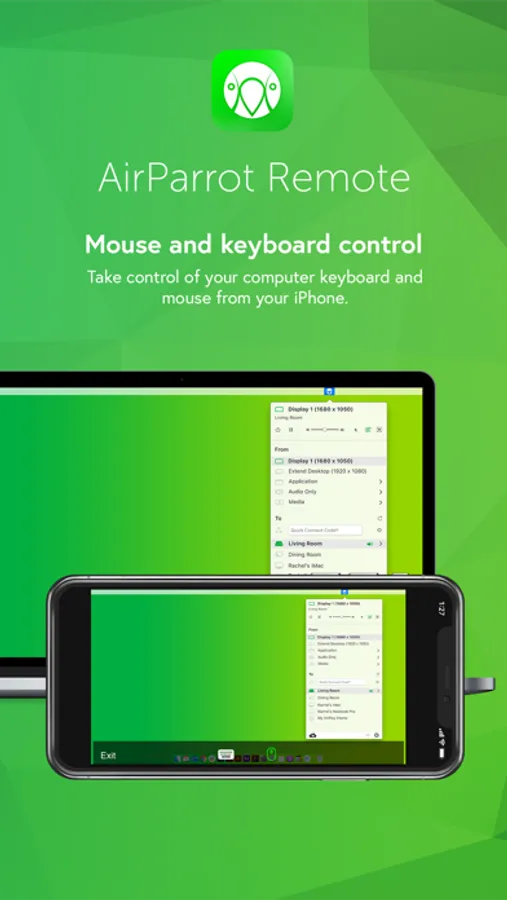
• Wirelessly control your computer keyboard and mouse from a phone or tablet
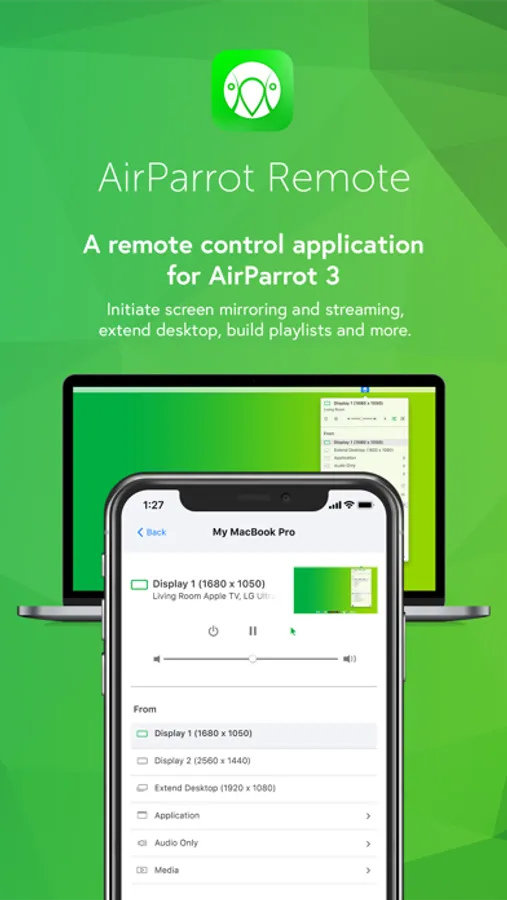
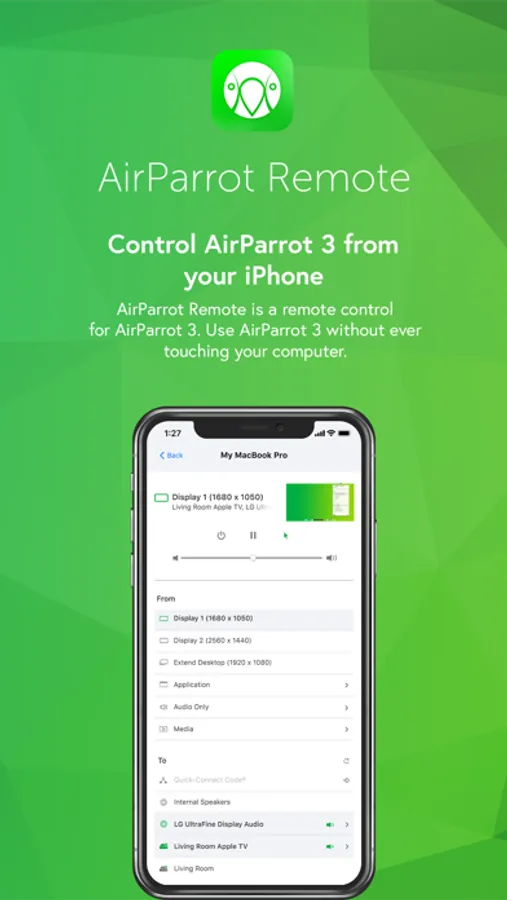
• Remotely initiate screen mirroring and media streaming from your computer
• Use your iPad as a second monitor
• Initiate presentations and flip through slides from your mobile device
• Remotely access media servers
• Minimize germ spread in environments where computers are a shared resource
Control Your Computer
Once paired, AirParrot Remote can control the keyboard and mouse on your system.
Extend Desktop
Use your tablet as a wireless second screen for your computer.
Build Playlists
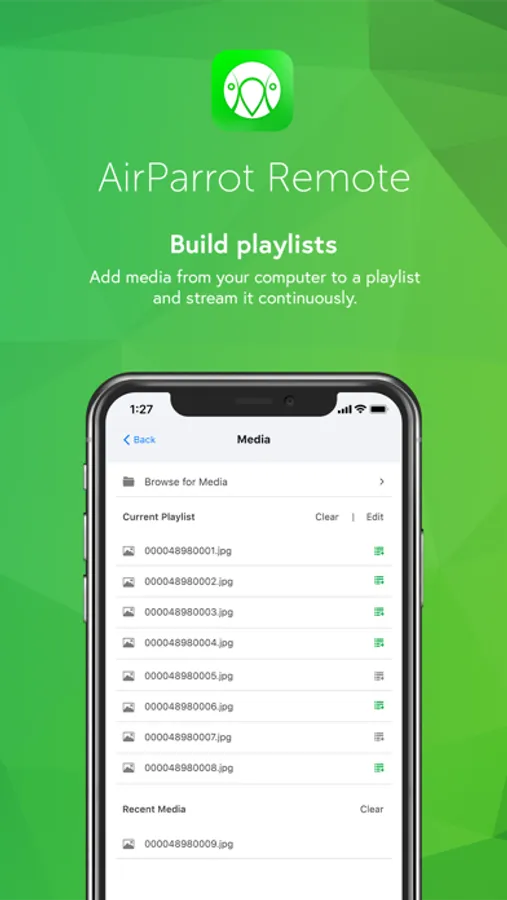
Find media files on your computer and add them to a playlist for continuous streaming.
Initiate screen mirroring
Initiate screen mirroring connections to a number of receivers like AirPlay 2-enabled Smart TVs, Apple TV and more.
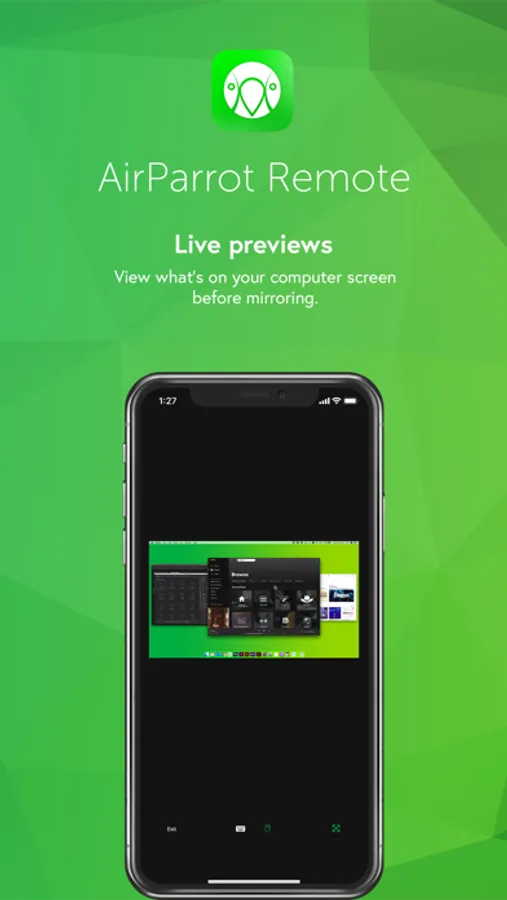
Preview Screens
View what’s on your computer desktop before you begin screen mirroring
Secure Pairing
Pairing AirParrot Remote to AirParrot 3 is easy and secure. The apps are paired directly with no in-between connections. Use a Quick Connect Code (TM) or automatic discovery to begin.
More details
AirParrot Remote is an AirParrot companion application. It is compatible with the AirParrot 3 and AirParrot 2 computer software. You must have either the AirParrot 3 or AirParrot 2 application running on your computer to successfully experience AirParrot Remote: http://www.airsquirrels.com/airparrot/download/
AirParrot Remote Screenshots
Tap to Rate:
Reviews for AirParrot Remote
Xclaimer
Non Functioning App
Do not waste $8.00 on this app. Could not get it to function. Desktop version is buggy and glitchy. Help section in the app takes you to a “Page not Found” page. Wish I could get a refund.
TonyCr
Not worth the money
This was a complete waste of money. No skip forward, no skip back, the two controls are tiny. They would have been better off moving the From and To options to a separate screen and making a usable interface for the app controls. It's still necessary to keep the Apple TV Remote (or another app) nearby to take care of volume, forward, reverse, etc. If it was a free app it might be worth the price. Certainly not worth 8 bucks when you have already bought the PC/Mac app for $16.