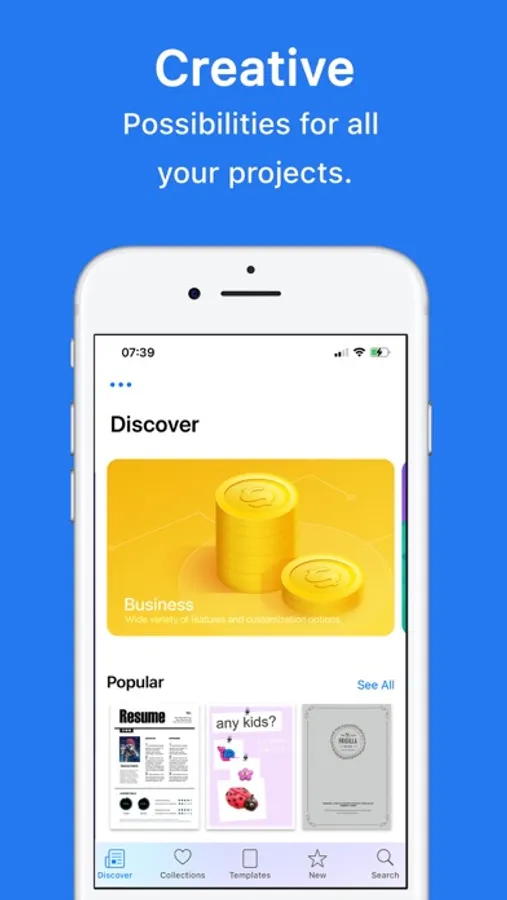
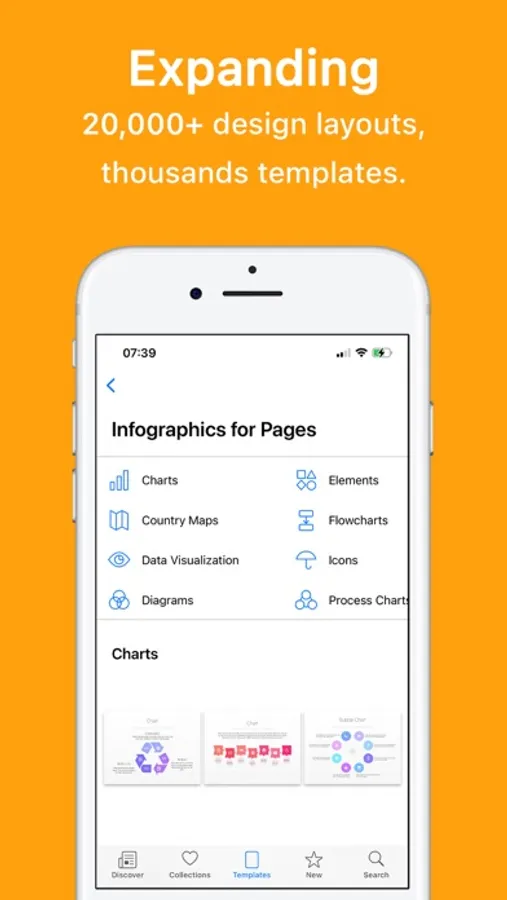
With this document template app, you can browse and insert over 20,000 designs for Google Docs, Slides, and Sheets, and access a library of images and graphics for content enhancement. Includes regular content updates, editing support, and various subscription options.
AppRecs review analysis
AppRecs rating 4.5. Trustworthiness 78 out of 100. Review manipulation risk 23 out of 100. Based on a review sample analyzed.
★★★★☆
4.5
AppRecs Rating
Ratings breakdown
5 star
78%
4 star
8%
3 star
2%
2 star
3%
1 star
8%
What to know
✓
Low review manipulation risk
23% review manipulation risk
✓
Credible reviews
78% trustworthiness score from analyzed reviews
✓
High user satisfaction
87% of sampled ratings are 4+ stars (4.5★ average)
About Templates for Google Docs
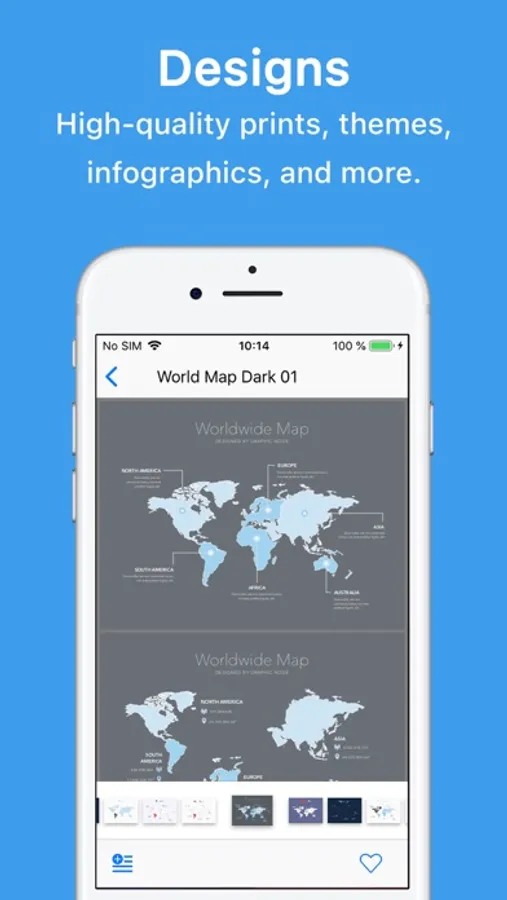
The ideal tool for users of Google Docs, Slides, and Sheets. Templates for Google Docs provides you with over 20,000 unique designs for Docs documents, spreadsheet templates for Sheets, first-class slideshow themes for Slides, over 2000 images, and graphics for illustrating your content. All templates are available in US and international paper sizes.
Templates for Google Docs unlock all the items within the bundle and enables free content updates. With Templates for Google Docs, your work will always be the most productive.
Royalty-free stock images, illustrations, and photographs in a fast-growing library. It can be used in both personal and commercial projects.
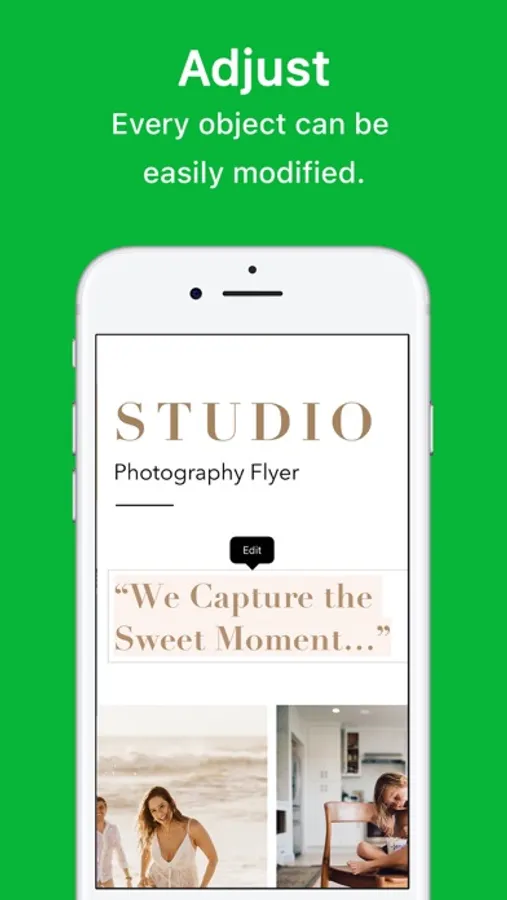
All items support the full range of editing capabilities available in Google Docs, Sheets, and Slides.
The templates come in the .docx, .dotx, .xlsx, .xltx, .potx, and .pptx formats.
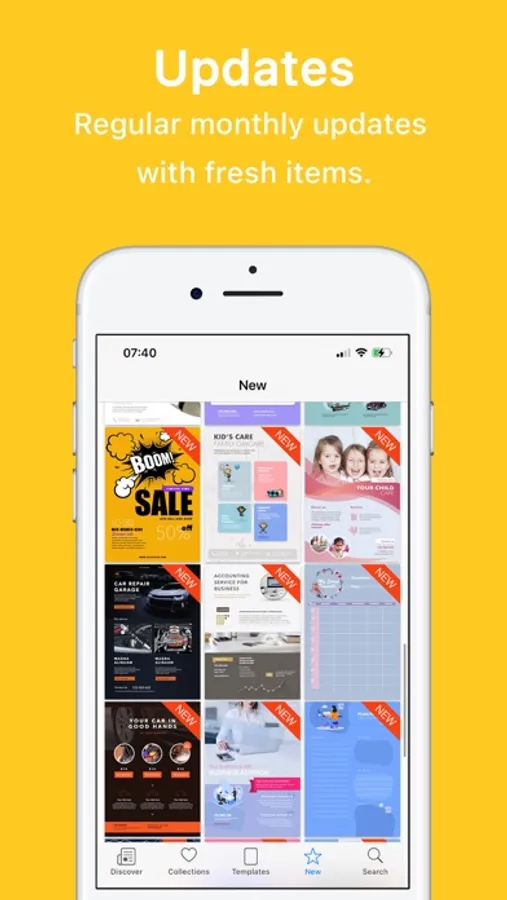
The app's library comes with regular content updates. The first 3 days are on the house and then you can get it in affordable monthly, semi-annual, annual, or lifetime plans!
Subscribe to take advantage of all the Premium features described above.
• Your payment will be charged to your iTunes Account as soon as you confirm your purchase.
• You can manage your subscriptions and turn off auto-renewal from your Account Settings after the purchase.
• Your subscription will renew automatically unless you turn off auto-renew at least 24 hours before the end of the current period.
• The cost of renewal will be charged to your account 24 hours prior to the end of the current period.
• When canceling a subscription, your subscription will stay active until the end of the period. Auto-renewal will be disabled, but the current subscription will not be refunded.
• Any unused portion of a free trial period, if offered, will be forfeited when purchasing a subscription.
Instructions to manage your auto-renewing subscriptions can be found here: https://support.apple.com/en-us/HT202039
Privacy Policy: http://graphicnode.com/privacypolicy/
Terms of Use: http://graphicnode.com/termsandconditions/
Help us develop the best app available in the store! If you have found a bug, got a suggestion, or want a new feature, email us
at: support@graphicnode.com
Templates for Google Docs unlock all the items within the bundle and enables free content updates. With Templates for Google Docs, your work will always be the most productive.
Royalty-free stock images, illustrations, and photographs in a fast-growing library. It can be used in both personal and commercial projects.
All items support the full range of editing capabilities available in Google Docs, Sheets, and Slides.
The templates come in the .docx, .dotx, .xlsx, .xltx, .potx, and .pptx formats.
The app's library comes with regular content updates. The first 3 days are on the house and then you can get it in affordable monthly, semi-annual, annual, or lifetime plans!
Subscribe to take advantage of all the Premium features described above.
• Your payment will be charged to your iTunes Account as soon as you confirm your purchase.
• You can manage your subscriptions and turn off auto-renewal from your Account Settings after the purchase.
• Your subscription will renew automatically unless you turn off auto-renew at least 24 hours before the end of the current period.
• The cost of renewal will be charged to your account 24 hours prior to the end of the current period.
• When canceling a subscription, your subscription will stay active until the end of the period. Auto-renewal will be disabled, but the current subscription will not be refunded.
• Any unused portion of a free trial period, if offered, will be forfeited when purchasing a subscription.
Instructions to manage your auto-renewing subscriptions can be found here: https://support.apple.com/en-us/HT202039
Privacy Policy: http://graphicnode.com/privacypolicy/
Terms of Use: http://graphicnode.com/termsandconditions/
Help us develop the best app available in the store! If you have found a bug, got a suggestion, or want a new feature, email us
at: support@graphicnode.com
Templates for Google Docs Screenshots
Tap to Rate:
Reviews for Templates for Google Docs
duped x 1000
printing
numerous attempts, videos,etc cannot get grids, row nd line columns to print
kozmogae
Scam
Don’t waste your time, it doesn’t let you use a single template without paying like 60/month it’s ridiculous