AppRecs review analysis
AppRecs rating 4.5. Trustworthiness 45 out of 100. Review manipulation risk 28 out of 100. Based on a review sample analyzed.
★★★★☆
4.5
AppRecs Rating
Ratings breakdown
5 star
100%
4 star
0%
3 star
0%
2 star
0%
1 star
0%
What to know
⚠
Unusually uniform ratings
100% of sampled ratings are 5 stars with very little variation
About eSetup for Electrician
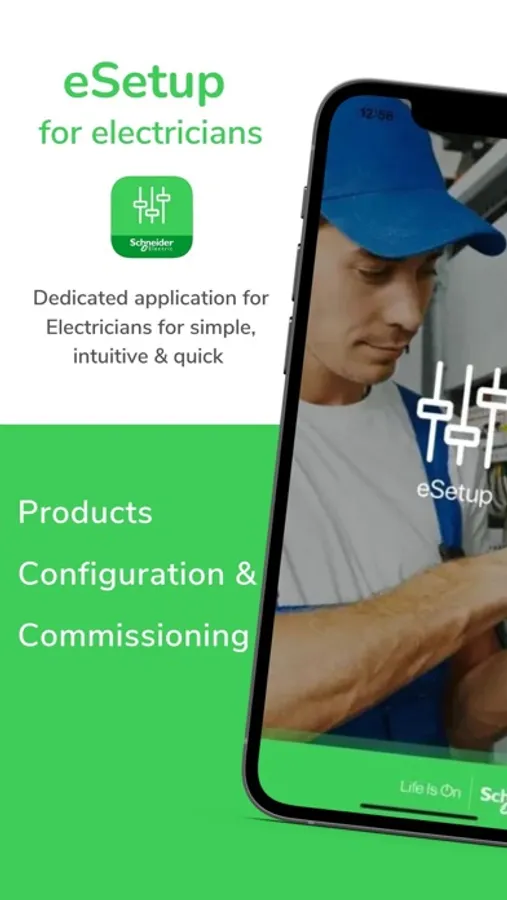
eSetup for Electricians App is the dedicated app for Electricians & installers to configure Smart Home and Smart panel devices.
Upscale your business the easy way and save time on installation & commissioning: with an app & intuitive interface.
No need for PC or complex tools to configure Wiser, Powertag and SmartLink systems – everything can be done via smartphone, thanks to eSetup for Electricians App.
Discover eSetup for Electricians
With eSetup for Electricians App you can:
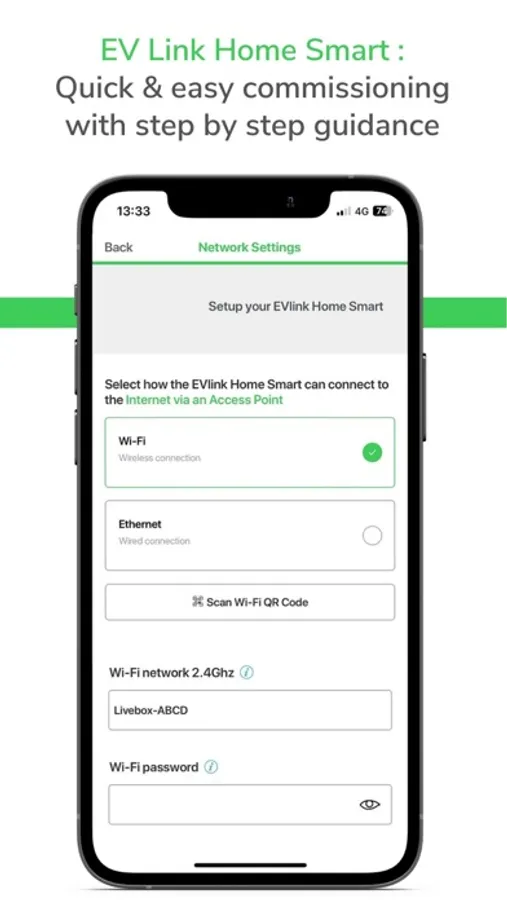
• Commissioning of all Wiser, SmartLink and Powertag products with step by step guidance
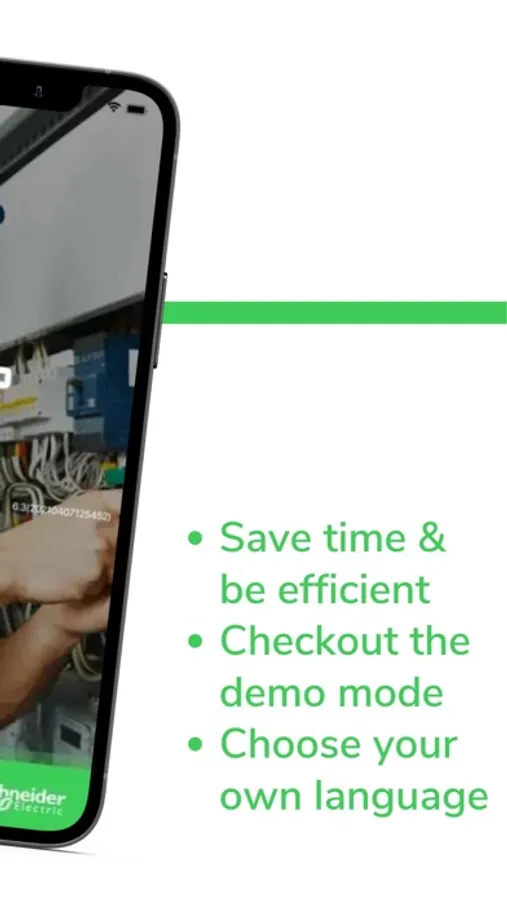
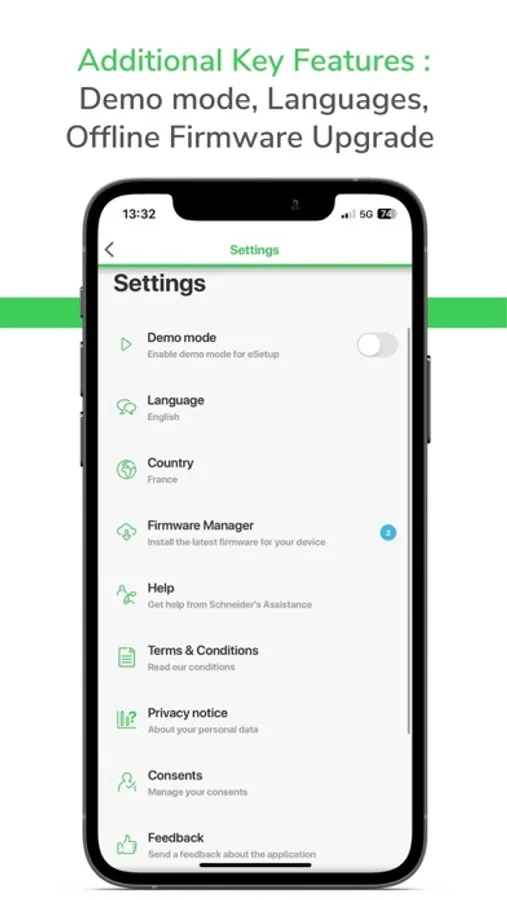
• See the complete installation in DEMO Mode (no need of actual devices)
• Define the system and settings of the devices
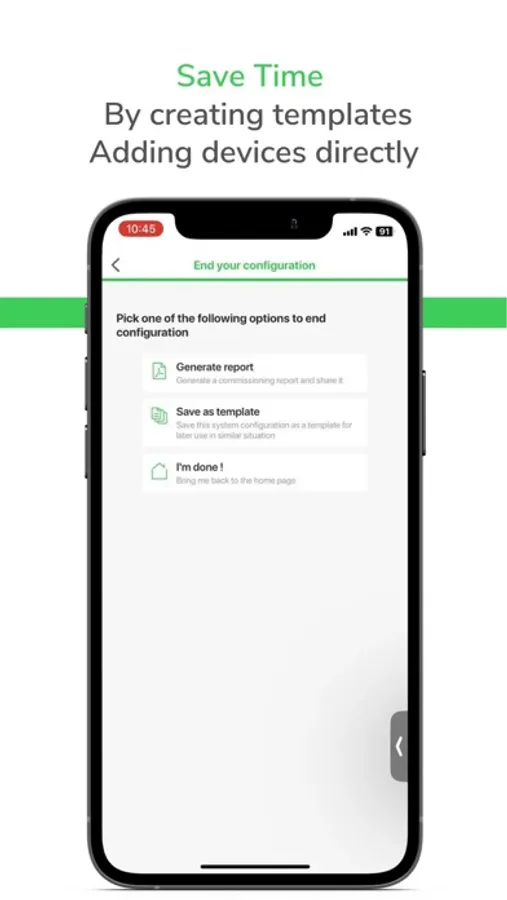
• Verify and test the installation
• Get connected to Bluetooth or Wifi to the product directly.
This dedicated application for Electricians is a commissioning tool for Wiser devices in residential and SmartLink, Powertag devices in Small Buildings.
How To Use the App:
With the eSetup app, you can configure Devices without the need of an internet connection.
1. Install and power on the Schneider Electric devices
2. Connect to the product directly by using this app
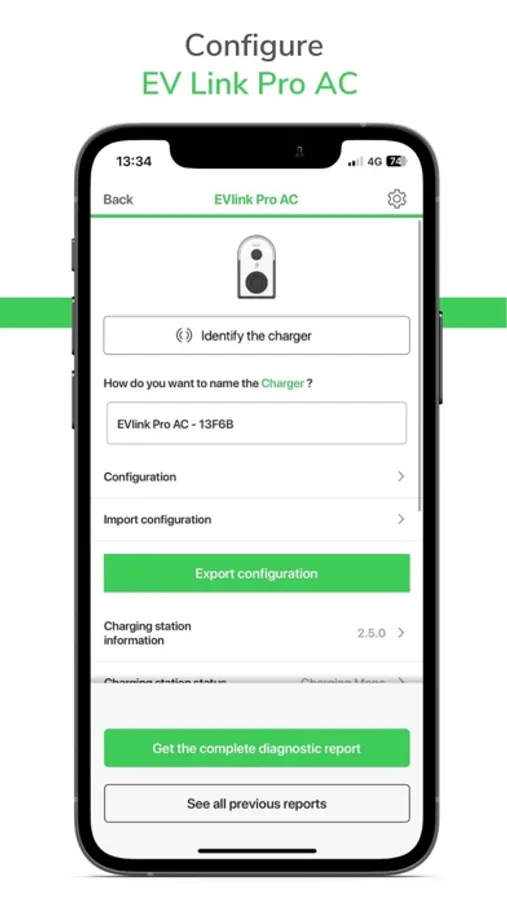
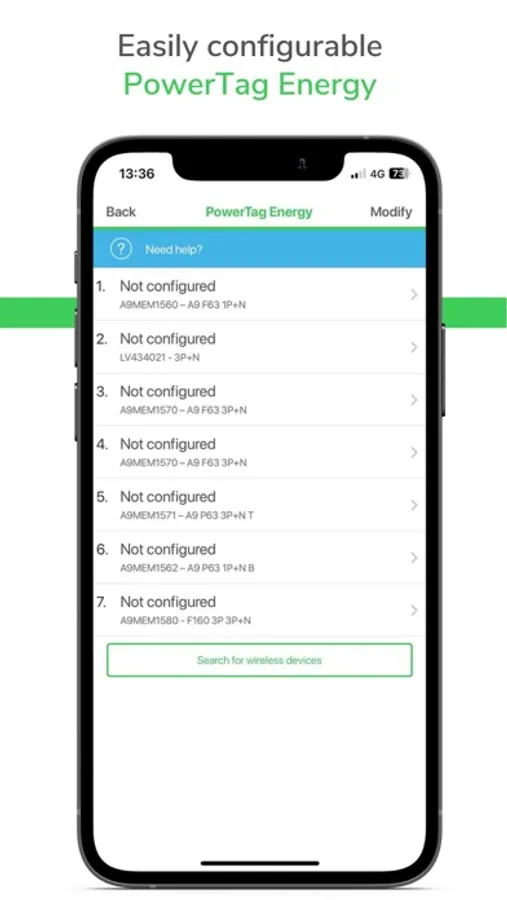
3. Start configuring the connected devices: set the device parameters, pair the devices, etc
4. Check instantly your configuration through the diagnostics
You just want to test our tool, but you don't have any products to configure?
No problem! Just activate the DEMO MODE in the app settings!
Devices supported for commissioning with this app:
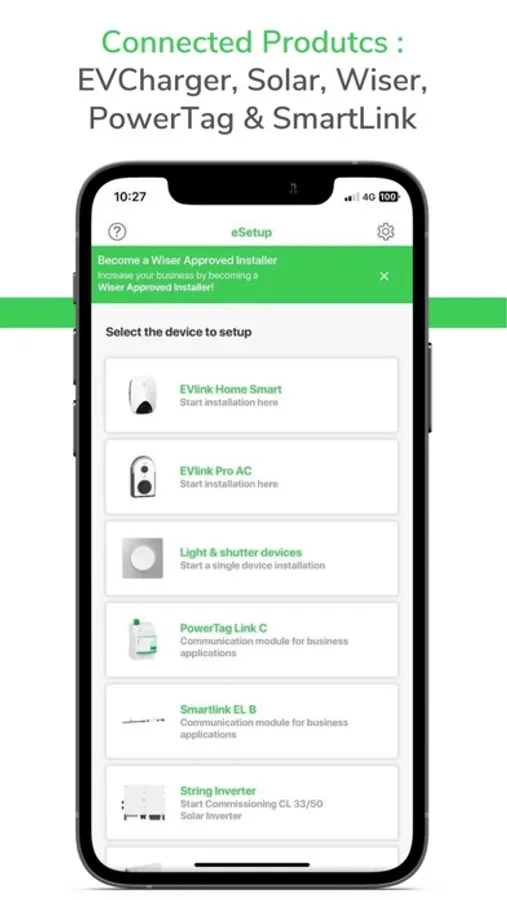
• EVlink Home Smart
• EVlink Pro AC
• CL Solar Inverter
• Wiser IP Module
• PowerTags
• SmartLinks systems
• Wiser Home
• Wiser Home Touch
• Light and Shutter devices
To know more about these products, visit our website: http://www.schneider-electric.com/
App availability may depend on the mobile phone model/version.
Upscale your business the easy way and save time on installation & commissioning: with an app & intuitive interface.
No need for PC or complex tools to configure Wiser, Powertag and SmartLink systems – everything can be done via smartphone, thanks to eSetup for Electricians App.
Discover eSetup for Electricians
With eSetup for Electricians App you can:
• Commissioning of all Wiser, SmartLink and Powertag products with step by step guidance
• See the complete installation in DEMO Mode (no need of actual devices)
• Define the system and settings of the devices
• Verify and test the installation
• Get connected to Bluetooth or Wifi to the product directly.
This dedicated application for Electricians is a commissioning tool for Wiser devices in residential and SmartLink, Powertag devices in Small Buildings.
How To Use the App:
With the eSetup app, you can configure Devices without the need of an internet connection.
1. Install and power on the Schneider Electric devices
2. Connect to the product directly by using this app
3. Start configuring the connected devices: set the device parameters, pair the devices, etc
4. Check instantly your configuration through the diagnostics
You just want to test our tool, but you don't have any products to configure?
No problem! Just activate the DEMO MODE in the app settings!
Devices supported for commissioning with this app:
• EVlink Home Smart
• EVlink Pro AC
• CL Solar Inverter
• Wiser IP Module
• PowerTags
• SmartLinks systems
• Wiser Home
• Wiser Home Touch
• Light and Shutter devices
To know more about these products, visit our website: http://www.schneider-electric.com/
App availability may depend on the mobile phone model/version.
eSetup for Electrician Screenshots
Tap to Rate:
Reviews for eSetup for Electrician
SolarFanatic
Excellent!!
Great app, worked flawlessly. Amazing support.