In this trip planning app, you can place pins on a map to mark locations and create itineraries. Includes route options, activity details, weather reports, and export features.
AppRecs review analysis
AppRecs rating 4.1. Trustworthiness 80 out of 100. Review manipulation risk 19 out of 100. Based on a review sample analyzed.
★★★★☆
4.1
AppRecs Rating
Ratings breakdown
5 star
63%
4 star
17%
3 star
6%
2 star
3%
1 star
11%
What to know
✓
Low review manipulation risk
19% review manipulation risk
✓
Credible reviews
80% trustworthiness score from analyzed reviews
✓
High user satisfaction
80% of sampled ratings are 4+ stars (4.2★ average)
About Road Trip Planner™
You can demo this app by downloading our free RTP Viewer app. RPT Viewer is virtually identical to this app except with RTP Viewer you can’t save your edits.
Road Trip Planner does not require any subscription and respects your privacy by not collecting any of your data.
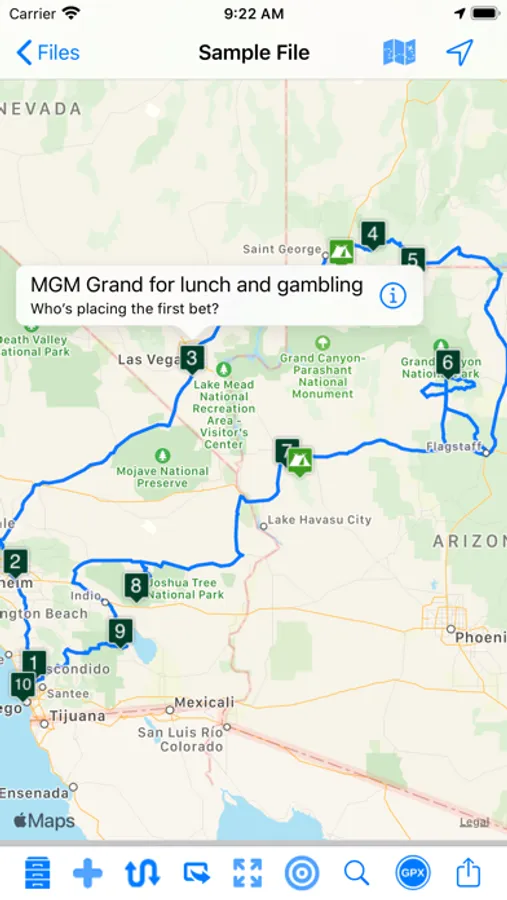
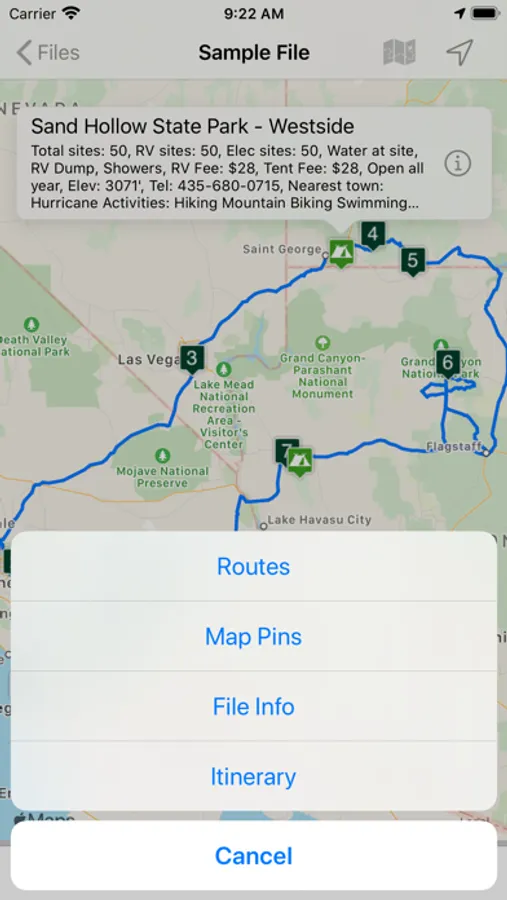
MAP PINS HOLD WHAT YOU NEED. Each pin shows:
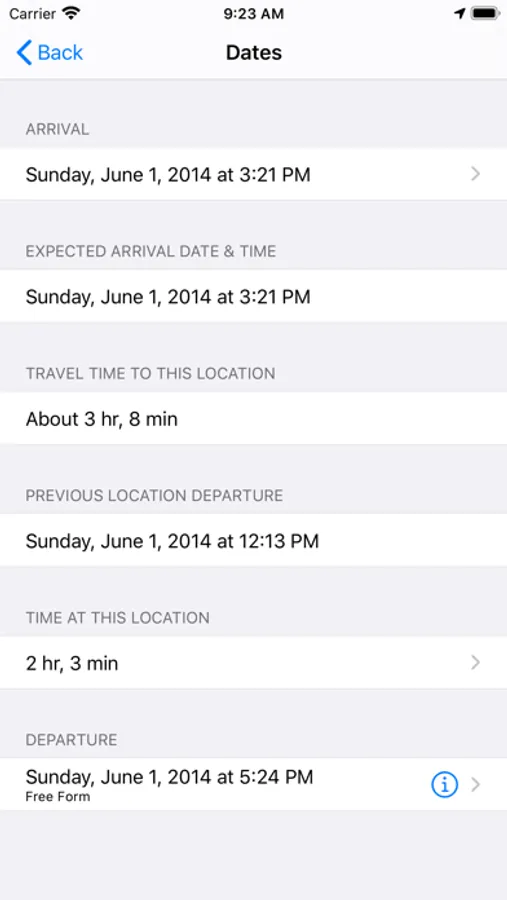
- arrival date & time
- departure date & time
- travel time to this location
- time spent at this location
- name of pin (such as John’s house)
- address of pin
- notes and images
- custom pin color and icon
- URL for related information
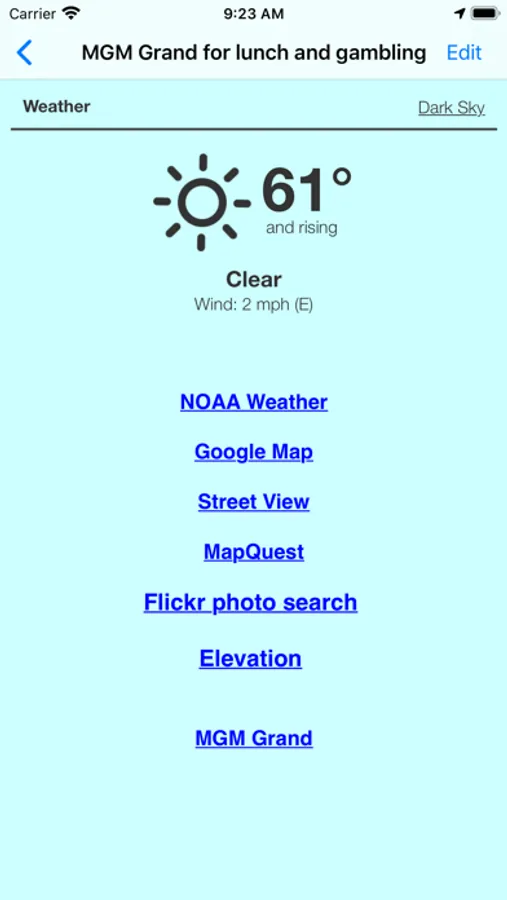
- weather reports
- transport type (driving or walking)
- Internet Search results
- list of activities (lodging, sights to see, etc.)
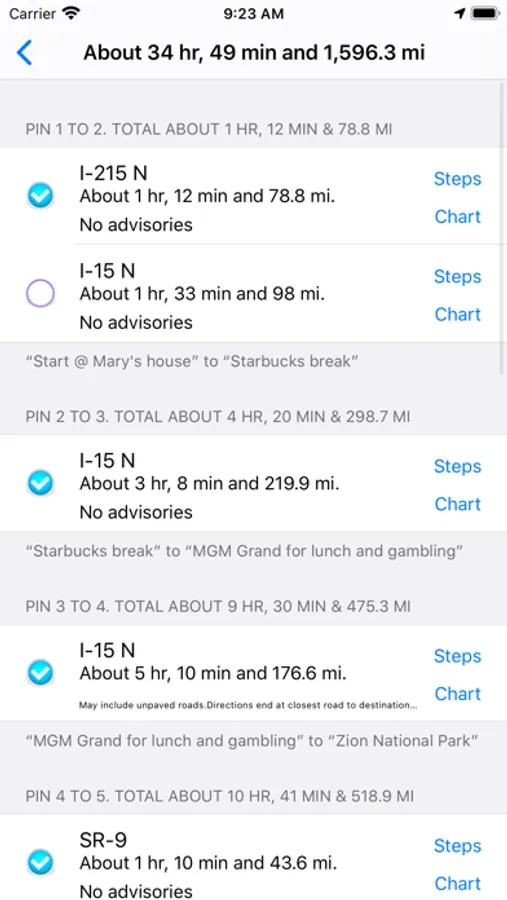
- choose between multiple routes (if available)
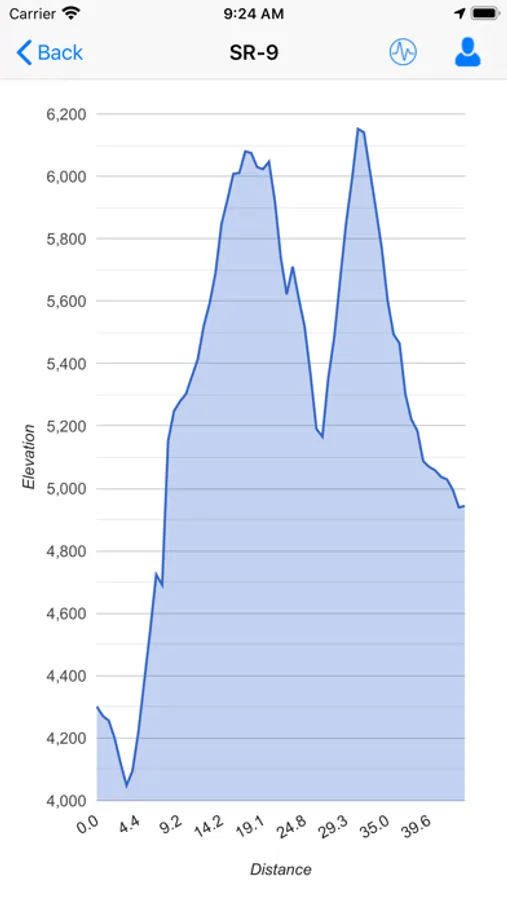
- view driving distance between pins, driving time, fuel cost, travel advisories, turn-by-turn driving directions
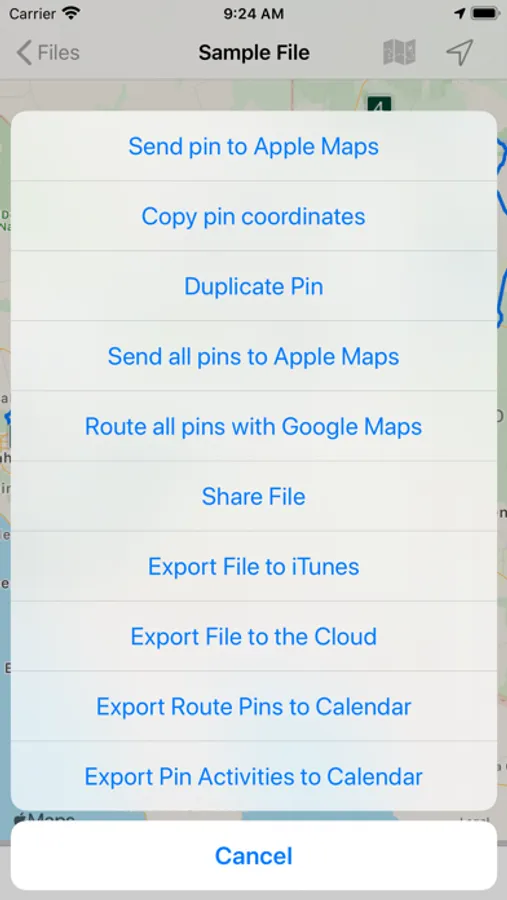
- Export pin data to your calendar.
EACH PIN CAN HAVE MANY ACTIVITIES. For each activity you can record:
- name of activity
- activity date, time and duration
- cost
- phone
- FAX
- address
- URL
- email address
- confirmation number
- notes
- picture
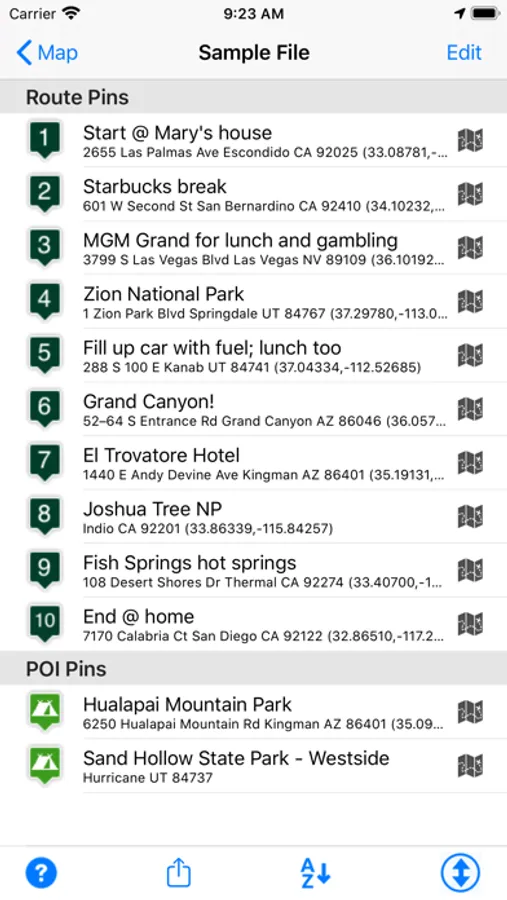
There are two types of pins. Route Pins are used to create the route. POI Pins mark points of interest on the map.
Choose between Apple Maps or OpenStreet Maps. Cache non-Apple maps to disk for offline use. See the settings and Help for more info.
For air and rail routes a straight line can be displayed between pins.
Add, remove or rearrange the pins in any order you wish. Routes and pins can be sent to Apple Maps.
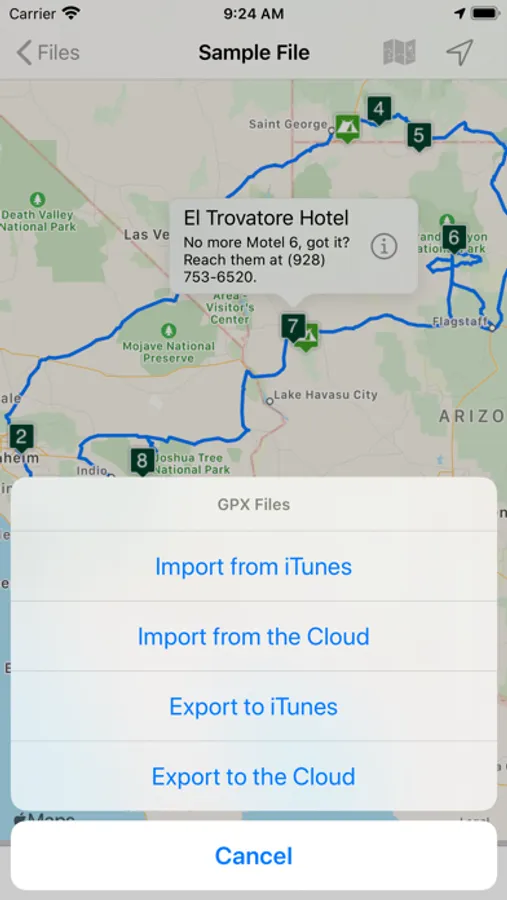
Import and export GPX data files.
Each trip can be saved as a separate document. Perfect for anyone who wants to maintain a record of past trips.
VIEW YOUR TRIP ON YOUR MAC with our Road Trip Planner app available from the Mac App Store.
Send location data to Road Trip Planner directly from any of our location-savvy apps.
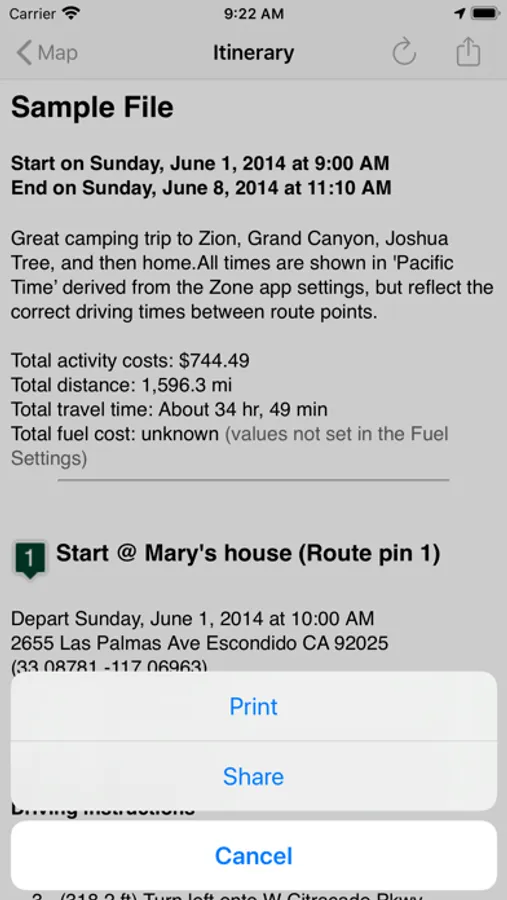
THE ITINERARY HOLDS ALL OF THE DETAILS. Share it and take it with you.
- print the itinerary or share it easily
- includes a map image with pins and routes, activities for each Route Pin, costs for each activity, total fuel cost, total trip cost, information for Points of Interest Pins, and driving instructions.
USE THE TO-DO CHECKLIST. Make sure you don’t forget anything.
We respond quickly to suggestions and questions in our forum.
PLEASE CONTACT US IF YOU HAVE A QUESTION OR AN ISSUE. We promise we'll respond as quickly as we can.
For more info visit the Road Trip Planner web site at https://roadtripplanner.modesittsoftware.com
PLEASE READ CAREFULLY BEFORE PURCHASING:
The mapping and routing functionality Road Trip Planner uses is based upon Apple’s maps technology. If Apple Maps cannot find a route between map pins, then neither can Road Trip Planner. Please test the area you wish to travel using Apple’s Maps app to ensure that the area can be routed. If it cannot be routed, please submit the issue to Apple. If Apple Maps cannot perform routing in the area you wish to travel then neither can Road Trip Planner.
Road Trip Planner™ Screenshots
Tap to Rate:
Reviews for Road Trip Planner™
Juliewriting
Very helpful
I don’t write reviews very often, but I’ve been using this app a LOT lately, and I really appreciate how handy it is. I start with the main places I want to go and get a basic route that gives me an idea of times and distances. After that, it’s so easy to add in stops and places to stay and rearrange things and generate an itinerary. There’s a little bit of a learning curve at the beginning, but once you understand a few basics, it’s very easy to use.
River666
Trip start and timing
For some reason this feature quit working. Or was edited out. I cant find anywhere.