AppRecs review analysis
AppRecs rating 3.7. Trustworthiness 65 out of 100. Review manipulation risk 21 out of 100. Based on a review sample analyzed.
★★★☆☆
3.7
AppRecs Rating
Ratings breakdown
5 star
0%
4 star
0%
3 star
0%
2 star
0%
1 star
100%
What to know
✓
Low review manipulation risk
21% review manipulation risk
About Private File - Calculator
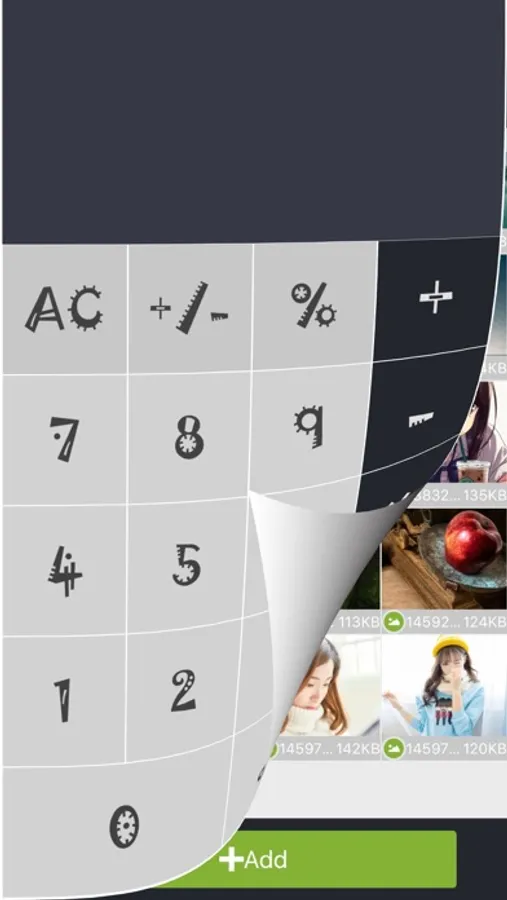
■ Private File - Calculator appears to be a trivial calculator can actually store the file can not easily be found, customized to your secrets!
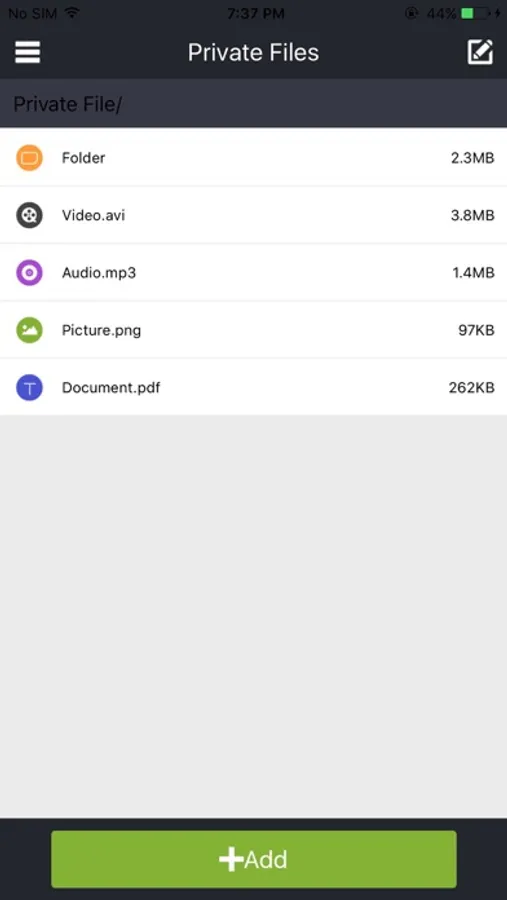
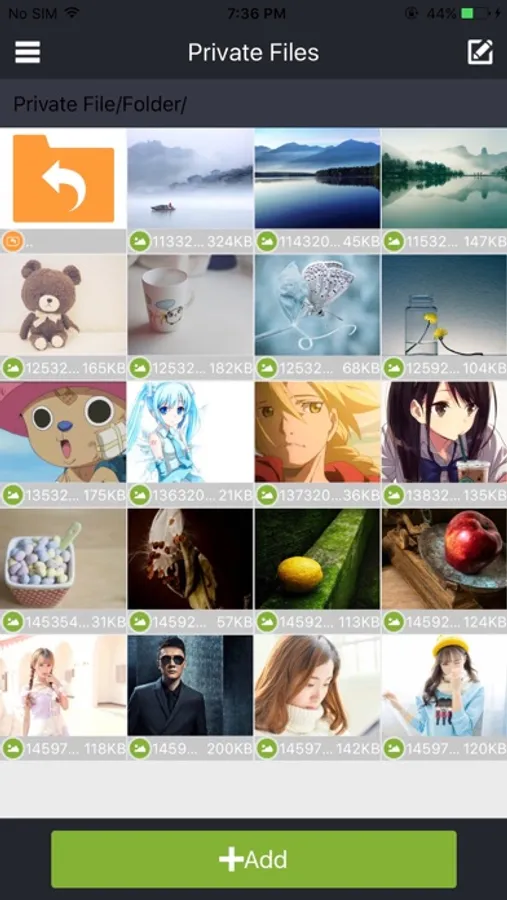
■ Private File - Calculator provide users easily manage private files, each time you start the application needs to be validated through authentication to access one file.
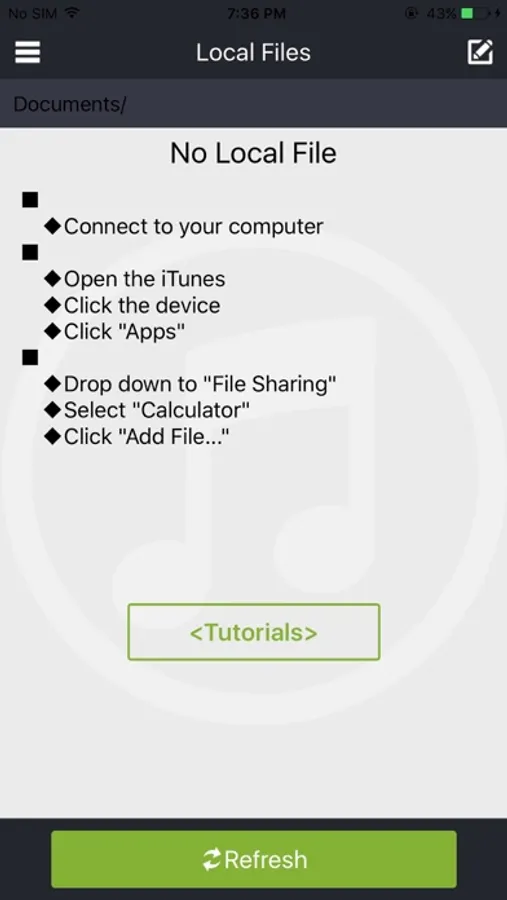
■ Private File - Calculator transfer files from computer support
◆ Connect to your computer
◆ Open the iTunes
◆ Click the device
◆ Click "Apps"
◆ Drop down to "File sharing"
◆ Select "Private File"
◆ Click "Add File..."
■ Private File - Calculator support for multiple file formats
◆ Video: .MOV .MP4 .M4V .3GP .3G2
.AVI .MPG .FLV .TS .MKV
◆ Image: .PNG .BMP .GIF .JPG .JPEG
◆ Audio: .MP3. WAV .AU .M4A .AC3
.AMR .MP2 .OGG .WMA .FLAC
◆ Document: .TXT .RTF .PDF .DOC .DOCX
.DOT .DOTX .PPT .PPTX
.XLS .XLSX .HTM .HTML
■ Private File - Calculator provide users easily manage private files, each time you start the application needs to be validated through authentication to access one file.
■ Private File - Calculator transfer files from computer support
◆ Connect to your computer
◆ Open the iTunes
◆ Click the device
◆ Click "Apps"
◆ Drop down to "File sharing"
◆ Select "Private File"
◆ Click "Add File..."
■ Private File - Calculator support for multiple file formats
◆ Video: .MOV .MP4 .M4V .3GP .3G2
.AVI .MPG .FLV .TS .MKV
◆ Image: .PNG .BMP .GIF .JPG .JPEG
◆ Audio: .MP3. WAV .AU .M4A .AC3
.AMR .MP2 .OGG .WMA .FLAC
◆ Document: .TXT .RTF .PDF .DOC .DOCX
.DOT .DOTX .PPT .PPTX
.XLS .XLSX .HTM .HTML
Private File - Calculator Screenshots

Tap to Rate:
Reviews for Private File - Calculator
A nickname that is not yet tak
Needs update
Newer version of iTunes does not support app file sharing. Therefore local files cannot be stored in the app. No way to get files into the app except through camera roll. Since these files are already on the device unencrypted, the app is essentially useless.