With this camera app, you can capture black-and-white pixel photos using a vintage-style interface and adjustable resolutions. Includes PNG export options and multiple color modes for creative experimentation.
AppRecs review analysis
AppRecs rating 4.6. Trustworthiness 74 out of 100. Review manipulation risk 22 out of 100. Based on a review sample analyzed.
★★★★☆
4.6
AppRecs Rating
Ratings breakdown
5 star
77%
4 star
11%
3 star
6%
2 star
3%
1 star
3%
What to know
✓
Low review manipulation risk
22% review manipulation risk
✓
Credible reviews
74% trustworthiness score from analyzed reviews
✓
High user satisfaction
77% of sampled ratings are 5 stars
About BitCam
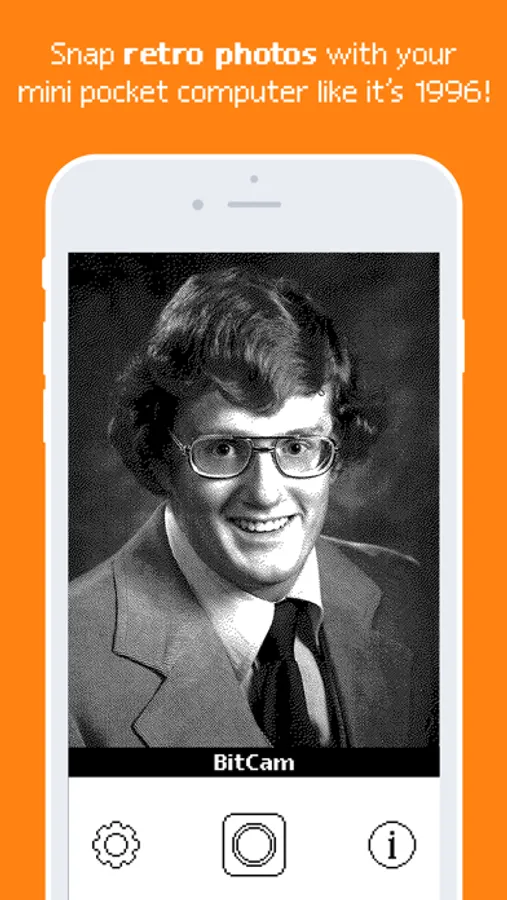
Capture your photos with a unique 1-bit camera: only pure black and pure white pixels, no grayscale!
BitCam's interface is delightfully old school, featuring chunky buttons and mechanical sounds the likes of which haven't graced your screen in over 40 years.
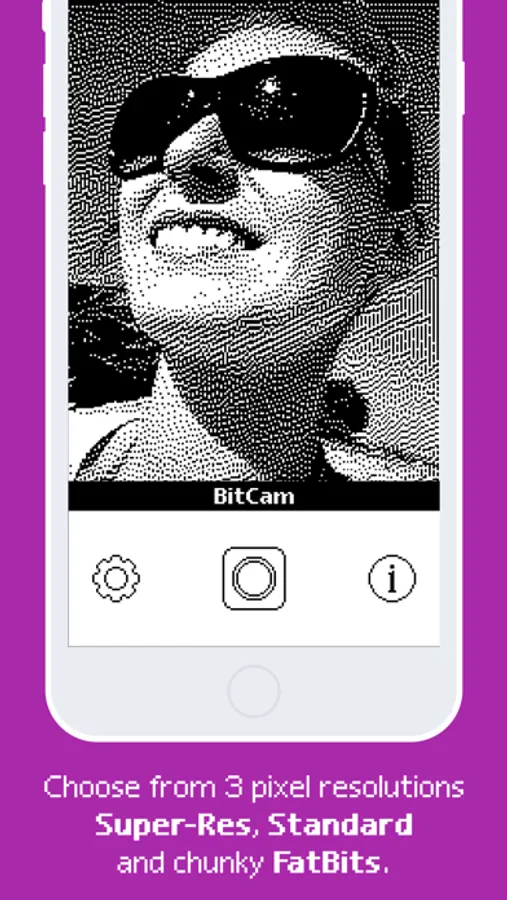
Three different pixel resolutions let you experiment, and an 8-color mode brings you a little closer to the current day while preserving the distinct aesthetic.
Clean PNG output means you can print those files, use them in digital collages, or other art projects.
This app is dedicated to the memory of Bill Atkinson, inventor of the Atkinson dithering method that this app uses to render its photos, first made available on the original Macintosh.
BitCam Screenshots
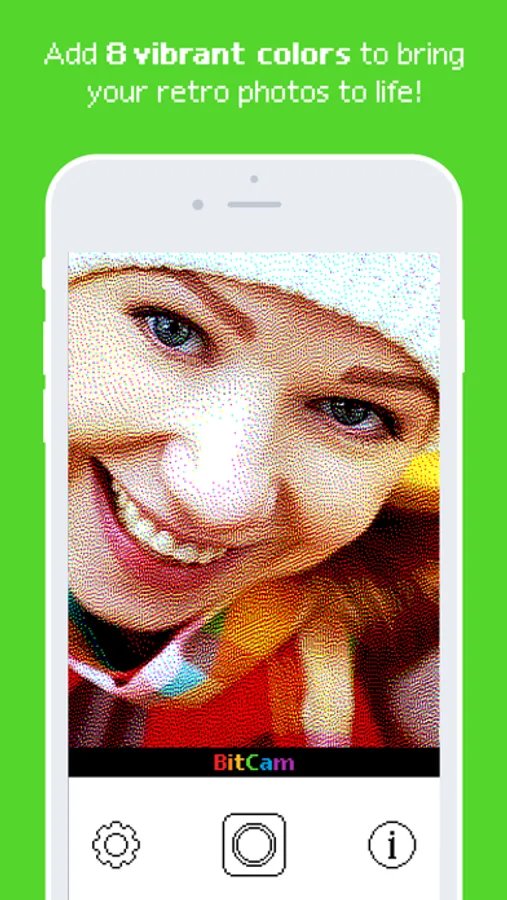
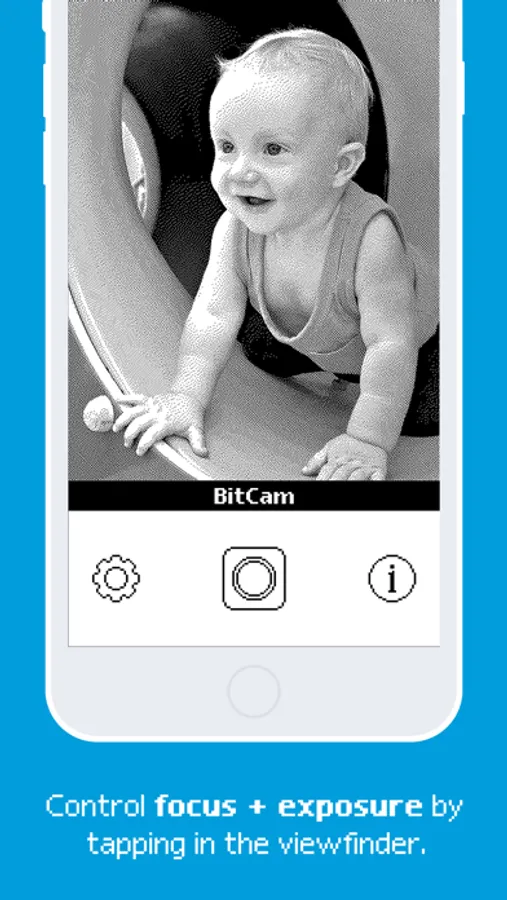
Tap to Rate:
Reviews for BitCam
Old tech lover.
A average 8-bit camera.
Honestly, I love old tech and low res graphics. And this reminds me of that. I used it for portraits mainly, but sometimes I can use it for aesthetic or to play around when I’m bored. Only problem is that color cost money. And they don’t have a zoom feature also. And if they add zoom then PLEASE DON’T make it cost something, as it’s ridiculous, especially paying for color is ridiculous. But overall, great app!
The_Great_G
New update seemingly broke color mode in Photos edit widget
After working great for many years and retroactively scanning photos I took with my SLR into 8-bit glory, the app kept asking me to install color graphics in the Photos edit mode. Color works fine when taking pictures still, just not for altering existing photos. I can still save black & white scans from the edit widget.