Ditherable: Retro & Pixel art
Eskil Gjerde Sviggum
4.8 ★
63 ratings
Free
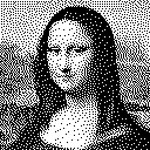
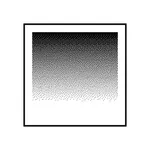
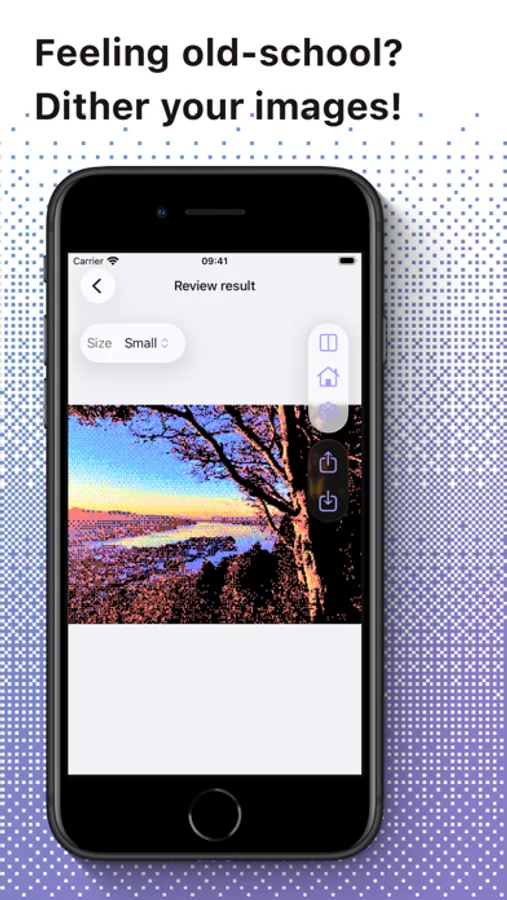
In this app, you can apply various dithering methods and explore different color palettes to transform your images. Includes support for custom palettes, sharing options, and multiple dithering algorithms.
AppRecs review analysis
AppRecs rating 4.5. Trustworthiness 65 out of 100. Review manipulation risk 27 out of 100. Based on a review sample analyzed.
★★★★☆
4.5
AppRecs Rating
Ratings breakdown
5 star
90%
4 star
5%
3 star
3%
2 star
2%
1 star
0%
What to know
✓
Low review manipulation risk
27% review manipulation risk
✓
High user satisfaction
90% of sampled ratings are 5 stars
✓
Authentic reviews
No red flags detected
About Ditherable: Retro & Pixel art
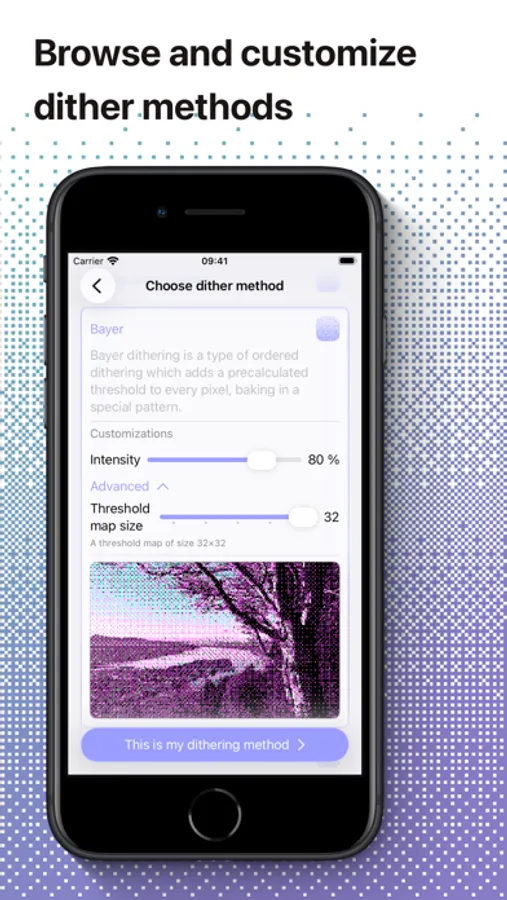
Supported dither methods are:
- Floyd-Steinberg
- Atkinson
- Jarvis-Judice-Ninke
- Bayer (Ordered dithering)
- White noise (Ordered dithering)
- Blue noise (Ordered dithering)
- Threshold (No dithering)
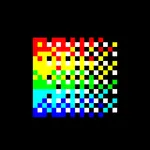
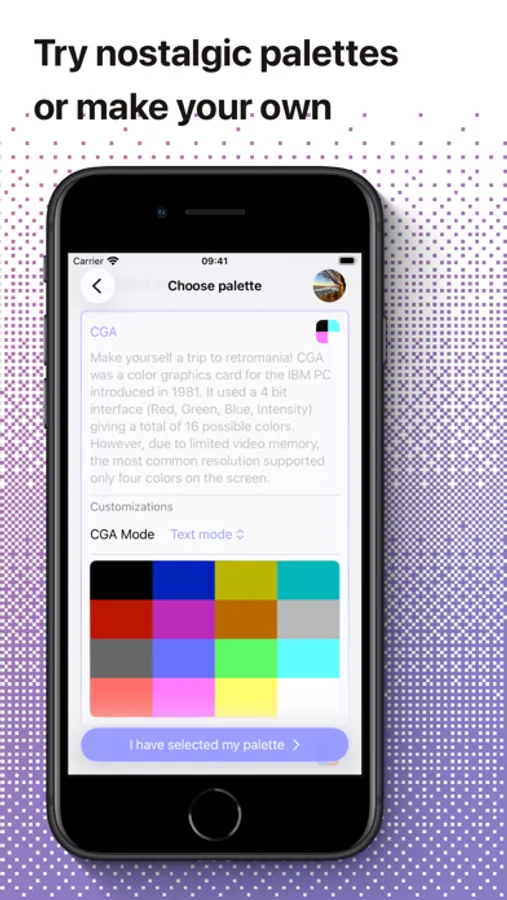
Built-in palettes are:
- Black & White
- Grayscale
- Quantized Color
- CGA
- Apple II
- Game Boy
- Intellivision
- Reduce colors
- Light colors
- Dark colors
You can also make your own palettes and save them.
Ditherable: Retro & Pixel art Screenshots
Tap to Rate:
Reviews for Ditherable: Retro & Pixel art
I Like Cops (They are cool)
In-app camera mode
This app has a lot of features already, but I would also like to have an in-app camera mode for photos and videos so that I can use the app to make videos that already are dithered without having to do post processing.
KiraTheRat
Almost works perfect, but there’s one hard limit
It does almost everything I need, but I can’t import palettes with it for some reason. Whenever I try to grab a .ase file (took a while to even figure out that was the format it wanted since it doesn’t specify) from my Files, it tells me I can’t open the palette file because I don’t have permission to do so. I’ve looked at every option in my iPad settings and searched the internet for a solution but I can’t find one that works. Please fix this so I don’t have to manually insert large palettes myself, right now all I can do is use the preset palettes unless I want to input every single color of a new palette by hand.