In this device management app, you can browse, edit, and save guitar tones for Line 6 Spider V amplifiers. Includes tone sharing, online search, and remote control features.
AppRecs review analysis
AppRecs rating 2.5. Trustworthiness 80 out of 100. Review manipulation risk 24 out of 100. Based on a review sample analyzed.
★★☆☆☆
2.5
AppRecs Rating
Ratings breakdown
5 star
24%
4 star
13%
3 star
10%
2 star
12%
1 star
42%
What to know
✓
Low review manipulation risk
24% review manipulation risk
⚠
Mixed user feedback
Average 2.7★ rating suggests room for improvement
⚠
High negative review ratio
53% of sampled ratings are 1–2 stars
About Spider Remote
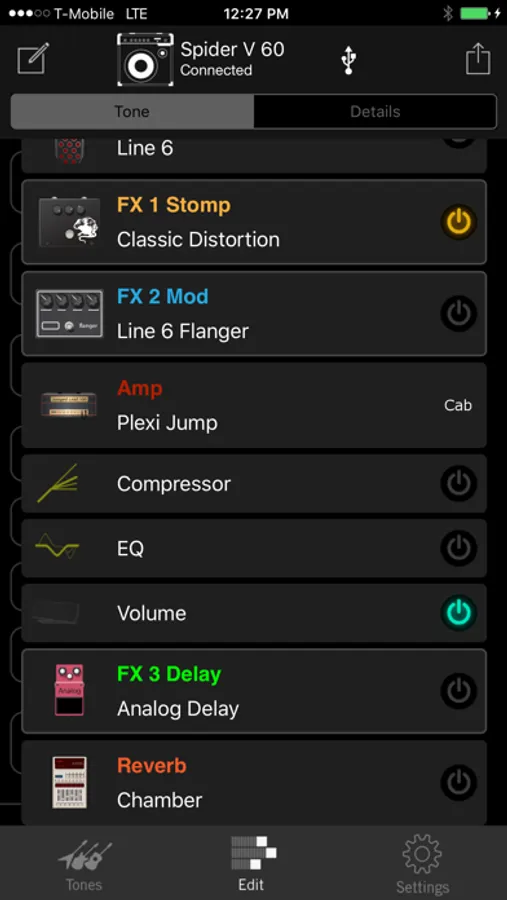
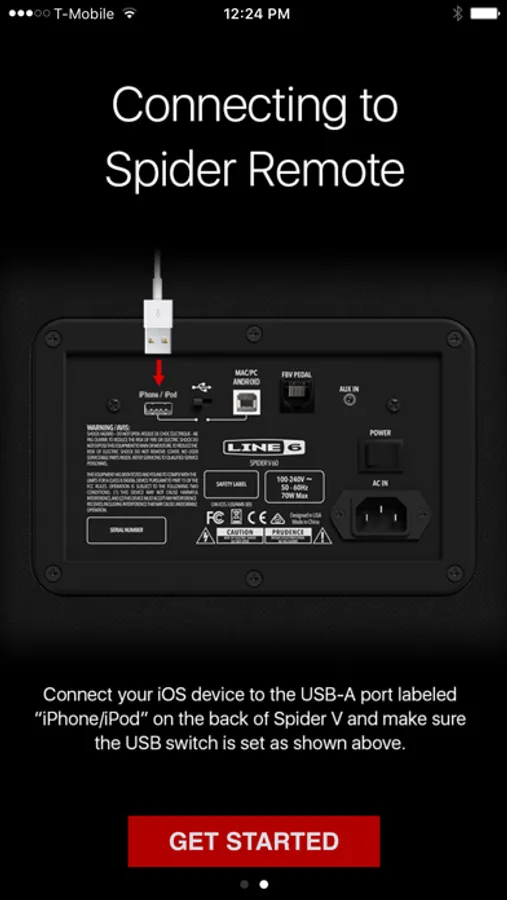
Connect to a Spider V via Lightning cable to browse, download, edit and save your guitar tones.
An active connection to a Spider V amp is not required to browse and edit tones, and tones can be saved in the user's Line 6 account.
KEY FEATURES
• Take command of your Spider –all 70+ amps, 104 effects, 25 speaker cabinets, 4 microphones.
• Use up to 8 simultaneous guitar effects
• Remotely control Spider V device parameters
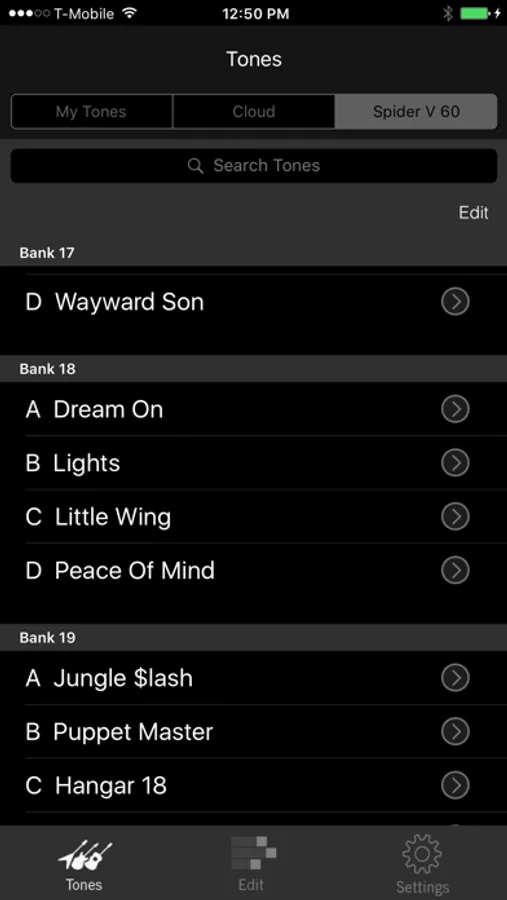
• Search thousands of user-created tones online in the Tones tab
• Share and rate tones in the cloud
• Store unlimited tones in the cloud
• Share tones via Twitter and Facebook from within Spider Remote
Note: Spider V guitar amplifiers are only compatible with iOS devices equipped with the lightning port.
Made for iPhone® 7, iPhone 6s Plus , iPhone 6s, iPhone SE, iPhone 6 Plus, iPhone 6, iPhone 5s, iPhone 5c, iPhone 5, iPad Air® 2, iPad Air, iPad mini 4, iPad mini 3, iPad mini 2, iPad mini, iPad Pro, iPad (4th generation), iPod touch® (6th generation), iPod touch (5th generation).
Spider Remote Screenshots
Tap to Rate:
Reviews for Spider Remote
Dead abandonware
No product support
I’ve now wasted 30 dollars on an Apple USB Camera Connection Kit adapter. Connected to the amp and no device is connected (but it is) tried plugging and unplugging amp and adapter, starting the app and amp and connecting in different orders, still nothing. I even uninstalled the app and reinstalled it logged out signed back in and uninstalled the app again. I check the forums and the only thing it says is the equipment needed to connect to the amp. The amp itself is a spider V20 markii, and my phone is an iPhone SE. My phone is updated to a recent enough update for the amp. And I NEED the app to adjust the amp because right now it’s just a squealing, scratchy mess and tuning with just the amp is not enough. I wish I could find YouTube tutorial or some advice but all the videos are with amps that have a usb port. Mine is the only one without it since the geniuses that designed this amp decided that a usb port would make too much sense. So I’m stuck with an aux port. I realize how old this app is and the amp itself but if anyone has the same issue, I have not found a solution and you are better off to sell the amp and buy one with product support. If you do have a solution or a tutorial please let me know.
theknifesmith56
UPDATE YOUR FREAKING APP!!!
I can’t use the countless amounts of BRAND NEW cords to run from my phone to the amp, the app won’t even load if I have my adapter plugged into my phone, but once I unplug it and plug it back it it loads then blacks out then kicks me off the app.