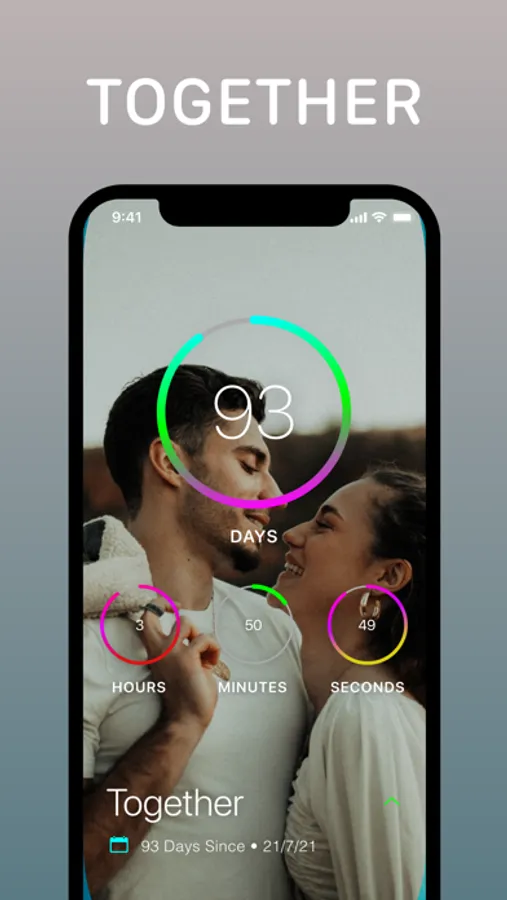
With this app, you can track upcoming events, monitor time since important moments, and set reminders to stay organized. Includes customizable event categories, widget support, and synchronization across devices.
AppRecs review analysis
AppRecs rating 4.5. Trustworthiness 73 out of 100. Review manipulation risk 29 out of 100. Based on a review sample analyzed.
★★★★☆
4.5
AppRecs Rating
Ratings breakdown
5 star
82%
4 star
10%
3 star
3%
2 star
1%
1 star
3%
What to know
✓
Low review manipulation risk
29% review manipulation risk
✓
Credible reviews
73% trustworthiness score from analyzed reviews
⚠
Pricing complaints
Many low ratings mention paywalls or pricing
About DayCount
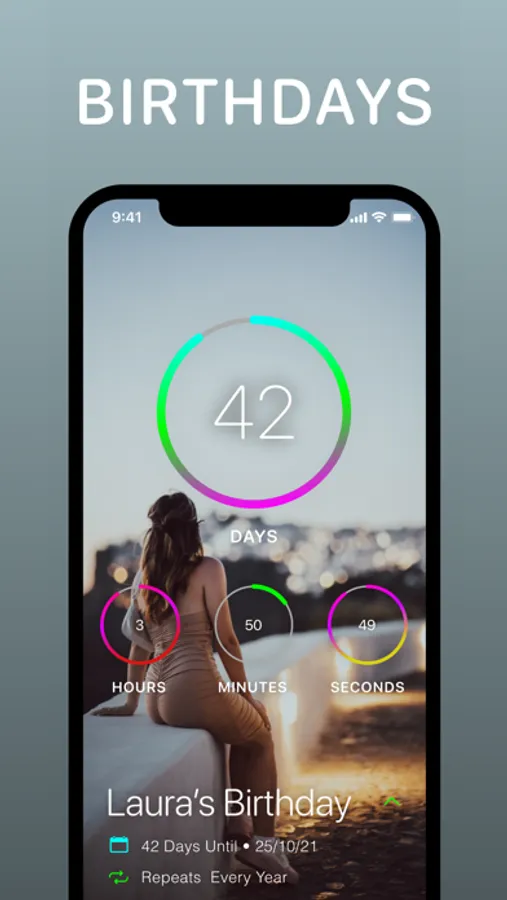
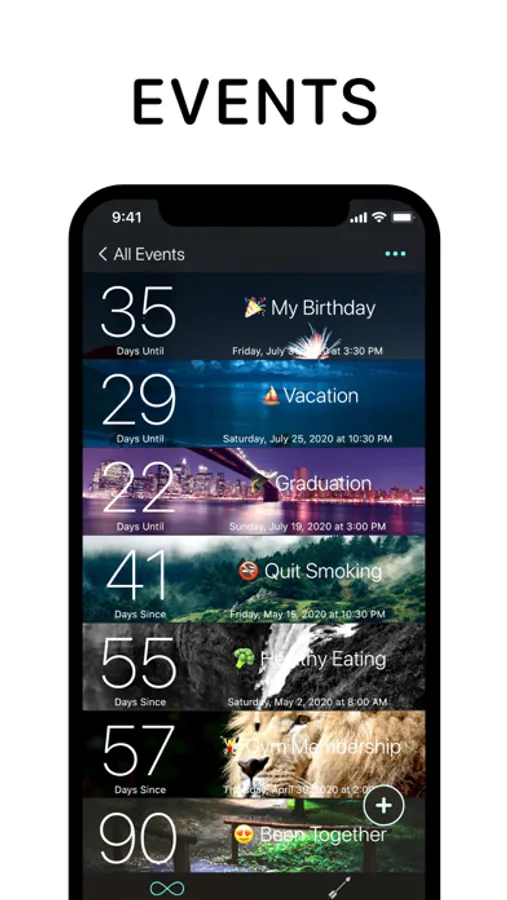
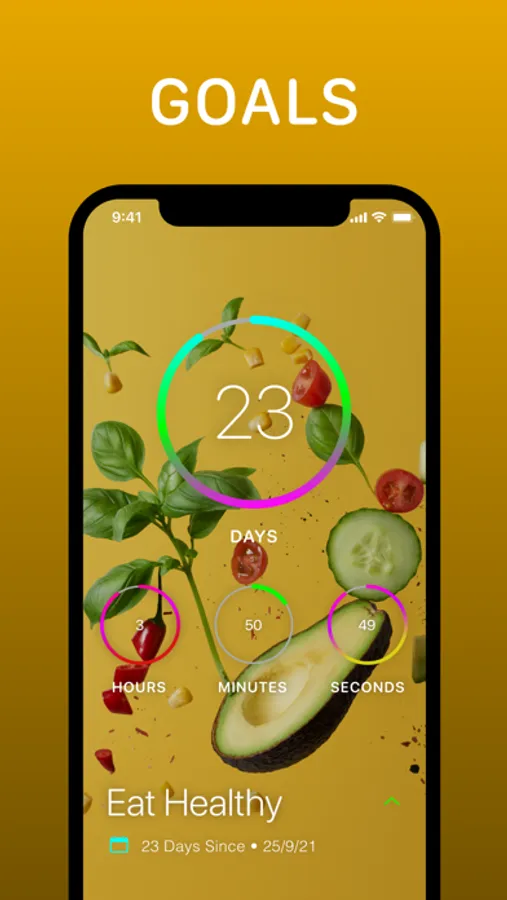
You can count towards what's coming up, keep track of time since important moments, and set reminders that work around your events. Everything stays clear and easy to manage, whatever you're using it for.
---
Key Features
Event Counters
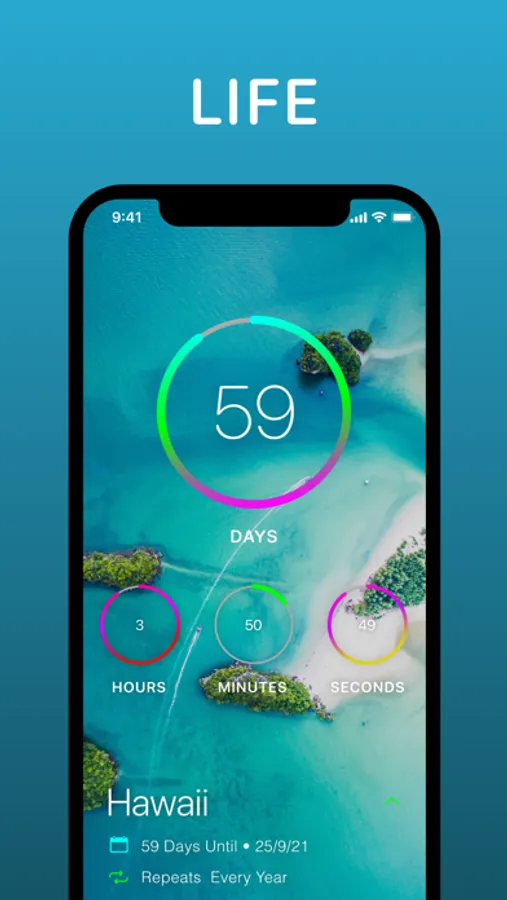
- Countdown using event counters that track time before and after your date
- Group events using custom categories
- Apply images from your device or search Unsplash
- Arrange events alphabetically or by date
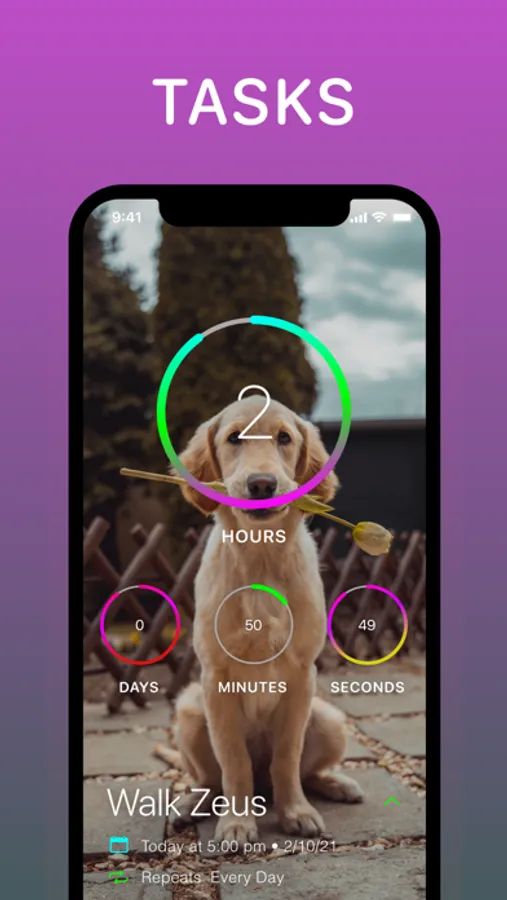
- Repeat events daily, weekly, fortnightly, monthly, yearly, or at custom intervals
- Write notes in dedicated spaces for each event
- Decimal counting for precise measurements
Streaks and Habits
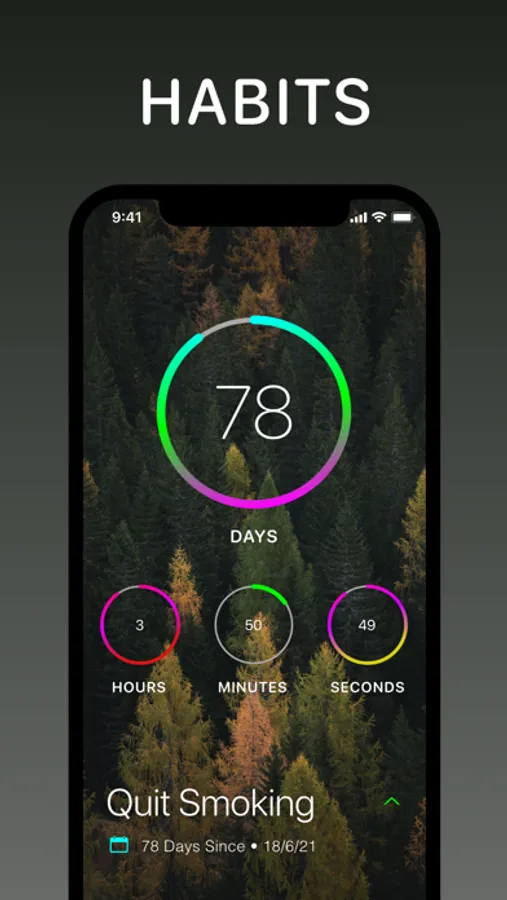
- Build positive habits by tracking daily streaks
- Work towards your longest run of productive days
- View streaks alongside your events
Widgets
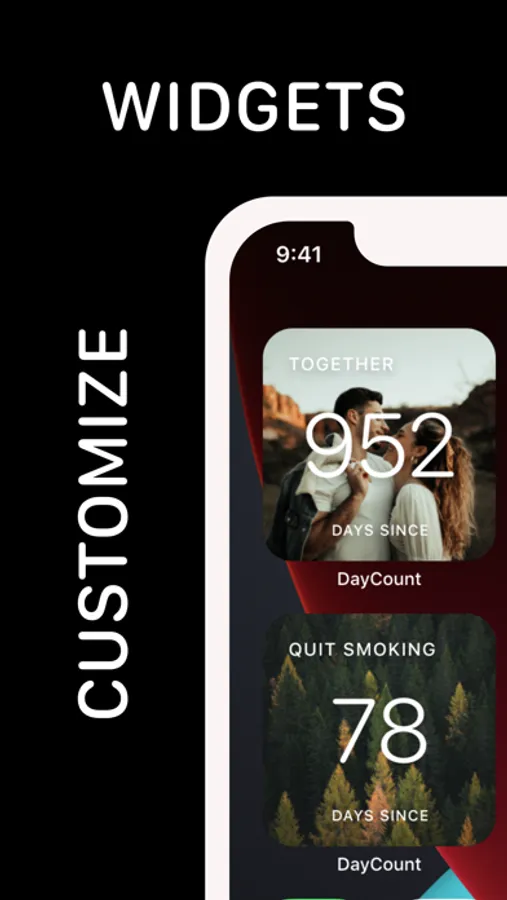
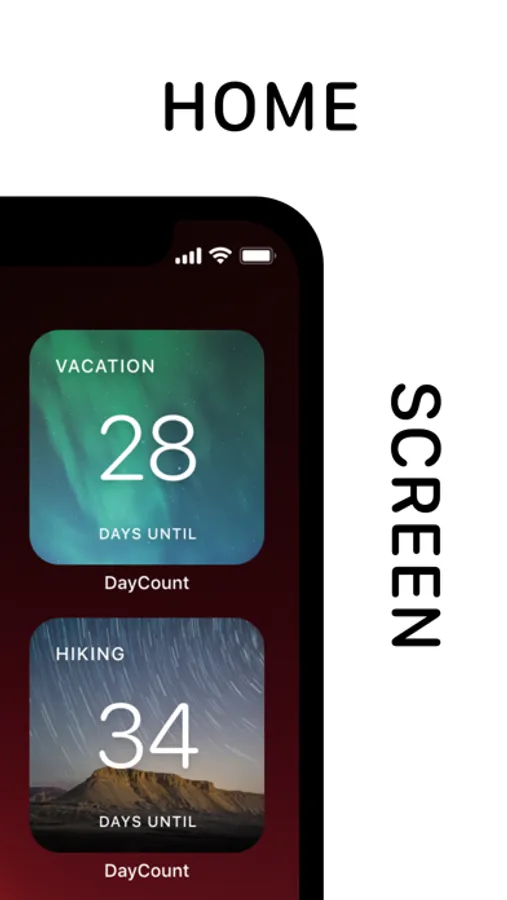
- Create widgets using different filters, fonts, textures, and borders
- Add widgets to your Home Screen or Lock Screen
Reminders
- Set alerts minutes, hours, days, weeks, months, or years before or after events
- Daily summary notifications showing your top 5 events or streaks
Appearance and Accessibility
- Event size options from regular to huge
- Higher contrast options for improved text readability
- Support for Dynamic Type
- Light and Dark modes
- Alternate app icons
Sharing and Integrations
- Share full-resolution screenshots of your events
- Import events directly from your calendar
- Save a location to an event and open directions in Apple Maps or Google Maps
Privacy and Security
- Backup and sync events and streaks across iPhone, iPad, iPod touch, and Mac
- Lock the app using Face ID or Touch ID
- Manual time zone control
---
Subscription Information
DayCount offers an auto-renewing yearly subscription with a free 7-day trial.
After the free trial ends, payment will be charged to your iTunes account. The subscription renews automatically unless auto-renew is turned off at least 24 hours before the end of the current period. Your account will be charged for renewal within 24 hours before the end of the current period at the same price.
You can manage or cancel your subscription at any time through your Account Settings.
DayCount Premium is available as an annual subscription or a lifetime purchase.
---
Terms of Service
https://goo.gl/qKXvYk
Privacy Policy
https://www.daycountapp.com/privacy-policy
DayCount Screenshots
Tap to Rate:
Reviews for DayCount
Momma888
Glitches take away all the cool features and potential
I love the idea of the app. I like having the widgets on my Home Screen to look back at how long ago favorite memories were. I like the IDEA of different backgrounds so I can have a pic of that memory for the widget. Problem is this app glitches so much that currently have a wooded backdrop of San Diego instead of the beach. Please fix!
Fjejgkv
Useless without subscription
Not a bad app, and I understand the need to monetize, but the only use this app has to me is for widgets. It’s laughable that the app won’t let you use such basic features without paying a monthly subscription. One-time fee? Maybe. Monthly? Absolutely not.