
In this video editing app, you can compress, crop, trim, split, and merge videos within your Photo Library. Includes batch processing, resolution options, and metadata retention.
AppRecs review analysis
AppRecs rating 4.6. Trustworthiness 75 out of 100. Review manipulation risk 30 out of 100. Based on a review sample analyzed.
★★★★☆
4.6
AppRecs Rating
Ratings breakdown
5 star
75%
4 star
12%
3 star
5%
2 star
1%
1 star
8%
What to know
✓
Credible reviews
75% trustworthiness score from analyzed reviews
✓
High user satisfaction
87% of sampled ratings are 4+ stars (4.5★ average)
✓
Authentic reviews
Natural distribution, no red flags
About Video Compressor & Editor
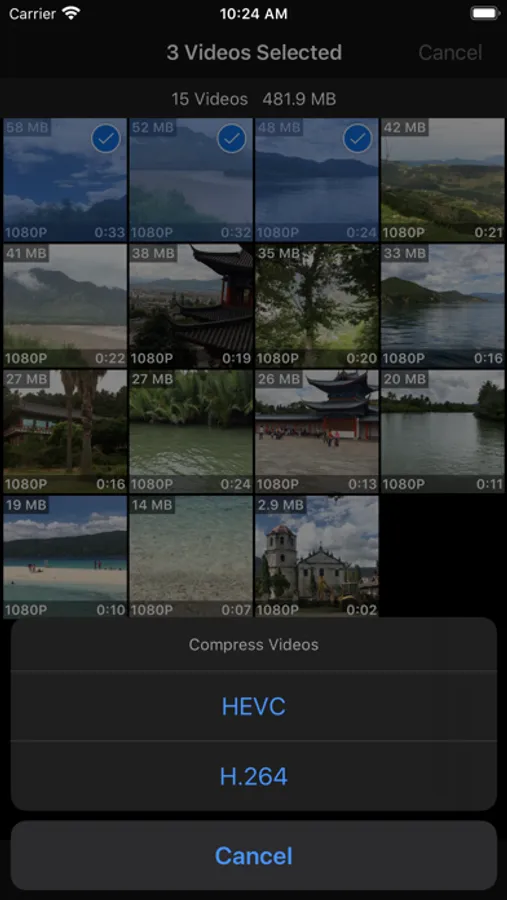
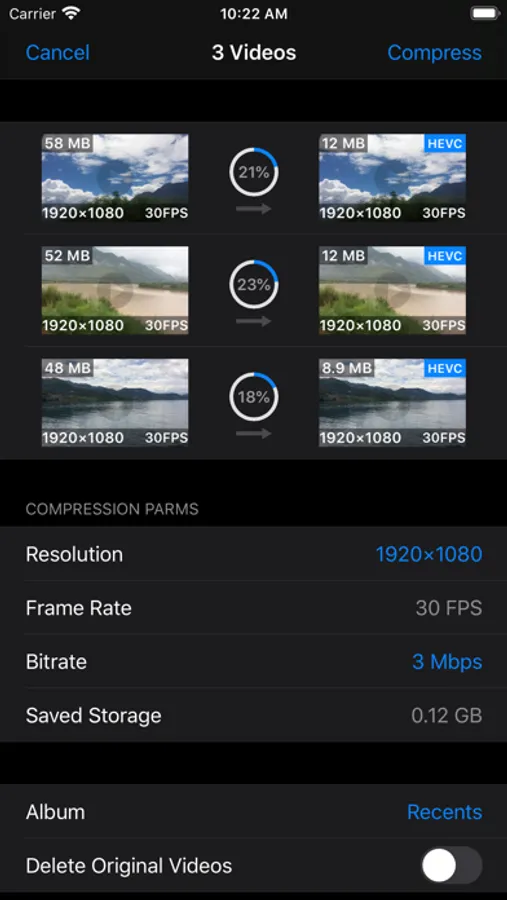
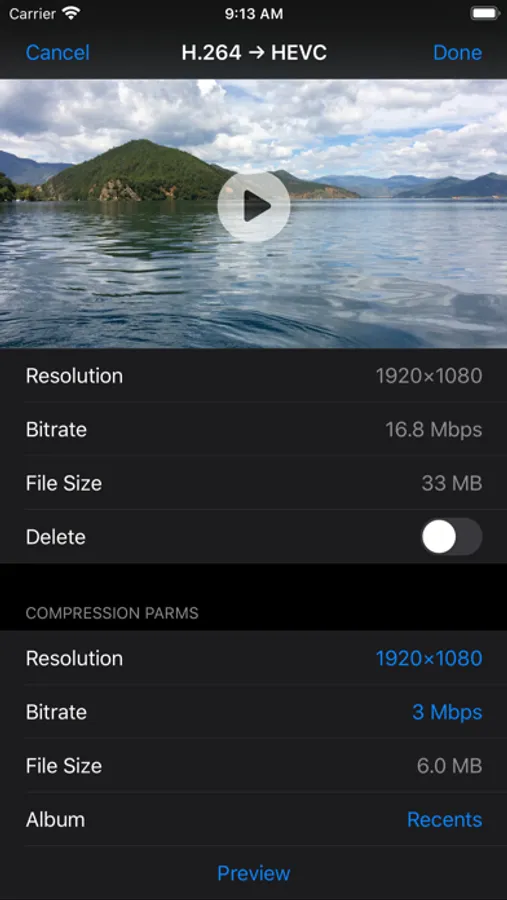
Compress Video:
- Support batch and single video compression
- Resolution options for H.264 Compression: 4K, 1080p, 720p, 540p, 480p
- Resolution options for HEVC Compression: 4K, 1080p, 720p
- Support adjusting frame rate, 240 FPS's video can be compressed to 240/120/60/30 FPS
- Multiple bitrate options for each resolution and frame rate option
- Input any compression bitrate through keyboard
- Provide preview function for checking compressed video’s image quality
- Compressed video can be saved to a user selected album
- Retain all metadata of original video, including timed metadata info in metadata tracks
- Automatically add creation date metadata to videos without it, prevent from losing video's creation or capture date
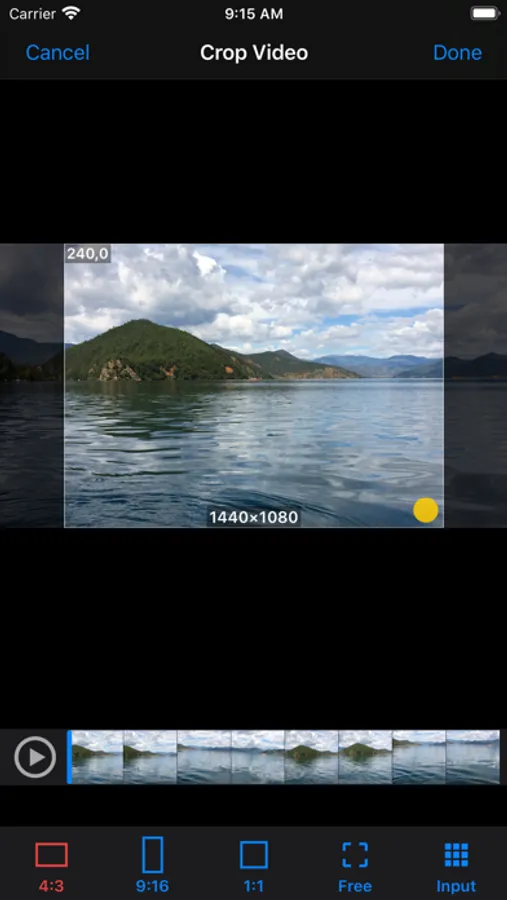
Crop Video:
- Crop video to fixed ratio’s resolution : 2:1/16:9 / 4:3 / 1:1 / 3:4 / 9:16/1:2
- Crop video to any resolution
- Input fixed corp size through keyboard
- Touch the lower right corner of the cropped video, drag to adjust it's resolution
- Touch other part of the cropped video, drag to adjust it’s position in original video
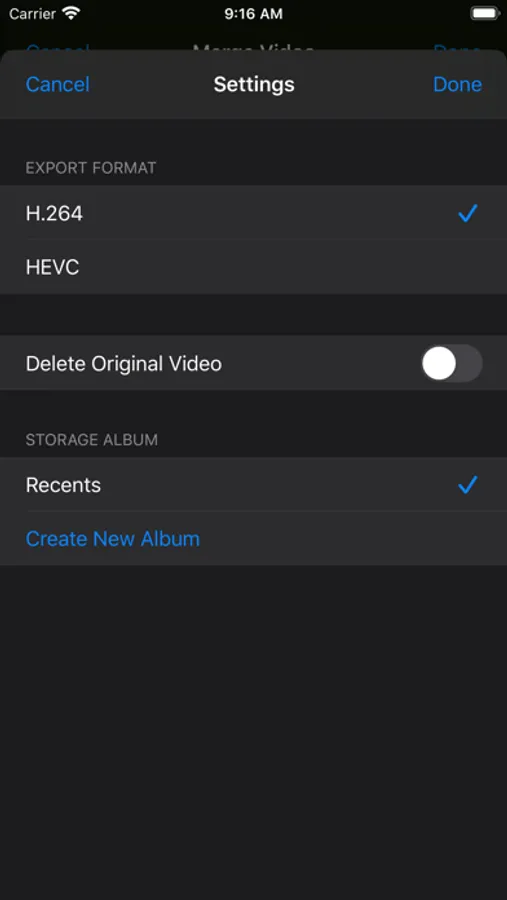
- Support setting export format, delete and storage album option for all editing functions
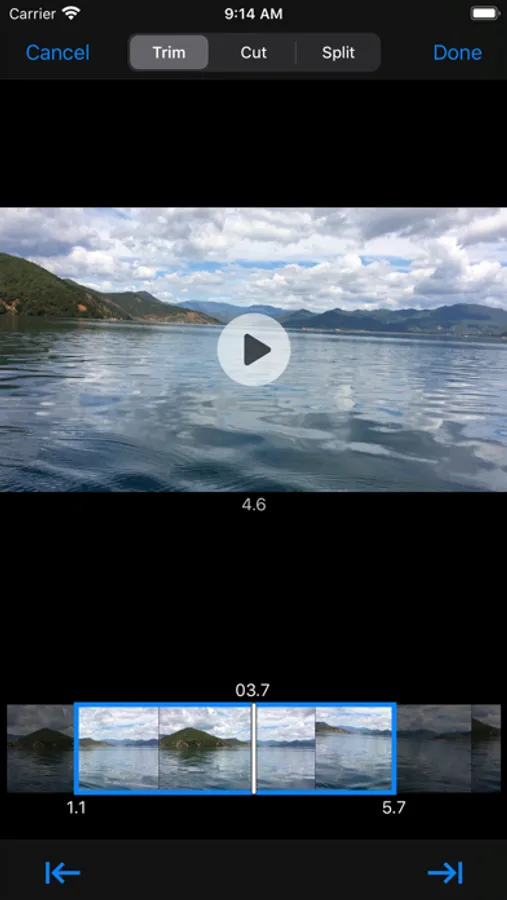
Trim and Cut Video:
- Easy scrolled video preview make trim position’s setting very convenient and accurate
- Trim precision can reach 0.1 second
- Automatically calculate and display trimmed or cut video’s duration
- Trimmed or cut video is exported in the same resolution and bitrate as original video
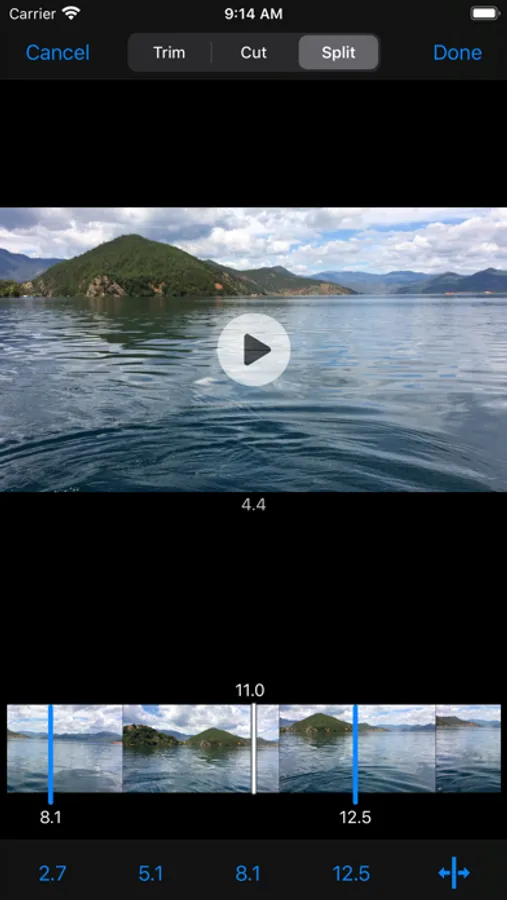
Split Video:
- One video can be split up to 5 to 7 clips, export and save to Photo Library
- Insert or remove a split point is very easy and straightforward
- Split position's precision can reach 0.1 second
- Split video clips are exported in the same resolution and bitrate as original video
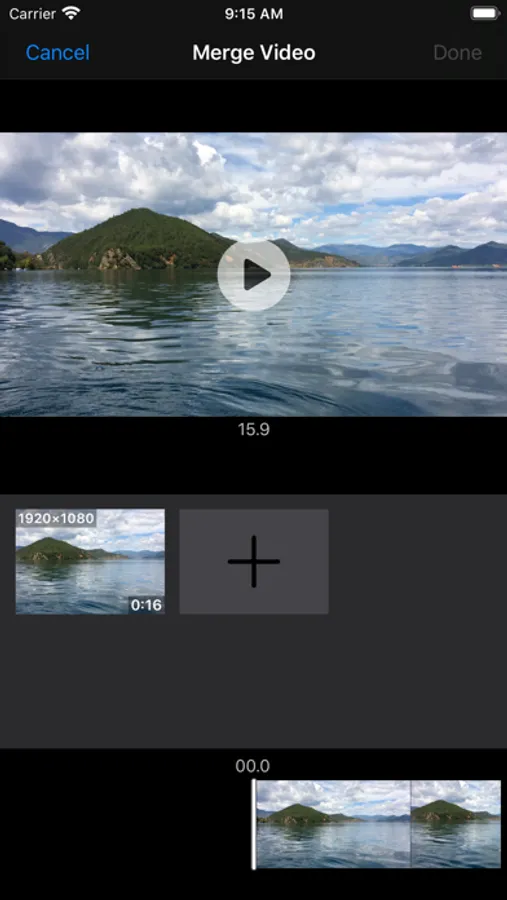
Merge Video:
- Support merging up to 6 video clips to one video
- Select and view video clips in the order of creation date and modification date
- Preview the merged video, export to camera roll instantly
Rotate Video:
- Rotate video clockwise or anti-clockwise
- Preview rotated video
Video File Management:
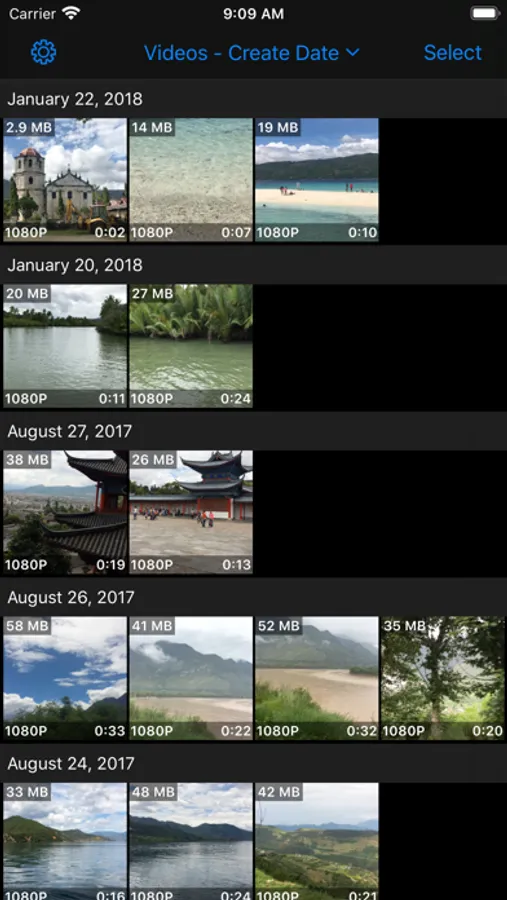
- View videos in the orders of creation date, modification date, file size and albums
- Show codec label for HEVC videos, very easy to distinguish them from H.264 videos
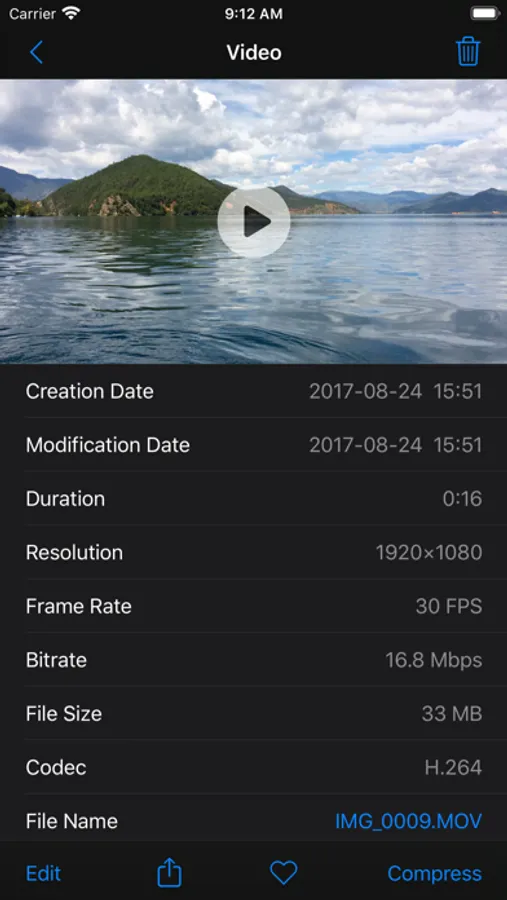
- Show video’s file, location and codec info in detail page
- Support multi-selection, share or delete multiple videos with one action
- Support download iCloud video, compress or edit in local device
In-App Purchase:
- Compression Module:remove 30 seconds duration’s restriction for batch and single video compression functions.
- Editing Module:remove 30 seconds duration’s restriction for all video editing functions.
HEVC Codec:
- The latest video coding technology adopted by Apple in iOS 11 and later version
- Has up to 40% compression improvement over traditional H.264 Codec
- Supported by models with A10 fusion or later processor
Video Compressor & Editor Screenshots
Tap to Rate:
Reviews for Video Compressor & Editor
Phutterman
Does what it says on the tin
Does what it needs to do. UI is a little rough around the edges but well worth the price for compression. Useful for making smaller copies of large or long videos via iMessage or airdrop. Fairly quick on a current phone (17 pro); was slower on my previous one (11 pro max) but acceptable.
Plantcitypitch
Working after a bout of errors
I paid for one version and worked well. Now it gets errors. EDIT: DEC 1 2024, WORKING AGAIN! TY Edit July 2025: Failed!