
AppRecs review analysis
AppRecs rating 3.5. Trustworthiness 79 out of 100. Review manipulation risk 30 out of 100. Based on a review sample analyzed.
★★★☆☆
3.5
AppRecs Rating
Ratings breakdown
5 star
58%
4 star
0%
3 star
5%
2 star
5%
1 star
32%
What to know
✓
Low review manipulation risk
30% review manipulation risk
✓
Credible reviews
79% trustworthiness score from analyzed reviews
About ShockWiz
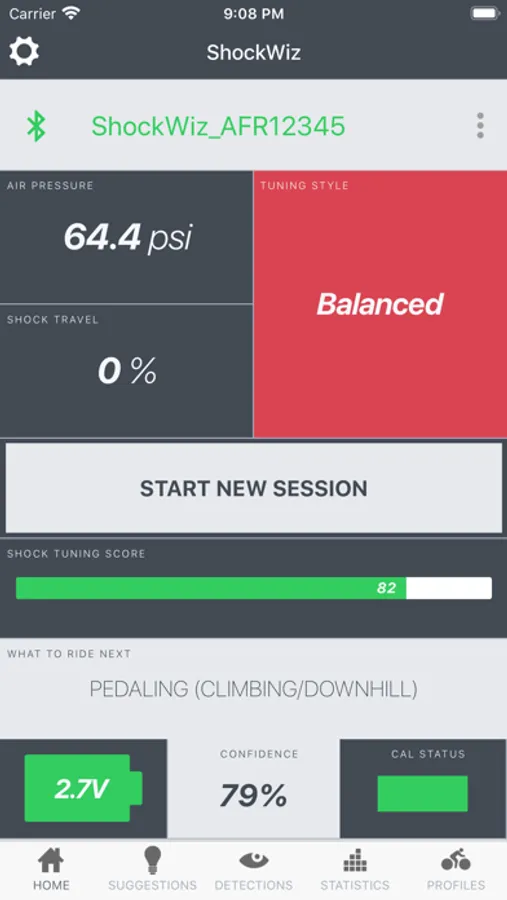
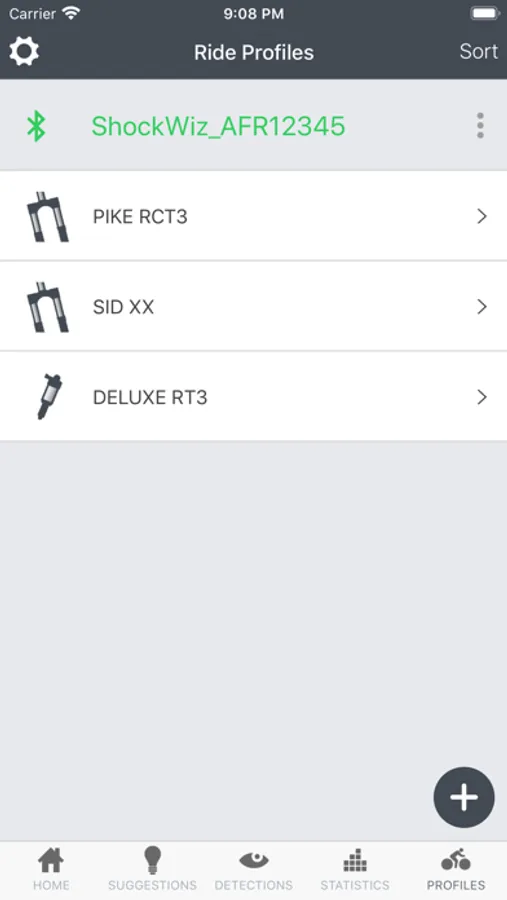
Why ShockWiz? Many mountain bike riders don't understand what their suspension adjustments do, or how to tune their suspension for best performance. ShockWiz's finely-tuned algorithms automatically determine what settings should give you the best ride possible.
ShockWiz is designed for all mountain bike riders, regardless of your riding style or how much suspension travel your bike has. It works on hardtails and dual suspension bikes.
Features
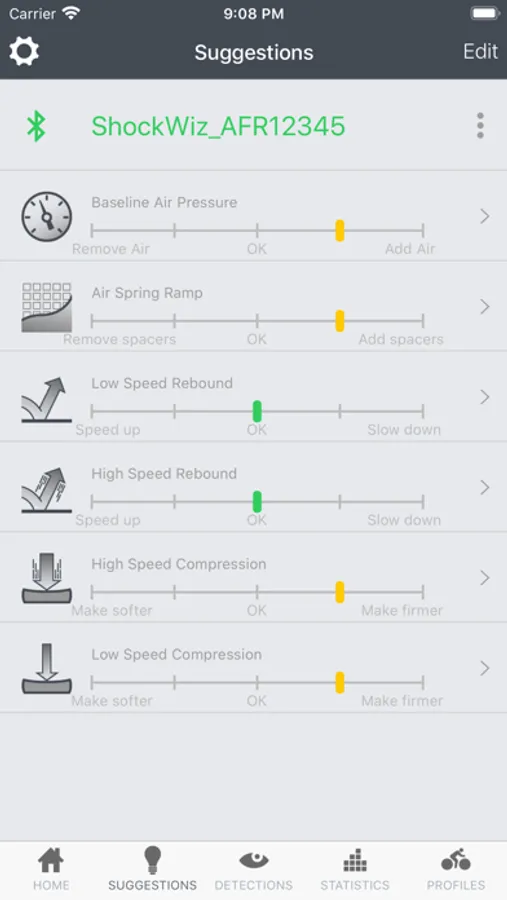
- Finely tuned algorithms deliver easy to use recommendations
- Tune for your riding style: Cross-country, Trail, All Mountain or Downhill
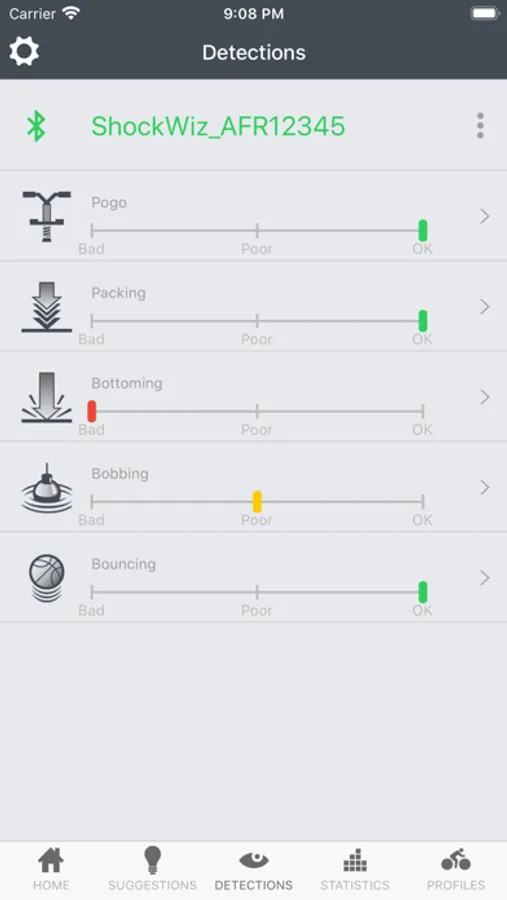
- Detect undesirable characteristics such as pogo, pack-down and bob
- Assess shock health — how well your suspension is set up for you
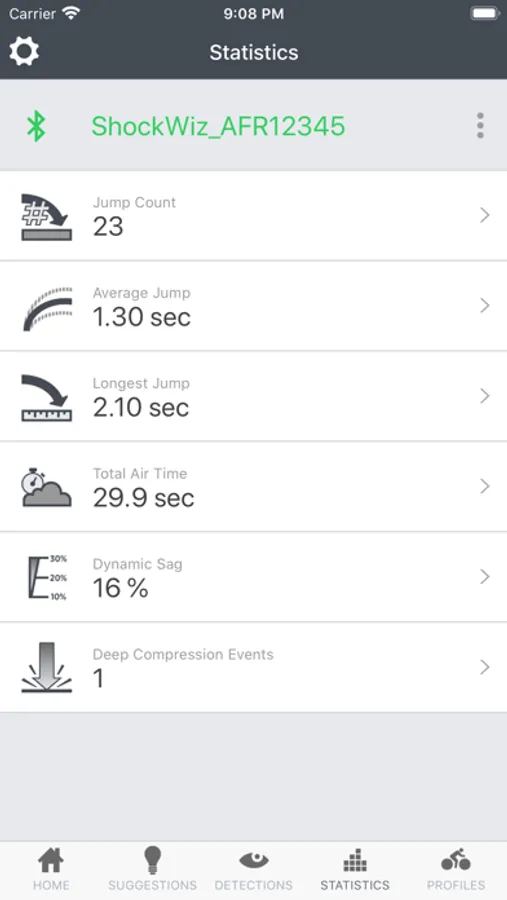
- Calculate air time
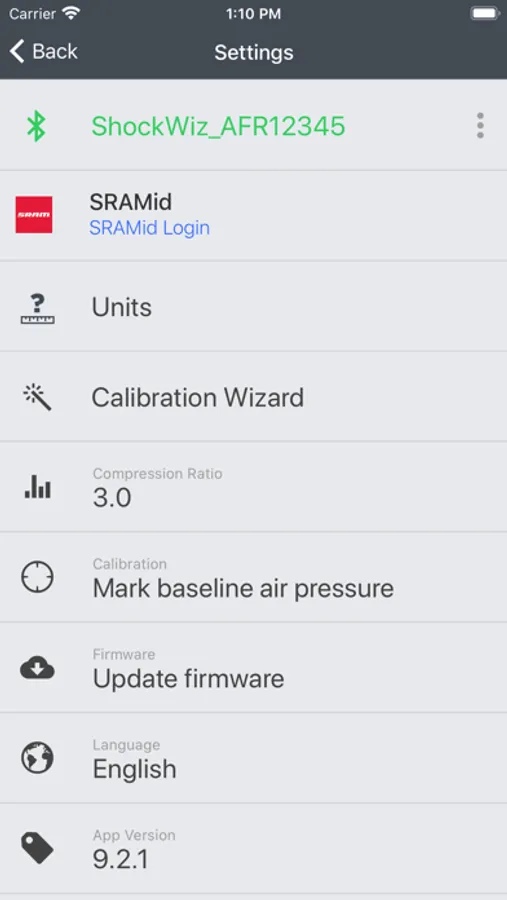
- Recommendations are displayed on the intuitive app
ShockWiz Screenshots
Tap to Rate:
Reviews for ShockWiz
SteveJobs2750
No Connection
Will not connect in app, have confirmed in Bluetooth menu that shockwiz is connected. Taking this back today, lost a customer (and surely many more) until the app actually works.
2Scoops4Me
The suggestions can be interpreted two ways
The suggestions are unclear. For example, when the indicator is yellow or red, on the side of the bar graph that says “Remove air” does that mean removing air is recommended or should air be added to move the indicator toward the “Add air” side of the bar graph? There is no explicit explanation in the manual, instruction videos, or in the app. Second issue; the app does not properly persist profiles. I have saved several profiles over the last few days, and they appear to remain (even through killing and relaunching the app) but then hours later are no longer visible on the profiles page. I’m forced to take screenshots, but that is so clunky. Third, the app has a lot of bugs, for example parts of the UI will go missing if the app gets backgrounded on certain screens. I don’t think it’s a native app, but something written once for both Android and iOS in Xamarin or something similar. Forth, the UX needs a redesign. The use of sub tab bars is inconsistent with Apple’s guidelines, it’s confusing! Go to the profiles tab and then tap on a profile, a nee tab bar shows up. That’s not a good mobile app design. Please don’t swap the tab bar like that.