AppRecs review analysis
AppRecs rating . Trustworthiness 85 out of 100. Review manipulation risk 27 out of 100. Based on a review sample analyzed.
★
AppRecs Rating
Ratings breakdown
5 star
29%
4 star
5%
3 star
5%
2 star
8%
1 star
53%
What to know
✓
Low review manipulation risk
27% review manipulation risk
✓
Credible reviews
85% trustworthiness score from analyzed reviews
⚠
Mixed user feedback
Average 2.5★ rating suggests room for improvement
About Instamic Remote
Instamic Remote transforms your iPhone or iPad into an audio-video powerhouse.
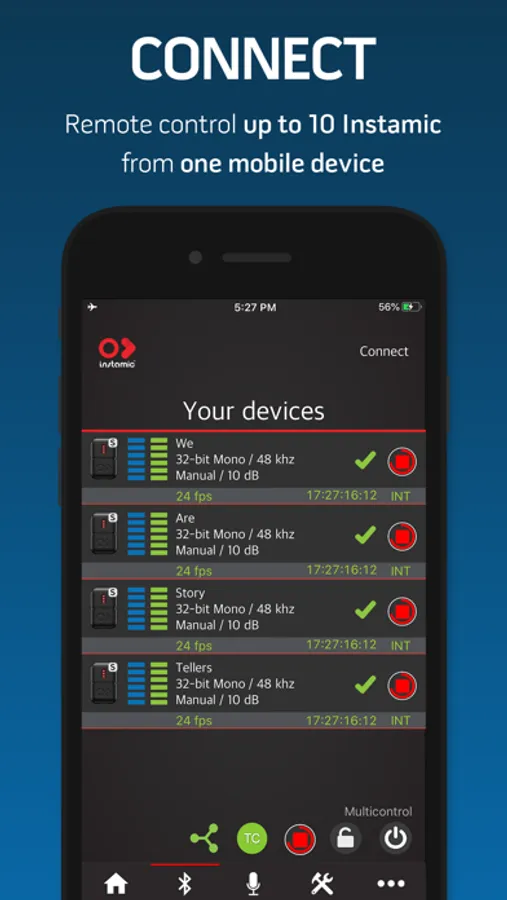
Remote control one or multiple microphones, keep them synced with Timecode and monitor the audio before recording.
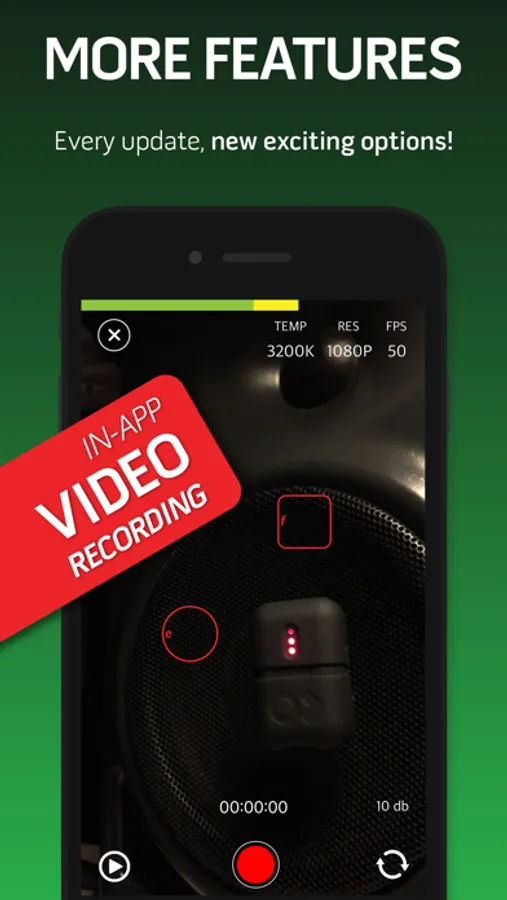
You can even record video or audio only directly to your mobile device at 48kHz.
KEY FEATURES
- Remote control multiple Instamics at once (up to 10)
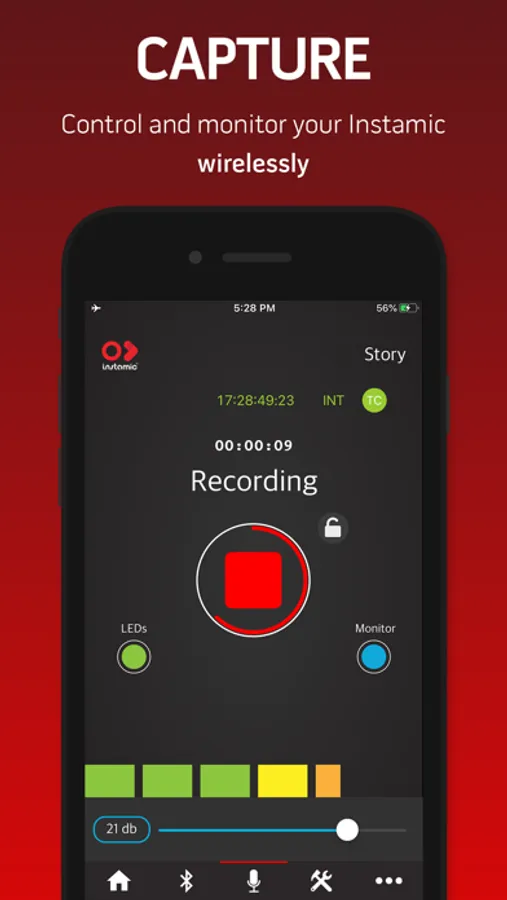
- Start and stop recording
- Set up the input gain while recording
- VU meter to monitor audio input
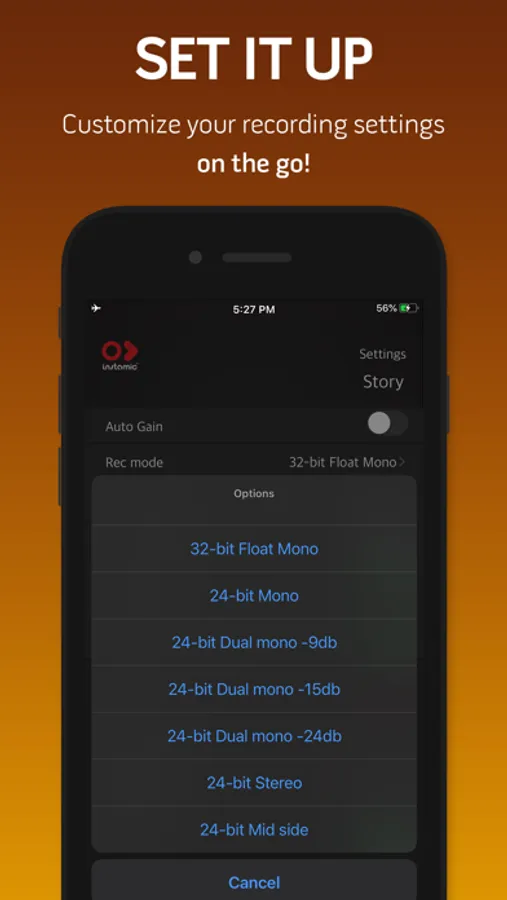
- Adjust Recording Settings
- Turn off Instamic wirelessly
- Rename each device
- Audio monitoring (pre-recording)
- Lock button
- LEDs on and off
- Save Monitoring Session
- Timecode Syncing (Atomos AirGlu, Tentacle Sync E, or Internal Time of the Day)
SETTINGS
Input Mode: 32-bit Float Mono (Instamic Pro Plus), 24-bit Mono, 24-bit Dual-Mono (Instamic Basic, Pro Mono and Stereo), 24-bit Stereo, M/S (Instamic Pro Stereo).
Input Level: Manual or Automatic
Sample Rate: 48kHz or 96kHz
Time Remaining
Battery Level
Firmware Version
Rename your device
Turn it off wirelessly
Switch to Handsfree Profile Mode.
Auto LEDs mode
Sleep Mode
Take numbering
Saving Monitoring Session
Format
#happyrecording #wearestorytellers #wearecreators
Michele and the Instamic Team
Instamic Remote Screenshots
Tap to Rate:
Reviews for Instamic Remote
pbarton66
Not intuitive
Not a very well built app, for the simple reason that it’s not intuitive, requires you to learn what items are controls, which items are just graphics, and it’s impossible to tell them apart due to the lack of differentiation or logical layout. 20% of the time they work, 80% of the time they don’t. You’ll receive dozens of meaningless warnings that re-direct you to the wrong settings panel. The fundamental pattern that the app is based around is unusual and unlike anything else I’ve worked with before and the documentation explains nothing so you’re left to devote a couple days to experimenting to see if you can get anything usable out of the $200 hardware. So far it’s been a terrible experience. Buyers remorse.
rocks_teady
iPhone 14 pro
It works with android phones, but couldn’t connect to iPhone 14 pro