
With this payment app, you can open, view, and pay your restaurant or bar tab directly from your phone, then select your tip and connect Apple Pay to complete the transaction. Includes order tracking, itemized receipts, and customer support features.
AppRecs review analysis
AppRecs rating 4.3. Trustworthiness 81 out of 100. Review manipulation risk 24 out of 100. Based on a review sample analyzed.
★★★★☆
4.3
AppRecs Rating
Ratings breakdown
5 star
90%
4 star
5%
3 star
2%
2 star
0%
1 star
3%
What to know
✓
Low review manipulation risk
24% review manipulation risk
✓
Credible reviews
81% trustworthiness score from analyzed reviews
⚠
Pricing complaints
Many low ratings mention paywalls or pricing
About Rooam: Pay From Your Phone
Exchanging cash and credit cards to pay your tab or restaurant bill is so 2019. Rooam is a contactless payment solution allowing you to open, view and pay your tab directly from your phone. Simply put, less time waiting in line, or waiting for your server, means more time enjoying your night out!
How it works:
1. Download Rooam and create your account
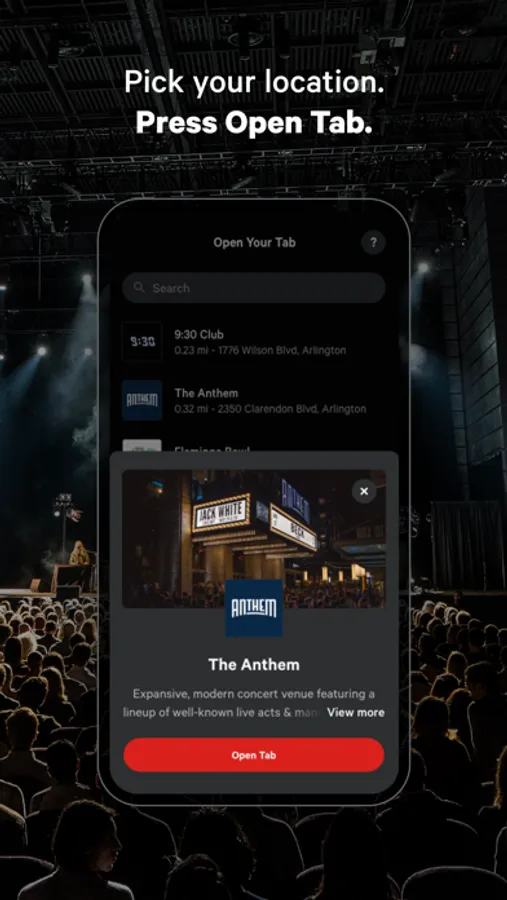
2. Select your location
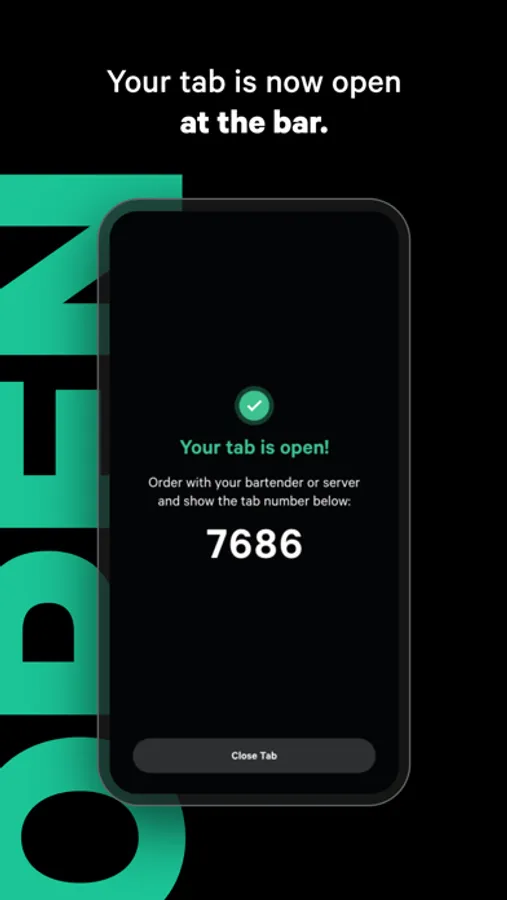
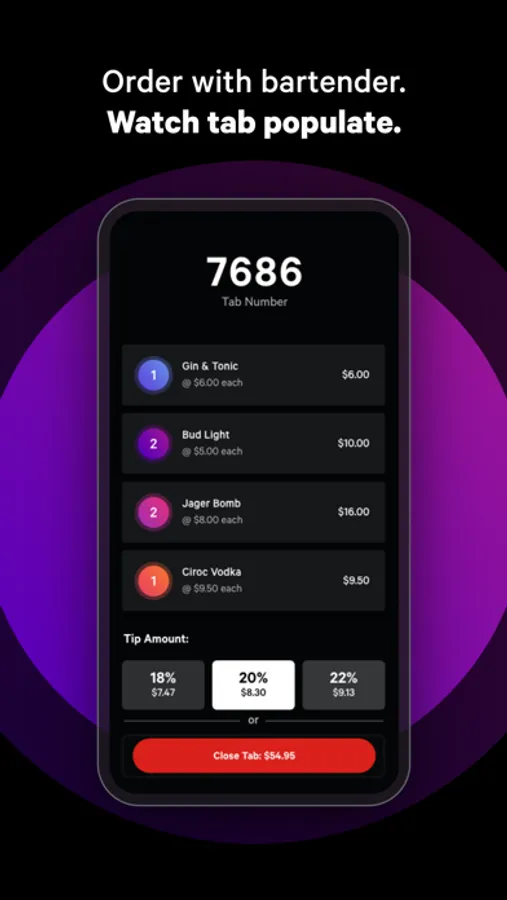
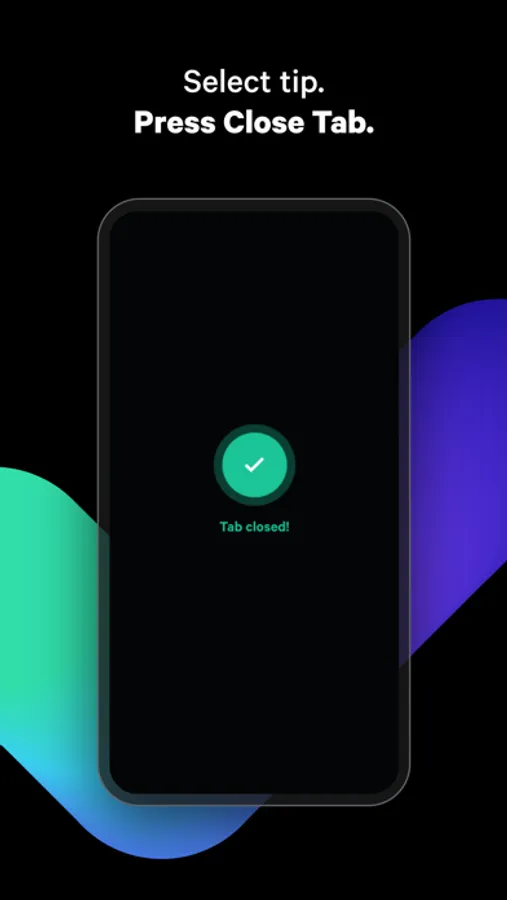
3. Press "Open Tab." Your tab is now open at the bar or restaurant. Order with the bartender or server, and say you're using Rooam. You'll see a live update of each item you order on the app. Once you're ready to go, select your tip and press "Close Tab." That's it! Your bills paid.
Paying with Rooam is simple:
• Select your tip with one tap
• Connect Apple Pay in seconds
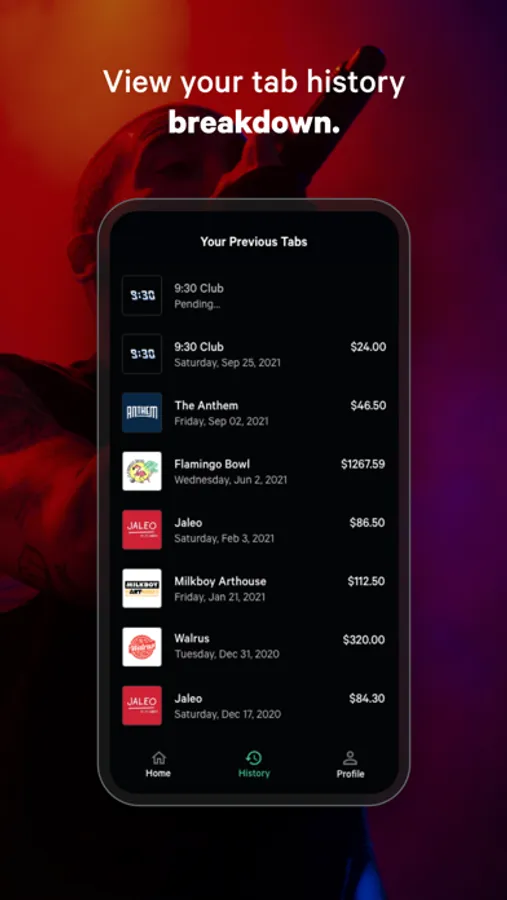
• View your order history and itemized receipts at any time
Why people love it:
• Rooam is trusted by music venues, bars, & restaurants you know and love.
• Refer your friends and get $5 off your next tab
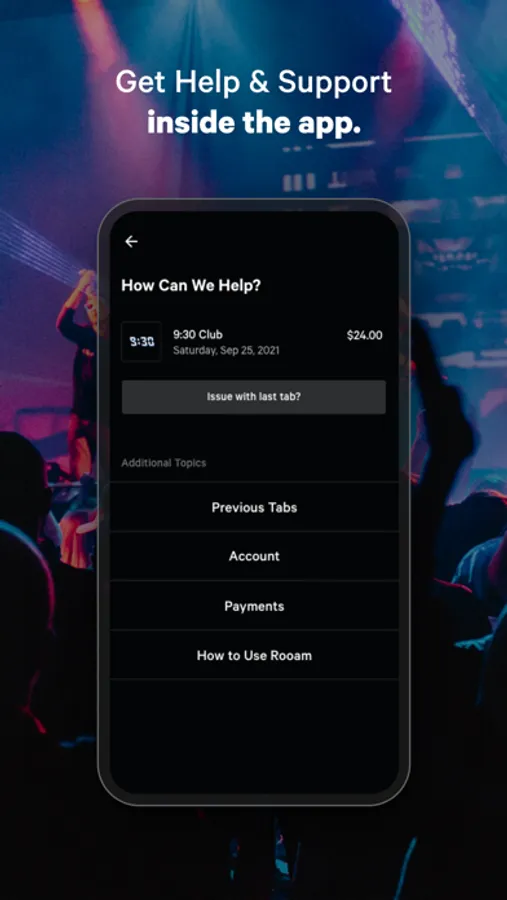
• 24/7 customer support available right inside the app.
• Forgot to close your tab? No worries, just open the Rooam app and close it from your home. No need to go back.
Why businesses love it:
• Highest level of PCI Compliance.
• Bartenders are fast, but counting cash and running cards is not. Let your staff focus on what they do best, serving drinks, and entertaining guests.
Interested in accepting Rooam at your location? Please email us business@rooam.co with your contact information or head to www.rooam.co/business for more details.
Follow Rooam and get free tickets to acts, festivals, and even free tabs:
• Instagram: https://instagram.com/rooam
• Facebook: https://facebook.com/rooam
• Twitter: https://twitter.com/rooam
Have a question? Send us feedback: help@rooam.co
How it works:
1. Download Rooam and create your account
2. Select your location
3. Press "Open Tab." Your tab is now open at the bar or restaurant. Order with the bartender or server, and say you're using Rooam. You'll see a live update of each item you order on the app. Once you're ready to go, select your tip and press "Close Tab." That's it! Your bills paid.
Paying with Rooam is simple:
• Select your tip with one tap
• Connect Apple Pay in seconds
• View your order history and itemized receipts at any time
Why people love it:
• Rooam is trusted by music venues, bars, & restaurants you know and love.
• Refer your friends and get $5 off your next tab
• 24/7 customer support available right inside the app.
• Forgot to close your tab? No worries, just open the Rooam app and close it from your home. No need to go back.
Why businesses love it:
• Highest level of PCI Compliance.
• Bartenders are fast, but counting cash and running cards is not. Let your staff focus on what they do best, serving drinks, and entertaining guests.
Interested in accepting Rooam at your location? Please email us business@rooam.co with your contact information or head to www.rooam.co/business for more details.
Follow Rooam and get free tickets to acts, festivals, and even free tabs:
• Instagram: https://instagram.com/rooam
• Facebook: https://facebook.com/rooam
• Twitter: https://twitter.com/rooam
Have a question? Send us feedback: help@rooam.co
Rooam: Pay From Your Phone Screenshots
Tap to Rate:
Reviews for Rooam: Pay From Your Phone
WOoiiooiw
So bad the worst
I wants $4 for a coke
Galtonaedo
Impossible to Close Account
The app says the only way to close an account is to request it and they’ll have a customer service rep reach out. I’ve requested they close my account multiple times: nobody has reached out or closed my account. Stuck.